A desktop calendar that keeps your day clear and your calendars close. Plan your time, edit with a drag, and keep working offline.
Download releases · Contribute · Buy Me a Coffee
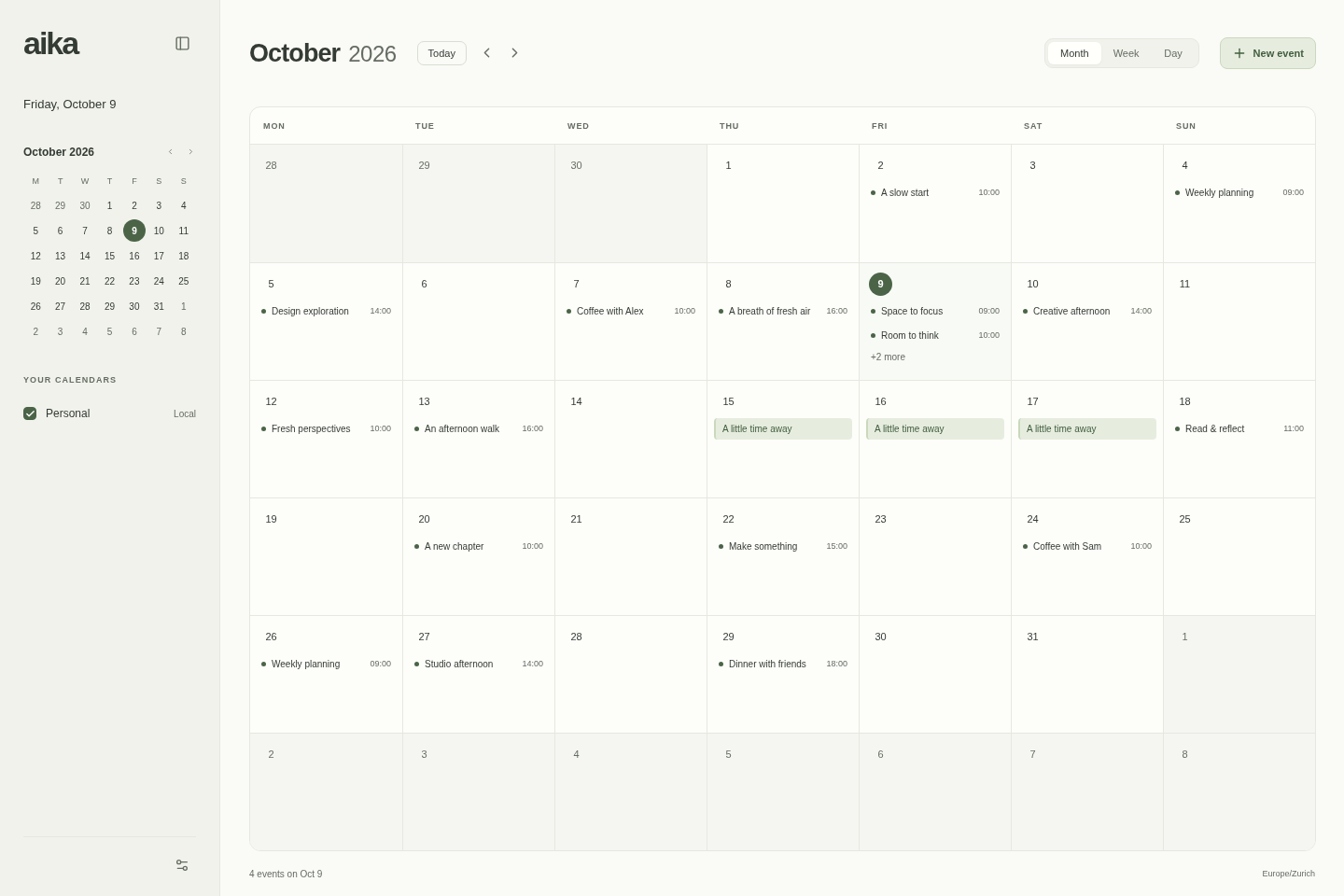
- See your time: month, week, and day views, with multiple calendars, colors, and visibility controls.
- Edit naturally: drag to create, move, and resize events; add notes and locations; undo event changes during your session.
- Repeat your routines: daily, weekly, monthly, and yearly local events, with individual-occurrence and series editing.
- Keep planning offline: local calendars and preferences stay on your device in SQLite and reopen after restart.
- Make it comfortable: light, dark, and system themes, plus keyboard controls for navigation and editing.
- Work from the terminal: the aika CLI shares your calendar data with the desktop app.
- Connect Google Calendar (experimental): account connection, synchronization, and two-way event editing.
Available for Linux, Windows, and macOS. aika is in alpha; see the candidate notes and installation guide.
Press N for a new event, T for today, 1 / 2 / 3 for month / week / day, Ctrl/Cmd+Z to undo, and Escape to dismiss the editor.
Learn more about Google Calendar, the architecture, and what’s next.