GV

GeezerVison

The World Wide Web, restored to 800 pixels of glory.

Home|About|Gaming cabinet|Archives|How it works|Starter sites

On this site

  • Sign in
  • ActionsCI/CD and automation
  • CodespacesCloud development environments
  • All Features
  • Documentation
  • Training
  • Certifications
  • Build with Copilot
  • Customize Copilot
  • Integrations
  • Trending repos
  • GitHub Sponsors
  • Developer articles
  • Enterprises

This view

  • Original page
  • New address

GeezerVison is showing github.com — GitHub - Feghal/ImageDetect: ✂️ Detect and crop faces, barcodes and texts in image with iOS 11 Vision api.

BranchesTags
Open more actions menu

Latest commit


History

33 Commits
33 Commits

Folders and files

NameName
Last commit message
Last commit date
Example
Example
 
 
ImageDetect/Classes
ImageDetect/Classes
 
 
Screenshots
Screenshots
 
 
.gitignore
.gitignore
 
 
.swift-version
.swift-version
 
 
.travis.yml
.travis.yml
 
 
ImageDetect.podspec
ImageDetect.podspec
 
 
LICENSE
LICENSE
 
 
README.md
README.md
 
 
_Pods.xcodeproj
_Pods.xcodeproj
 
 
_config.yml
_config.yml


Repository files navigation

ImageDetect

Awesome Version License Platform

ImageDetect is a library developed on Swift. With ImageDetect you can easily detect and crop faces, texts or barcodes in your image with iOS 11 Vision api. It will automatically create new images containing each object found within a given image.
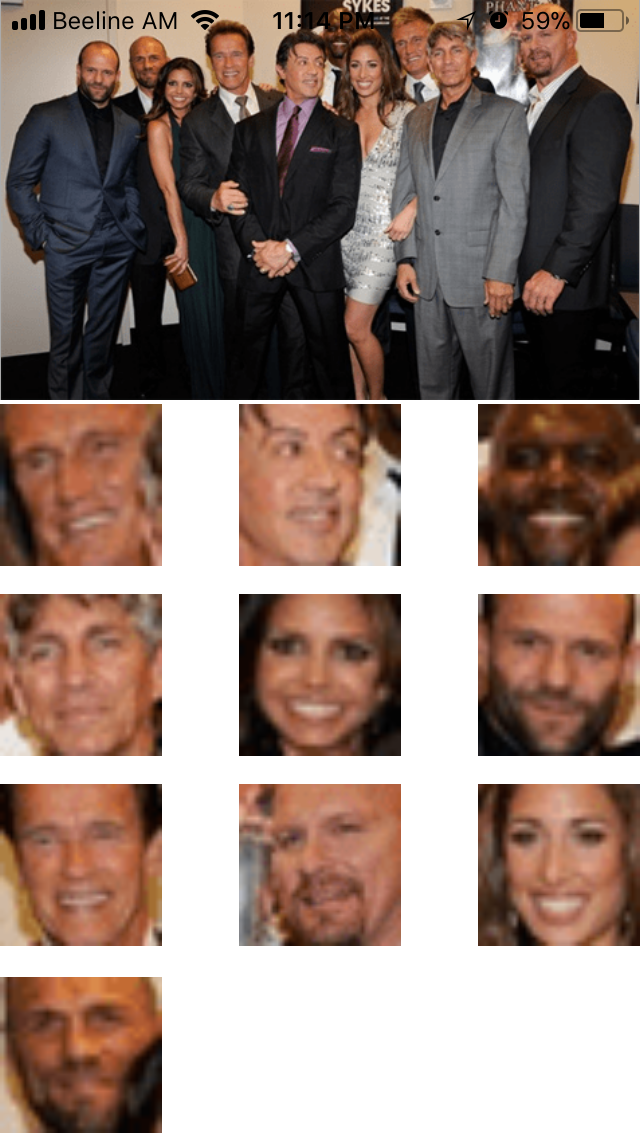
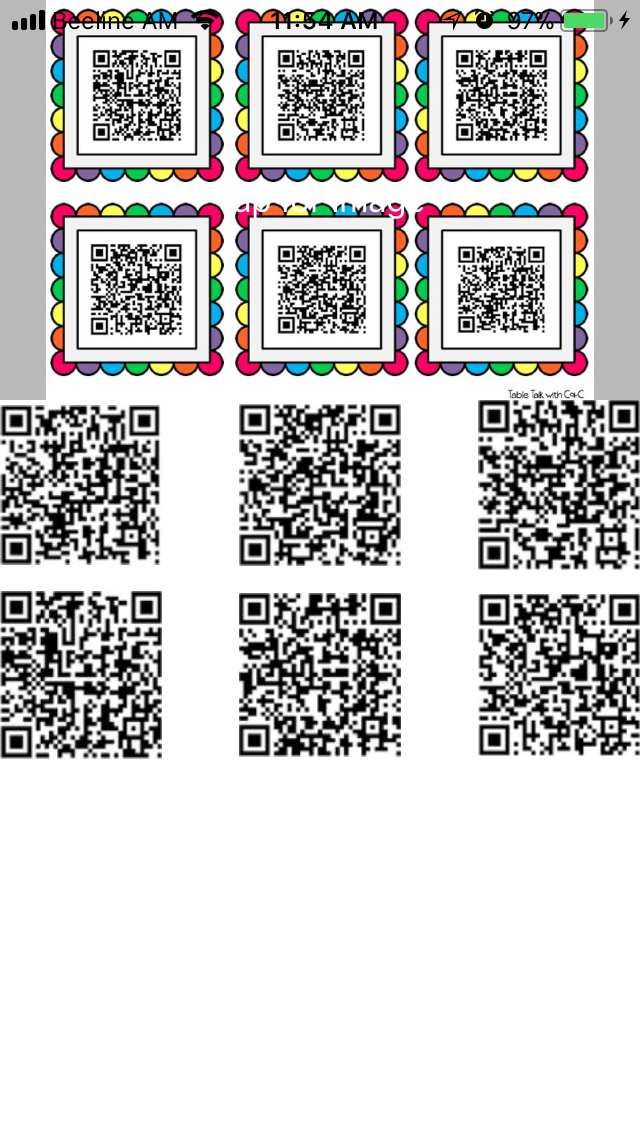
Example


To run the example project, clone the repo, and run pod install from the Example directory first.

Requirements

  1. Xcode 9.0 (beta) or higher.
  2. iOS 11.0 (beta) or higher.

Installation

CocoaPods

ImageDetect is available through CocoaPods. To install it, simply add the following line to your Podfile:

pod 'ImageDetect'

Then, run the following command:

pod install

Manually

  1. Drag and Drop it into your project

  2. Import ImageDetect

  3. You are ready to go!

Usage

Crop your (UIImage or CGImage)

// `type` in this method can be face, barcode or text
image.detector.crop(type: .face) { [weak self] result in
    switch result {
        case .success(let croppedImages):
            // When the `Vision` successfully find type of object you set and successfuly crops it.
            print("Found")
        case .notFound:
            // When the image doesn't contain any type of object you did set, `result` will be `.notFound`.
            print("Not Found")
        case .failure(let error):
            // When the any error occured, `result` will be `failure`.
            print(error.localizedDescription)
        }
}

Author

Arthur Sahakyan, [email protected]

License

ImageDetect is available under the MIT license. See the LICENSE file for more info.

About

✂️ Detect and crop faces, barcodes and texts in image with iOS 11 Vision api.

Topics

barcodedetectorfaceface-detectionface-recognitioniosios11recognitionswiftvisionvision-api

Resources

Readme
MIT license
Activity

Stars

301 stars

Watchers

9 watching

Forks

32 forks
Report repository

Releases

Packages

Used by

Contributors

Languages

You are visitor 01402503 — GeezerVison does not store the pages you look up.
Best viewed with Netscape Navigator 4.7 or Internet Explorer 6 at 800×600. No cookies required.