

GitHub Copilot is an AI pair programmer tool that helps you write code faster and smarter. Copilot for Xcode is an Xcode extension that provides inline coding suggestions as you type.
Use of the GitHub Copilot Xcode Extension is subject to GitHub's Pre-Release Terms. We want to remind you that:
Beta Previews may not be supported or may change at any time. You may receive confidential information through those programs that must remain confidential while the program is private. We'd love your feedback to make our Beta Previews better.
- macOS 12+
- Xcode 8+
- A GitHub Copilot subscription. To learn more, visit https://github.com/features/copilot.
-
Install via Homebrew:
brew install --cask github-copilot-for-xcode
Or download the
dmgfrom the latest release. DragGitHub Copilot for Xcodeinto theApplicationsfolder: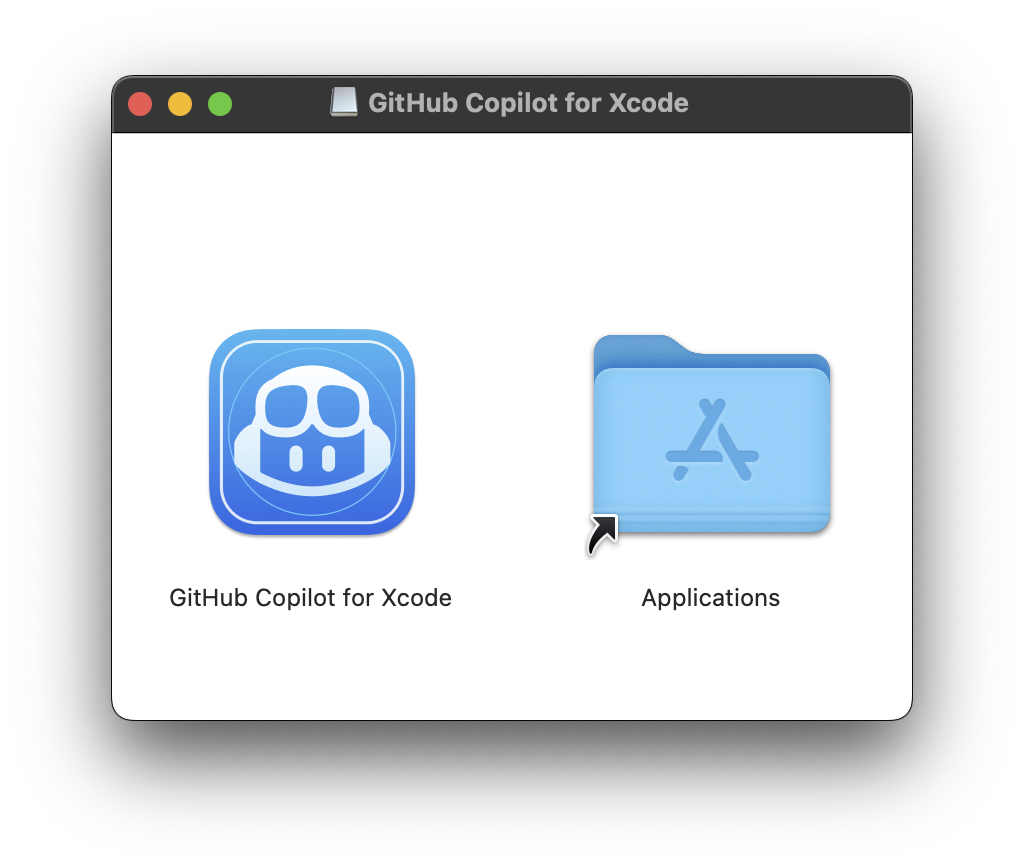
Updates can be downloaded and installed by the app.
-
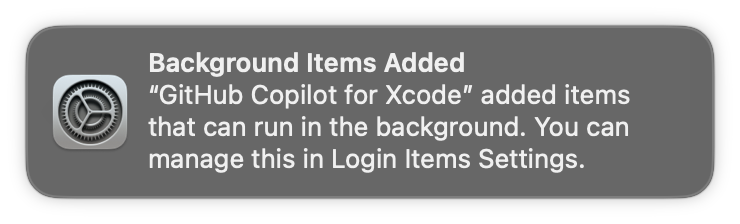
A background item will be added to enable Copilot to start when Xcode is opened.
-
Two permissions are required:
AccessibilityandXcode Source Editor Extension. For more on why these permissions are required see TROUBLESHOOTING.md.The first time the application is run the
Accessibilitypermission should be requested: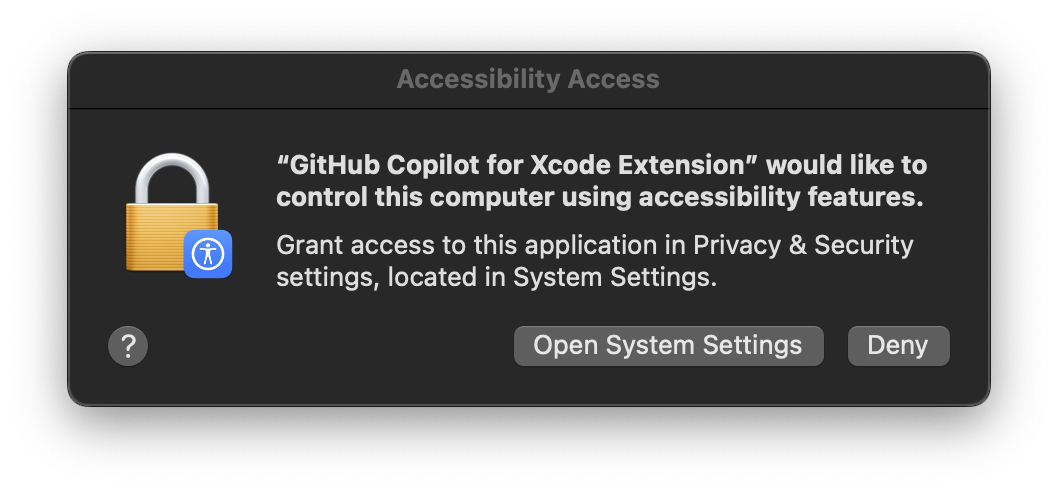
The
Xcode Source Editor Extensionpermission needs to be enabled manually. ClickExtension Permissionfrom theCopilot for Xcodesettings to open the System Preferences to theExtensionspanel. SelectXcode Source Editorand enableGitHub Copilot: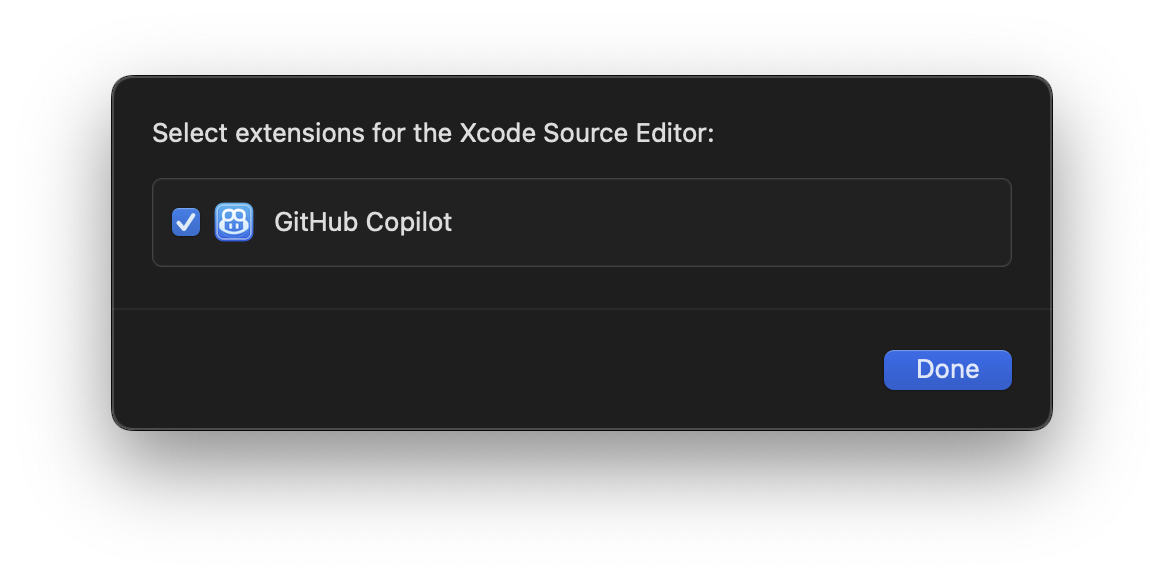
-
After granting the extension permission, please restart Xcode to ensure the
Github Copilotmenu is available and not disabled under the XcodeEditormenu.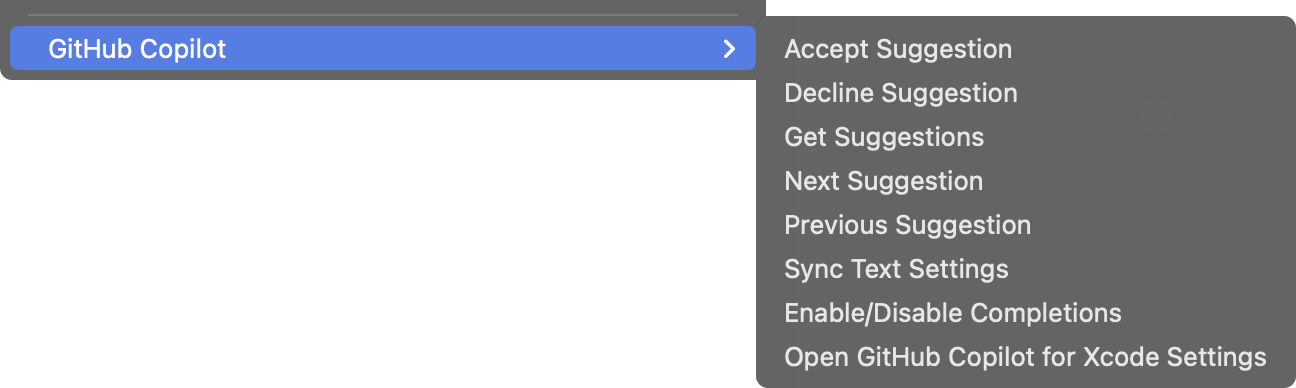
Keyboard shortcuts can be set for all menu items in the
Key Bindingssection of Xcode preferences. -
To sign into GitHub Copilot, click the
Sign inbutton in the settings application. This will open a browser window and copy a code to the clipboard. Paste the code into the GitHub login page and authorize the application.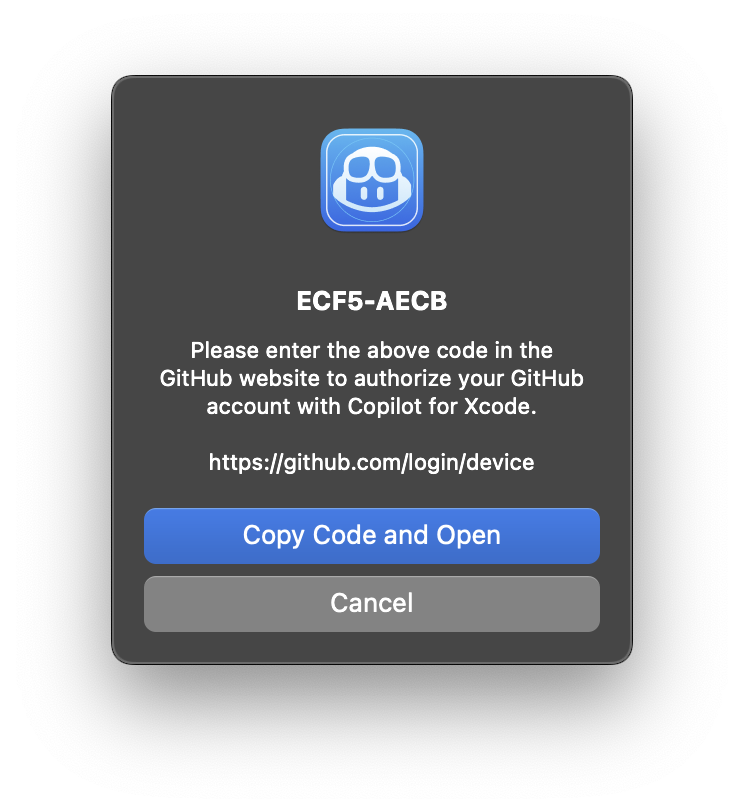
-
To install updates, click
Check for Updatesfrom the menu item or in the settings application.After installing a new version, Xcode must be restarted to use the new version correctly.
New versions can also be installed from
dmgfiles downloaded from the releases page. When installing a new version viadmg, the application must be run manually the first time to accept the downloaded from the internet warning. -
To avoid confusion, we recommend disabling
Predictive code completionunderXcode>Preferences>Text Editing>Editing. -
Press
tabto accept the first line of a suggestion, holdoptionto view the full suggestion, and pressoption+tabto accept the full suggestion.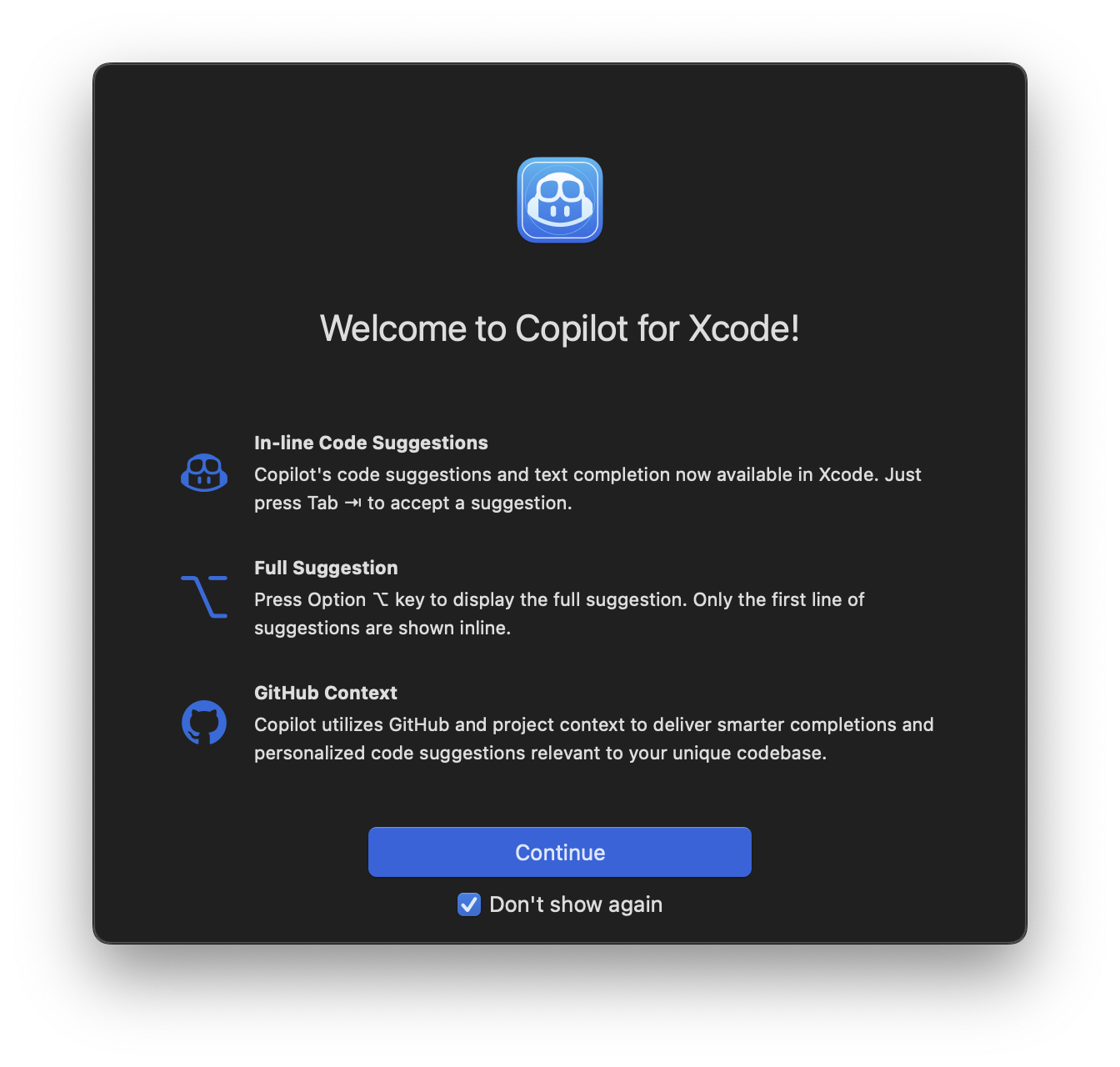


This project is licensed under the terms of the MIT open source license. Please refer to LICENSE.txt for the full terms.
We follow responsible practices in accordance with our Privacy Statement.
To get the latest security fixes, please use the latest version of the GitHub Copilot for Xcode.
We’d love to get your help in making GitHub Copilot better! If you have feedback or encounter any problems, please reach out on our Feedback forum.
Thank you to @intitni for creating the original project that this is based on.
Attributions can be found under About when running the app or in Credits.rtf.