


Independent beta. Use at your own risk and within your provider's rules. Read the usage notice before connecting.
Get started · Watch the demo · What’s new
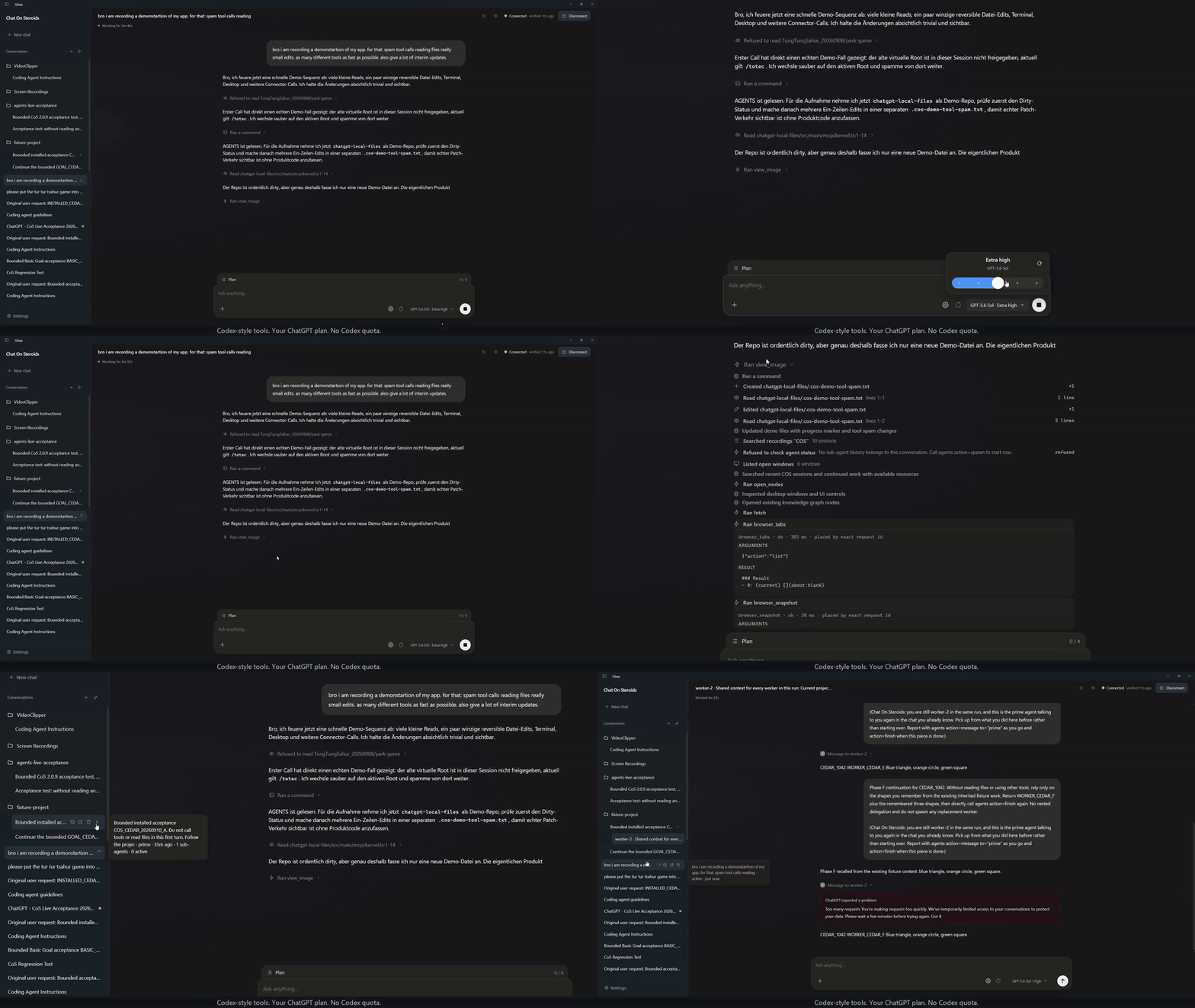
Work on the real project. Let ChatGPT read and edit files, run tests, keep terminals open and use your desktop. Follow the actual tool results as they arrive.
Give it a team. Split independent jobs across workers, then bring their results back. Workers keep their context, so the next task can pick up where they left off.
Stay in control of long tasks. Send a correction while work runs. Goal follows unfinished work; Loop keeps working within your brief. Compact & Resume carries the session and worker history into a fresh chat.
Uses your ChatGPT conversation rather than invoking Codex directly.
ChatGPT Work and Codex share usage limits. Your account’s model availability, usage and context limits still apply. OpenAI usage details →
Chat On Steroids is an independent, open-source workspace for coding and other authorized tasks with your own files and tools. It is intended to support productive work within the rules of the services you use. It is not intended to bypass usage limits, account restrictions or safety controls.
Use CoS in accordance with OpenAI's applicable Terms of Use (Europe Terms for the EEA, Switzerland and UK), Usage Policies and Service Terms, plus your workspace's rules and any connected service's terms.
- Respect limits and access decisions. Workers, Goal/Loop, Compact & Resume and finish checkpoints organize work; they do not grant extra quota or model access and must not be used to evade rate limits, usage caps or account restrictions. Do not switch accounts, chats, connectors or tunnels to evade a restriction.
- Respect safety decisions. Do not use local tools, browser control, plugins or another worker to carry out an action that the provider blocked for safety. A local permission or an enabled MCP connector is not permission to override a provider refusal.
- Understand the integration. CoS connects local tools through MCP. Its companion also observes and automates the ChatGPT browser UI and records conversation content locally. This browser integration is not a public ChatGPT automation API. MCP availability does not establish permission for every form of browser automation or recording; OpenAI's terms also restrict automated or programmatic extraction of data or output.
- Use at your own risk. Review the rules for your account and intended workflow before connecting, supervise automation and review tool actions and outputs. CoS cannot guarantee policy compliance, continued service access or protection from account warnings, restrictions or suspension. If a workflow is restricted or receives a policy warning, stop that workflow and seek clarification through the provider's support or appeal process.
This notice states the project's intended use; it does not certify compliance or change provider rules. CoS is not affiliated with, endorsed by or approved by OpenAI. The software is provided as-is under the MIT license; applicable statutory rights remain unaffected. See Security for local permissions and risks.
- Install CoS and approve your project folder in Settings → Workspace.
- Connect Core through Settings → Setup and add it in ChatGPT under Plugins → Add → Add custom MCP server. Tunnel setup →
- Load the companion extension. Click Open extension folder, then Load unpacked in Chrome’s extension settings. Pairing is automatic.
- Choose a model, write your task and send.
Requirements & installation notes
Windows 10/11, macOS 13 Ventura or newer, or a current desktop Linux. Chrome 125+, current Edge or Brave, plus a ChatGPT account/workspace that can create custom MCP apps (availability depends on your plan and workspace policy). Check account availability.
- Unsigned beta: Windows is not publisher-signed; macOS is unsigned and unnotarized. Verify the package against the release checksums. Because of that, macOS asks once after each update for your login password so the new version can open its saved keys ("chat-on-steroids Safe Storage"); choose Always Allow. Until you answer, chats and the browser connection wait, and the app says so.
- Linux: a Secret Service keyring is required. Prefer the DEB; when unprivileged user namespaces are disabled, the AppImage launcher can fall back to
--no-sandbox. - Permissions: choose your approved folders and review capabilities before connecting. Fresh installs enable Core capabilities and two workers; Windows also enables Desktop permissions. Shell commands run with your normal user privileges.
- Cyberpunk appearance: Choose Settings → Appearance → Cyberpunk for cyan/magenta neon, a dark grid background, HUD panels and a glowing composer. Customize its colors and typography, or use Reset appearance to return to the classic design.
- Languages: English, German, Spanish, French, Korean, Portuguese (Brazil and Portugal), Russian, Turkish, Vietnamese, Japanese, and Simplified and Traditional Chinese. Choose one in Appearance → Language.
- After updating: the companion extension updates itself once no chat is busy. If CoS asks you to refresh its apps in ChatGPT, do so; Automatic plugin refresh in Settings can do it for you.
More screenshots


Setup & help · Plugins · Contribute · Security · MIT license
Built with our community contributors. Thank you to the people behind the code, designs, bug reports and testing.
Not affiliated with or endorsed by OpenAI. ChatGPT and Codex are OpenAI trademarks.