GeezerVisonThe World Wide Web, restored to 800 pixels of glory. |
| Home|About|Gaming cabinet|Archives|How it works|Starter sites |
GeezerVison is showing github.com — Setup Setup
Jasper Geurtz edited this page
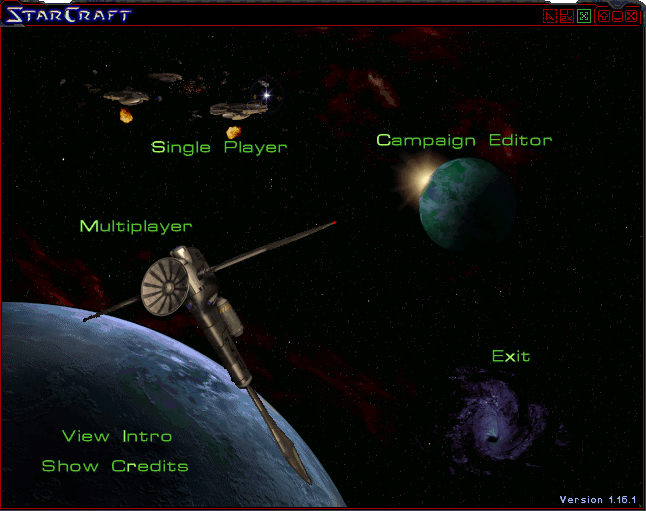
To setup the environment to write our bot we will need It is recommended to develop your bot on Windows, as everything is native on it. However using At the moment Remastered is not yet supported, the only working version is 1.16.1. You can however run v1.16.1 alongside Remastered without needing to uninstall Remastered For this tutorial from now on, when referred to StarCraft it will mean StarCraft:Broodwar v1.16.1 If you do not own the correct StarCraft version you can download it (AT YOUR OWN RISK):
In this tutorial we have StarCraft installed in To start writing our bot we will need to download BWAPI which will let us interface with the game. This will also install the Chaoslauncher for us, which lets us inject BWAPI and run StarCraft automatically once everything is correctly setup. First if not installed, install the Microsoft Visual C++ 2017 Redistributable as this is a required dependency to make BWAPI work. For this tutorial we will be using BWAPI v4.4.0 as this is the latest version that JBWAPI currently supports. Download the installer and install it using the default configuration We might need to point it to where we installed StarCraft, select
Now we just continue using the default configuration, if everything went correctly we should get asked if we want to launch the Chaoslauncher, which we want to. If any issues arise in the following steps using the Chaoslauncher, try starting it with admin privileges.
In the Chaoslauncher, tick the boxes
Next go to the
Now just hit
You can safely close StarCraft now For this tutorial we will be using Java8 & IntelliJ, but any later Java version and other IDE (Eclipse etc.) should also work If not installed download the latest Java 8 JDK and install it using the default configuration (newer JDK's might work, but may need some changes in the settings
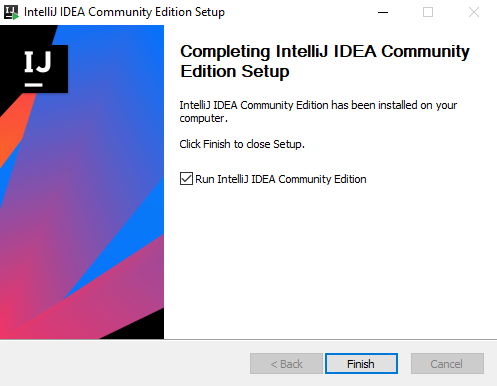
(did you know that 3 Billion Devices Run Java :D) If not installed download and install an IDE like IntelliJ Community
In IntelliJ (or your preferred IDE) create a For this tutorial we will be using Maven project management tool (but you can also use other tools like Gradle etc.). Select Maven and 1.8 as project SDK. Next give your project a name (ArtifactId) and groupname (GroupId)
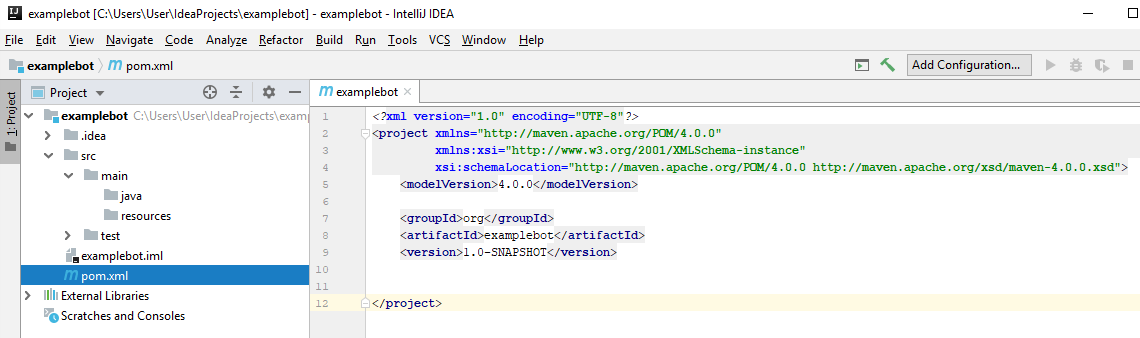
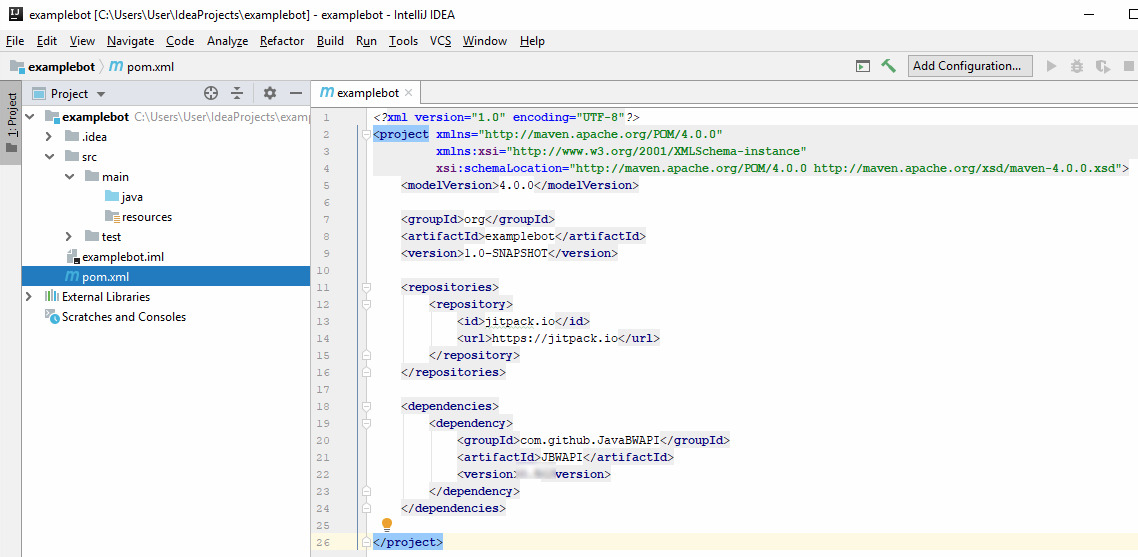
We should now see a very minimal
Next follow the It should look similar to the following ?xml version="1.0" encoding="UTF-8"?> <project xmlns="http://maven.apache.org/POM/4.0.0" xmlns:xsi="http://www.w3.org/2001/XMLSchema-instance" xsi:schemaLocation="http://maven.apache.org/POM/4.0.0 http://maven.apache.org/xsd/maven-4.0.0.xsd"> <modelVersion>4.0.0</modelVersion> <groupId>org</groupId> <artifactId>examplebot</artifactId> <version>1.0-SNAPSHOT</version> <repositories> <repository> <id>jitpack.io</id> <url>https://jitpack.io</url> </repository> </repositories> <dependencies> <dependency> <groupId>com.github.JavaBWAPI</groupId> <artifactId>JBWAPI</artifactId> <version>UPDATE-THIS-TO-LATEST-VERSION</version> </dependency> </dependencies> </project>
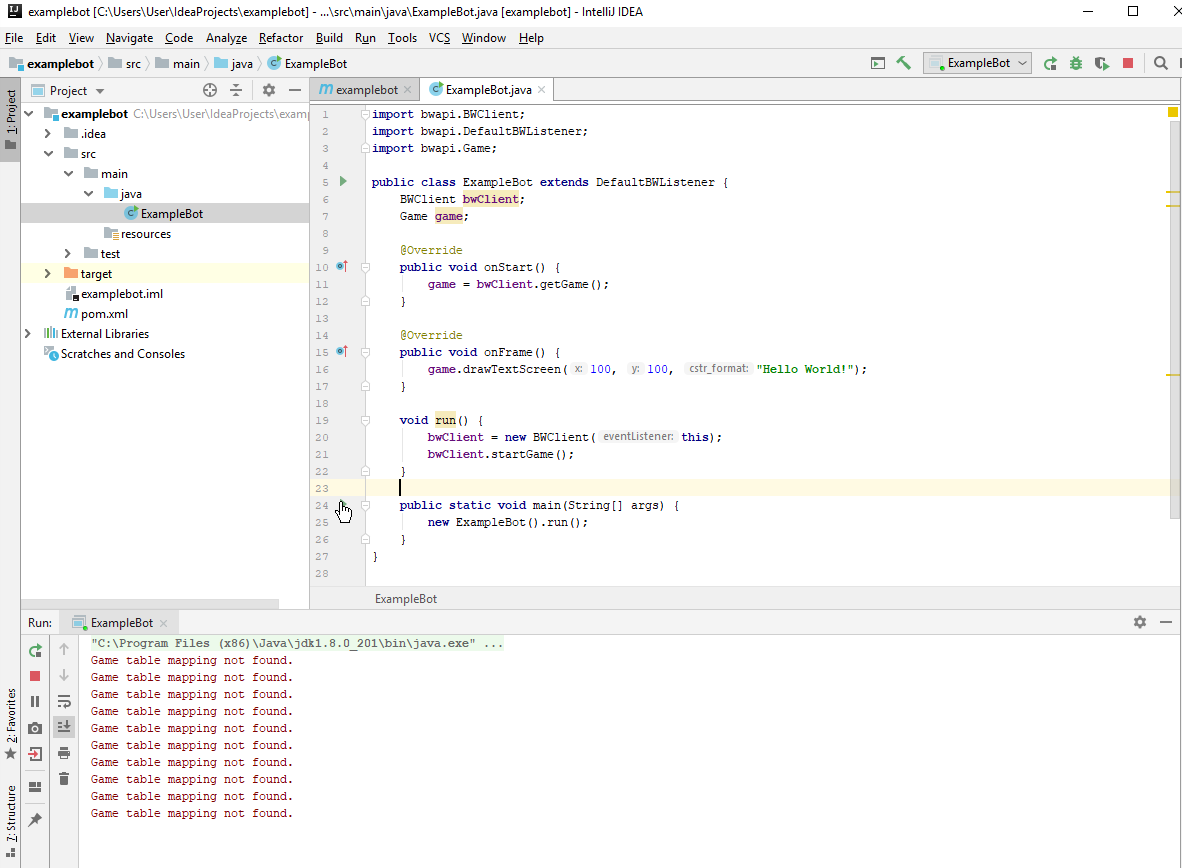
Be sure to either Import Changes or Enable Auto-Import for Maven when IntelliJ asks for this! In import bwapi.BWClient; import bwapi.DefaultBWListener; import bwapi.Game; public class ExampleBot extends DefaultBWListener { BWClient bwClient; Game game; @Override public void onStart() { game = bwClient.getGame(); } @Override public void onFrame() { game.drawTextScreen(100, 100, "Hello World!"); } void run() { bwClient = new BWClient(this); bwClient.startGame(); } public static void main(String[] args) { new ExampleBot().run(); } } If we now run the program by hitting the small green arrow button next to our Main method we should get
Now you can stop the bot (by hitting the red button in the topright corner) because we still need to do some tiny steps before everything works If you are using a JVM with a version 9+, make sure to use JBWAPI v2.0+. If you have an error while compiling you can try to disable the
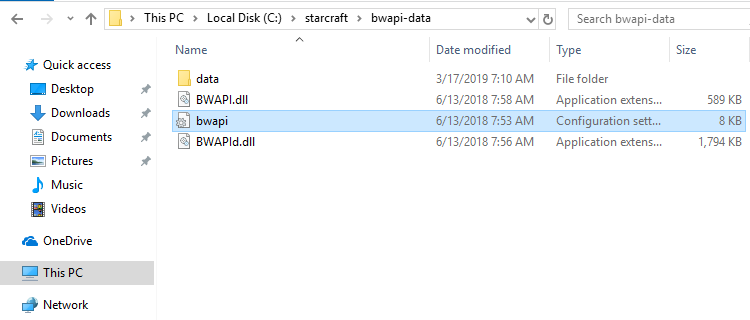
To automate running our bot too run against the builtin AI on a specific map we have to edit the You can find
Open the file with for example Notepad and paste the following setup [auto_menu] auto_menu = SINGLE_PLAYER pause_dbg = OFF lan_mode = Local Area Network (UDP) auto_restart = ON % choose a map that exists in the maps folder map = 'maps/BroodWar/ICCup Destination 1.1.scx' game = mapiteration = RANDOM race = Terran enemy_count = 1 enemy_race = Terran game_type = MELEE wait_for_min_players = 2 [starcraft] sound = OFF screenshots = gif drop_players = ON Change the Now Run your bot again Close and restart the Chaoslauncher (also make sure StarCraft is closed), if you can't find the Chaoslauncher it should be installed under Simply hit
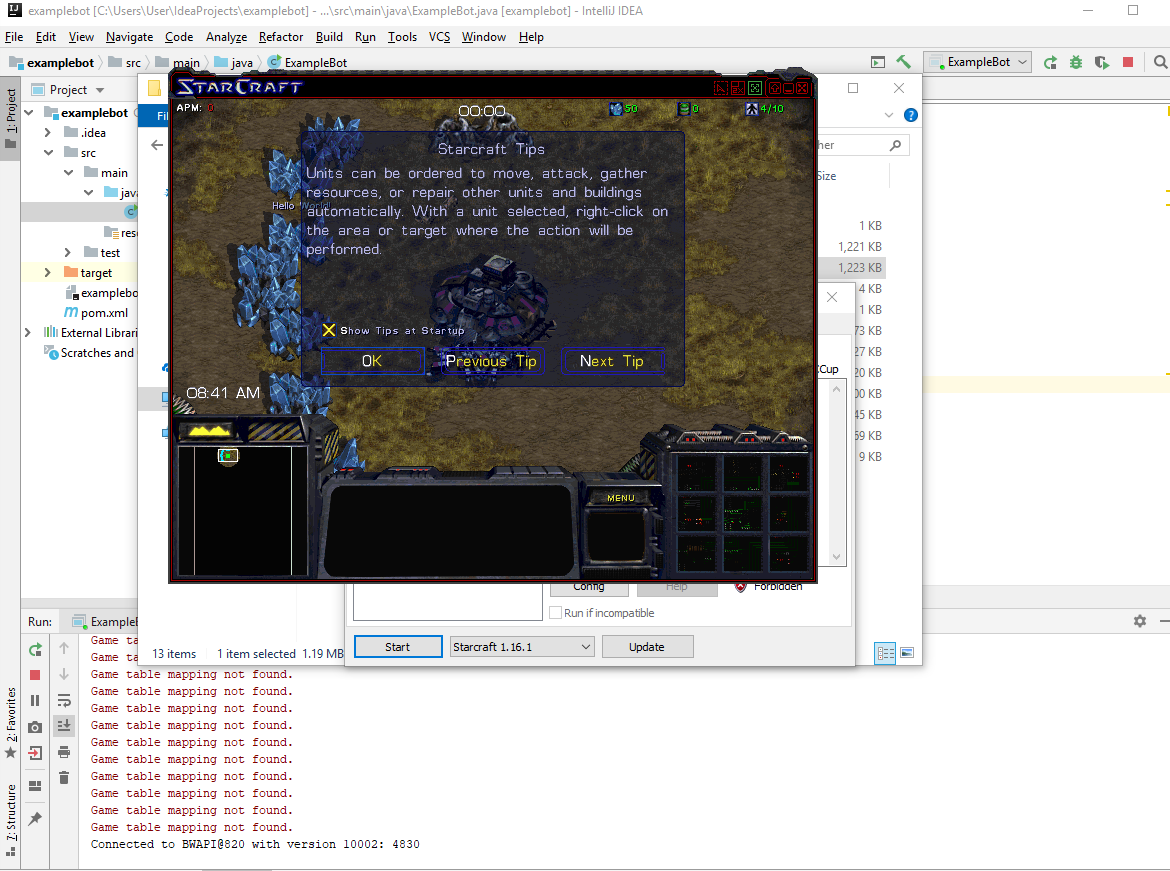
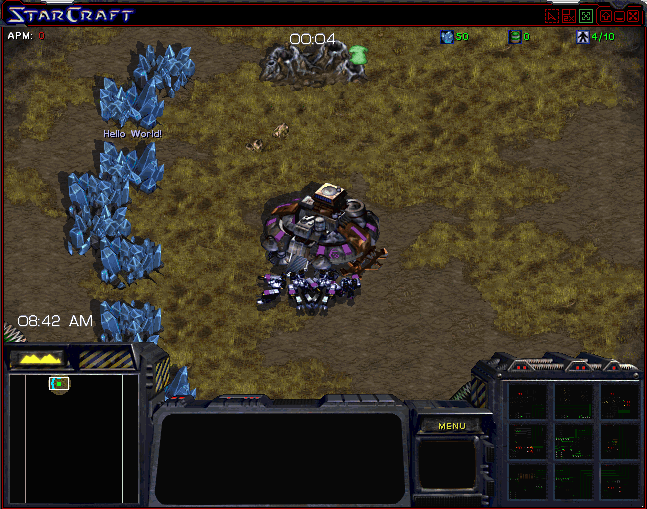
You can untick the If everything went correctly you should now see
If you followed this very convoluted hello world tutorial very precisely but still got errors on the way please create an issue precisely describing the error and on which step you got it. Our adventure continues in the next tutorial where we will start to Gather some minerals and explore the JBWAPI API, see you there! Clone this wiki locally |
| You are visitor 01402775 — GeezerVison does not store the pages you look up. Best viewed with Netscape Navigator 4.7 or Internet Explorer 6 at 800×600. No cookies required. |