SVGcode is a Progressive Web App that lets you convert raster images like JPG, PNG, GIF, WebP, AVIF, etc. to vector graphics in SVG format. It uses the File System Access API, the Async Clipboard API, the File Handling API, and Window Controls Overlay customization. The app is available at SVGco.de. See what I did there? For more background, read the accompanying article or watch the video.
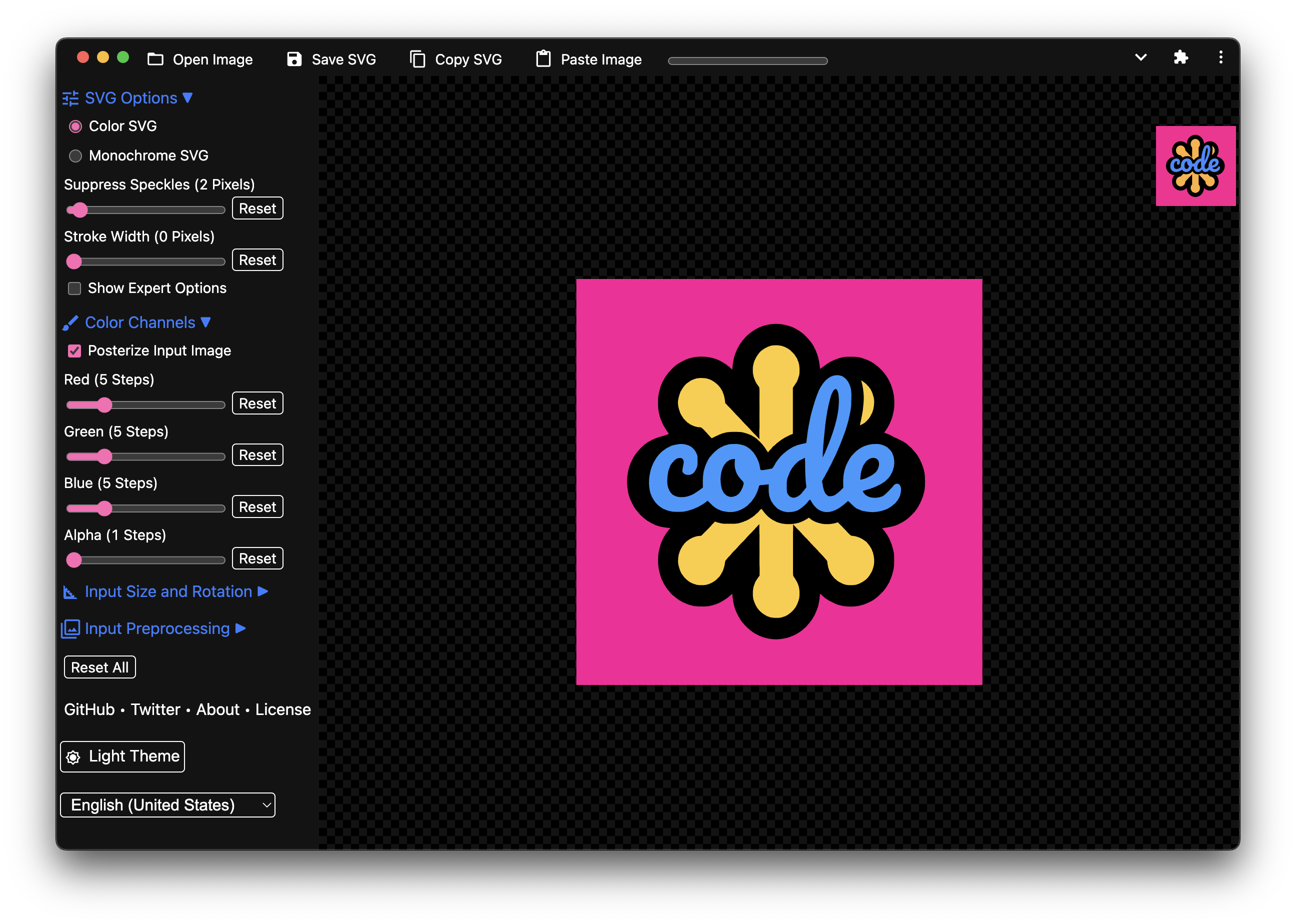
Apart from using the Web app at svgco.de, you can also install SVGcode from the Microsoft Store on Windows.


- Fork this repository.
- Clone from your fork:
git clone [email protected]:<your-github-account>/SVGcode.git - Navigate into the application's directory:
cd SVGcode - Install the dependencies:
npm i - Start the application:
npm start - Open the application in your browser:
http://localhost:3000 - Check out the available Issues or create a new Issue describing your plans.
- Start hacking. Vite automatically reloads the app upon changes.
- Lint your modifications:
npm run lint - Make sure your changes respect the code style:
npm run fix - Open a Pull Request that fixes the Issue (see 7. above).
- Have fun, and thanks for your interest in SVGcode!
If SVGcode is not available in your language, consider contributing a
translation. Therefore, make a copy of one of the files in
src/i18n/ (most
users will probably be most familiar with
en-US.js)
and translate the strings. Name the new file according to
Tags for Identifying Languages
($language-$REGION like en-US). Then add the language code to the
SUPPORTED_LANGUAGES array in
src/js/i18n.js
and the locale to SUPPORTED_LOCALES array in the
same file. Danke!
With SVGcode, I just stand on the shoulders of a command line tool called Potrace by Peter Selinger that I have converted to Web Assembly, so it can be used in a Web app. The converted SVGs are automatically optimized via the amazing svgo library.
Projects listed here must be Web-based, free to use with the option to save the SVG, open source, and not require the user to log in:
- VTracer (source code)
- Image to SVG (based on imagetracerjs)
GNU General Public License v2.0
(This is due to Potrace choosing GNU General Public License v2.0.)