SimpleStateMachineNodeEditor is a WPF node-editor for visual work and editoring state-machine
If you like or are using this project please give it a star. Thanks!
Create state machine in three steps :
1. Create scheme in this node editor🔗
2. Load scheme in your project using library📚
3. Describe your app logic and run the state machin🚘

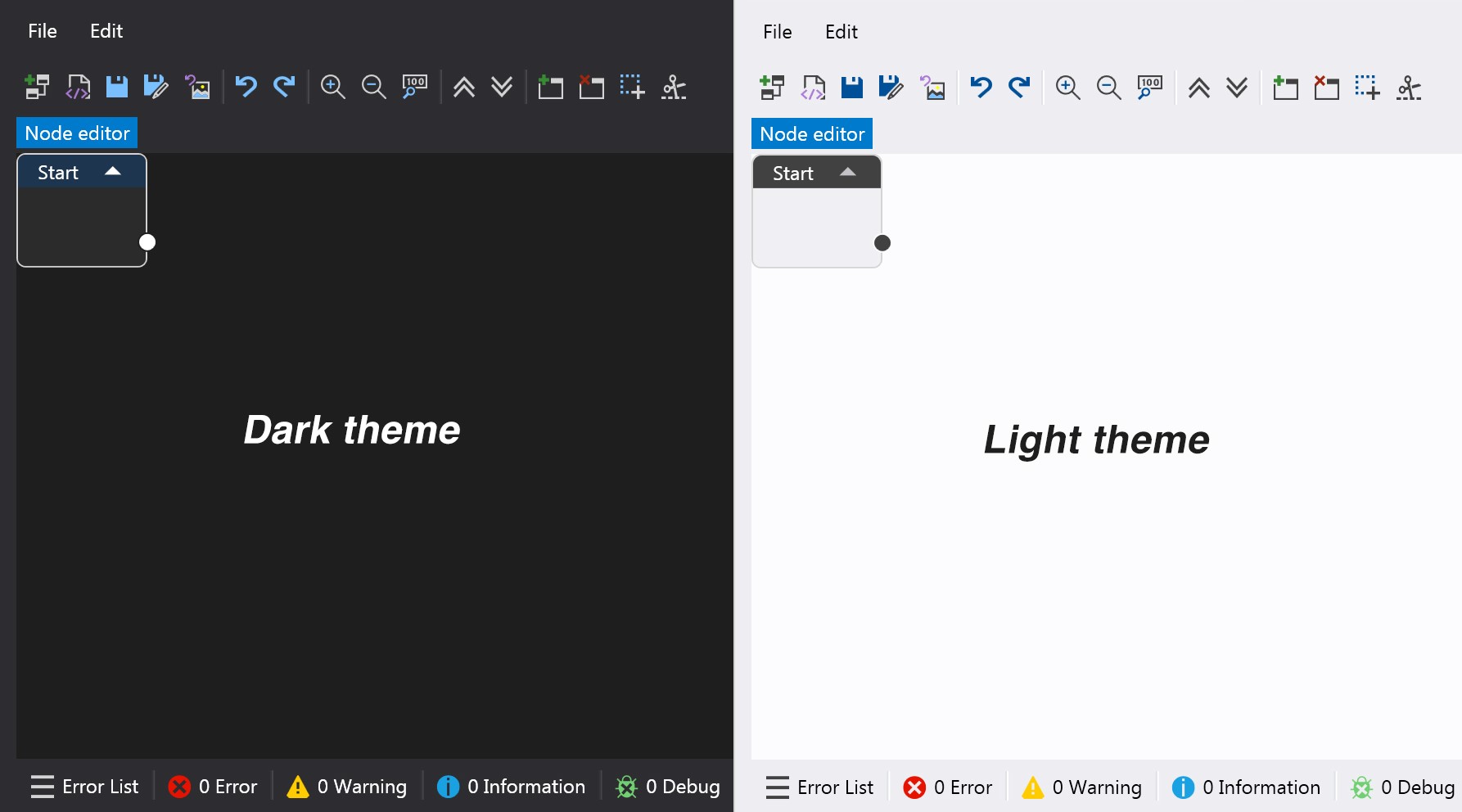
- Scheme of nodes
- Table of transitions
- for unique name for Node/Transition
- for exists Nodes without connects
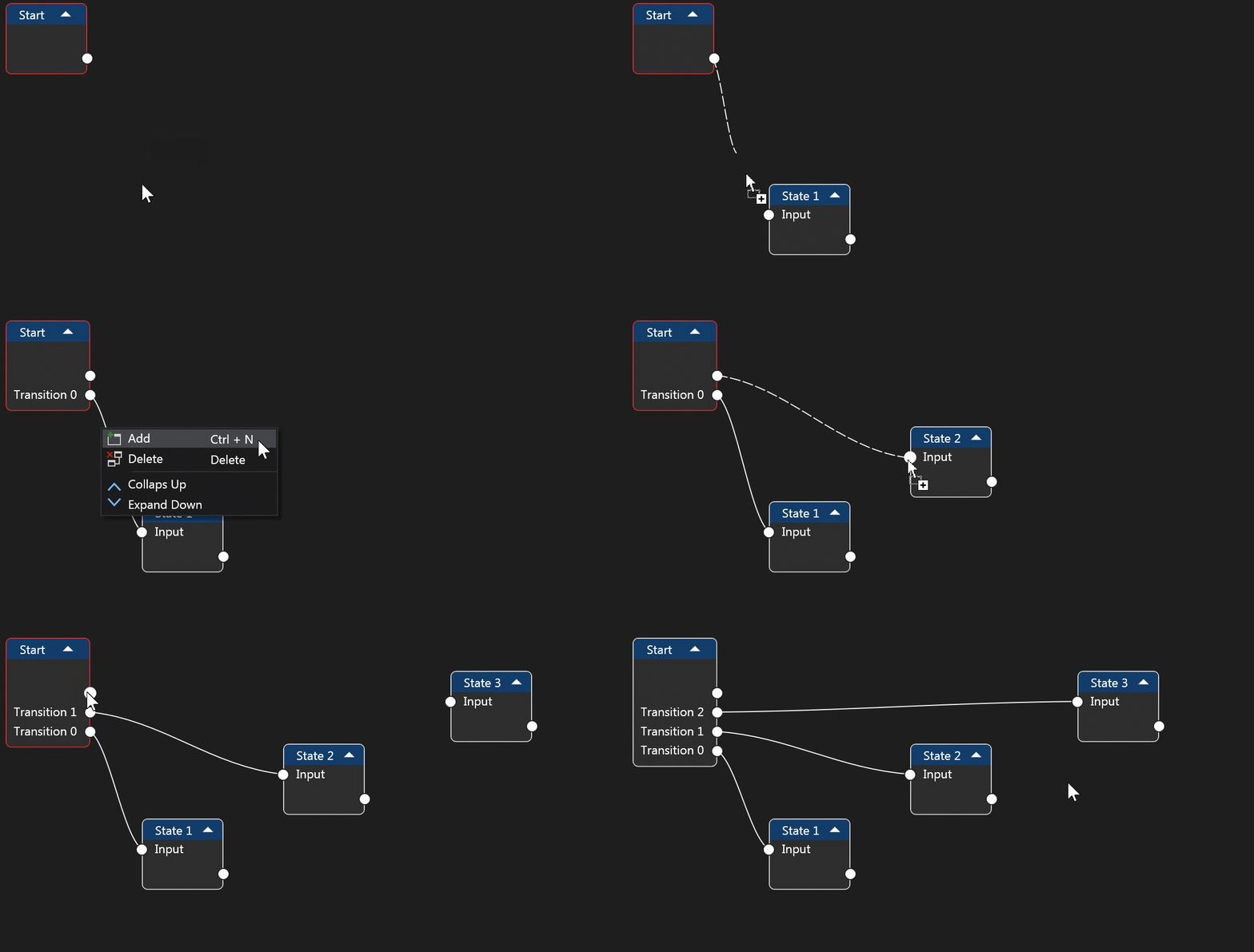


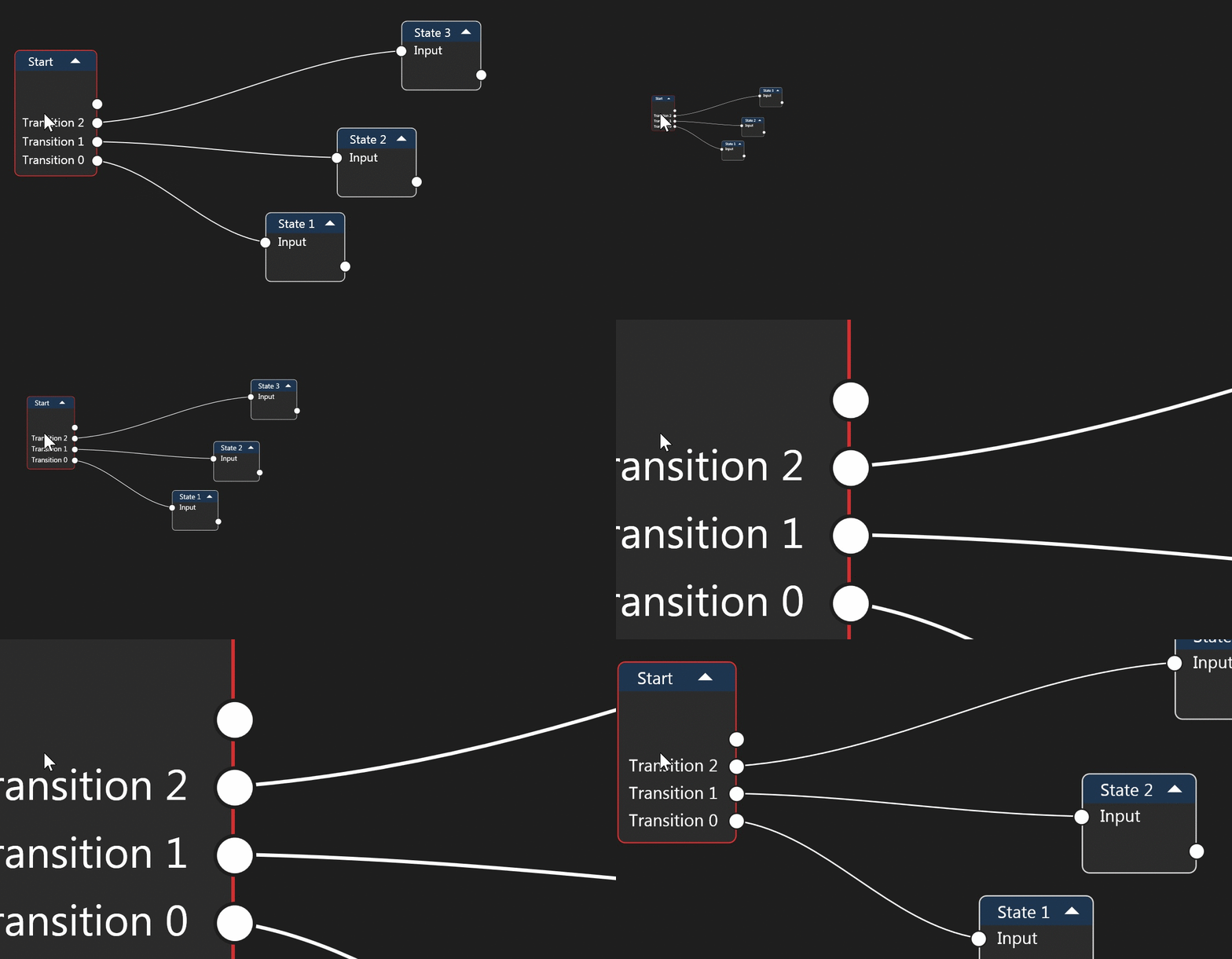
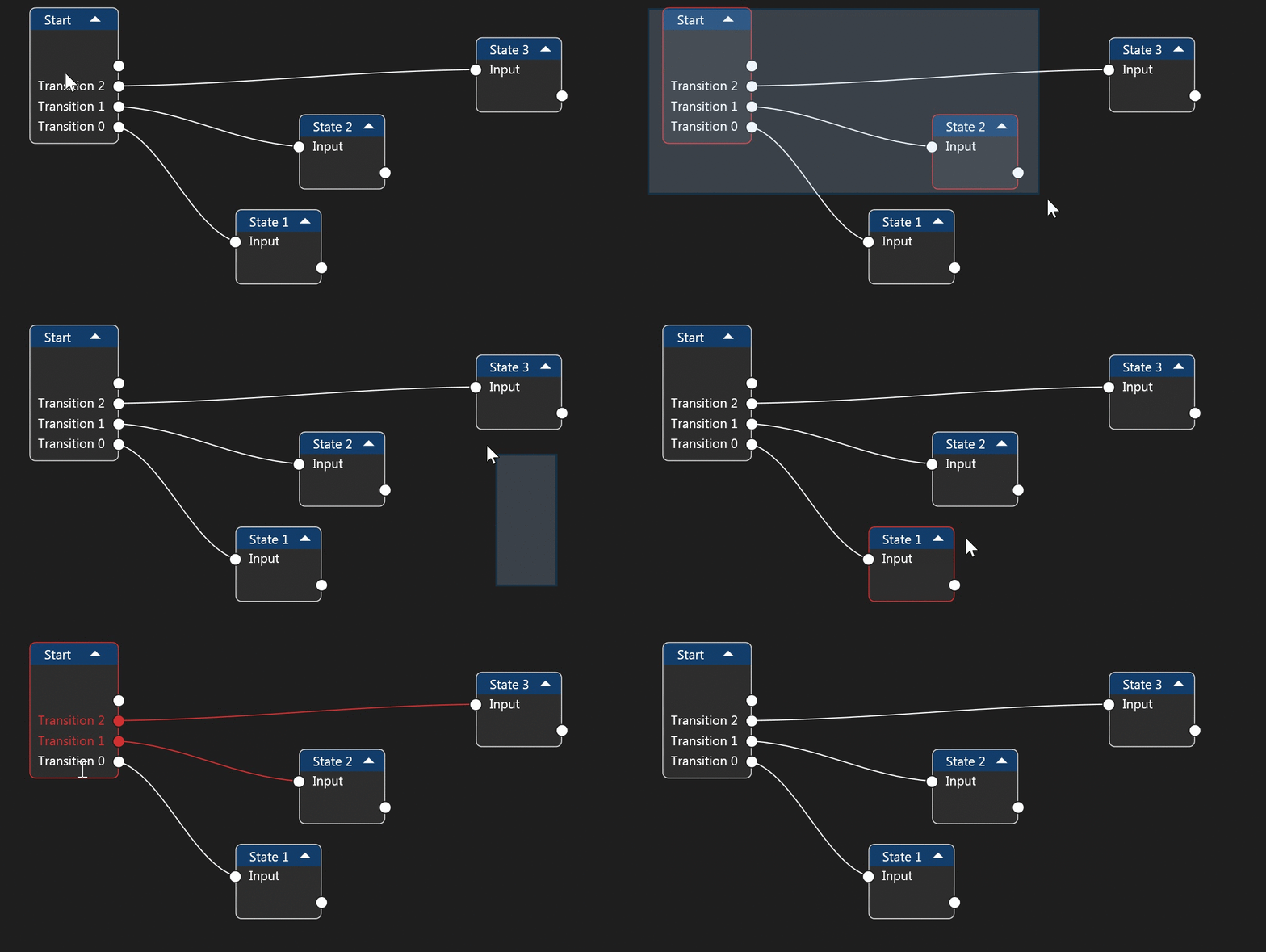


<?xml version="1.0" encoding="utf-8"?>
<StateMachine>
  <States>
    <State Name="Start"/>
    <State Name="State 1"/>
    <State Name="State 2"/>
  </States>
  <StartState Name="Start" />
  <Transitions>
    <Transition Name="Transition 2" From="State 2" To="State 1" />
    <Transition Name="Transition 1" From="Start" To="State 2" />
  </Transitions>
   <Visualization>
    <State Name="Start" Position="37, 80" IsCollapse="False" />
    <State Name="State 1" Position="471, 195.54" IsCollapse="False" />
    <State Name="State 2" Position="276, 83.03999999999999" IsCollapse="False" />
  </Visualization>
</StateMachine>
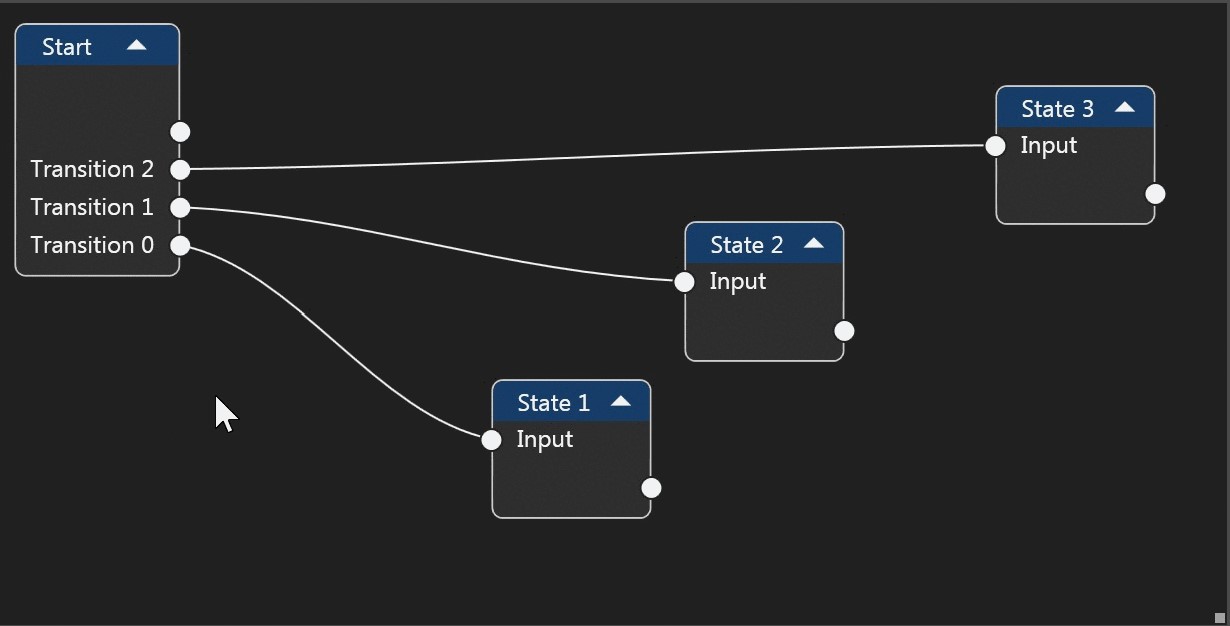
1. Download the latest release archive
2. Unzip the downloaded file
3. Run the exe file
- Ctrl +A = Select All Nodes
- Ctrl + S = Save
- Ctrl + Shift + S = Save As
- Ctrl + Shift + O = Open
- Ctrl + Shift + N = New
- Alt + F4 = Exit
- Ctrl + Shift + Alt + P = Export to PNG
- Ctrl + Shift + Alt + J = Export to JPEG
- Ctrl + Z = Undo
- Ctrl + Y = Redo
- Ctrl + N = Add Node
- Ctrl + LMB on Canvas = Start Select
- Ctrl + LMB on Connector = Create Loop
- LMB on Node = Select one Node
- Ctrl + LMB on Node = Select/UnSelect Node
- Ctrl + LMB on Transition = Select/UnSelect Transition
- Shift + LMB on Transition = Multiple selection
- LMB on Connector = Start create Connect
- Alt + LMB on Connector = Move Connector in Node
- Alt + LMB on Canvas = Start Cut
- Delete = Delete Selected Elements
- C + Delete = Delete Selected Connector
- N + Delete = Delete Selected Nodes
If you think you have found a bug, create a github issue.
But if you just have questions about how to use:
Copyright (c) SimpleStateMachine
Licensed under the MIT license.