
The open source AI coding agent.
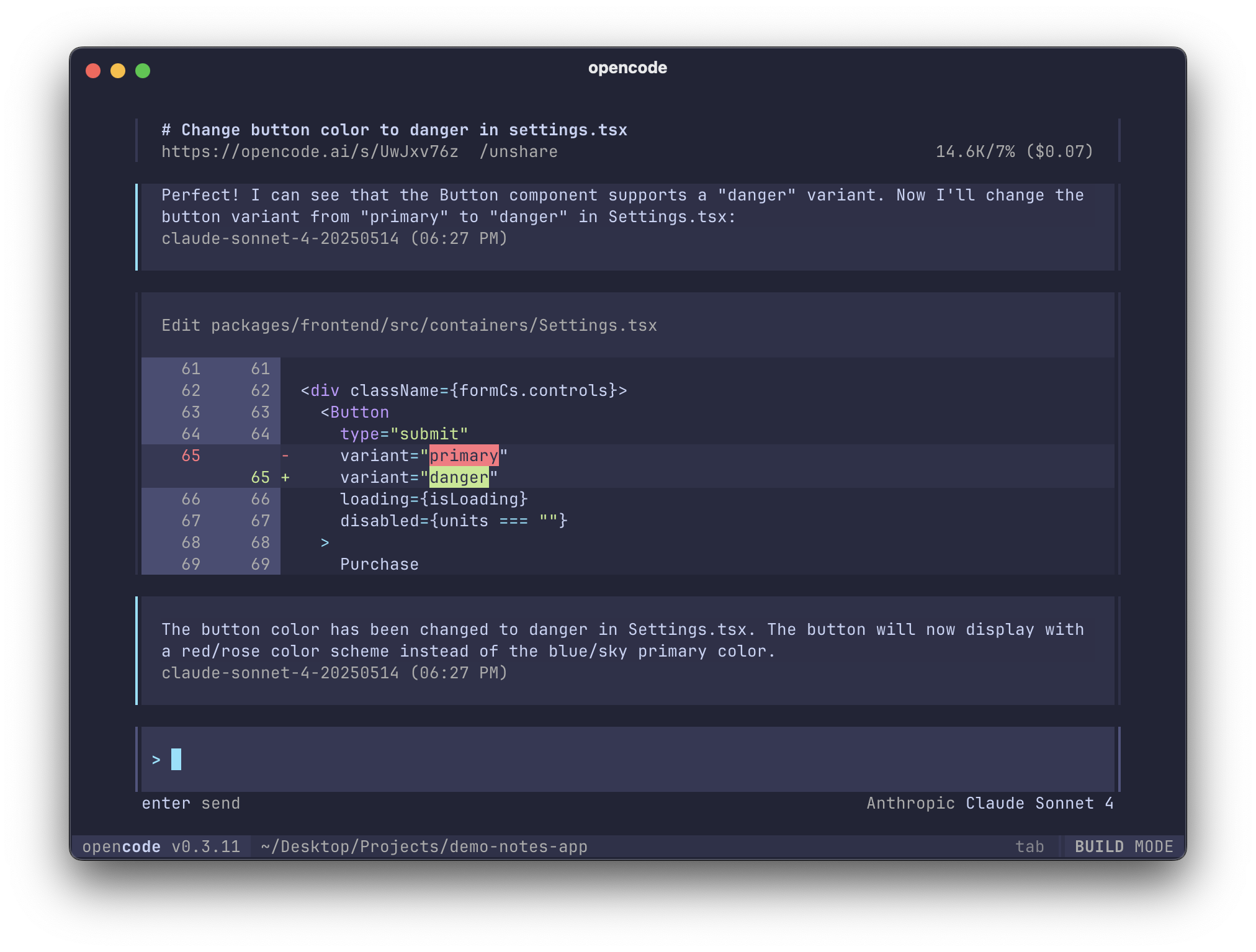
# YOLO
curl -fsSL https://opencode.ai/install | bash

# Package managers
npm i -g opencode-ai@latest        # or bun/pnpm/yarn
scoop bucket add extras; scoop install extras/opencode  # Windows
choco install opencode             # Windows
brew install opencode              # macOS and Linux
paru -S opencode-bin               # Arch Linux
mise use -g opencode               # Any OS
nix run nixpkgs#opencode           # or github:anomalyco/opencode for latest dev branch
Tip
Remove versions older than 0.1.x before installing.
OpenCode is also available as a desktop application. Download directly from the releases page or opencode.ai/download.
| Platform | Download |
|---|---|
| macOS (Apple Silicon) | opencode-desktop-darwin-aarch64.dmg |
| macOS (Intel) | opencode-desktop-darwin-x64.dmg |
| Windows | opencode-desktop-windows-x64.exe |
| Linux | .deb, .rpm, or AppImage |
# macOS (Homebrew)
brew install --cask opencode-desktopThe install script respects the following priority order for the installation path:
$OPENCODE_INSTALL_DIR- Custom installation directory$XDG_BIN_DIR- XDG Base Directory Specification compliant path$HOME/bin- Standard user binary directory (if exists or can be created)$HOME/.opencode/bin- Default fallback
# Examples
OPENCODE_INSTALL_DIR=/usr/local/bin curl -fsSL https://opencode.ai/install | bash
XDG_BIN_DIR=$HOME/.local/bin curl -fsSL https://opencode.ai/install | bash
OpenCode includes two built-in agents you can switch between,
you can switch between these using the Tab key.
- build - Default, full access agent for development work
- plan - Read-only agent for analysis and code exploration
- Denies file edits by default
- Asks permission before running bash commands
- Ideal for exploring unfamiliar codebases or planning changes
Also, included is a general subagent for complex searches and multistep tasks.
This is used internally and can be invoked using @general in messages.
Learn more about agents.
For more info on how to configure OpenCode head over to our docs.
If you're interested in contributing to OpenCode, please read our contributing docs before submitting a pull request.
If you are working on a project that's related to OpenCode and is using "opencode" as a part of its name; for example, "opencode-dashboard" or "opencode-mobile", please add a note to your README to clarify that it is not built by the OpenCode team and is not affiliated with us in any way.
It's very similar to Claude Code in terms of capability. Here are the key differences:
- 100% open source
- Not coupled to any provider. Although we recommend the models we provide through OpenCode Zen; OpenCode can be used with Claude, OpenAI, Google or even local models. As models evolve the gaps between them will close and pricing will drop so being provider-agnostic is important.
- Out of the box LSP support
- A focus on TUI. OpenCode is built by neovim users and the creators of terminal.shop; we are going to push the limits of what's possible in the terminal.
- A client/server architecture. This for example can allow OpenCode to run on your computer, while you can drive it remotely from a mobile app. Meaning that the TUI frontend is just one of the possible clients.
The other confusingly named repo has no relation to this one. You can read the story behind it here.