In this project you can fast publish your API and schedule task, dynamic edit you java class and add or remove jar !
-
- first you need jdk8(must) and maven(not must)
- to down last release war https://github.com/NLPchina/Jcoder/releases
- run it
java -jar jcoder-[version].warand visit http://localhost:8080/ Login by name:admin password:admin
-
you can make a config file named
coder.conf#only localhost can visit Management background host=localhost # default port is 8080 port=8080 # home path .default is ~/.jcoder #home=~/.jcoder # mvn exepath , it is a full path like /home/maven/bin/mvn maven=mvn # log path log=log/jcoder.lognow you can use it by :
java -jar jcoder-[version].war -f=coder.confOf course you can take these by args :
java -jar jcoder-[version].war --home=~/.jcoder --port=9090 --host=localhost -
Click
Test->Create-Task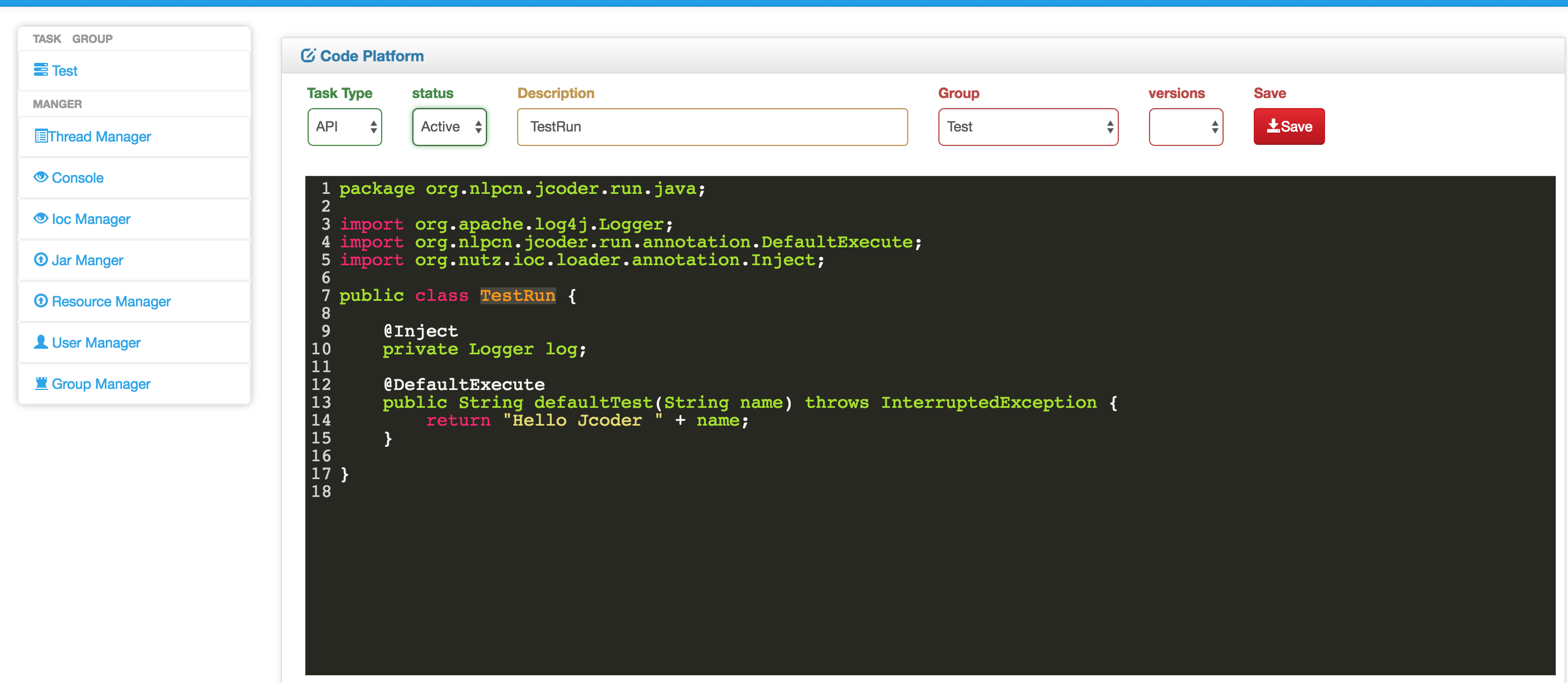
Code :
package org.nlpcn.jcoder.run.java;

import org.apache.log4j.Logger;
import org.nlpcn.jcoder.run.annotation.DefaultExecute;
import org.nutz.ioc.loader.annotation.Inject;

public class TestRun {

	@Inject
	private Logger log;

	@DefaultExecute
	public String defaultTest(String name) throws InterruptedException {
		return "Hello Jcoder " + name;
	}

}
select TaskType :
Activeand write some word to description now ClickSavebuttonnow you can use you api by : http://localhost:8080/api/TestRun?name=ansj
-
Click
Test->Create-Task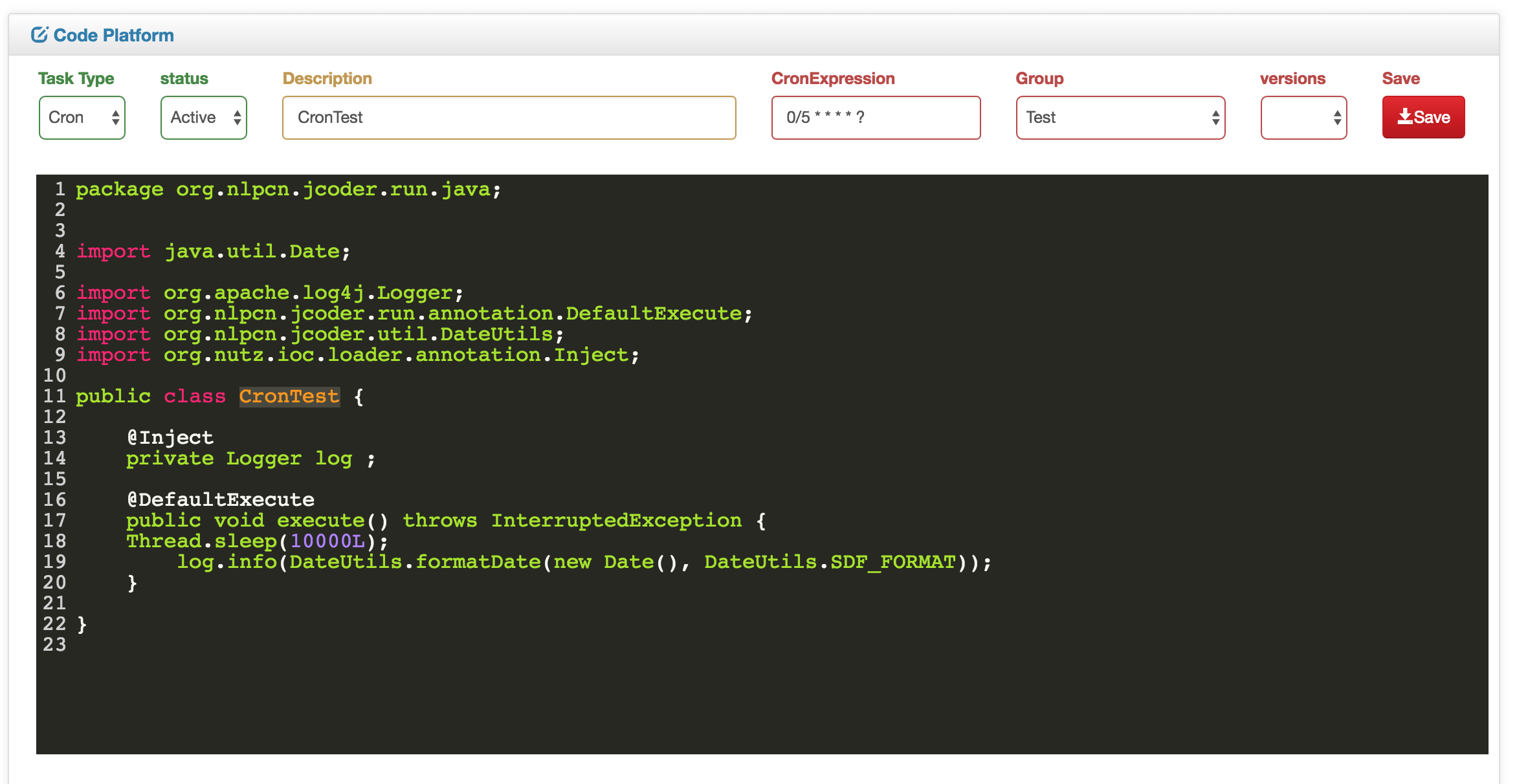
Code:
package org.nlpcn.jcoder.run.java;


import java.util.Date;

import org.apache.log4j.Logger;
import org.nlpcn.jcoder.run.annotation.DefaultExecute;
import org.nlpcn.jcoder.util.DateUtils;
import org.nutz.ioc.loader.annotation.Inject;

public class CronTest {

	@Inject
	private Logger log ;

	@DefaultExecute
	public void execute() throws InterruptedException {
    Thread.sleep(10000L);
		log.info(DateUtils.formatDate(new Date(), DateUtils.SDF_FORMAT));
	}

}
select TaskType :
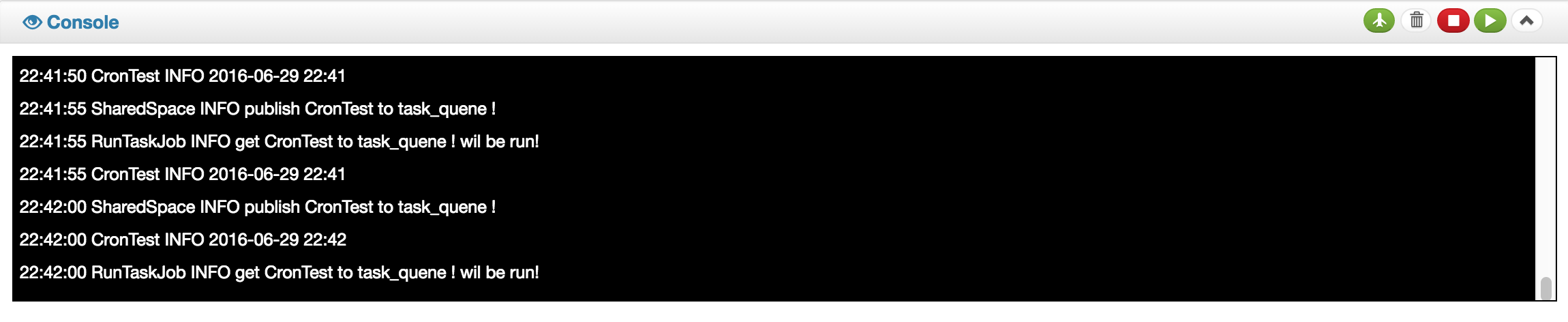
Activeand write some word todescriptionWrite Corn0/5 * * * * ?now ClickSavebuttonnow your job every 5`s run once!
-
package org.nlpcn.jcoder.run.java; import org.nlpcn.jcoder.run.annotation.Cache; /** * this is a api example * * @author ansj * */ @Single(false) // default is true public class ApiExampleAction { @Inject private Logger log ; @Inject private Dao dao ; @Execute // publish this function to api ! // use url is // http://host:port/[className]/methodName?field=value // http//localhost:8080/ApiExampleAction/method?name=heloo&hello_word=hi public Object function(HttpServletRequest req, HttpServerResponse rep, String name, @Param("hello_word") Integer helloWord) { dosomething.. } @DefaultExecute // publish this function to api ! //http://localhost:8080/ApiExampleAction?user.name=aaa&user.passowrd=bbb //http://localhost:8080/ApiExampleAction/function2?user.name=aaa&user.passowrd=bbb //more about http://www.nutzam.com/core/mvc/http_adaptor.html @Execute(methods={"get","post"},restful=true, rpc=true) //methods default all , restufl,rpc default true @Cache(time=10,size=1000,block=false) // time SECONDS , block if false use asynchronous public Object function2(@Param("..") User user) { dosomething.. } } -
- auto backup database export and import
- system properties view and manager
- publish socket api by netty
- add a util for testing task
- incremental update task from jcoder server
- publish a restful api by db table
- Perfect the documents
- add Dasboard page view task use time ,times ,err or other system info


