
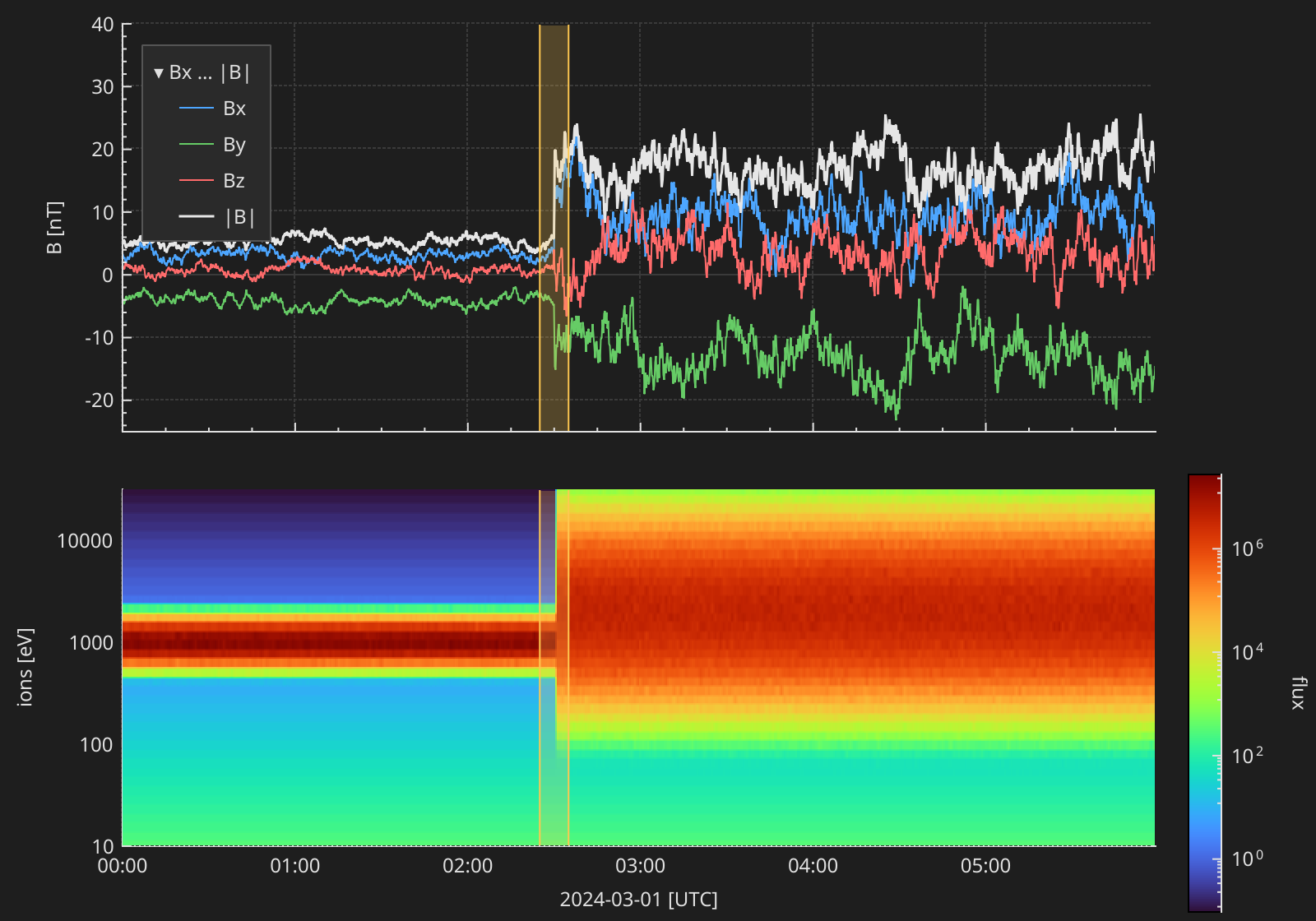
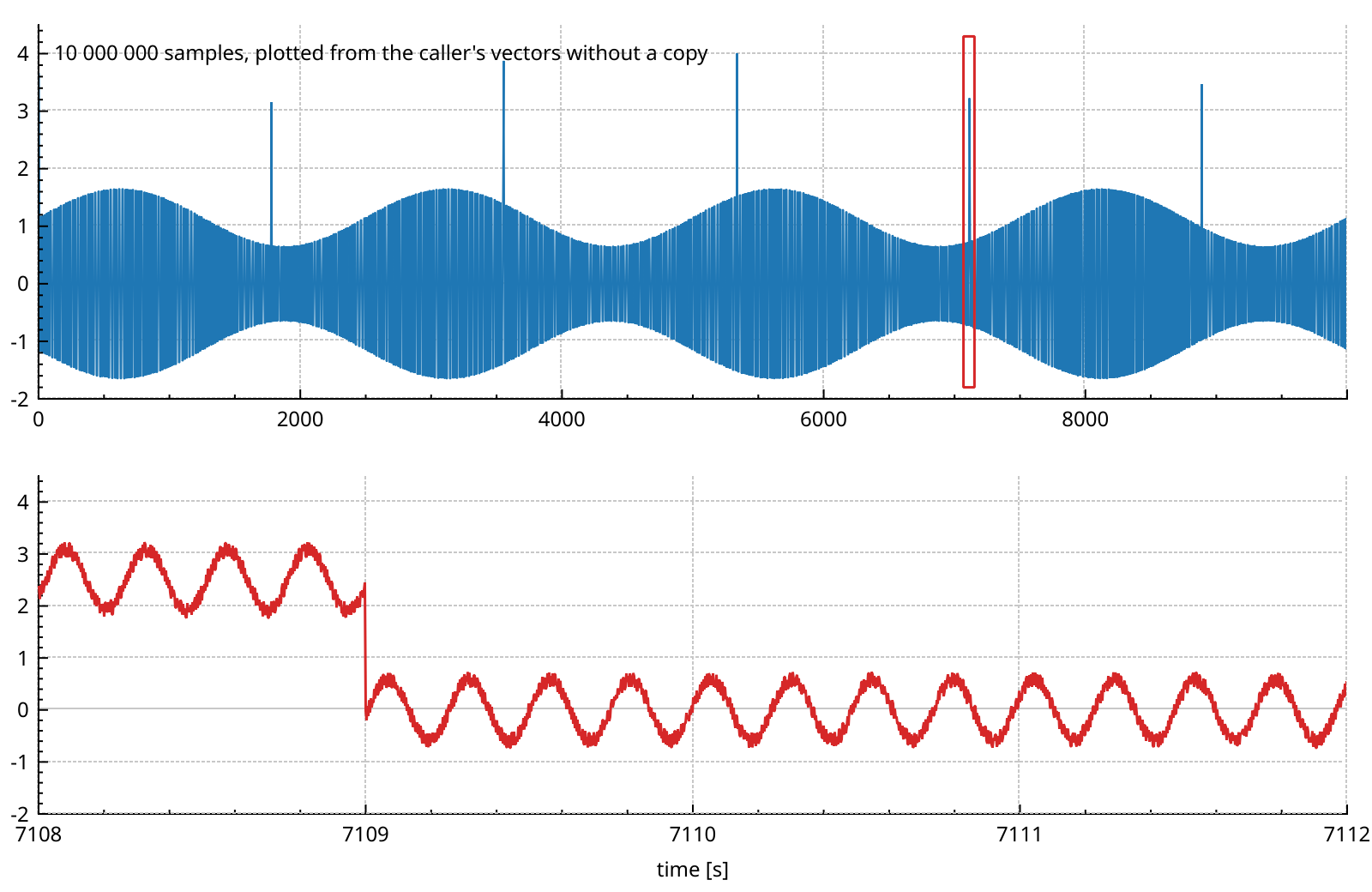
Fast, interactive 2D plotting for Qt 6 applications. NeoQCP is a modernized fork of QCustomPlot: the same API, drawn on the GPU, with plottables that take millions of points without copying them.
▶ Try it in your browser: the gallery plots, built to WebAssembly. Pan, zoom and select, no install needed.
📖 Documentation: user guide, gallery and API reference.
 |
 |
 |
 |
NeoQCP draws the plots of SciQLop, a tool for browsing space plasma data, and of its plotting library SciQLopPlots.
- GPU rendering. It draws through Qt's QRhi: Metal on macOS, Vulkan on Linux, D3D on Windows and WebGL in the browser. Lines, fills, scatters, grids and spans are drawn by shaders, and panning moves cached geometry instead of redrawing it.
- Big data, no copy.
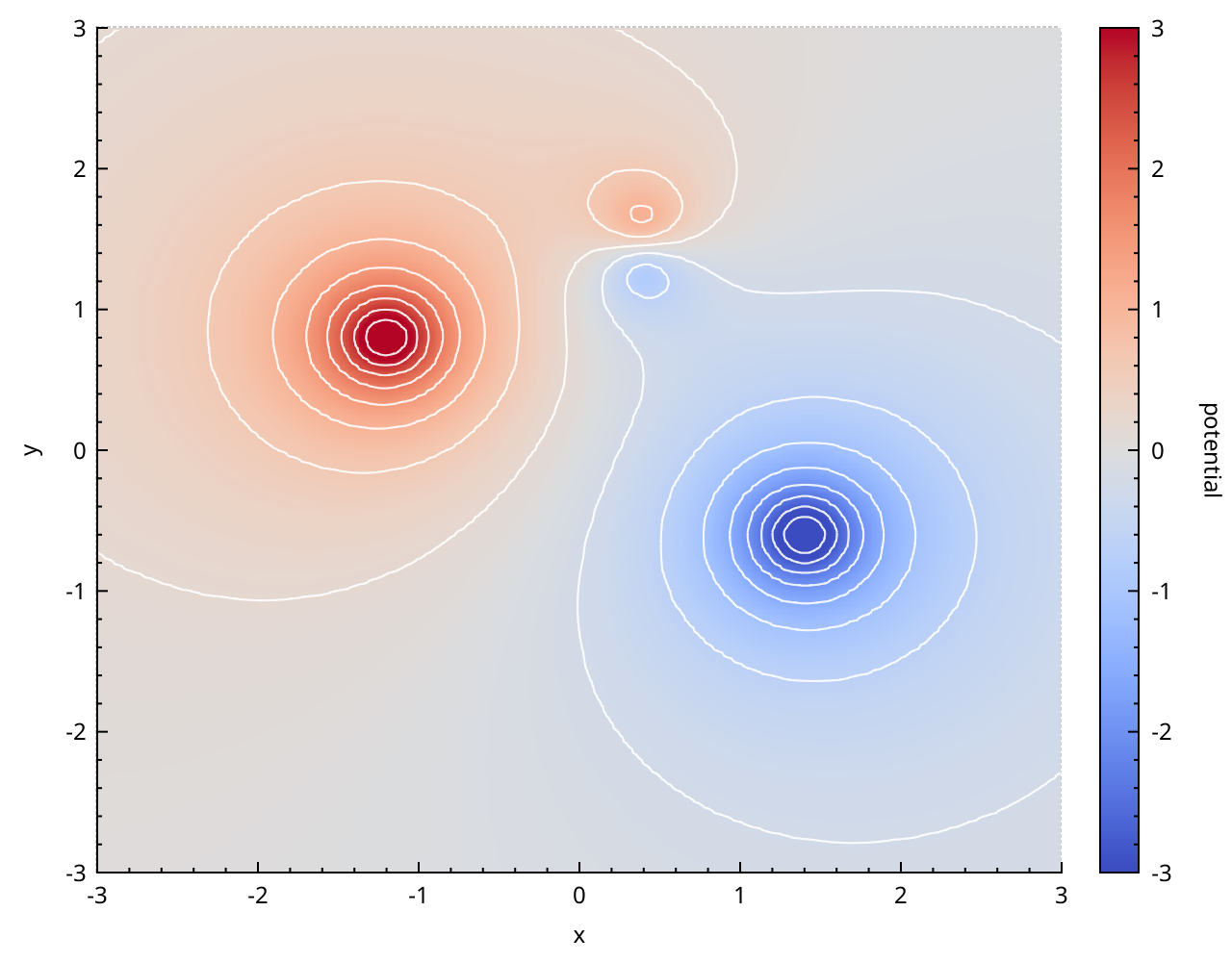
QCPMultiGraph,QCPGraph2andQCPColorMap2plot from your own containers or raw pointers, in any numeric type. Background threads reduce the data to what the pixels can show, so panning and zooming stay fluid with millions of points. - New plottables. Multi-component graphs, colour maps with gap detection, log axes and contour lines, 2D histograms, waterfalls, and interval timelines (
QCPIntervals). - Items and interactions. Shaded spans, click-and-drag item creation, trackpad and touch gestures, and a busy indicator.
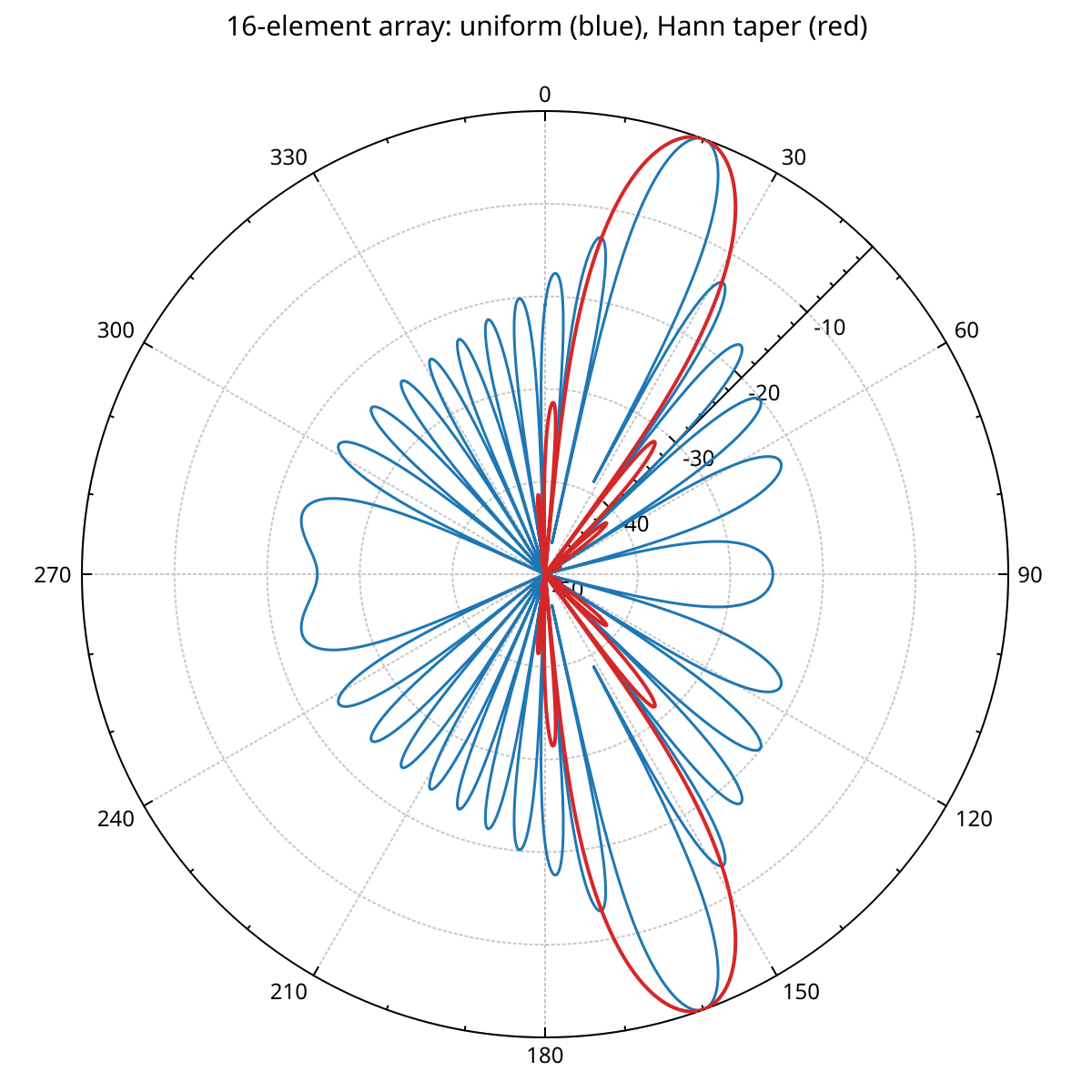
- Styling. Light and dark themes, also settable from a Qt stylesheet, and LaTeX in axis labels, legends and titles.
- In the browser. The same code builds for WebAssembly.
- A modern build. Qt 6 only, C++20, Meson or CMake, CI on Linux, macOS, Windows and WebAssembly, and optional Tracy profiling.
It also fixes bugs in QCustomPlot's own code, such as DPI scaling on macOS and Windows, and a crash in the date-time axis on Qt 6.10 and newer.
With CMake, fetch and build it as part of your project:
cmake_minimum_required(VERSION 3.21)
project(my-plot-app LANGUAGES CXX)
set(CMAKE_CXX_STANDARD 20)

find_package(Qt6 REQUIRED COMPONENTS Widgets)

include(FetchContent)
FetchContent_Declare(NeoQCP
    GIT_REPOSITORY https://github.com/SciQLop/NeoQCP.git
    GIT_TAG main)
FetchContent_MakeAvailable(NeoQCP)

add_executable(myapp main.cpp)
target_link_libraries(myapp PRIVATE NeoQCP::NeoQCP Qt6::Widgets)
An installed NeoQCP (cmake --install) is found with find_package(NeoQCP) instead.
With Meson, add a wrap file, subprojects/NeoQCP.wrap:
[wrap-git]
url = https://github.com/SciQLop/NeoQCP.git
revision = main
depth = 1

[provide]
NeoQCP = NeoQCP_dep
Then, in your meson.build:
project('my-plot-app', 'cpp', default_options: ['cpp_std=c++20'])

qt = dependency('qt6', modules: ['Core', 'Gui', 'Widgets', 'Svg', 'PrintSupport'])
neoqcp = dependency('NeoQCP')

executable('myapp', 'main.cpp', dependencies: [qt, neoqcp], gui_app: true)
QCustomPlot is a QWidget, as in QCustomPlot:
#include <qcustomplot.h>

auto* plot = new QCustomPlot;
QVector<double> x(101), y(101);
for (int i = 0; i < 101; ++i)
{
    x[i] = i / 50.0 - 1;
    y[i] = x[i] * x[i];
}
plot->addGraph();
plot->graph(0)->setData(x, y);
plot->rescaleAxes();
plot->replot();
For large data, move your vectors into a multi-component graph. Nothing is copied:
auto* mg = new QCPMultiGraph(plot->xAxis, plot->yAxis);
mg->setData(std::move(keys), std::move(valueColumns));   // one vector per component
mg->setComponentColors({Qt::red, Qt::green, Qt::blue});
The getting started guide goes further.
Most code that builds with QCustomPlot 2.1.1 on Qt 6 builds with NeoQCP unchanged. NeoQCP needs Qt 6.7 or newer and builds with Meson instead of qmake, and a few defaults and behaviours changed. The migration guide lists every difference.
You need Qt 6.7 or newer with Qt Shader Tools, a C++20 compiler, Meson 1.1 or newer and Ninja. The tests and examples build with Meson:
git clone https://github.com/SciQLop/NeoQCP.git
cd NeoQCP
meson setup build --buildtype=release
meson compile -C build
meson test -C build
Build options: -Dwith_latex=false leaves out LaTeX labels, -Dwith_examples=true builds the
examples, -Dwith_tests=false skips the tests, and -Dtracy_enable=true turns on Tracy profiling.
Bug reports and pull requests are welcome on GitHub. A bug fix comes with a test that fails without it.
GNU GPL v3, like QCustomPlot.
When built with with_latex (the default), NeoQCP bundles
JKQTMathText under LGPL v2.1 or later, and the
XITS math fonts under the SIL Open Font License 1.1.
Both are compatible with GPL v3.