GV

GeezerVison

The World Wide Web, restored to 800 pixels of glory.

Home|About|Gaming cabinet|Archives|How it works|Starter sites

On this site

  • Sign in
  • ActionsCI/CD and automation
  • CodespacesCloud development environments
  • All Features
  • Documentation
  • Training
  • Certifications
  • Build with Copilot
  • Customize Copilot
  • Integrations
  • Trending repos
  • GitHub Sponsors
  • Developer articles
  • Enterprises

This view

  • Original page
  • New address

GeezerVison is showing github.com — GitHub - TeamADAPT/opencode: The open source coding agent.

BranchesTags
Open more actions menu


Latest commit


History

15,383 Commits
15,383 Commits

Folders and files

NameName
Last commit message
Last commit date
.github
.github
 
 
.husky
.husky
 
 
.opencode
.opencode
 
 
.vscode
.vscode
 
 
.zed
.zed
 
 
artifacts/glm52-rise-video
 
 
github
github
 
 
infra
infra
 
 
nix
nix
 
 
packages
packages
 
 
patches
patches
 
 
perf
perf
 
 
script
script
 
 
sdks/vscode
sdks/vscode
 
 
specs
specs
 
 
.dockerignore
.dockerignore
 
 
.editorconfig
.editorconfig
 
 
.gitattributes
.gitattributes
 
 
.gitignore
.gitignore
 
 
.gitleaksignore
.gitleaksignore
 
 
.oxlintrc.json
.oxlintrc.json
 
 
.prettierignore
.prettierignore
 
 
AGENTS.md
AGENTS.md
 
 
CONTEXT.md
CONTEXT.md
 
 
CONTRIBUTING.md
CONTRIBUTING.md
 
 
LICENSE
LICENSE
 
 
README.ar.md
README.ar.md
 
 
README.bn.md
README.bn.md
 
 
README.br.md
README.br.md
 
 
README.bs.md
README.bs.md
 
 
README.da.md
README.da.md
 
 
README.de.md
README.de.md
 
 
README.es.md
README.es.md
 
 
README.fr.md
README.fr.md
 
 
README.gr.md
README.gr.md
 
 
README.it.md
README.it.md
 
 
README.ja.md
README.ja.md
 
 
README.ko.md
README.ko.md
 
 
README.md
README.md
 
 
README.no.md
README.no.md
 
 
README.pl.md
README.pl.md
 
 
README.ru.md
README.ru.md
 
 
README.th.md
README.th.md
 
 
README.tr.md
README.tr.md
 
 
README.uk.md
README.uk.md
 
 
README.vi.md
README.vi.md
 
 
README.zh.md
README.zh.md
 
 
README.zht.md
README.zht.md
 
 
SECURITY.md
SECURITY.md
 
 
STATS.md
STATS.md
 
 
bun.lock
bun.lock
 
 
bunfig.toml
bunfig.toml
 
 
flake.lock
flake.lock
 
 
flake.nix
flake.nix
 
 
init
init
 
 
install
install
 
 
package.json
package.json
 
 
screenshot-uk.png
screenshot-uk.png
 
 
sst-env.d.ts
sst-env.d.ts
 
 
sst.config.ts
sst.config.ts
 
 
tsconfig.json
tsconfig.json
 
 
turbo.json
turbo.json


Repository files navigation

OpenCode logo

The open source AI coding agent.

Discord npm Build status

English | 简体中文 | 繁體中文 | 한국어 | Deutsch | Español | Français | Italiano | Dansk | 日本語 | Polski | Русский | Bosanski | العربية | Norsk | Português (Brasil) | ไทย | Türkçe | Українська | বাংলা | Ελληνικά | Tiếng Việt
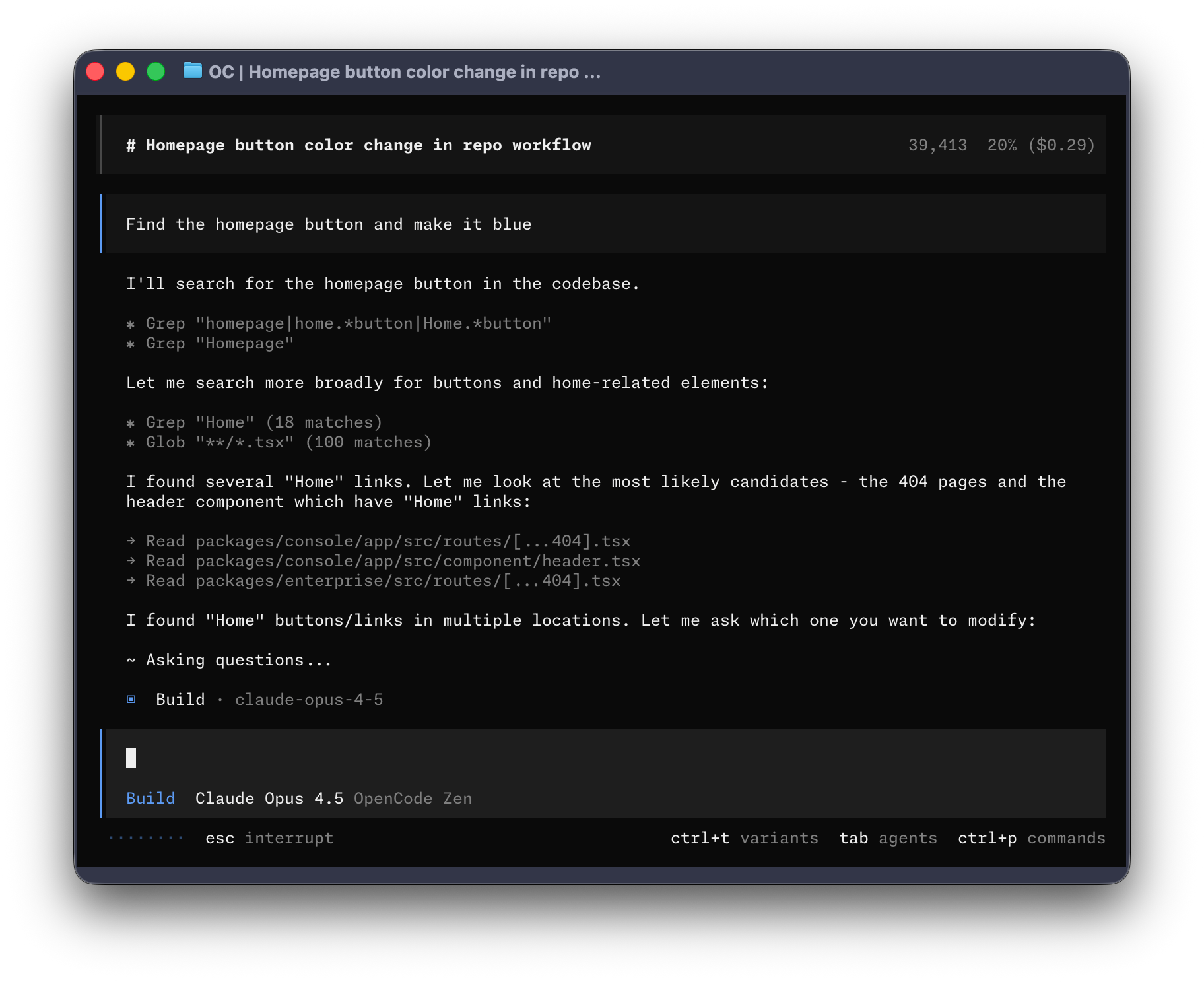
OpenCode Terminal UI


Installation

# YOLO
curl -fsSL https://opencode.ai/install | bash

# Package managers
npm i -g opencode-ai@latest        # or bun/pnpm/yarn
scoop install opencode             # Windows
choco install opencode             # Windows
brew install anomalyco/tap/opencode # macOS and Linux (recommended, always up to date)
brew install opencode              # macOS and Linux (official brew formula, updated less)
sudo pacman -S opencode            # Arch Linux (Stable)
paru -S opencode-bin               # Arch Linux (Latest from AUR)
mise use -g opencode               # Any OS
nix run nixpkgs#opencode           # or github:anomalyco/opencode for latest dev branch

Tip

Remove versions older than 0.1.x before installing.

Desktop App (BETA)

OpenCode is also available as a desktop application. Download directly from the releases page or opencode.ai/download.

Platform Download
macOS (Apple Silicon) opencode-desktop-mac-arm64.dmg
macOS (Intel) opencode-desktop-mac-x64.dmg
Windows opencode-desktop-windows-x64.exe
Linux .deb, .rpm, or .AppImage
# macOS (Homebrew)
brew install --cask opencode-desktop
# Windows (Scoop)
scoop bucket add extras; scoop install extras/opencode-desktop

Installation Directory

The install script respects the following priority order for the installation path:

  1. $OPENCODE_INSTALL_DIR - Custom installation directory
  2. $XDG_BIN_DIR - XDG Base Directory Specification compliant path
  3. $HOME/bin - Standard user binary directory (if it exists or can be created)
  4. $HOME/.opencode/bin - Default fallback
# Examples
OPENCODE_INSTALL_DIR=/usr/local/bin curl -fsSL https://opencode.ai/install | bash
XDG_BIN_DIR=$HOME/.local/bin curl -fsSL https://opencode.ai/install | bash

Agents

OpenCode includes two built-in agents you can switch between with the Tab key.

  • build - Default, full-access agent for development work
  • plan - Read-only agent for analysis and code exploration
    • Denies file edits by default
    • Asks permission before running bash commands
    • Ideal for exploring unfamiliar codebases or planning changes

Also included is a general subagent for complex searches and multistep tasks. This is used internally and can be invoked using @general in messages.

Learn more about agents.

Documentation

For more info on how to configure OpenCode, head over to our docs.

Contributing

If you're interested in contributing to OpenCode, please read our contributing docs before submitting a pull request.

Building on OpenCode

If you are working on a project that's related to OpenCode and is using "opencode" as part of its name, for example "opencode-dashboard" or "opencode-mobile", please add a note to your README to clarify that it is not built by the OpenCode team and is not affiliated with us in any way.


Join our community Discord | X.com

About

The open source coding agent.

opencode.ai

Resources

Readme
License

Code of conduct

Code of conduct

Contributing

Contributing

Security policy

Security policy
Activity
Custom properties

Stars

0 stars

Watchers

0 watching

Forks

0 forks
Report repository

Releases

Packages

Used by

Contributors

Languages

You are visitor 01402503 — GeezerVison does not store the pages you look up.
Best viewed with Netscape Navigator 4.7 or Internet Explorer 6 at 800×600. No cookies required.