GV

GeezerVison

The World Wide Web, restored to 800 pixels of glory.

Home|About|Gaming cabinet|Archives|How it works|Starter sites

On this site

  • Sign in
  • ActionsCI/CD and automation
  • CodespacesCloud development environments
  • All Features
  • Documentation
  • Training
  • Certifications
  • Build with Copilot
  • Customize Copilot
  • Integrations
  • Trending repos
  • GitHub Sponsors
  • Developer articles
  • Enterprises

This view

  • Original page
  • New address

GeezerVison is showing github.com — GitHub - a63149300/vue-flow-design-plus: Vue Flow Design Plus流程设计器,基于Vue + Ant Design Vue + JSPlumb

BranchesTags
Open more actions menu

Latest commit


History

95 Commits
95 Commits

Folders and files

NameName
Last commit message
Last commit date
README.assets
README.assets
 
 
build
build
 
 
config
config
 
 
docs
docs
 
 
src
src
 
 
static
static
 
 
test
test
 
 
.babelrc
.babelrc
 
 
.editorconfig
.editorconfig
 
 
.eslintignore
.eslintignore
 
 
.eslintrc.js
.eslintrc.js
 
 
.gitignore
.gitignore
 
 
.npmrc
.npmrc
 
 
.postcssrc.js
.postcssrc.js
 
 
.project
.project
 
 
LICENSE
LICENSE
 
 
README.md
README.md
 
 
index.html
index.html
 
 
package.json
package.json
 
 
pnpm-lock.yaml
pnpm-lock.yaml


Repository files navigation

在线演示

点击预览

介绍

  • VUE FLOW DESIGN PLUS 流程设计器,基于 Vue + Ant Design Vue + JSPlumb,该组件目的是为了使用在 Vue 项目中,它前身是VFD 流程设计器。
  • Vue 版本以全新的技术栈重构了代码,并在原版基础上实现了更好的操作方式,新版会作为优先版本持续迭代。

Vue3 版本开源

  • VUE3 FLOW DESIGN 流程设计器,基于 Vue3 + TypeScript + Vite + Ant Design Vue 3 + JSPlumb。vue3-flow-design。

优化内容

  • 解决之前 VFD 遗留的 BUG
  • 将 jquery-ui 换成原生写法
  • 将 jquery 换成原生写法
  • 修改 that 为 this 写法,改写箭头函数
  • 注解添加
  • 持续优化
  • ...

操作命令

  • 安装项目 node_modules 包:yarn

  • 启动项目:yarn start

  • 构建项目 dist 文件夹资源:npm run build

效果演示

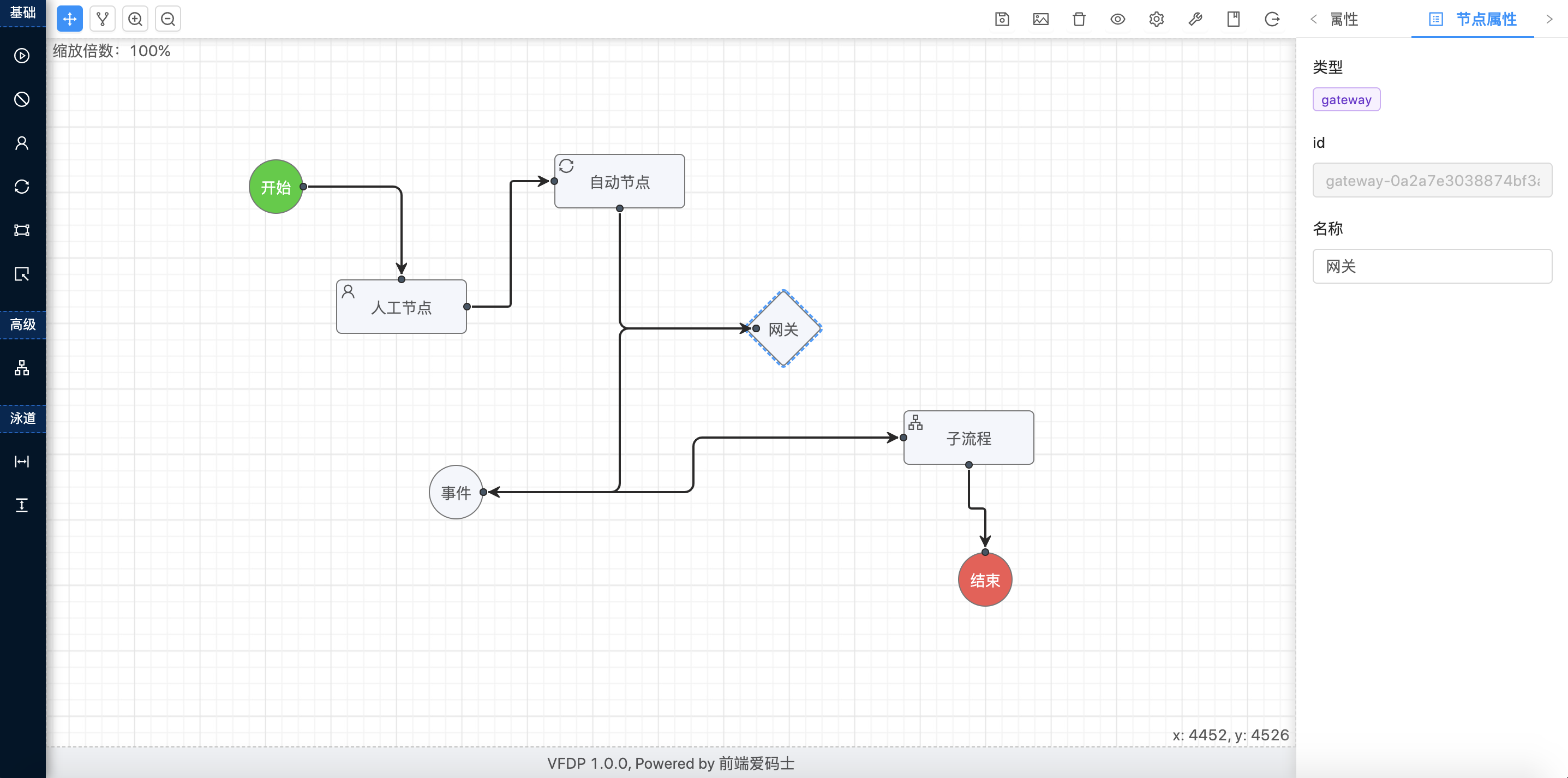
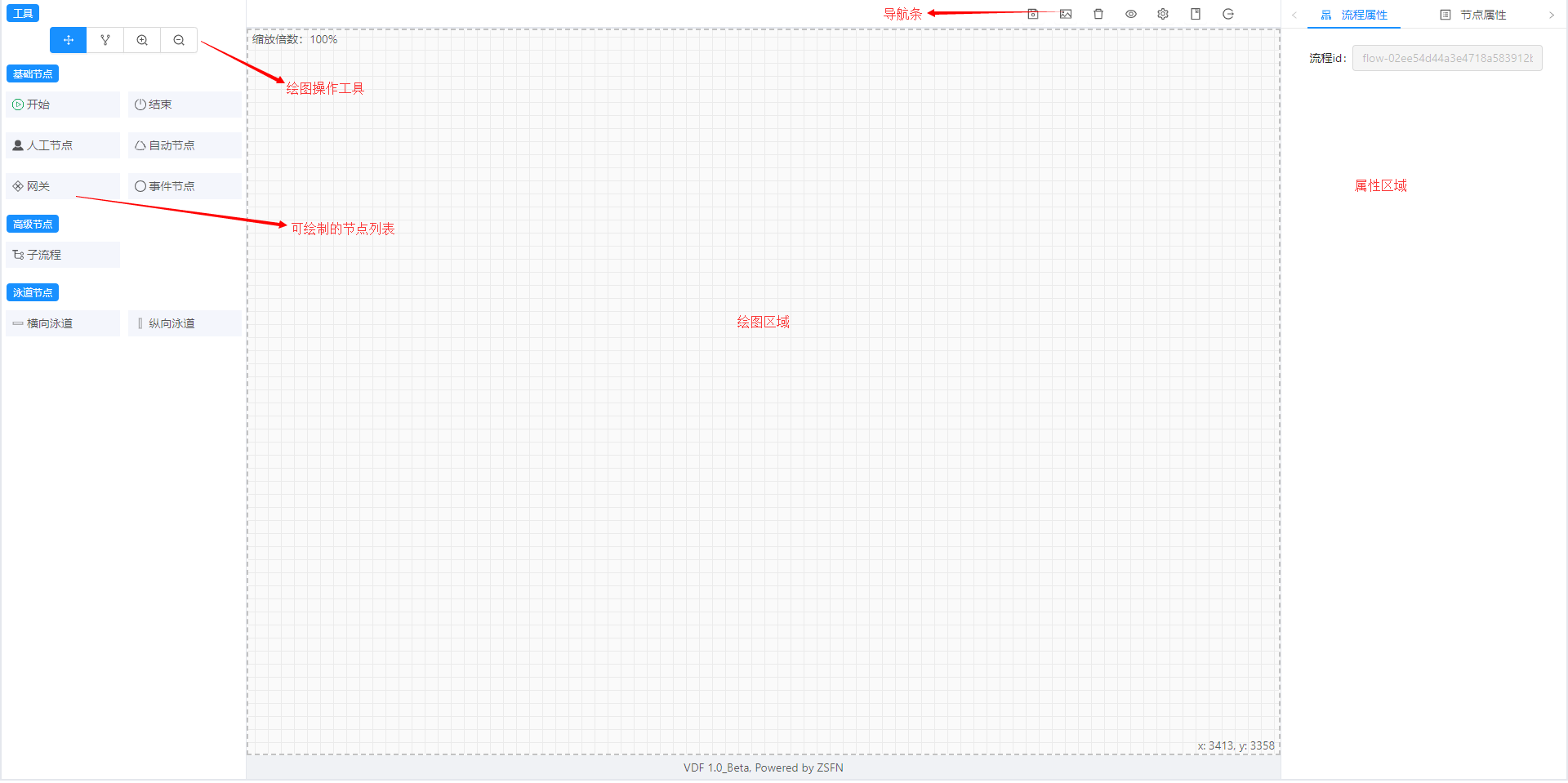
  • 最新界面效果 01

  • 基础面板

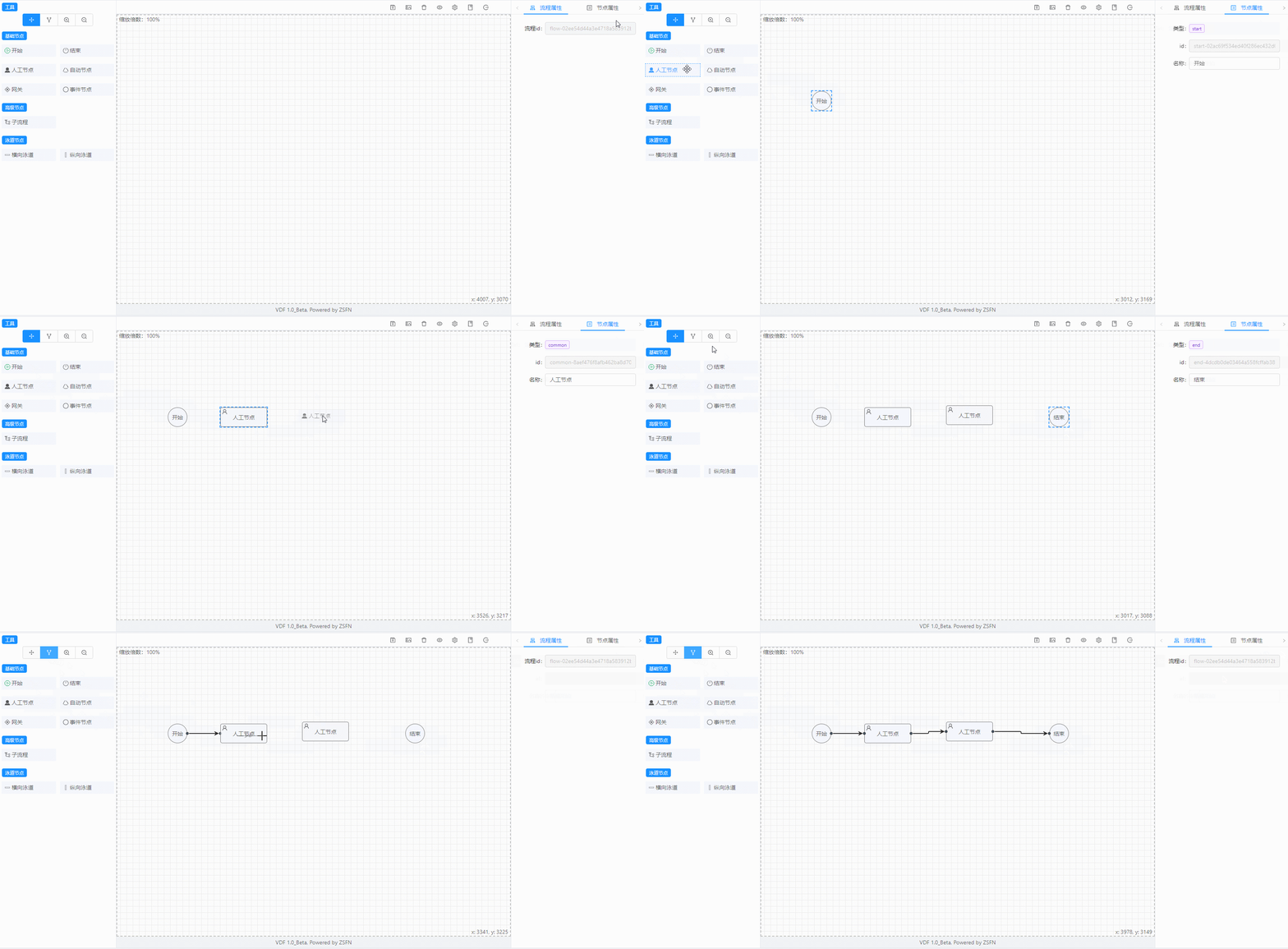
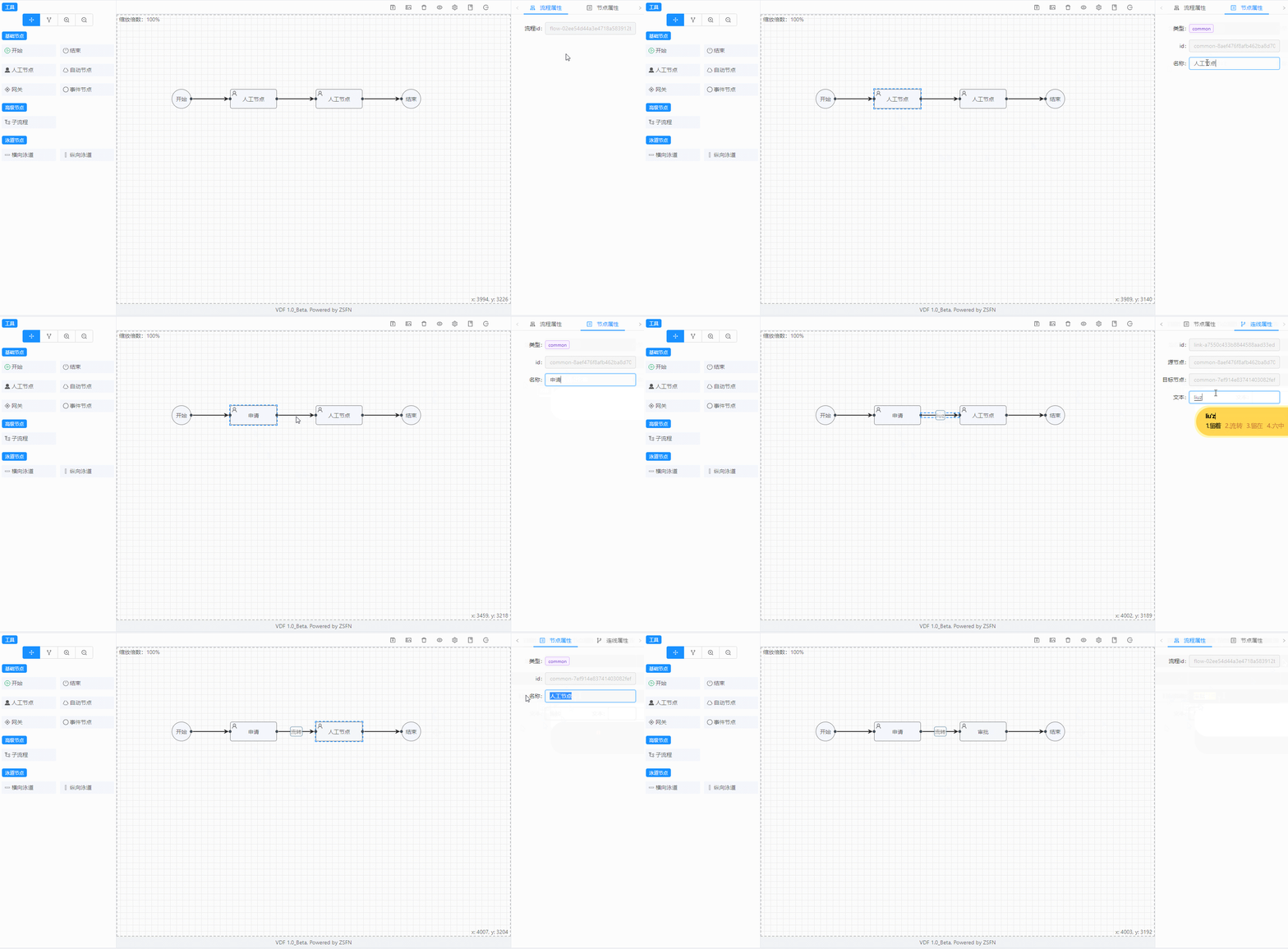
    02

  • 拖拽节点到绘图区连线

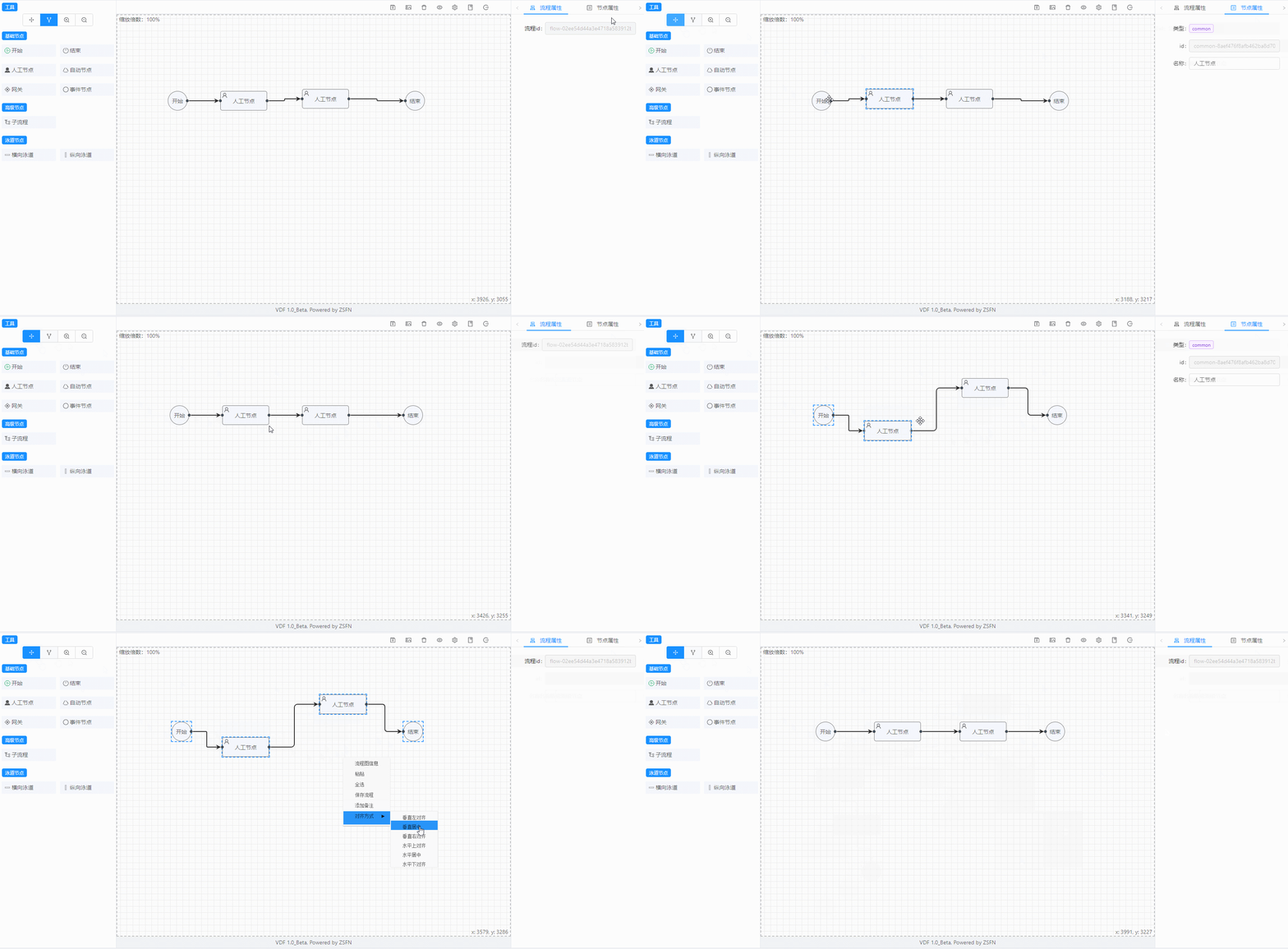
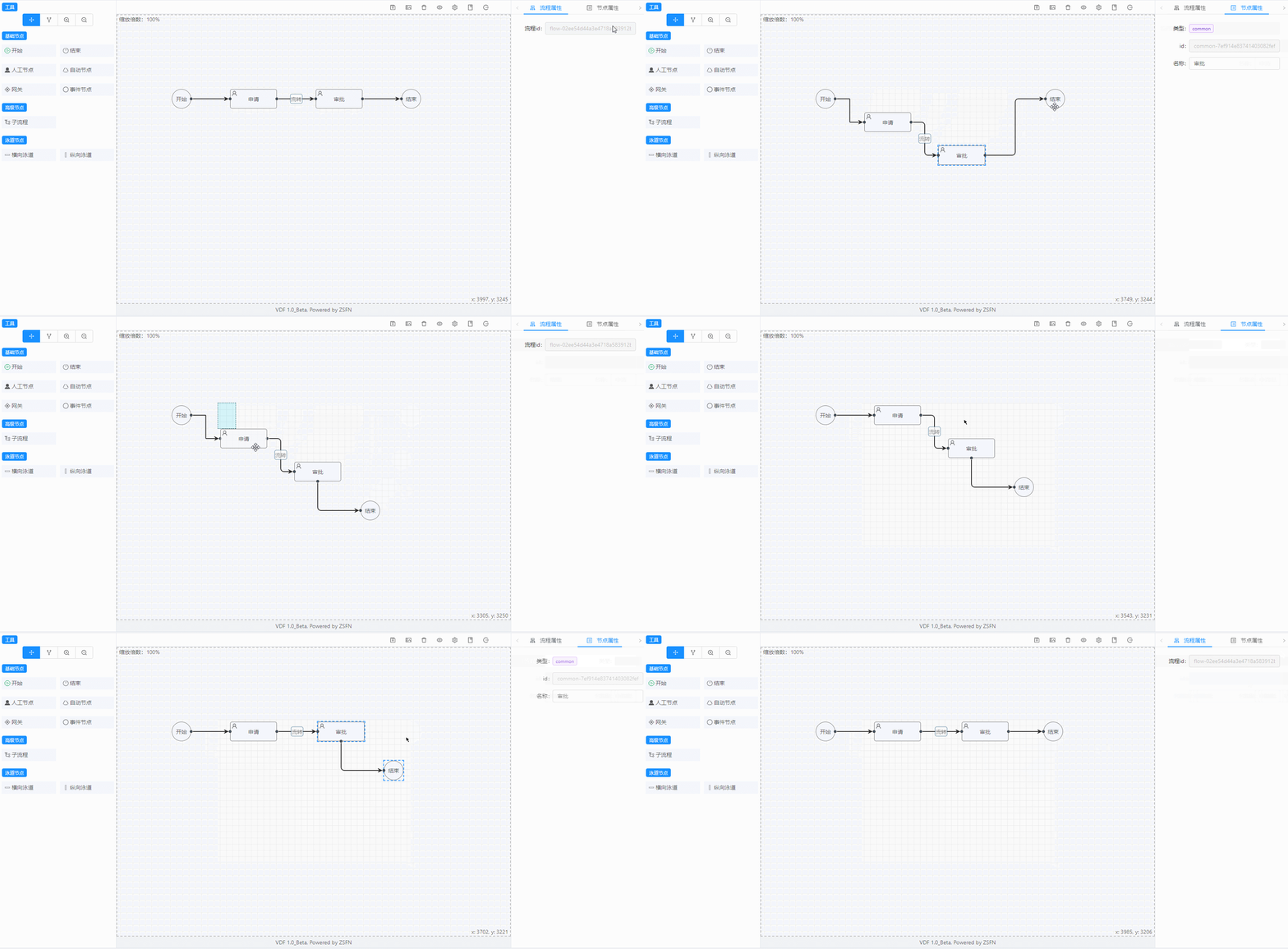
    03

  • 拖拽对齐或使用自动对齐

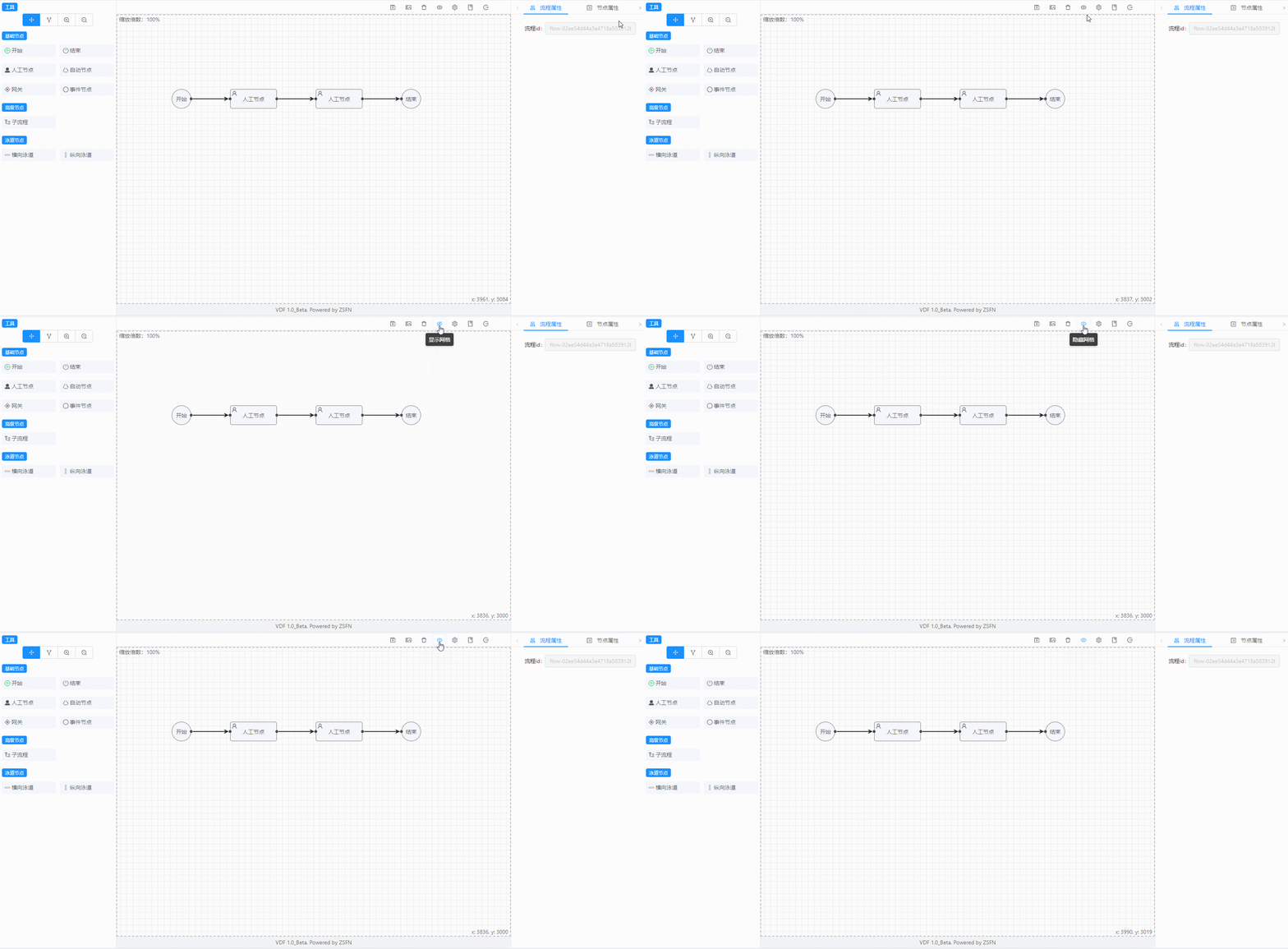
    04

  • 显示/隐藏网格

    05

  • 设置节点和连线的属性

    06

  • 单节点、多节点移动(按住 CTRL 键)

    07

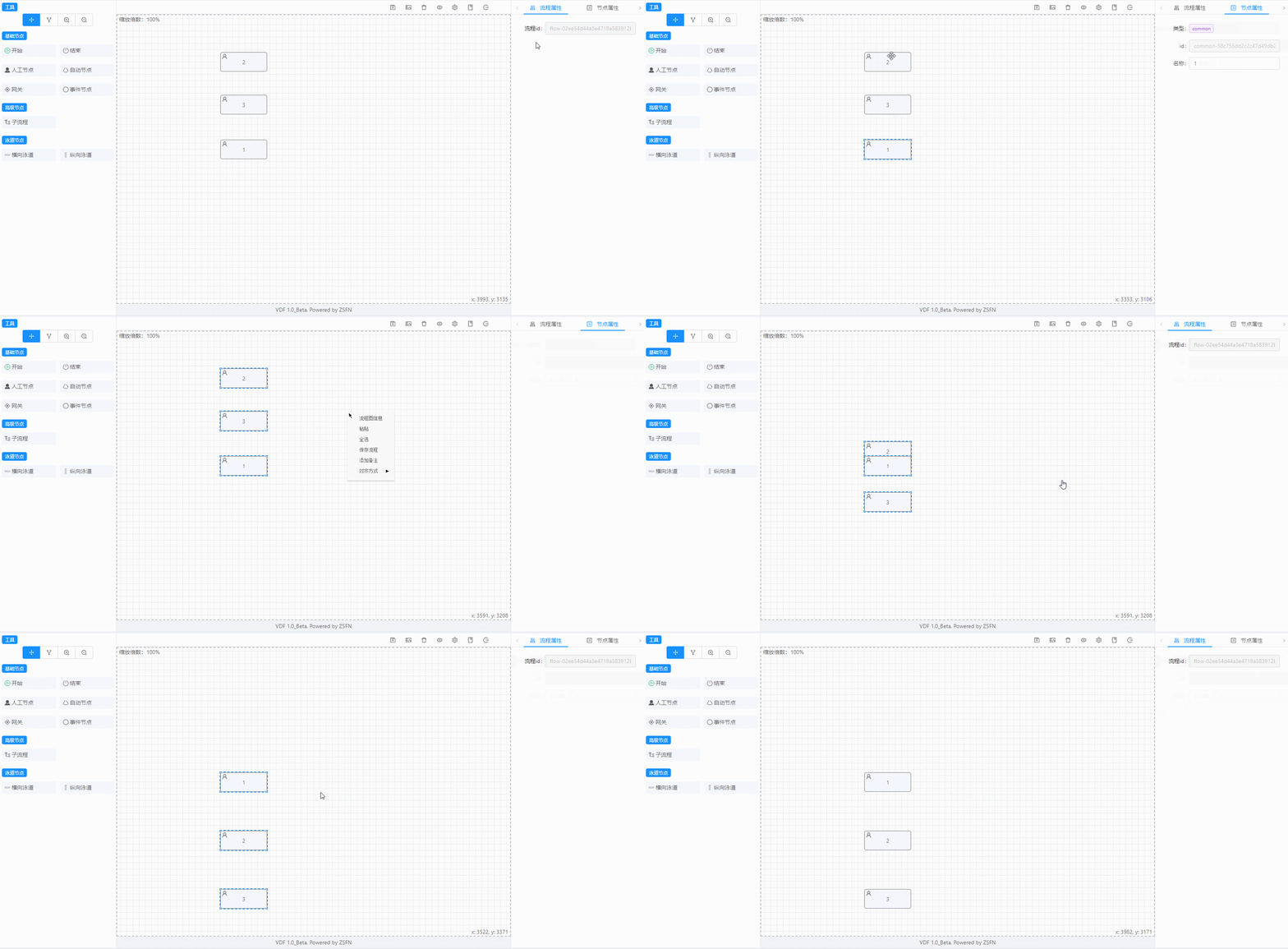
  • 改变节点对齐的排序顺序(按住 Ctrl 键一个一个单击选中要对齐的节点,单击的顺序就是对齐的排列顺序)
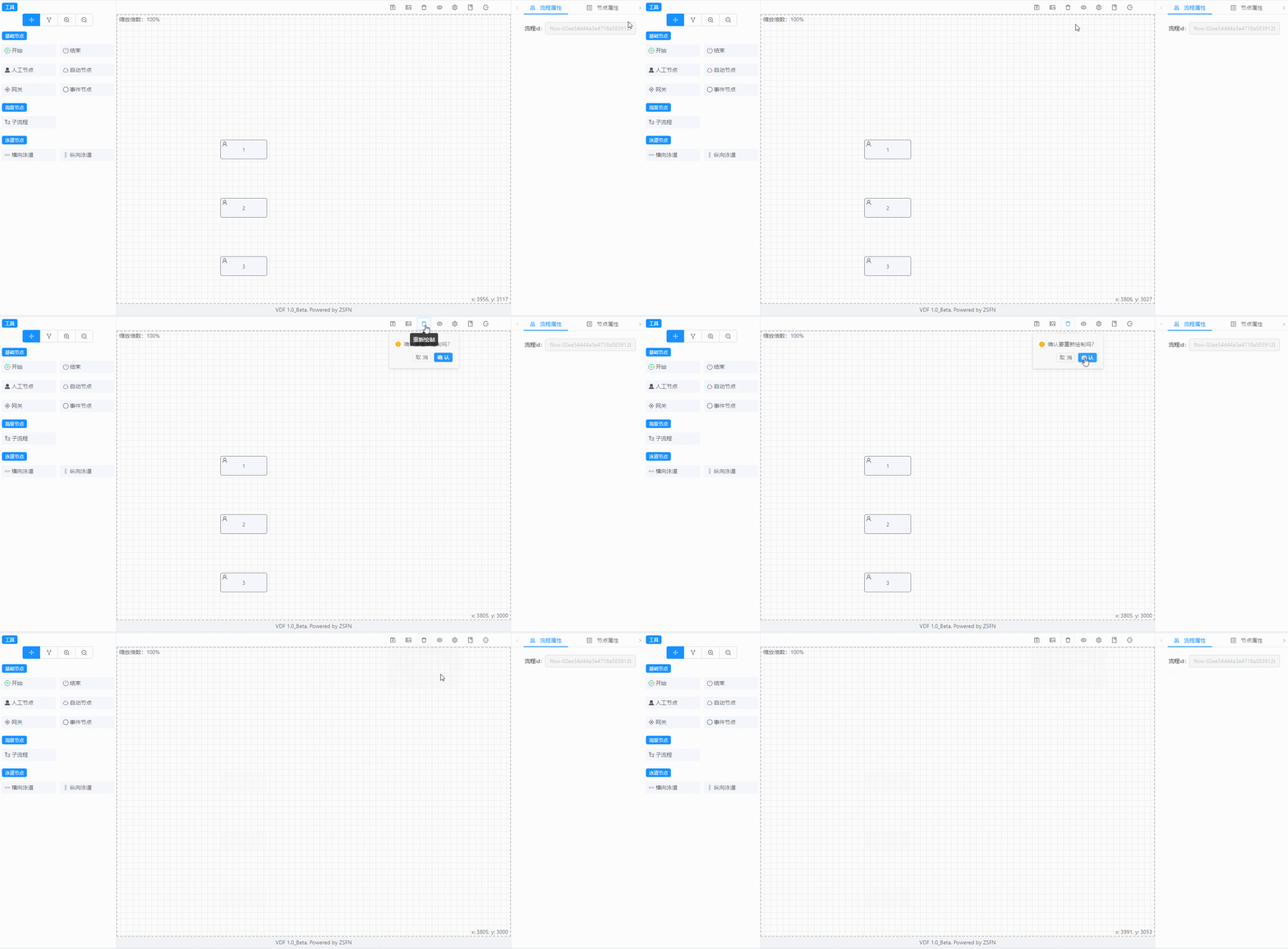
    08

  • 清空画布,重新绘制

    09

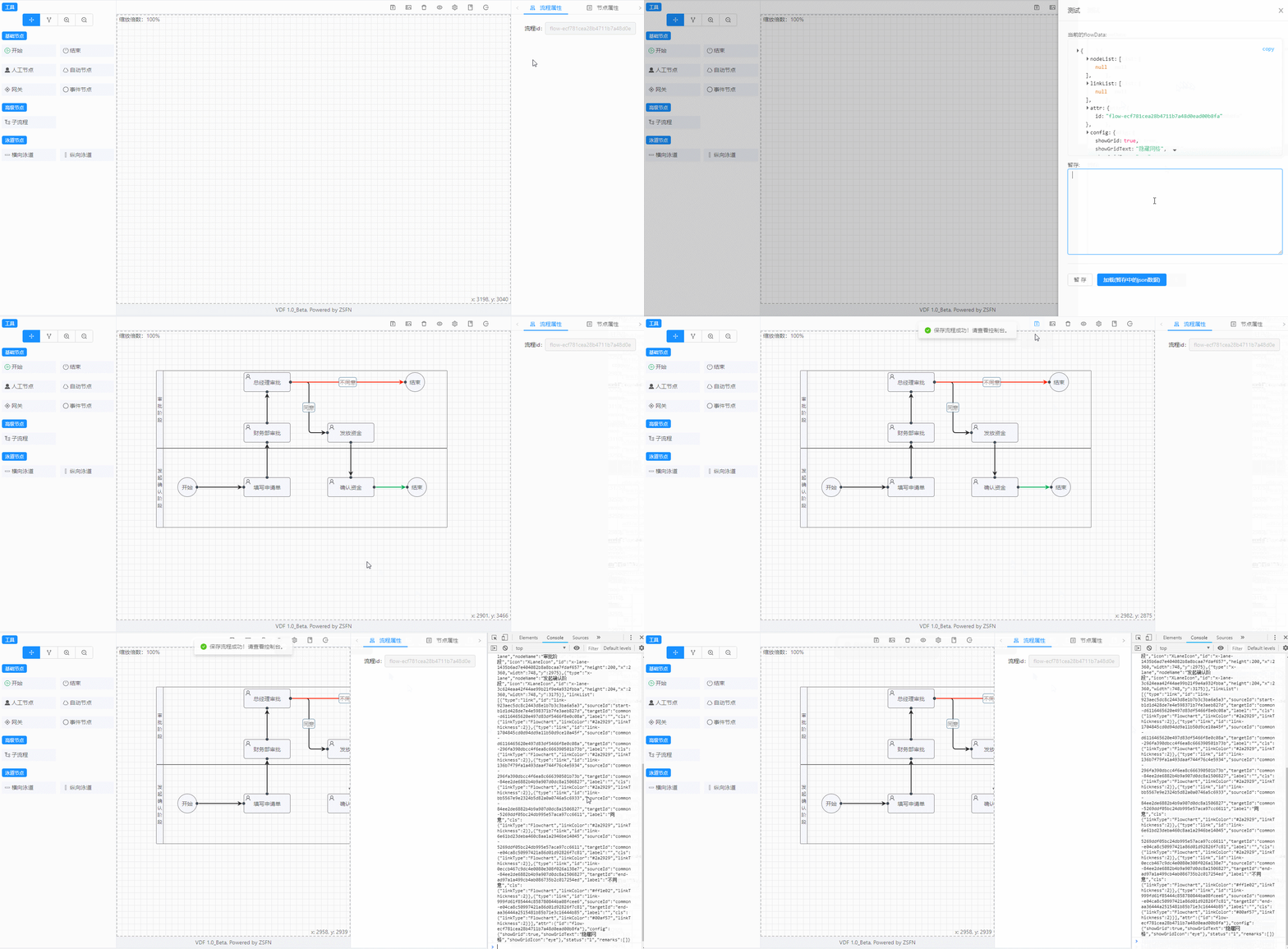
  • 保存流程图(会生成一段 json 数据,后台可以保存这段数据,为了便于调试,生成的 json 数据可以通过快捷键 CTRL+ALT+T 打开的测试窗口看到。同时也可以从该窗口载入其他的符合流程图的 json 数据)
    10

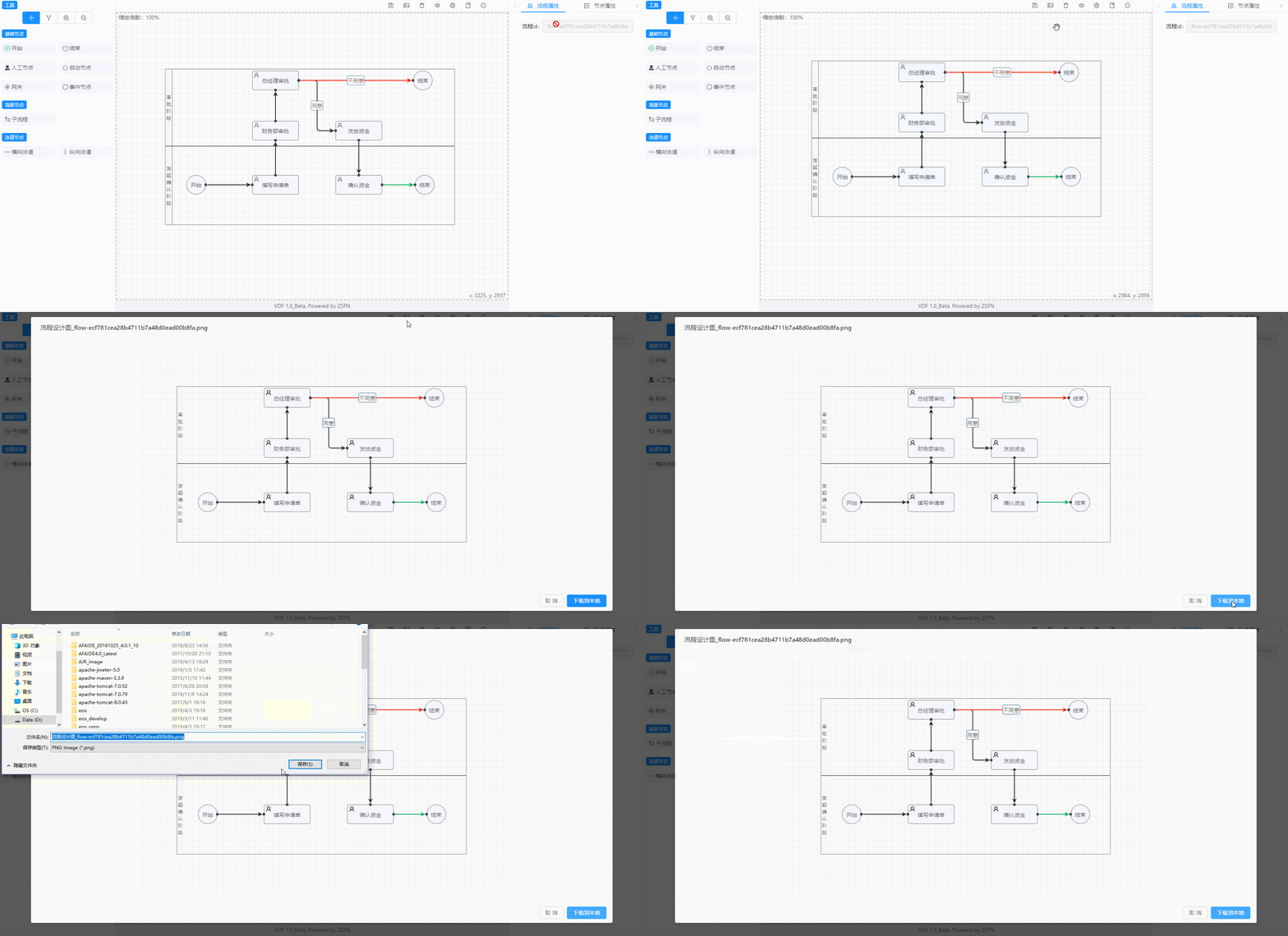
  • 保存流程图为图片保存到本地

    11

  • 画布拖拽、缩放

    12

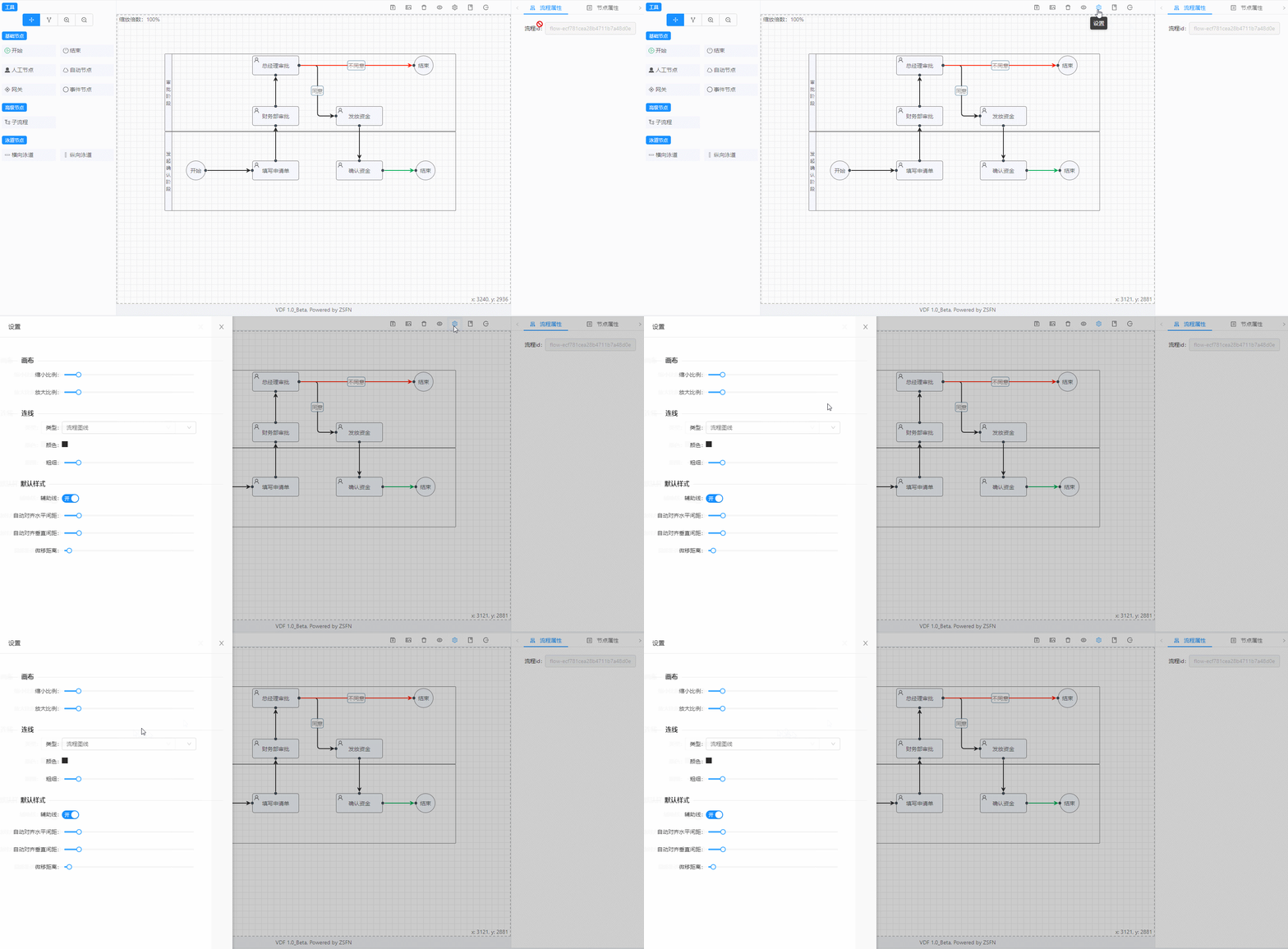
  • 通过设置页面(CTRL+ALT+S)可以设置相关参数

    13

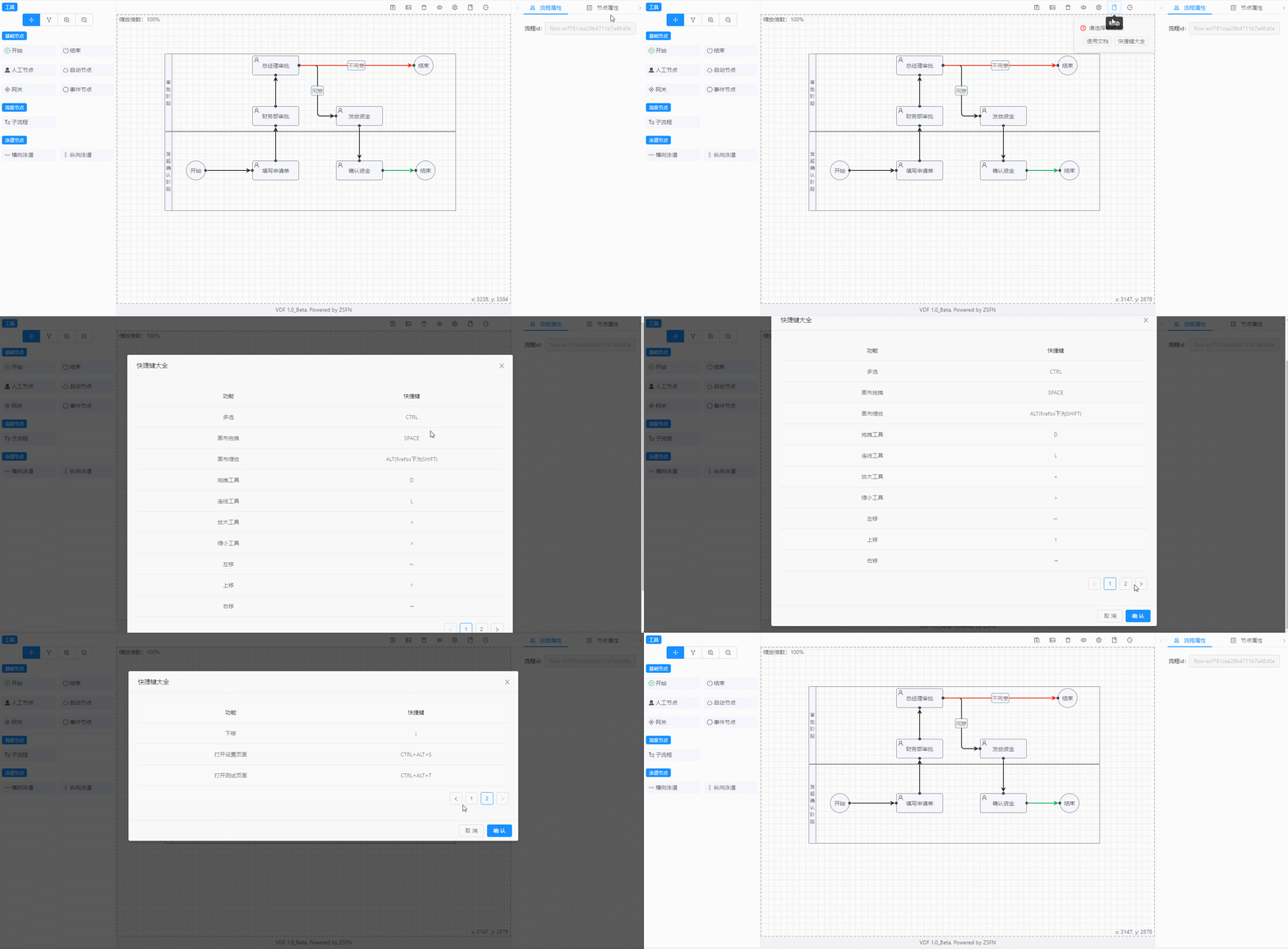
  • 快捷键说明

    14

  • 。。。。。。


About

Vue Flow Design Plus流程设计器,基于Vue + Ant Design Vue + JSPlumb

a63149300.github.io/vue-flow-design-plus/

Topics

ant-design-vueflowchartflowdesignerjsplumbvue

Resources

Readme
MIT license
Activity

Stars

45 stars

Watchers

6 watching

Forks

15 forks
Report repository

Releases

Packages

Used by

Contributors

Languages

You are visitor 01402792 — GeezerVison does not store the pages you look up.
Best viewed with Netscape Navigator 4.7 or Internet Explorer 6 at 800×600. No cookies required.