一个收集 app 输出日志的工具,输出文件:模拟器是 /sdcard/Android/data/项目包名/cache/,真机是 /Android/data/项目包名/cache/,里面的 crash 目录是崩溃日志,log 目录是 logcat 日志。
- 在 module 的
build.gradle中添加依赖:dependencies { implementation 'com.ljuns:logcollector:<latest-version>' }
- 在 AndroidManifest.xml 中申请如下权限:
<uses-permission android:name="android.permission.WRITE_EXTERNAL_STORAGE" />
<uses-permission android:name="android.permission.READ_LOGS" />
- 在 Application 的
onCreate()方法中调用如下:LogCollector.getInstance(this).start();
注意,如果项目有多个 module,想要输出其他 module 的日志,需要在对应的 module 的 build.gradle 中添加如下内容:
buildTypes {
    release {
        debuggable true
    }
}
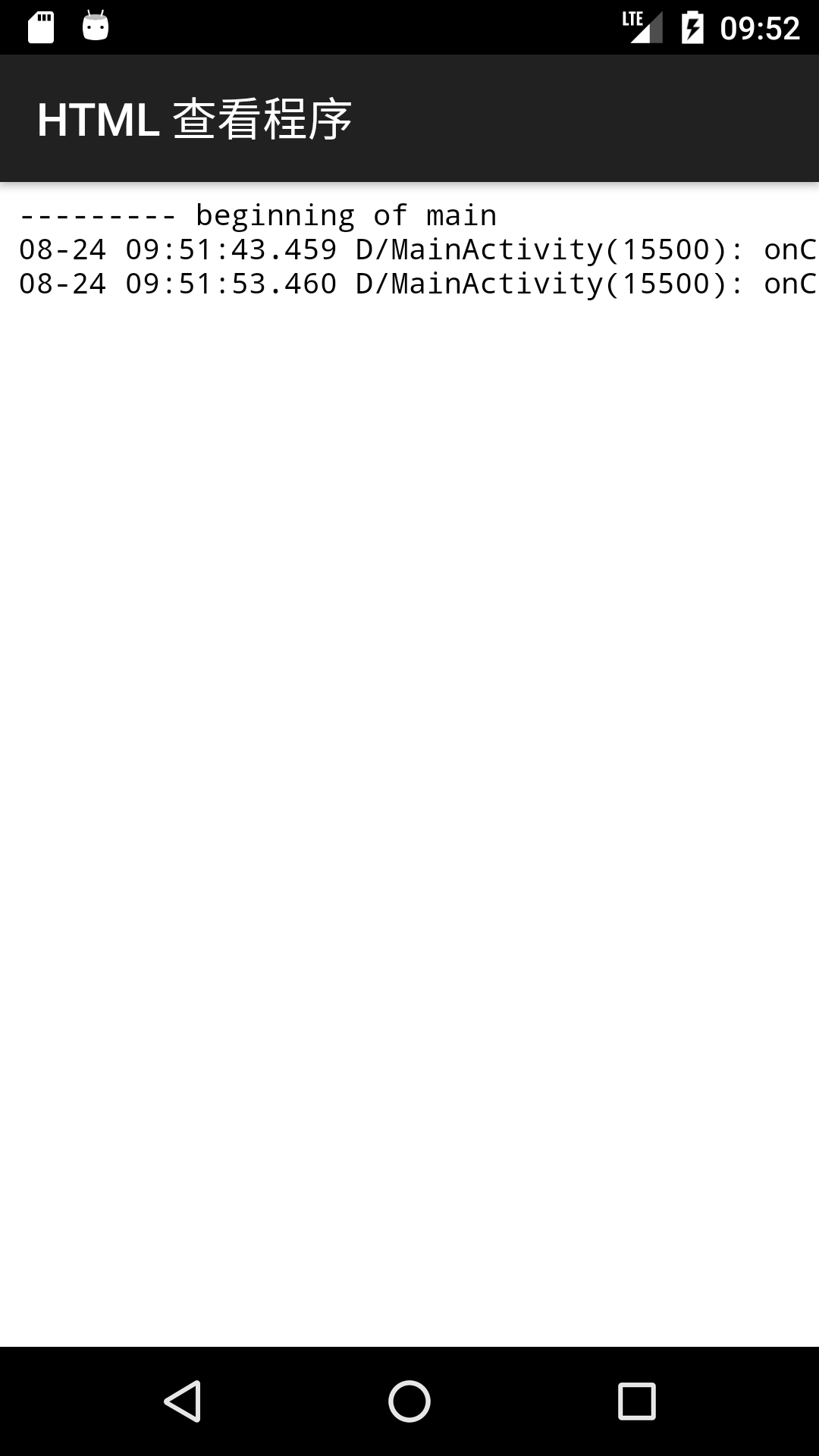
- 可以根据日志 TAG 进行过滤:
LogCollector.getInstance(this)
  	.setTag("MainActivity")
  	.start();
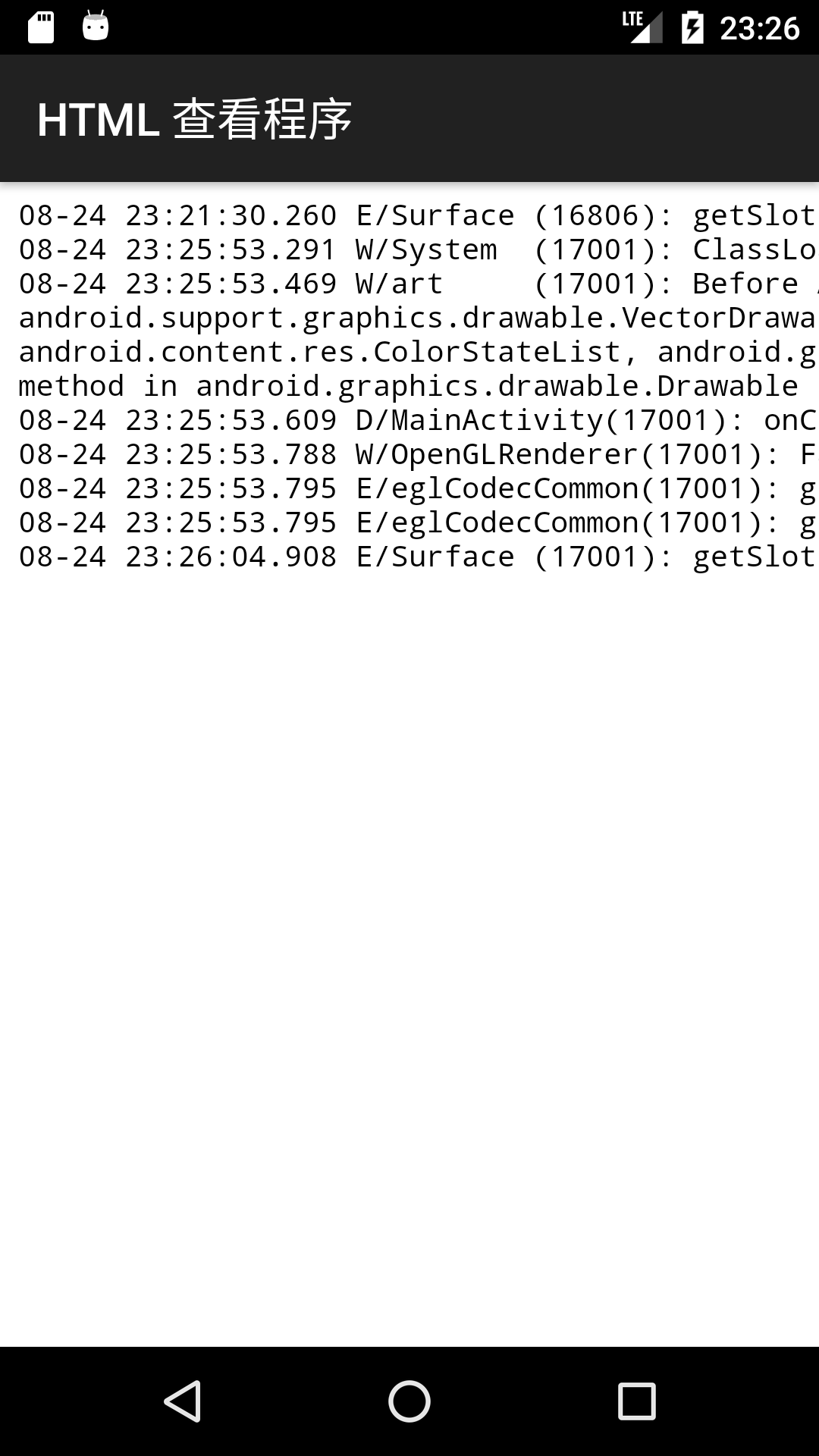
- 可以根据日志级别进行过滤:
LogCollector.getInstance(this)
  	// 可配置类型:V、D、I、W、E、F、S
	// V 表示最低级,所有类型都会收集;S 标记最高级,可能不会收集任何东西
  	.setLevel(LevelUtils.W) // 表示收集 W 以后的日志,即收集 W、E、F、S 这四种日志
  	.start();
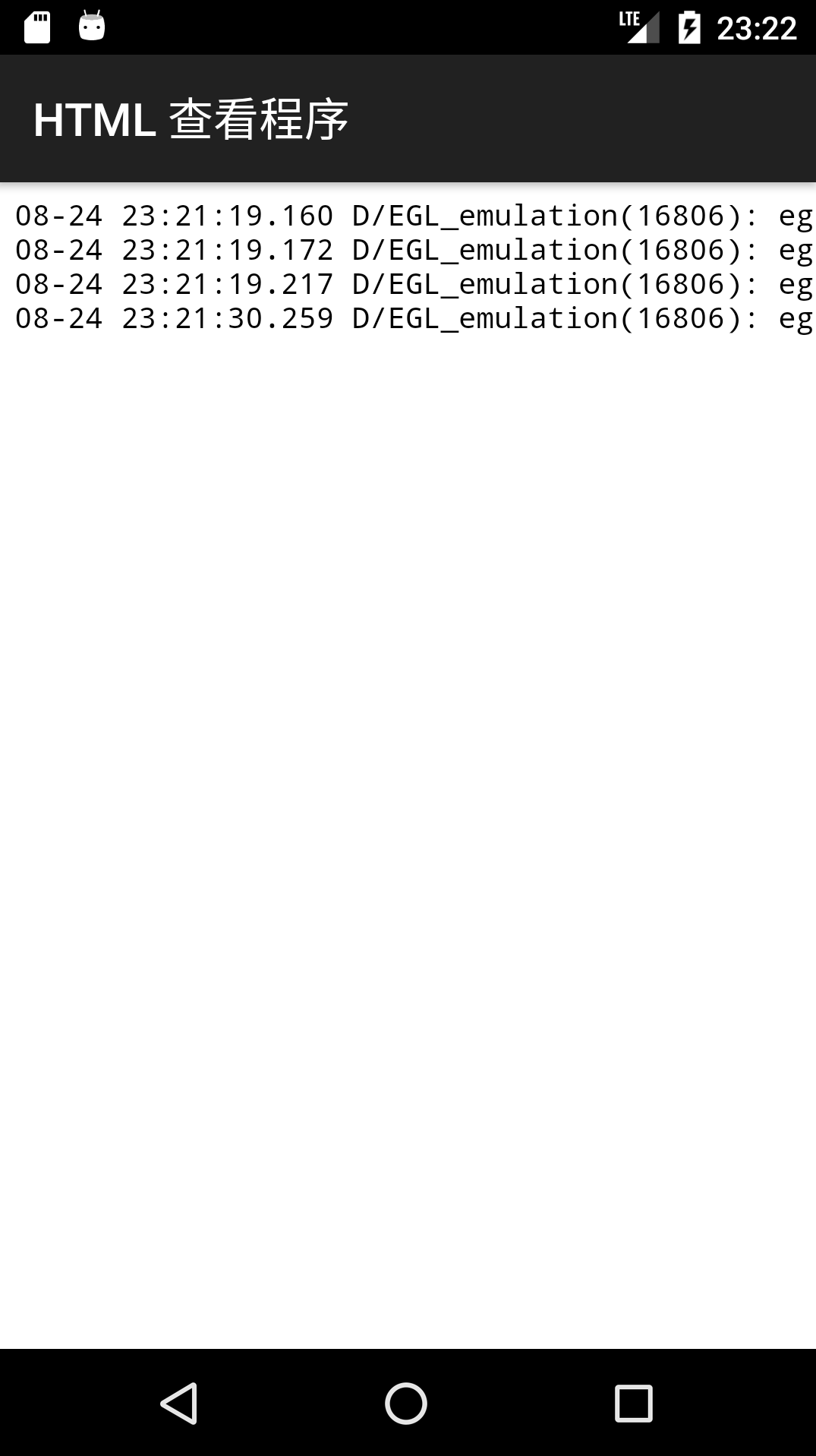
- 可同时过滤 TAG 和日志级别:
// 过滤 TAG 为 EGL_emulation,级别为 D
LogCollector.getInstance(this)
	.setTagWithLevel("EGL_emulation", LevelUtils.D)
	.start();

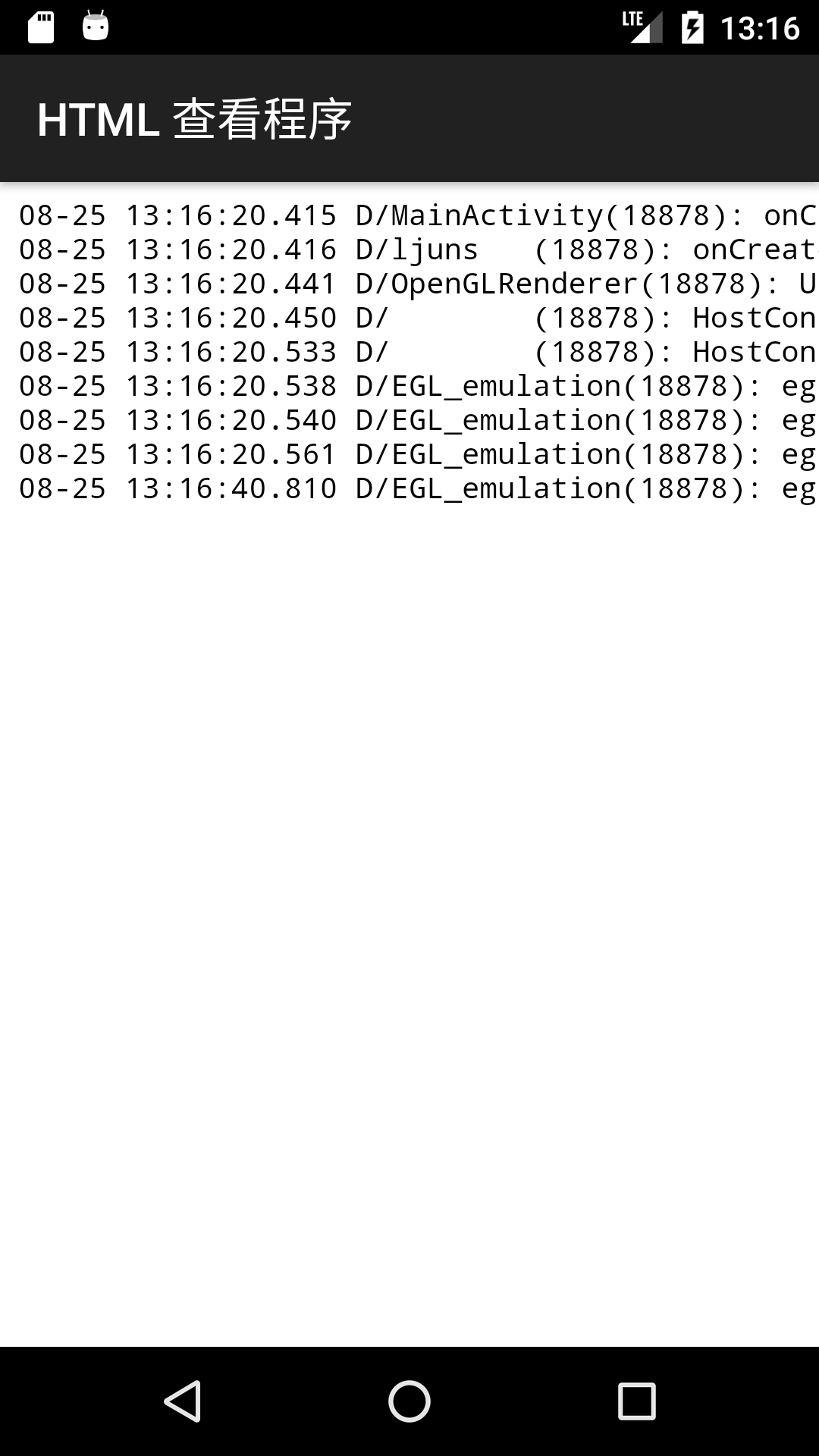
// 如果使用如下方式,过滤的是 TAG 为 EGL_emulation,级别为大于等于 D
.setTag("EGL_emulation")
.setLevel(LevelUtils.D)
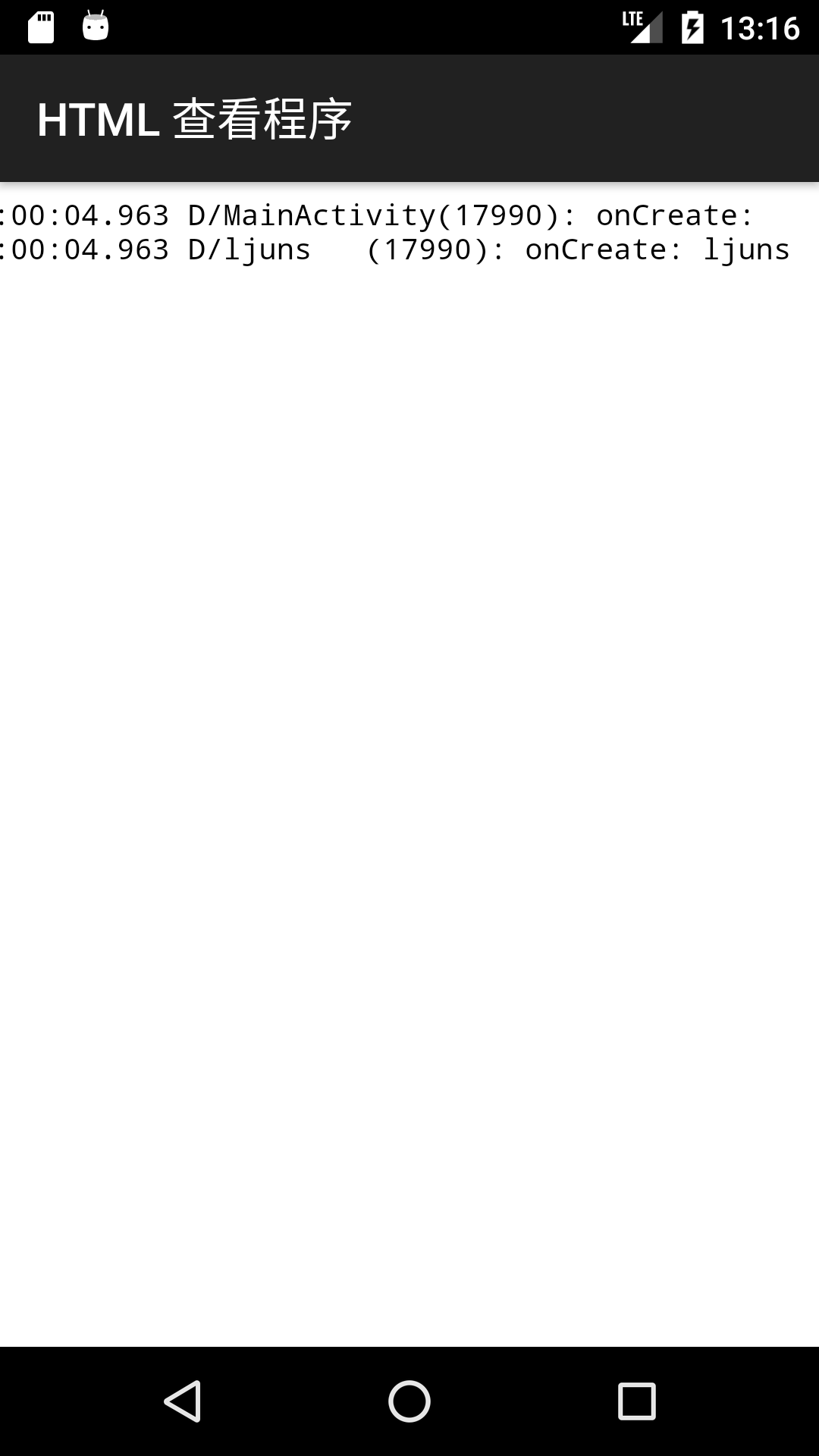
- 可以根据是否区分字符串大小写进行过滤:
LogCollector.getInstance(this)
	// 过滤字符串 OnCreate,默认区分大小写
	.setString("onCreate")
	//.setString("onCreate", true) // 忽略大小写
	.start();
- 可以根据日志类型进行过滤:
LogCollector.getInstance(this)
	// 可配置类型:V、D、I、W、E、A
	.setType(TypeUtils.DEBUG) // 过滤日志类型是 DEBUG
	.start();
- 可以同时过滤字符串和日志类型:
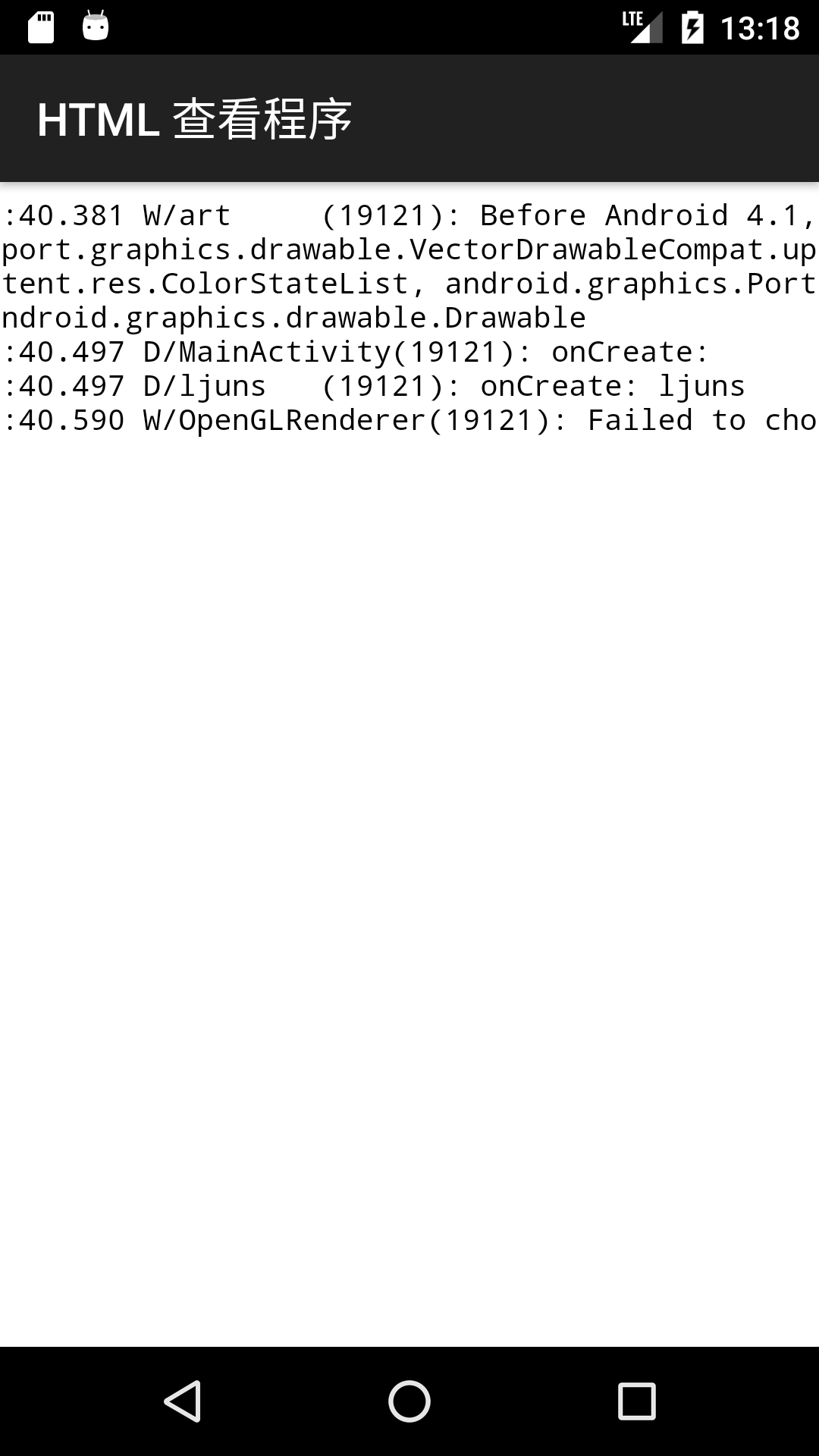
LogCollector.getInstance(this)
	// 过滤字符串 OnCreate,日志类型是 WARN,默认区分大小写
	.setStringWithType("onCreate", TypeUtils.WARN)
	//.setStringWithType("onCreate", TypeUtils.WARN, true) // 忽略大小写
	.start();


// 使用如下方式也能达到相同效果:
LogCollector.getInstance(this)
	// 过滤字符串 OnCreate,默认区分大小写
	.setString("onCreate")
	//.setString("onCreate", true) // 忽略大小写
	// 过滤日志类型是 WARN
	.setType(TypeUtils.WARN)
	.start();
- 可以自定义缓存文件:
File file = new File("");
LogCollector.getInstance(this)
	// 还可以设置缓存文件路径
	.setCacheFile(file)
	.start();
- 每次收集日志前是否清除之前的缓存文件:
LogCollector.getInstance(this)
	// 默认为 false,不清除缓存文件
	.setCleanCache(true)
	.start();


Copyright 2018 ljuns

Licensed under the Apache License, Version 2.0 (the "License");	you may not use this file except in compliance with the License.
You may obtain a copy of the License at

	http://www.apache.org/licenses/LICENSE-2.0

Unless required by applicable law or agreed to in writing, software
distributed under the License is distributed on an "AS IS" BASIS,
WITHOUT WARRANTIES OR CONDITIONS OF ANY KIND, either express or implied.
See the License for the specific language governing permissions and
limitations under the License.