(Windows backend for Garden)
For more information on Diego and Garden, please refer to: Garden.
git clone https://github.com/pivotal-cf-experimental/diego-release.git diego-release

cd diego-release

git checkout working

source .envrc

scripts/update

cd $GOPATH/src/code.cloudfoundry.org/garden-windows/

go install

cd $GOPATH/bin

./garden-windows -listenNetwork=unix -listenAddr=/tmp/garden-windows.sock -containerGraceTime=1h -containerizerURL=http://52.0.209.104:80/
NB: the ip address should point to a running containerizer.
If it worked correctly, you will see output like this:
{"timestamp":"1424276697.329845428","source":"garden-windows","message":"garden-windows.started","log_level":1,"data":{"addr":"/tmp/garden-windows.sock","network":"unix"}}
If it does not connect to containerizer, you will see no output at all. Make sure containerizer is running, and that the ontainerizerURL address is correct.
Containerizer is a restful API to the if_warden windows containerization technology. When it runs with garden windows, it provides a garden implementation.
- 64 bit version of Windows (tested with Windows Server 2012 R2 Standard)
- msbuild in PATH
- Administrator access
we suggest: http://msysgit.github.io/
- Run make.bat in cmd.
- [in solution root]
Containerizer\bin\Containerizer.exe EXTERNAL_IP PORT, whereEXTERNAL_IPis generally the IPv4 addresss ipconfig reports (e.g. 10.10.5.4 in a VPC) andPORTis some arbitrary port that is passed to garden-windows as well (e.g. 1788).
-
Install https://visualstudiogallery.msdn.microsoft.com/7a52473f-9e1a-40f3-8bd8-6c00ab163609 (nspec test runner)
-
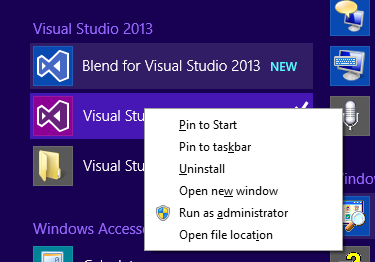
Open Visual Studio as Administrator.

-
Build solution.


The acceptance tests spin up containerizer out of process and communicate with it over HTTP. Unfortunately, this means it's more difficult to debug the server. To debug:
-
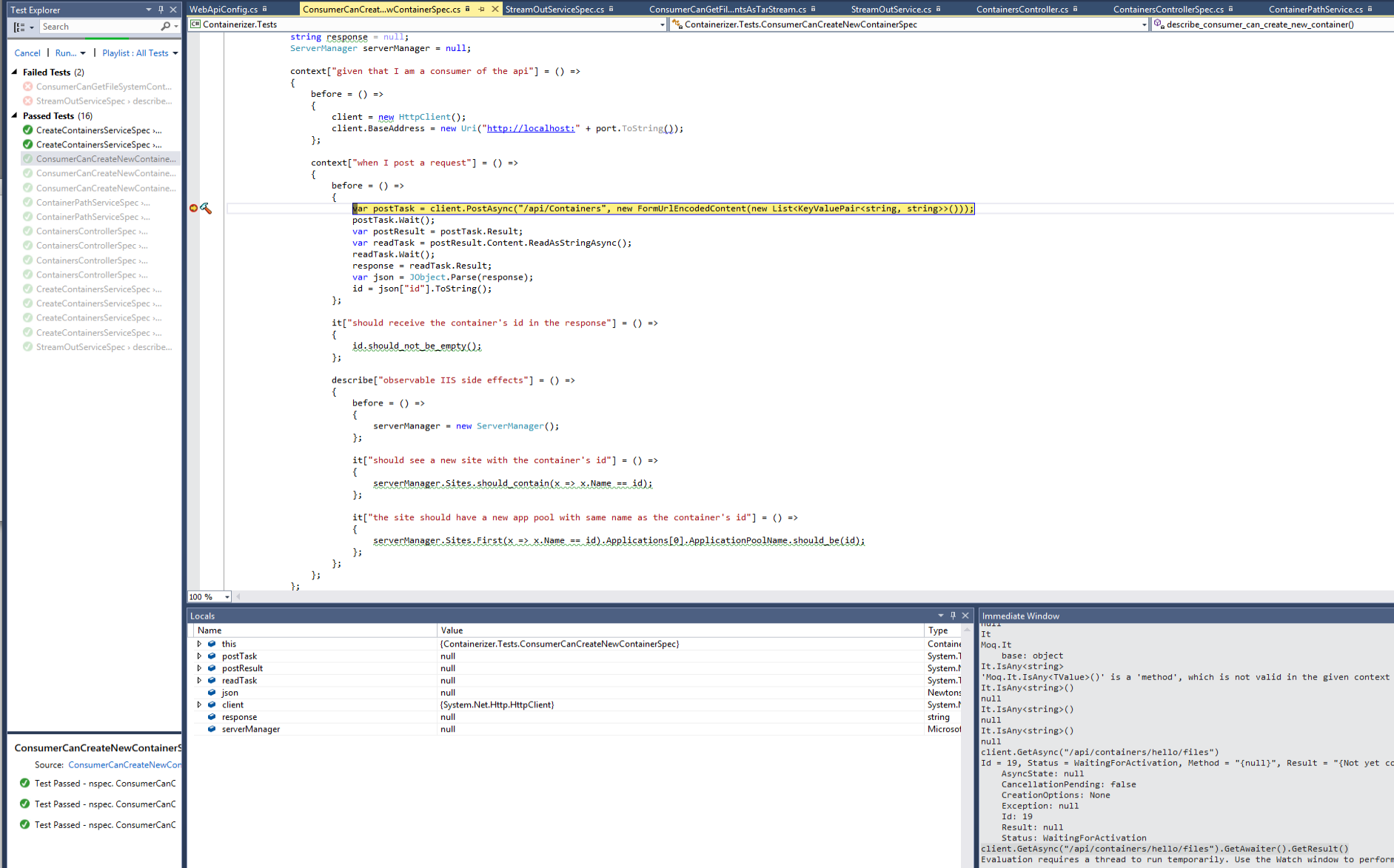
Have the server running (i.e. stop execution after starting an acceptance test, but before letting it be killed at the end of the test). To be sure that the server is correctly running, you should allow at least one request to hit the server, or IIS might not spin it up right away.
-
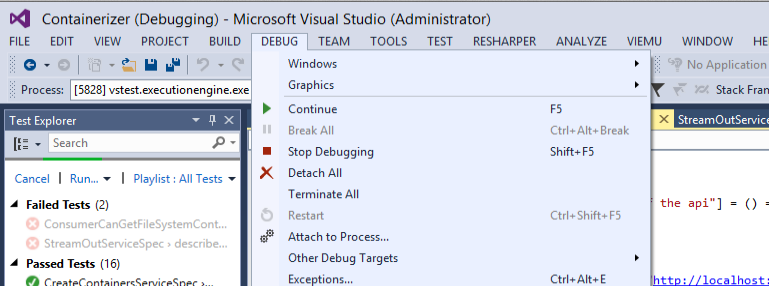
Open a new instance of Visual Studio as Administrator and open the Containerizer solution. Then, go in the debug menu and select "Attach to Process"
-
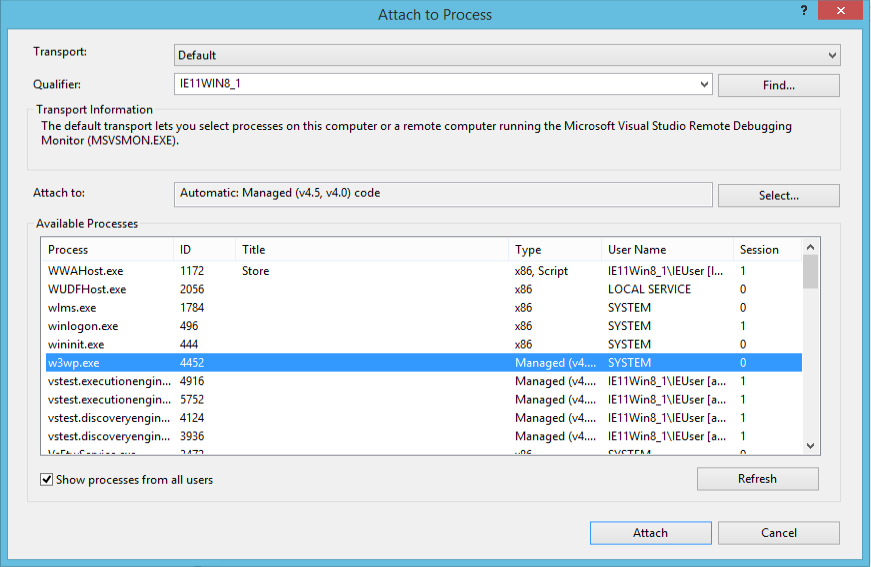
Attach to the w3wp.exe process in the available processes. Make sure that you click "Show processes from all users".
-
You can now hit debug points in the server!

-
Also, try out entrian, which automatically attaches the Visual Studio debugger to any process as it starts.


If all of the acceptance tests start breaking mysteriously and you recently created a new service, you probably forgot to add the service to the DI container. Assuming you added a service named Service, you can do so by adding
containerBuilder.RegisterType<Service>().As<IService>();
to DependencyResolver.cs.