GeezerVison is showing github.com — GitHub - dhargopala/pico-custom-font
Folders and files
| Name | Name | Last commit message | Last commit date |
|---|
| | | |
| | | |
| | | |
| | | |
|
Repository files navigation
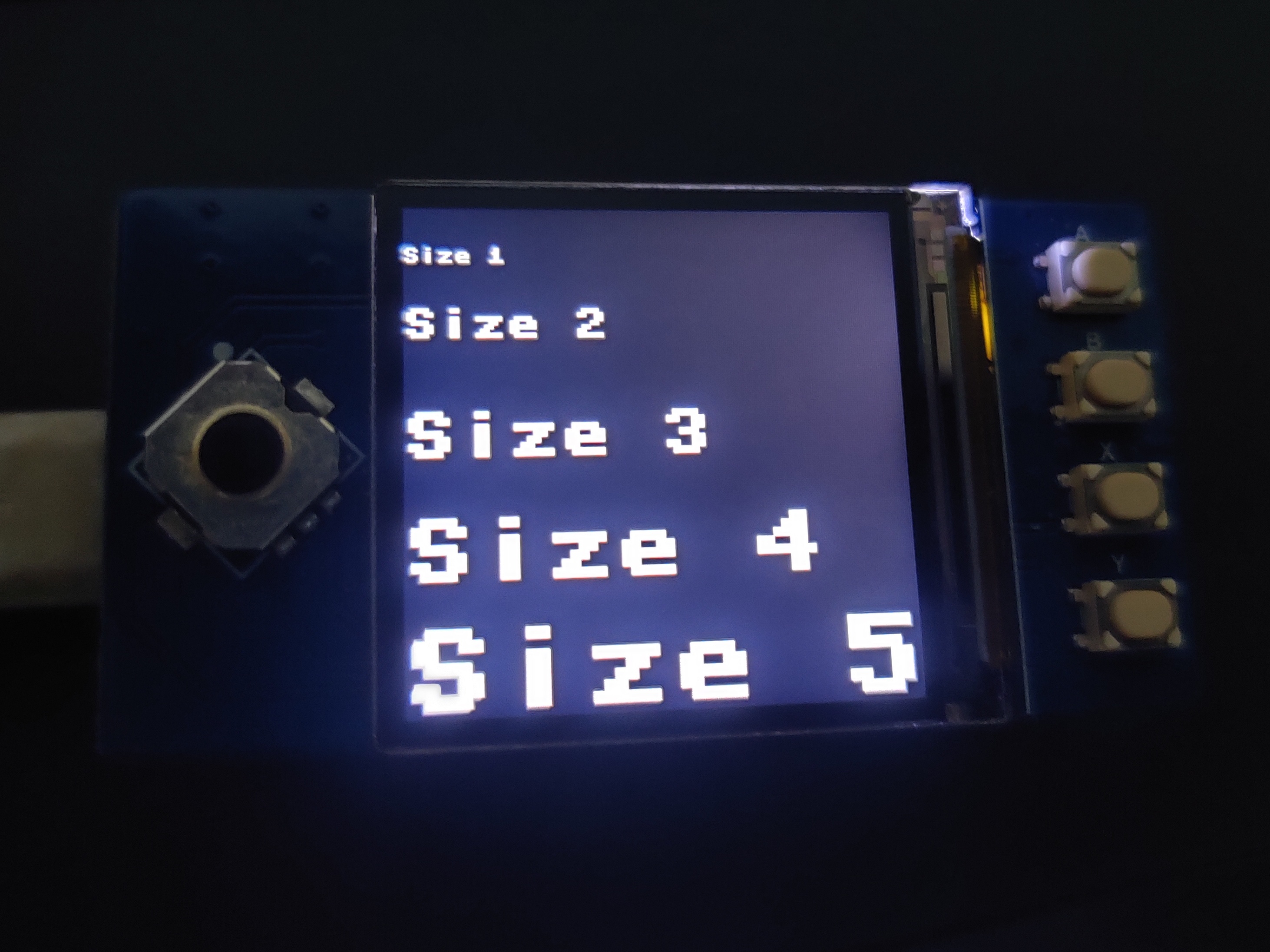
Rasberry Pi Pico uses framebuf library for most graphical methods, one such method is text, which draws text on the LCD/OLED display. However, as per their official
documentation, framebuf library only supports 8x8 pixel fonts, which are very small
.
In order display font sizes of different resolutions such as, 16x16, 32x32 and so on, a new method named write_text has been created in the LCD_1inch3 class present inside the lcd_lib.py file.
The usage of this method has been demonstrated in example.py.
NOTE: This method has only been tested on Waveshare 1.3" LCD Hat, however since most OLED and LCD panels use frambuf as their base class, this method should work with them aswell.
About
No description, website, or topics provided.
Resources
Stars
22 stars
Watchers
1 watching
Forks
