
L’agente di coding AI open source.
English | 简体中文 | 繁體中文 | 한국어 | Deutsch | Español | Français | Italiano | Dansk | 日本語 | Polski | Русский | Bosanski | العربية | Norsk | Português (Brasil) | ไทย | Türkçe | Українська | বাংলা | Ελληνικά | Tiếng Việt
# YOLO
curl -fsSL https://opencode.ai/v2/install | bash

# Package manager
npm i -g @opencode/cli@latest      # oppure bun/pnpm/yarn
brew install anomalyco/tap/opencode-v2 # macOS e Linux (consigliato, sempre aggiornato)
brew install opencode              # macOS e Linux (formula brew ufficiale, aggiornata meno spesso)
sudo pacman -S opencode            # Arch Linux (Stable)
paru -S opencode-beta              # Arch Linux (Latest from AUR)
mise use -g opencode               # Qualsiasi OS
nix run github:anomalyco/opencode  # Nix
Tip
Rimuovi le versioni precedenti alla 0.1.x prima di installare.
OpenCode è disponibile anche come applicazione desktop. Puoi scaricarla da opencode.ai/download.
| Piattaforma | Download |
|---|---|
| macOS (Apple Silicon) | opencode-desktop-mac-arm64.dmg |
| macOS (Intel) | opencode-desktop-mac-x64.dmg |
| Windows | opencode-desktop-win-x64.exe |
| Linux | .deb, .rpm, oppure AppImage |
# macOS (Homebrew)
brew install --cask opencode-desktopLo script di installazione installa OpenCode in $HOME/.opencode/bin.
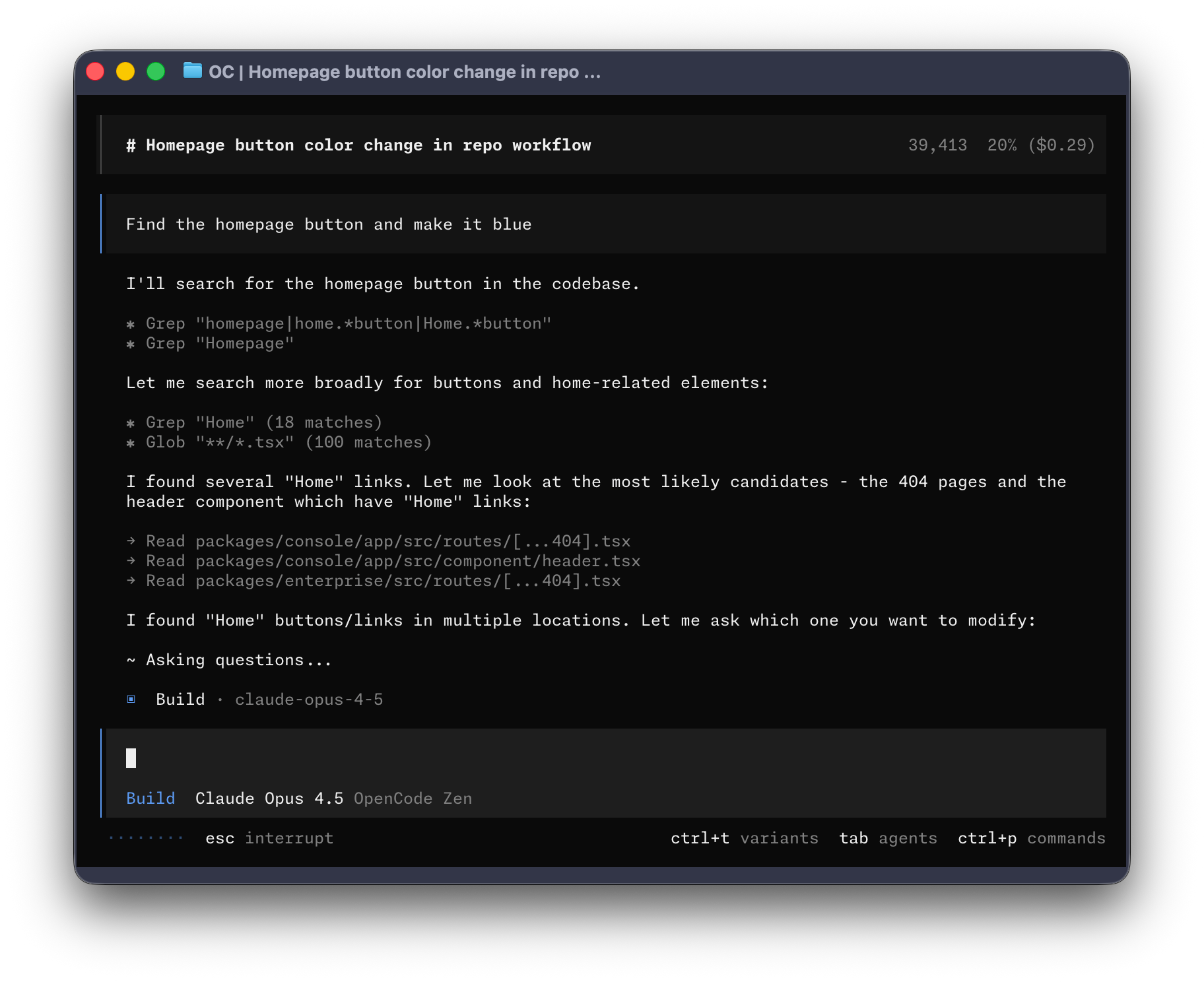
OpenCode include due agenti integrati tra cui puoi passare usando il tasto Tab.
- build – Predefinito, agente con accesso completo per il lavoro di sviluppo
- plan – Agente in sola lettura per analisi ed esplorazione del codice
- Nega le modifiche ai file per impostazione predefinita
- Chiede il permesso prima di eseguire comandi bash
- Ideale per esplorare codebase sconosciute o pianificare modifiche
È inoltre incluso un sotto-agente general per ricerche complesse e attività multi-step.
Viene utilizzato internamente e può essere invocato usando @general nei messaggi.
Scopri di più sugli agenti.
Per maggiori informazioni su come configurare OpenCode, consulta la nostra documentazione.
Se sei interessato a contribuire a OpenCode, leggi la nostra guida alla contribuzione prima di inviare una pull request.
Se stai lavorando a un progetto correlato a OpenCode e che utilizza “opencode” come parte del nome (ad esempio “opencode-dashboard” o “opencode-mobile”), aggiungi una nota nel tuo README per chiarire che non è sviluppato dal team OpenCode e che non è affiliato in alcun modo con noi.