
A complete component library for every render mode, static SSR included.
IzzyBlazor is a component library for .NET 10 and .NET 11 Blazor apps in every render mode: Interactive Server, WebAssembly, Auto, and static SSR. Components render as HTML on the server and bind to C# on interactive pages. On static pages they gain browser behavior through lightweight custom elements, with no SignalR circuit or WebAssembly runtime.
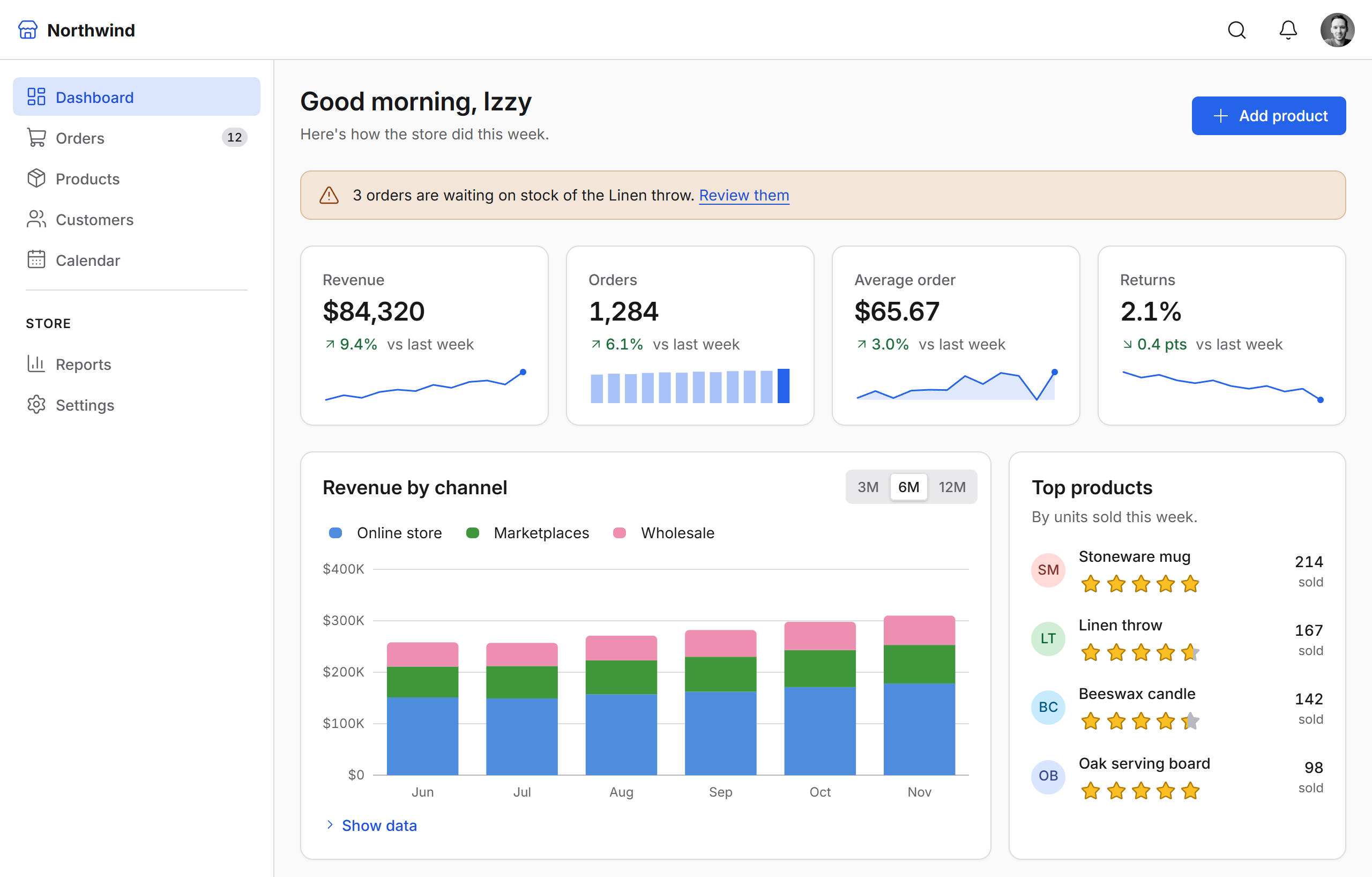
Choose each page's render mode for what the page needs, not for what your component library can handle. Build forms, data grids, charts, scheduling, dialogs and complete app layouts with the same components on every page.
Explore the components · Get started
Status: preview (
0.1.0-alpha.23). APIs may change during preview.
The same components work in all of Blazor's render modes, static or interactive, so you choose each page's mode for what that page does.
| Static | Interactive | |
|---|---|---|
| What runs | Server-rendered HTML, with IzzyBlazor's script adding browser behavior. No circuit, no WebAssembly | Server, WebAssembly or Auto: Blazor events keep C# in sync |
| Dialog | Opens from a link (?dialog=id) and closes with a form; focus handling and backdrop click |
@bind-Open |
| Table | Sorts, filters and pages through the URL; select-all, filters as you type | Sorting, paging, filters and selection bound to C# |
| Tabs | ARIA tabs with arrow keys, over radio buttons and CSS | @bind-Selected |
| Combobox | A native select that posts with the form, with type-to-filter and keyboard navigation | Server-side search as you type |
| FileUpload | The file posts with the form (IFormFile); drop files on the zone, type and size checked first |
OnChange streams IBrowserFiles |
Every page starts as working HTML: before IzzyBlazor's script loads, and while an interactive page prerenders. So nothing is broken while a page wakes up.
Install the package in your server project:
dotnet add package IzzyBlazor --prerelease
Then add the stylesheet and the namespace, and register the services:
@* App.razor, in <head> *@
<link rel="stylesheet" href="@Assets["_content/IzzyBlazor.Core/izzyblazor.css"]" />

@* _Imports.razor *@
@using IzzyBlazor
// Program.cs
builder.Services.AddIzzyBlazor();
IzzyBlazor loads its JavaScript automatically. For toasts and screen reader announcements, add <ToastRegion /> to your layout (or <AnnouncerRegion /> for announcements alone). For WebAssembly and
Auto render modes, see WebAssembly and Auto.
More than 140 components, in the same groups as the docs:
- Layout: Box, Row, Column, Stack, Grid, Container, Section, Center, Spacer, AspectRatio, Divider, TileLayout, Splitter, AppShell (header, collapsible sidebar, aside, footer), AppSidebar
- Typography: Heading, TextBlock, List, Prose, RichText, Markdown, Anchor, Code (with syntax highlighting), Diff, CodeExample, Blockquote, Kbd, Highlight, MentionText, Icon (all of Lucide, plus brand logos)
- Buttons: Button, IconButton, ButtonGroup, ToggleButton, ToggleGroup, SplitButton, FloatingButton, SpeedDial, Toolbar, ConfirmButton, CopyButton
- Inputs: Form, Fieldset, FieldFrame, TextField (with masks and add-ons), PasswordField, TextArea, RichTextEditor, Mentions, NumberField, PinField, Checkbox, CheckboxGroup, Switch, RadioGroup, SegmentedControl, PickList, Slider, RangeSlider, Rating, DateField, TimeField, DateRangeField, MultiDateField, MonthField, YearField, DurationField, Calendar, ColorPicker, ColorPanel, FileUpload
- Dropdowns: Select, Combobox, Autocomplete, MultiSelect, TreeSelect, MultiTreeSelect
- Overlays: Dialog (and DialogService), ActionSheet, Drawer, Menu, ContextMenu, Popover, Tooltip, ReconnectDialog
- Navigation: SiteNav, NavMenu, Tabs, TabNav, Breadcrumb, Pagination, PrevNext, OnThisPage, Stepper, Carousel, Accordion, Collapsible
- Feedback: Alert, Banner, Toast, Spinner, Progress, ProgressCircle, Skeleton, EmptyState
- Data: FilterBuilder, FilterForm, Table, DataGrid (filtering, grouping, editing, column menus, frozen columns, export), TreeList, ListView, DropZoneGroup, DescriptionList, TreeView, Scheduler
- Display: Card, Stat, Avatar, AvatarGroup, Badge, Tag, Image, VideoEmbed, Timeline, Comment, Chat, Barcode, QrCode
- Charts: bar, line, area, scatter, bubble, waterfall, pie and donut, nested donut, funnel, heatmap, calendar heatmap, radar, Sankey, treemap, Sparkline, Gauge, with zoom, drill-down, live data and a RangeSelector; drawn on the server as SVG
- Utilities: IzzyTheme, ThemeScope, ColorSchemeSwitch, LiveRegion
Build responsive layouts and apply theme tokens through typed component props. If you've used Chakra UI or Mantine, the layout props will feel familiar:
<Stack Direction="new() { Base = Direction.Column, Md = Direction.Row }" Gap="4">
    <Box Padding="6" Bg="Color.Fill" Radius="Radius.Lg" Grow>...</Box>
    <Button StartIcon="Lucide.Plus">New order</Button>
</Stack>
Light and dark themes are built in, and a single part of the page (a dark sidebar, say) can use its own scheme.
Components build to WCAG 2.2 level AA on the browser's own elements, with keyboard support, visible focus (in Windows high-contrast mode too), names screen readers read, and announcements for changes. The Accessibility docs list how it's checked and the gaps that remain.
izzyblazor.com includes live component examples, render-mode guidance, and API documentation.
- Getting started: setup, packages and render modes
- Components: examples, mode support and API for each
- Style props and Theming: responsive values, colors, tokens and themes
- Accessibility: standards, keys for every component, and testing your app
- Contributing: repository layout, the dev host and adding a component
IzzyBlazor requires a modern browser with support for CSS :has(), light-dark(), and the Popover
API. Older browsers without these features are not supported.
Bug reports and feature requests are welcome as issues. The project doesn't take pull requests for now.
MIT. Bundled Lucide icons are ISC licensed; the brand logos (from Tabler Icons, plus a few drawn for IzzyBlazor) are MIT licensed; the bundled Inter font is under the SIL Open Font License. See THIRD-PARTY-NOTICES.md. IzzyBlazor is an independent project and is not affiliated with Microsoft.