A simple easy-to-integrate Camera Fragment for Android
CameraFragment preview directly the camera view, and provides a easy API to capture or manage the device
You can setup your own layout and control the camera using CameraFragment
This library works, but on some devices... errors happens, I don't have time to maintain compatibility with all device A community group was created, they created CameraKit, don't hesitate to try it !
https://github.com/CameraKit/camerakit-android
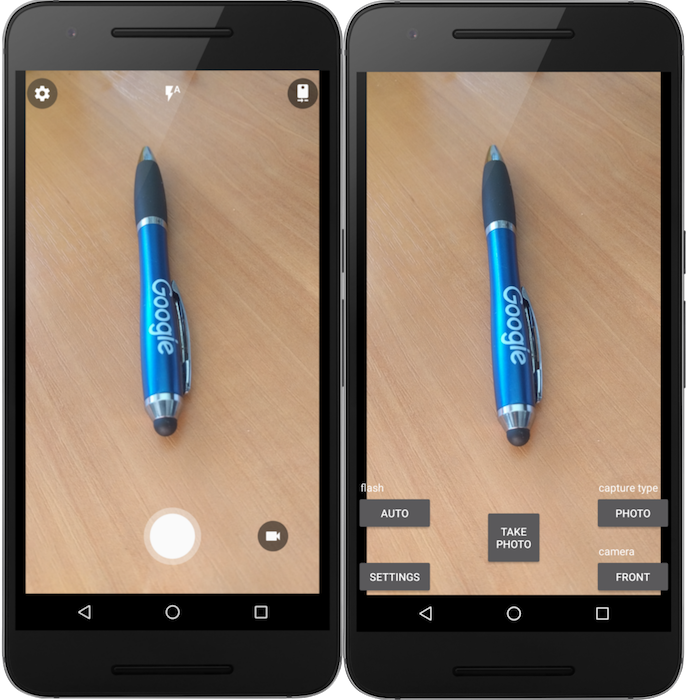
//you can configure the fragment by the configuration builder
CameraFragment cameraFragment = CameraFragment.newInstance(new Configuration.Builder().build());

getSupportFragmentManager().beginTransaction()
                .replace(R.id.content, cameraFragment, FRAGMENT_TAG)
                .commit();
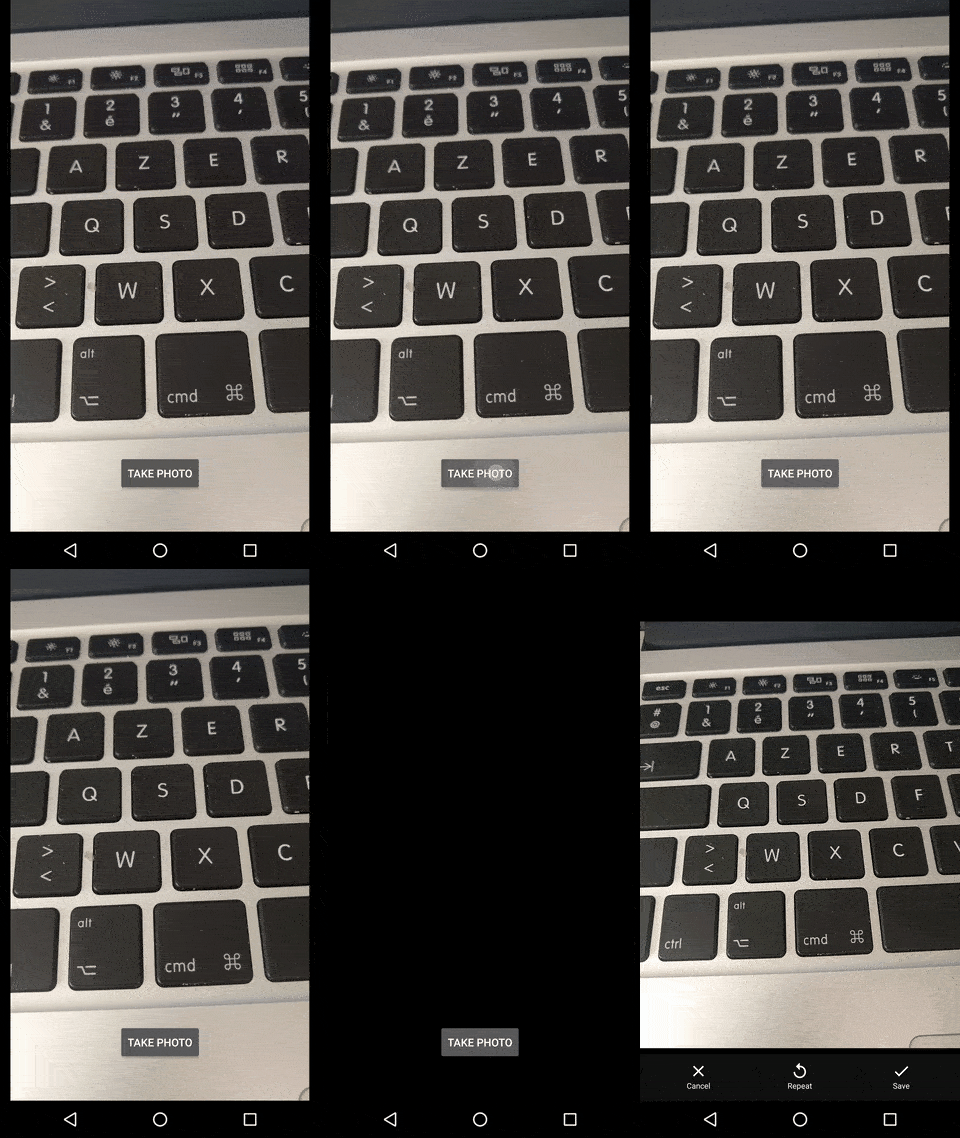
You can directly take a photo / video with
cameraFragment.takePhotoOrCaptureVideo(callback);
cameraFragment.takePhotoOrCaptureVideo(callback, directoryPath, fileName);
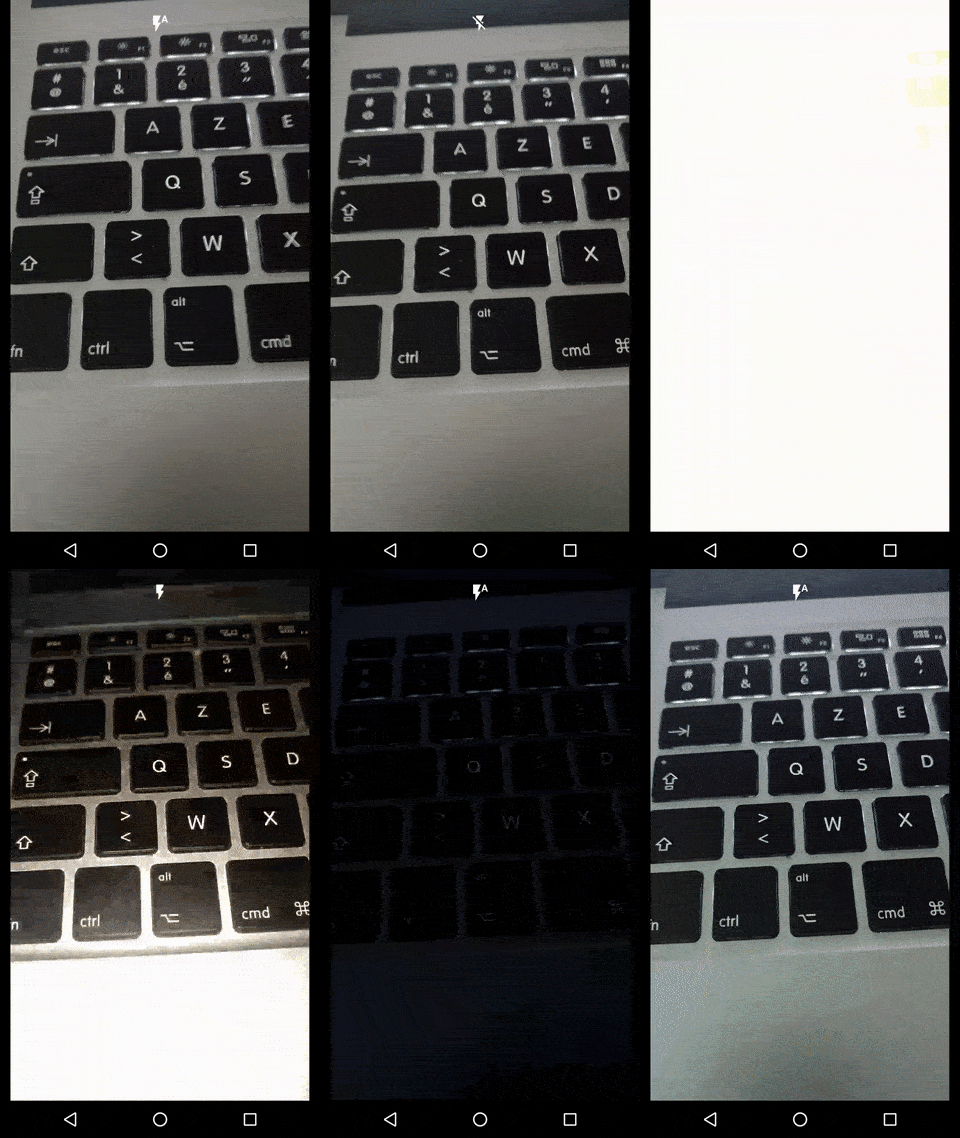
Flash can be enable / disabled ( AUTO / OFF / ON ) with
cameraFragment.toggleFlashMode();
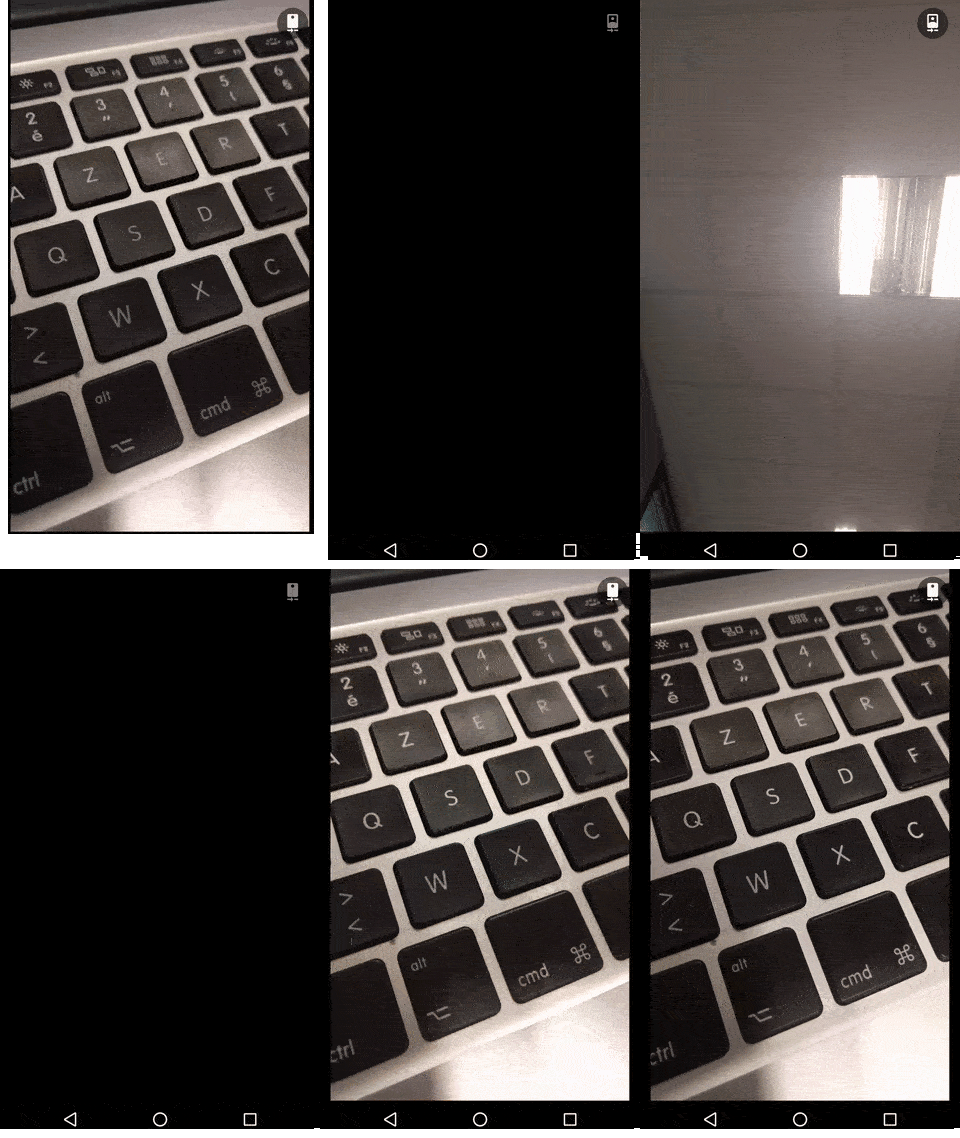
Camera Type can be modified ( BACK / FRONT ) with
cameraFragment.switchCameraTypeFrontBack();
Camera action ( PHOTO / VIDEO ) can be modified with
cameraFragment.switchActionPhotoVideo();
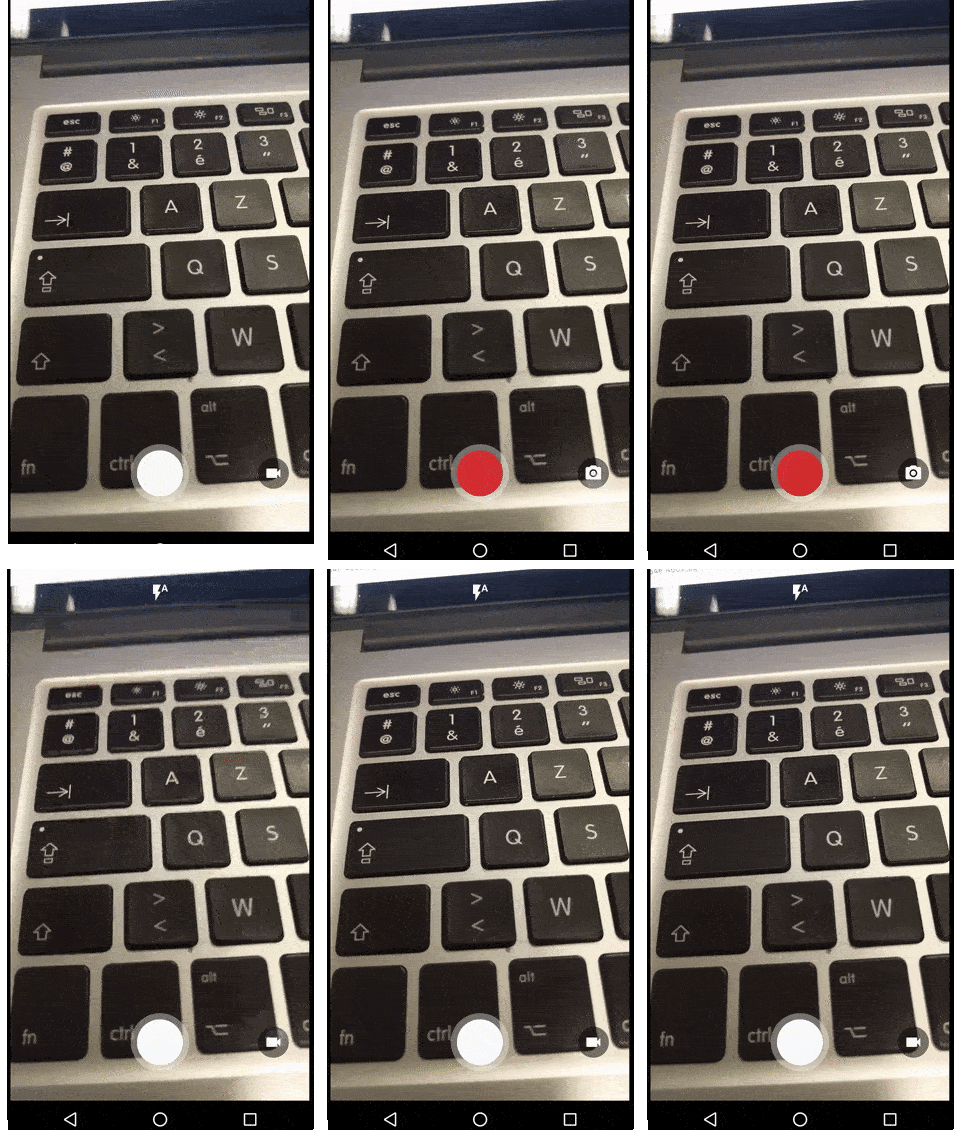
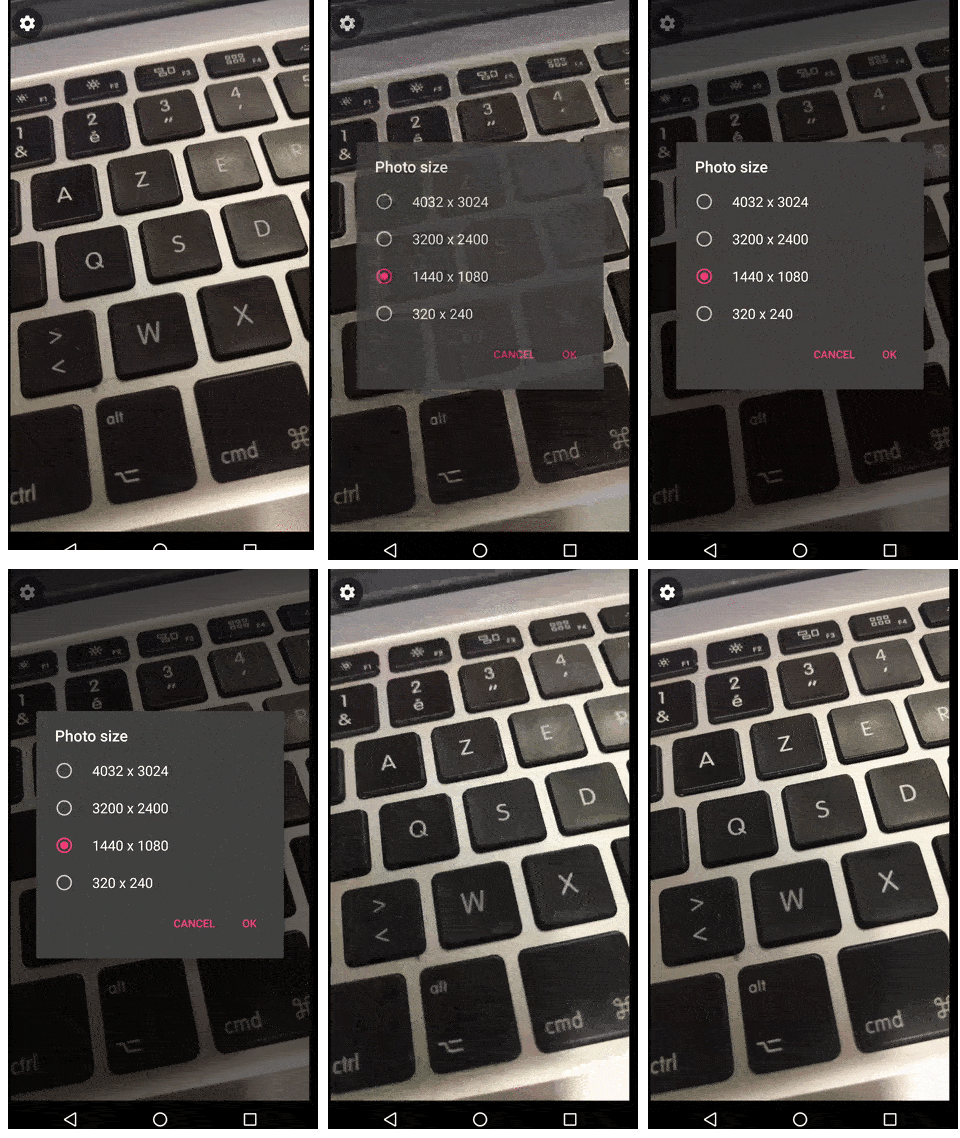
And you can change the captured photo / video size with
cameraFragment.openSettingDialog();
Get back the result of the camera record / photo in the CameraFragmentResultListener
cameraFragment.setResultListener(new CameraFragmentResultListener() {
       @Override
       public void onVideoRecorded(byte[] bytes, String filePath) {
                //called when the video record is finished and saved

                startActivityForResult(PreviewActivity.newIntentVideo(MainActivity.this, filePath));
       }

       @Override
       public void onPhotoTaken(byte[] bytes, String filePath) {
                //called when the photo is taken and saved

                startActivity(PreviewActivity.newIntentPhoto(MainActivity.this, filePath));
       }
});
cameraFragment.setStateListener(new CameraFragmentStateListener() {

    //when the current displayed camera is the back
    void onCurrentCameraBack();
    //when the current displayed camera is the front
    void onCurrentCameraFront();

    //when the flash is at mode auto
    void onFlashAuto();
    //when the flash is at on
    void onFlashOn();
    //when the flash is off
    void onFlashOff();

    //if the camera is ready to take a photo
    void onCameraSetupForPhoto();
    //if the camera is ready to take a video
    void onCameraSetupForVideo();

    //when the camera state is "ready to record a video"
    void onRecordStateVideoReadyForRecord();
    //when the camera state is "recording a video"
    void onRecordStateVideoInProgress();
    //when the camera state is "ready to take a photo"
    void onRecordStatePhoto();

    //after the rotation of the screen / camera
    void shouldRotateControls(int degrees);

    void onStartVideoRecord(File outputFile);
    void onStopVideoRecord();
});
CameraFragment can ping you with the current record duration with CameraFragmentTextListener
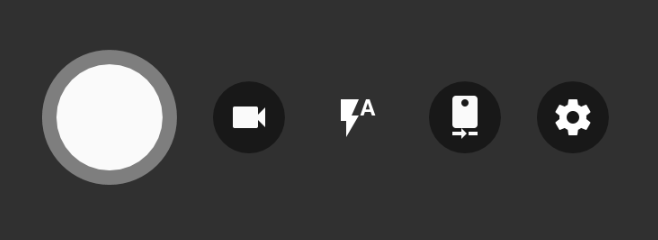
CameraFragment comes with some default views
RecordButton, MediaActionSwitchView, FlashSwitchView, CameraSwitchView, CameraSettingsView
In your module
implementation 'com.github.florent37:camerafragment:1.0.10'Forked from https://github.com/memfis19/Annca
This library works, but on some devices... errors happens, I don't have time to maintain compatibility with all device A community group was created, they created CameraKit, don't hesitate to try it !
https://github.com/CameraKit/camerakit-android
Author: Florent Champigny http://www.florentchampigny.com/
Blog : http://www.tutos-android-france.com/
Fiches Plateau Moto : https://www.fiches-plateau-moto.fr/


Copyright 2017 florent37, Inc.

Licensed under the Apache License, Version 2.0 (the "License");
you may not use this file except in compliance with the License.
You may obtain a copy of the License at

   http://www.apache.org/licenses/LICENSE-2.0

Unless required by applicable law or agreed to in writing, software
distributed under the License is distributed on an "AS IS" BASIS,
WITHOUT WARRANTIES OR CONDITIONS OF ANY KIND, either express or implied.
See the License for the specific language governing permissions and
limitations under the License.