

Free Animation Power es un ecosistema completo de herramientas gratuitas para animación 2D, ilustración, motion graphics y escritura audiovisual — en su mayoría 100% cliente, sin instalación y sin subir tus archivos a ningún servidor. Creado por Eduardo Fierro Duque.
Todo el ecosistema en vivo: freeanimationpower.org
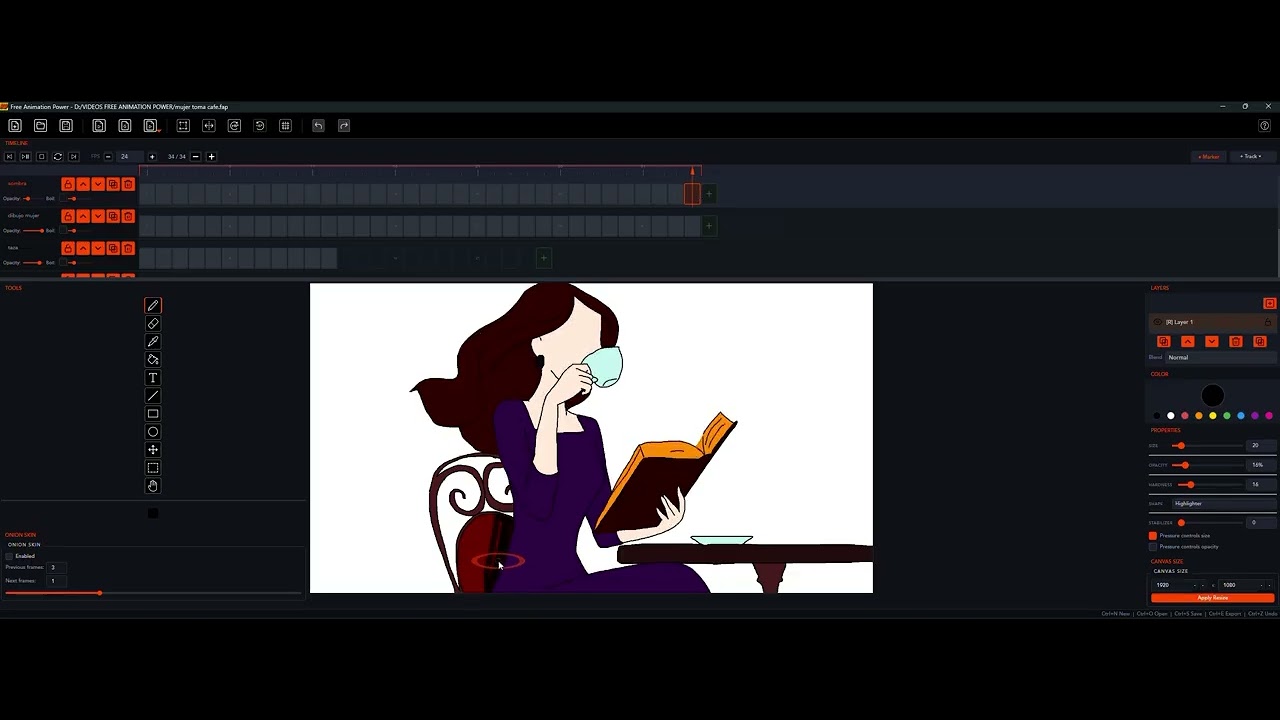
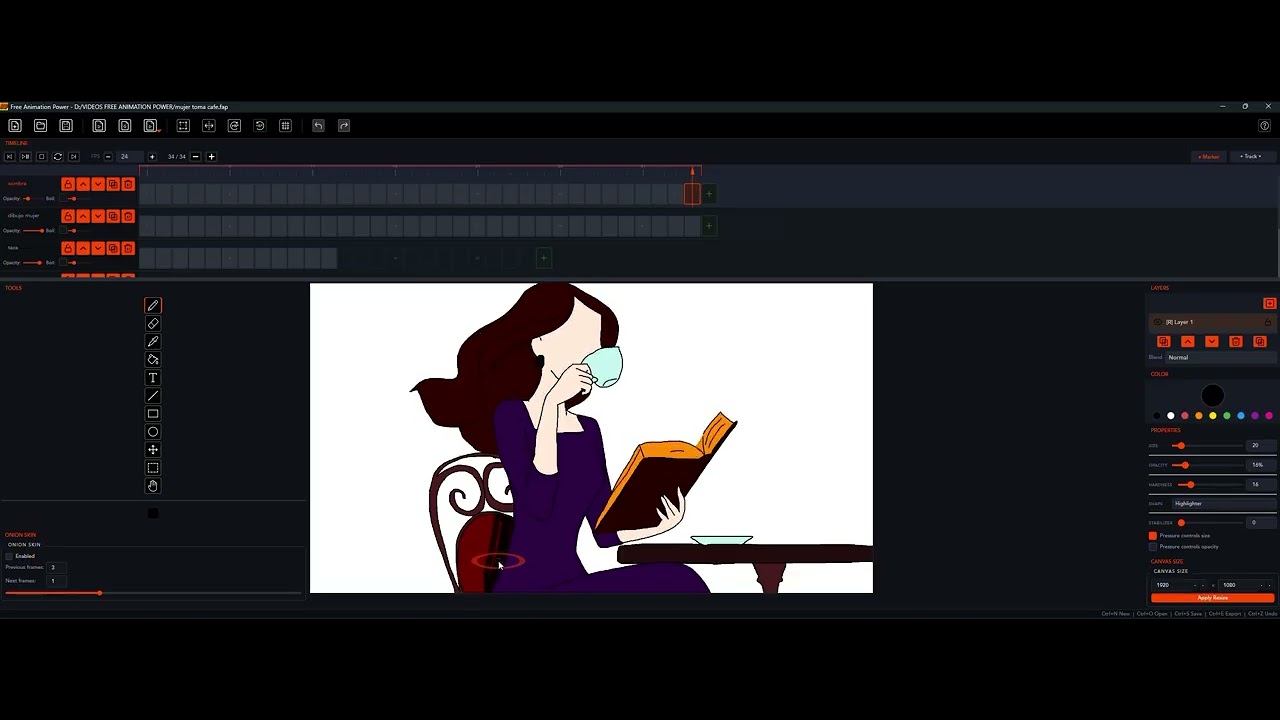
Estudio de animación 2D profesional nativo para Windows. Motor híbrido vector + raster, C++20 y Qt 6. 17 herramientas, multi-secuencia, audio/vídeo, 12 modos de fusión, exportación MP4/WebM/GIF/SVG.
- 🔗 Repo: freeanimationpower/FreeAnimationPower
- 🌐 En vivo: freeanimationpower.org
- ⬇️ Descarga: FreeAnimationPower v2.0.1 (Windows)
- 🔐 Verificación SHA-256 del zip
FreeAnimationPower-v2.0.1.zip:0a0ed8cc8ff7f4eb50128c7543fe9046b64ff1f837c4c28bbdfd23ae931f5dfc(En Windows:certutil -hashfile FreeAnimationPower-v2.0.1.zip SHA256)
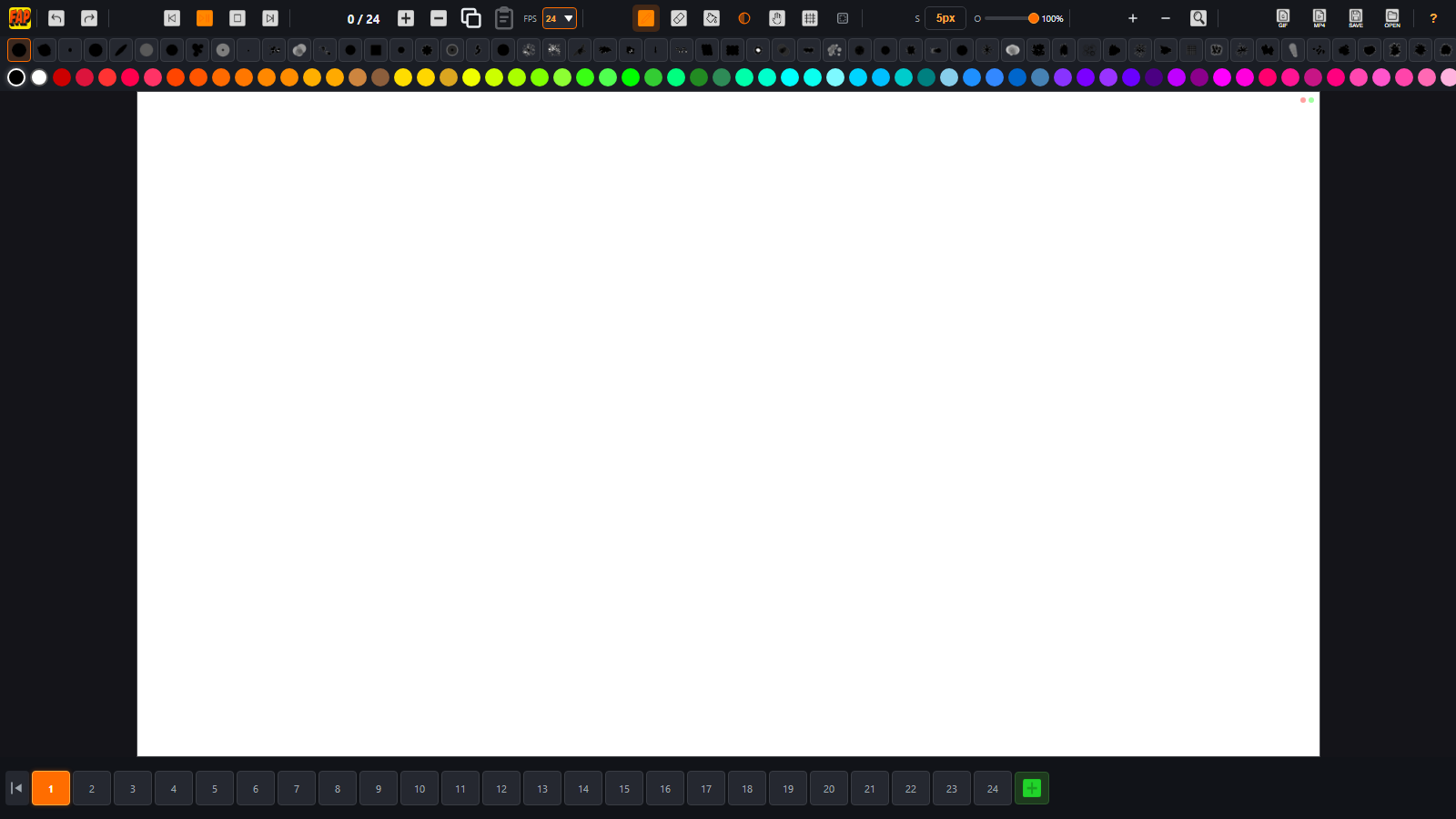
Estudio de animación 2D para PC en el navegador. Lienzo 1920×1080, soporte de tableta gráfica, 60 pinceles, onion skin, exporta GIF y vídeo. Cero dependencias.
- 🔗 Repo: freeanimationpower/FAP_PC_WEB_VERSIÓN
- 🌐 En vivo: freeanimationpower.org
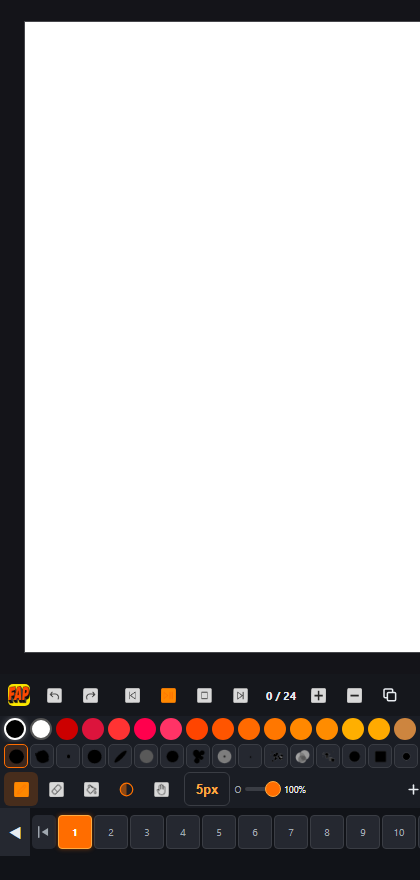
Estudio de animación 2D para móviles. 60 pinceles, onion skin, 66 colores, exportación GIF/vídeo, archivos .fap. 100% cliente.
- 🔗 Repo: freeanimationpower/FAP_MOBILE_WEB_VERSIÓN
- 🌐 En vivo: freeanimationpower.org
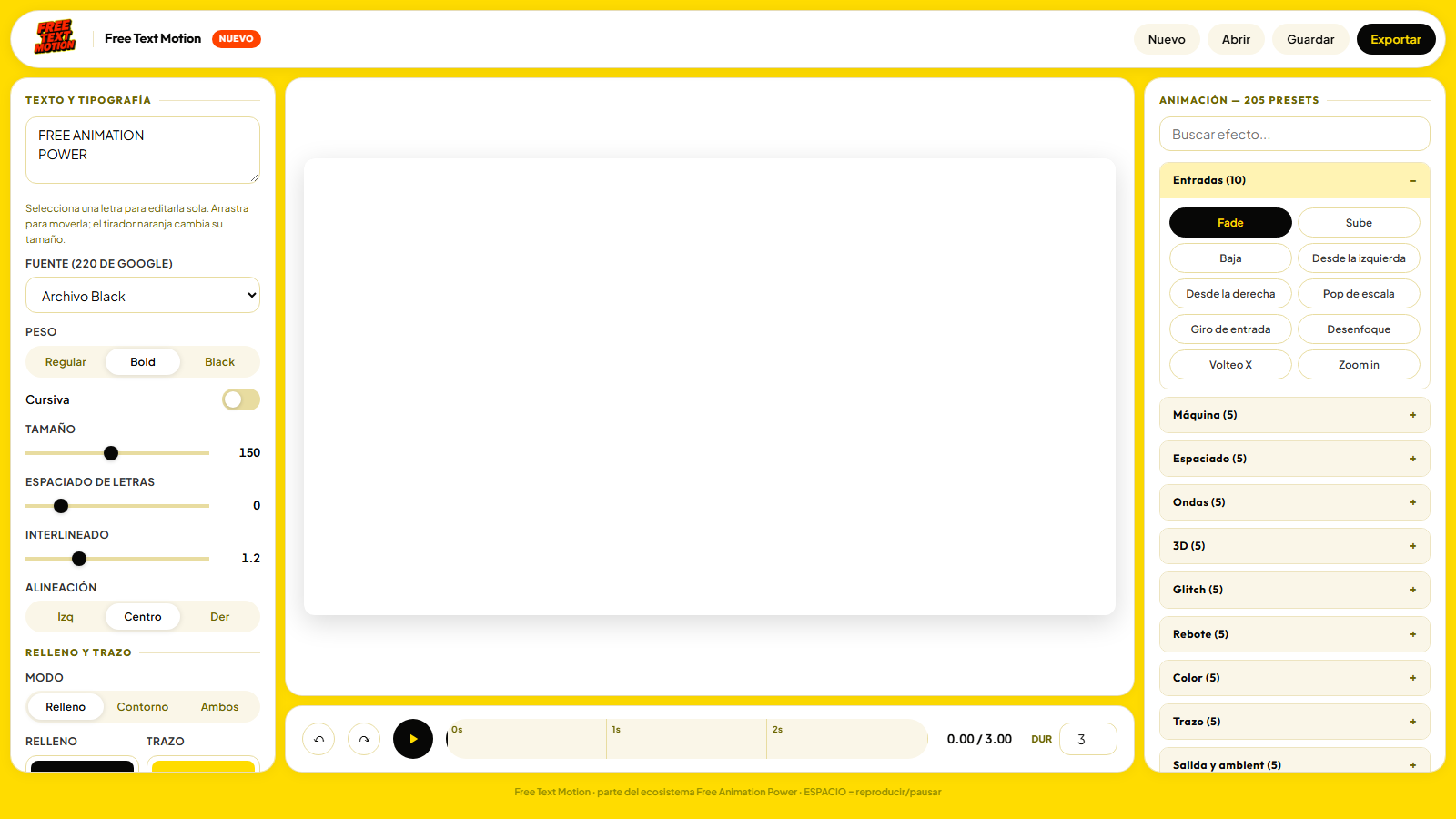
Estudio de texto animado con 205 presets de motion graphics. Exporta WebM/MP4/GIF con canal alfa.
- 🔗 Repo: freeanimationpower/FREE-ANIMATION-POWER_TEXT-MOTION-CONTROL
- 🌐 En vivo: freeanimationpower.org
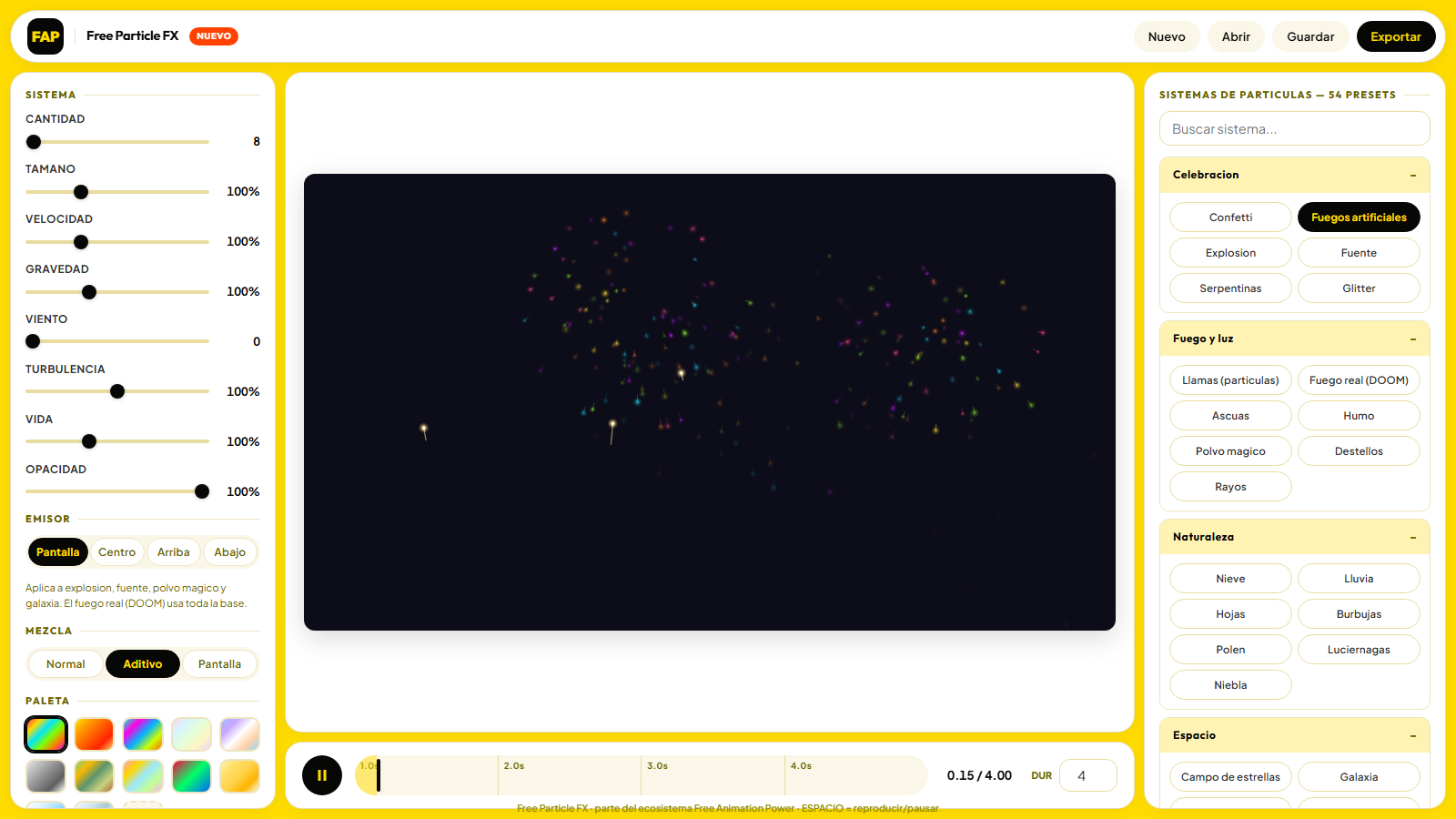
Sistema de partículas con 54 presets en 7 familias: humo, fuego, nieve, confeti, galaxias y píxel FX estilo DOOM. Exporta con transparencia.
- 🔗 Repo: freeanimationpower/FREE-PARTICLE-FX
- 🌐 En vivo: freeanimationpower.org
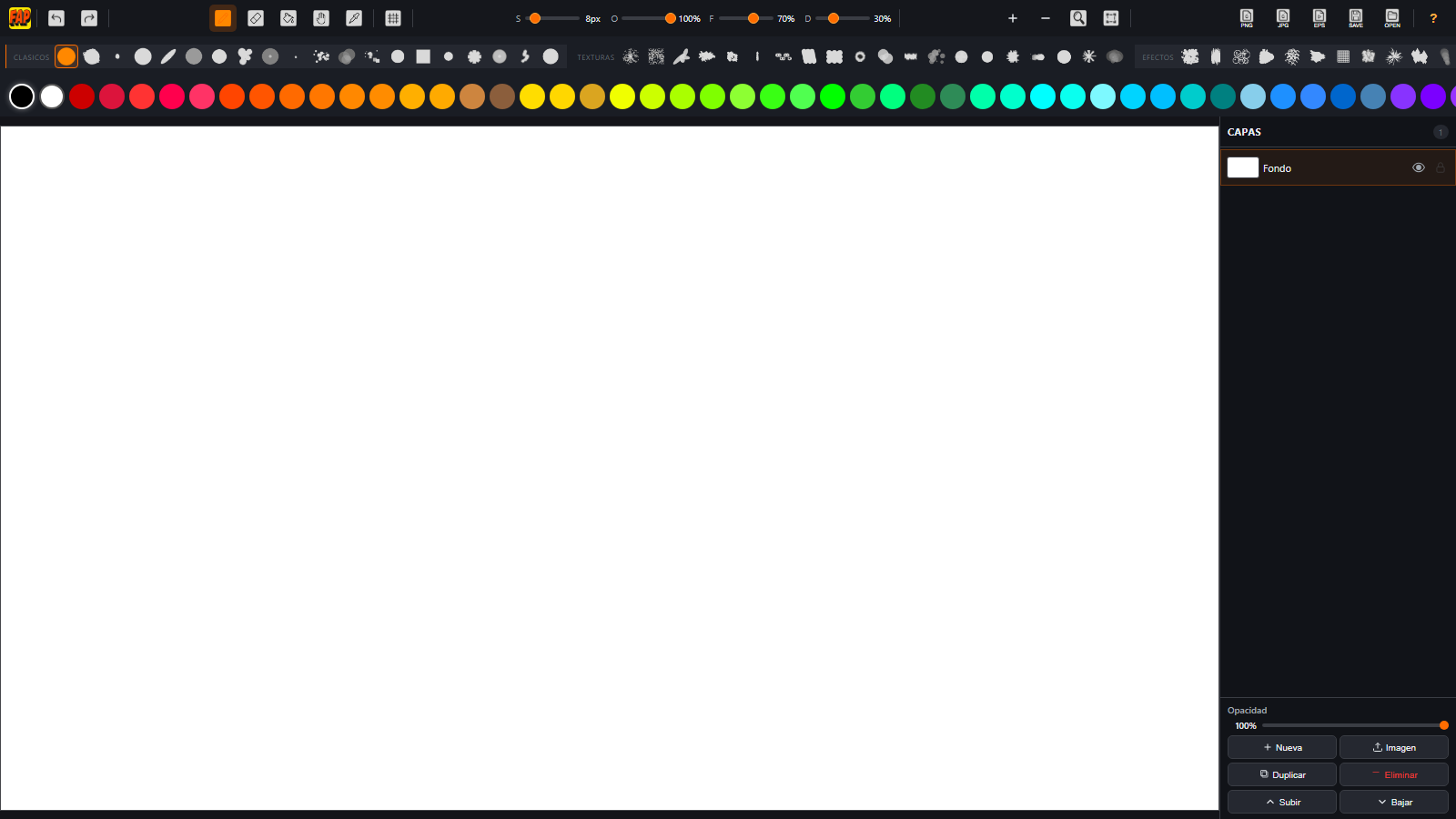
Editor de ilustración digital con capas y pinceles profesionales, 100% en el navegador.
- 🔗 Repo: freeanimationpower/Free-Illustration-Power
- 🌐 En vivo: freeanimationpower.org
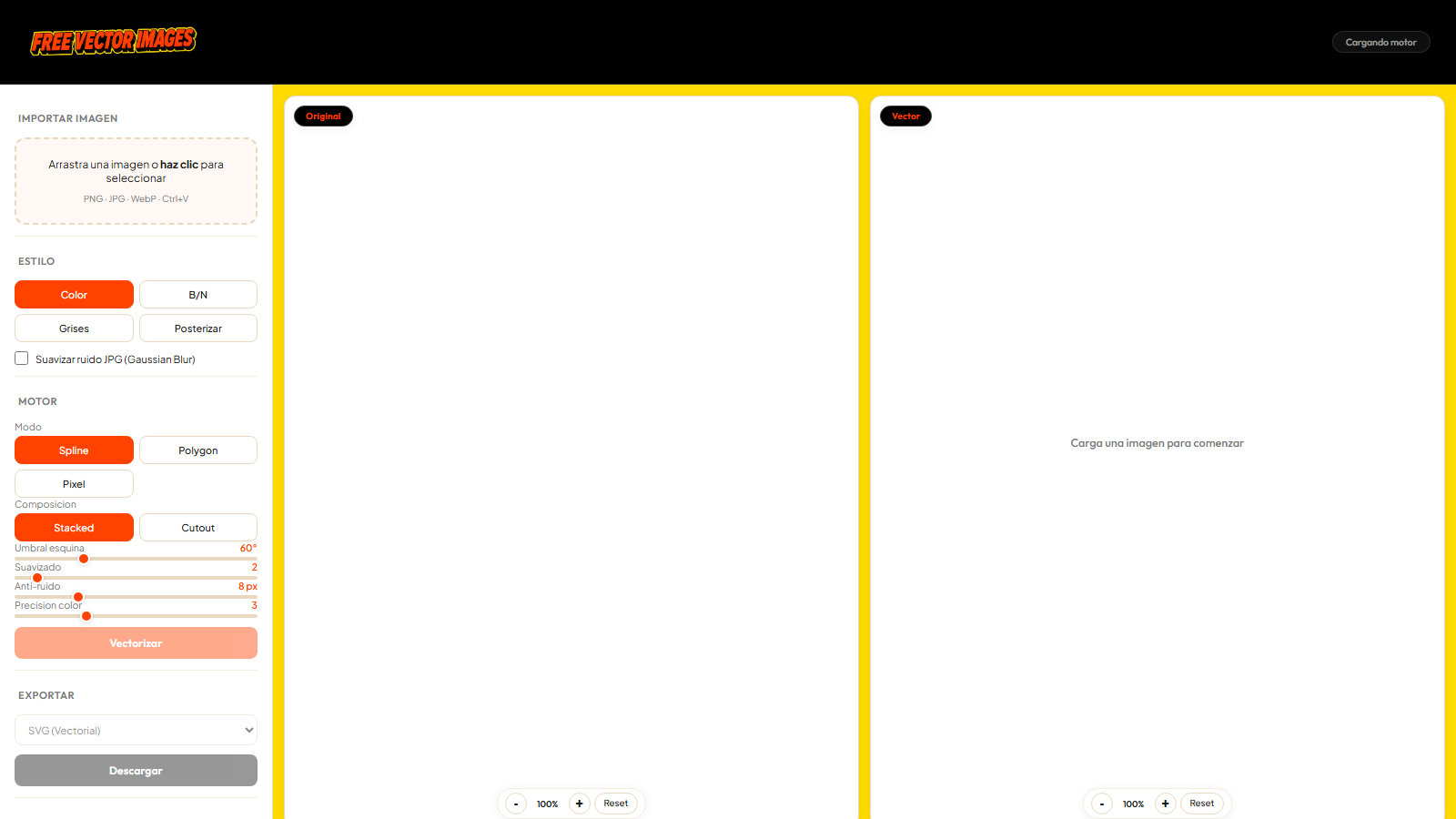
Convierte bocetos, logos e ilustraciones en vectores escalables al infinito. Sin instalar nada, sin subir archivos a servidores.
- 🔗 Repo: freeanimationpower/free-vector-image
- 🌐 En vivo: freeanimationpower.org
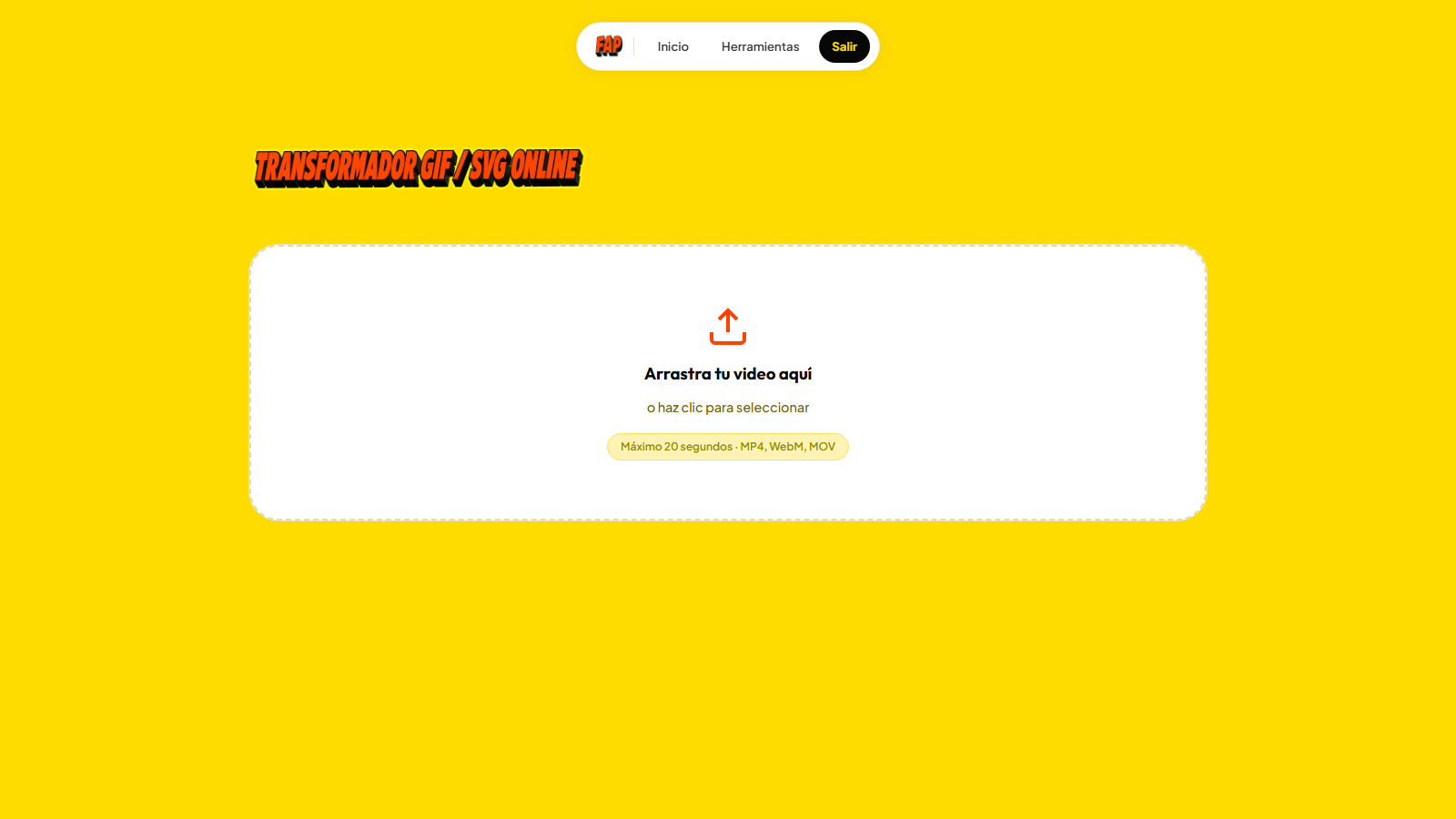
Convierte vídeos cortos a GIF animado o SVG animado. React 19 + TypeScript + Vite, 100% cliente.
- 🔗 Repo: freeanimationpower/FAP_GIF_SVG_TRANSFORM
- 🌐 En vivo: freeanimationpower.org
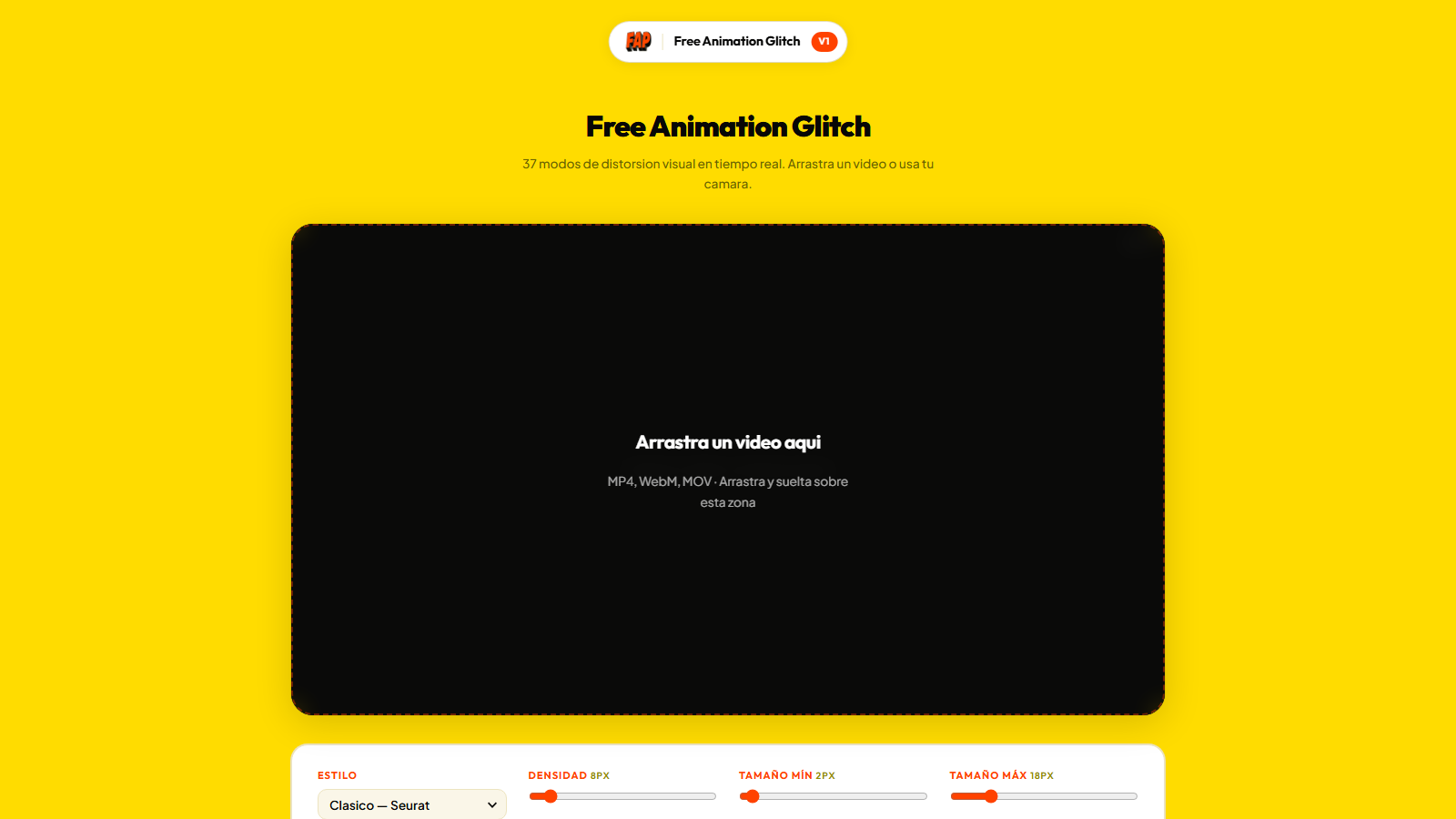
37 modos de distorsión visual en tiempo real. Arrastra un vídeo o usa tu cámara.
- 🔗 Repo: freeanimationpower/FREE-ANIMATION-GLITCH
- 🌐 En vivo: freeanimationpower.org
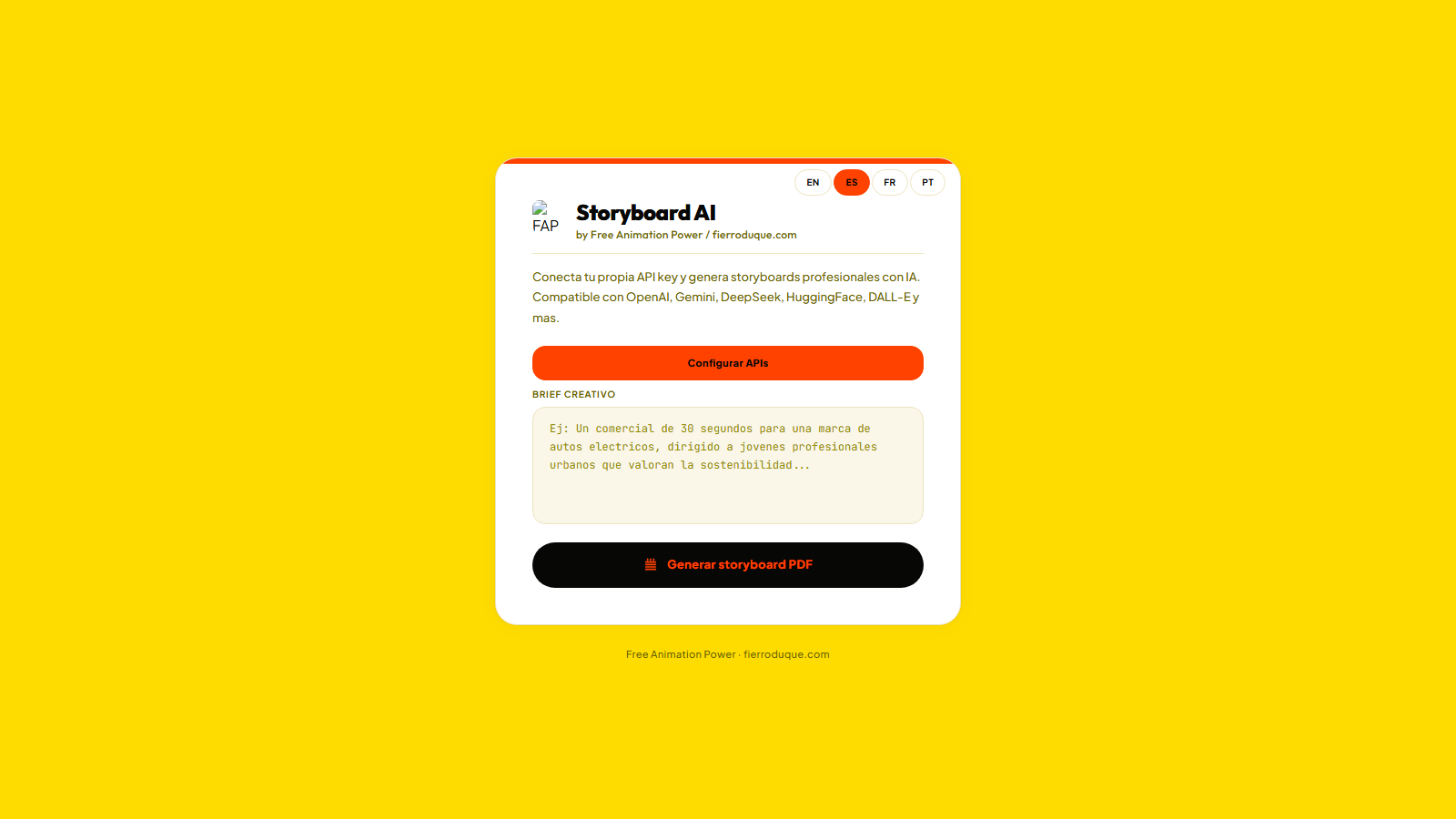
Generador de storyboards con IA multi-proveedor (OpenAI, Gemini, DeepSeek, HuggingFace, DALL-E). Exporta a PDF.
- 🔗 Repo: freeanimationpower/FAP_AI_STORYBOARD_WEB
- 🌐 En vivo: freeanimationpower.org
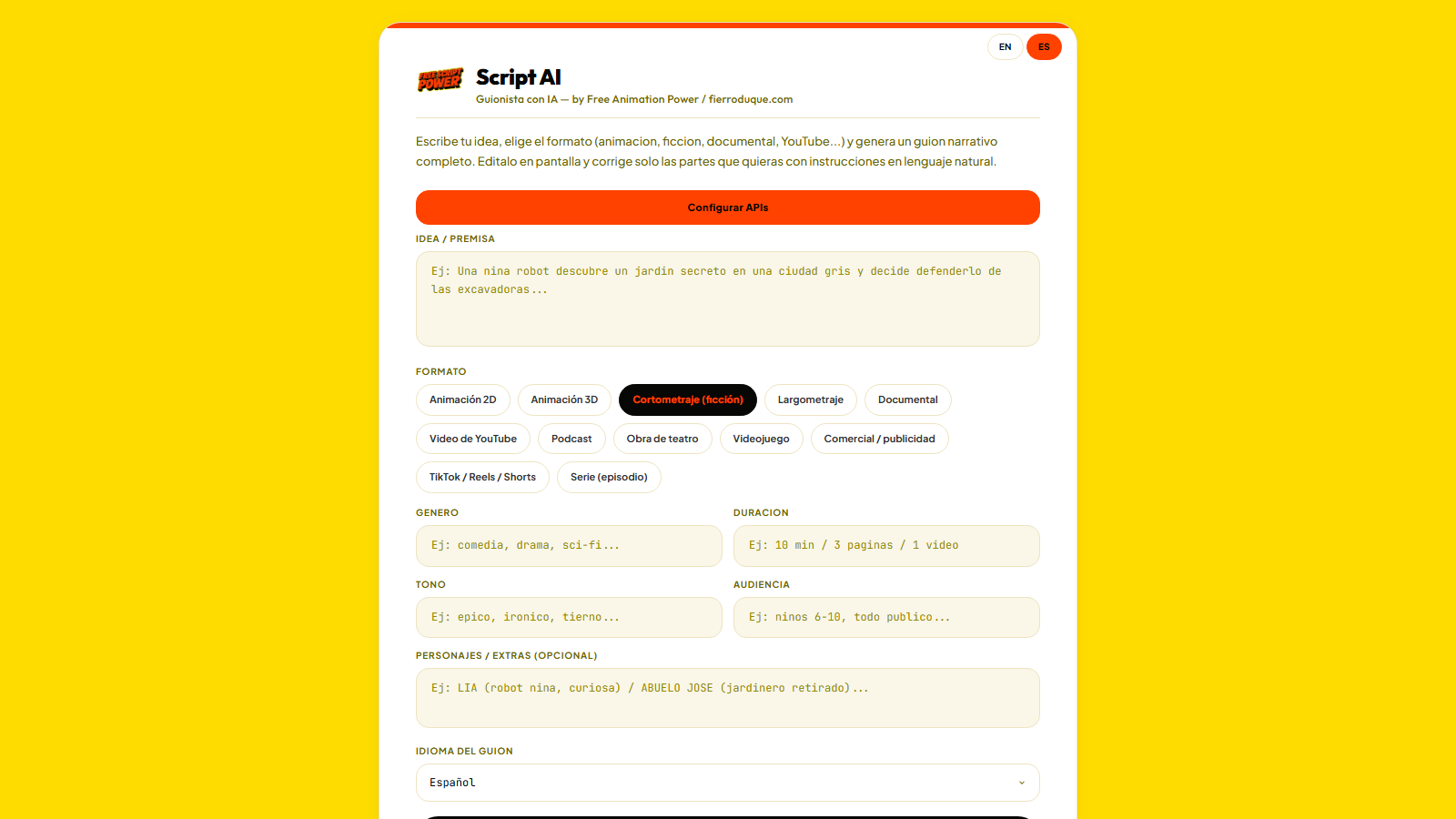
Generador de guiones con IA: 12 formatos profesionales (cine, YouTube, podcast, publicidad, series y más).
- 🔗 Repo: freeanimationpower/FREE-SCRIPT-POWER
- 🌐 En vivo: freeanimationpower.org
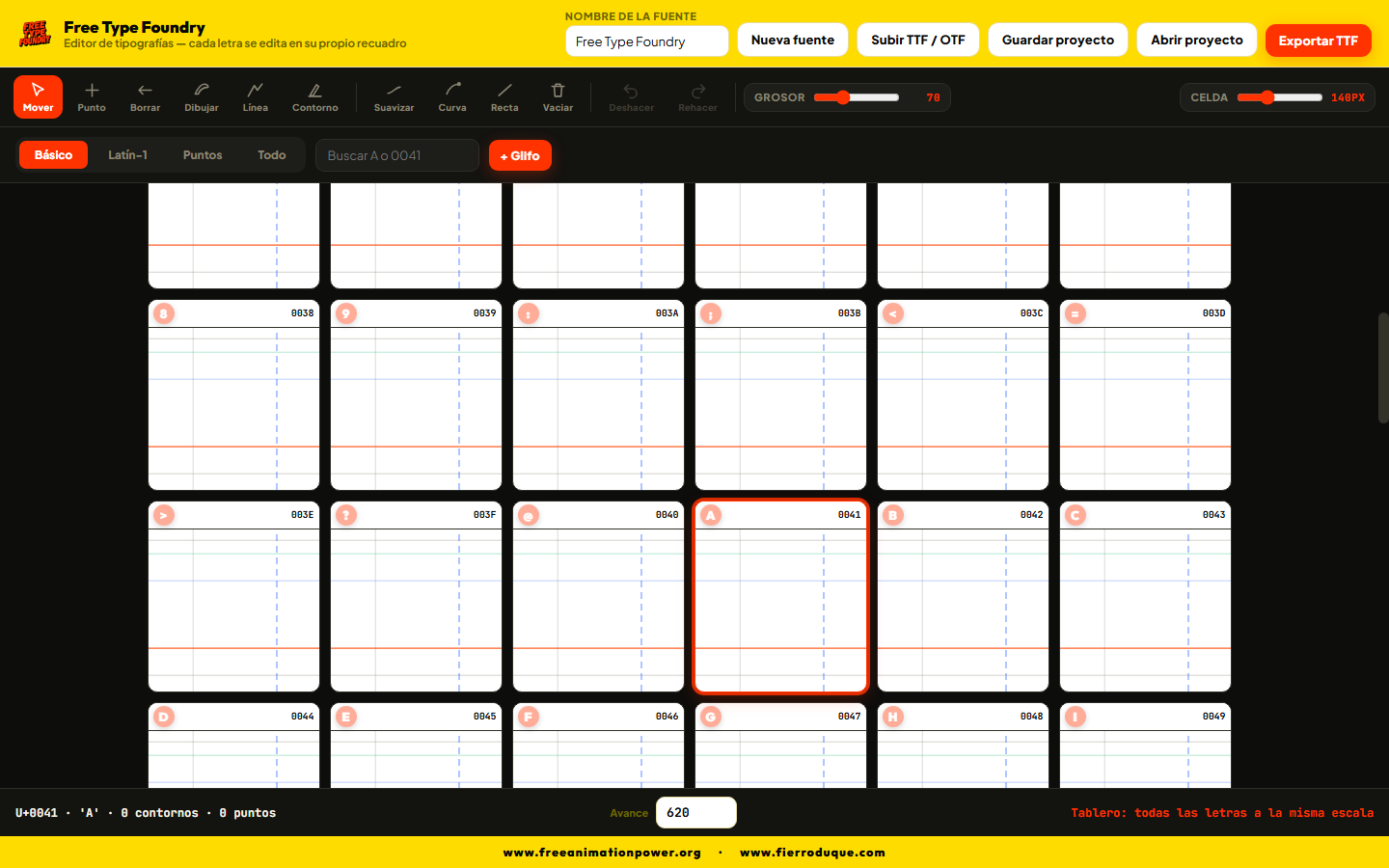
Editor de tipografías 100% en el navegador. Sube una fuente, edita cada letra en su propio recuadro y exporta tu propia fuente TTF instalable.
- 🔗 Repo: freeanimationpower/FREE-TYPE-FOUNDRY
- 🌐 En vivo: freeanimationpower.org
📺 Canal oficial: @freeanimationpower
Free Animation Power combina animación cuadro-por-cuadro tradicional (estilo TVPaint) con capacidades vectoriales modernas en una sola aplicación. Cada trazo puede renderizarse como píxeles (raster), como path vectorial, o como ambos simultaneamente.
flowchart TB
    classDef ui fill:#ffdc00,stroke:#1a1a1a,color:#1a1a1a,stroke-width:2px;
    classDef engine fill:#ff4200,stroke:#1a1a1a,color:#ffffff,stroke-width:2px;
    classDef data fill:#1a1a1a,stroke:#ff4200,color:#ffffff,stroke-width:2px;
    classDef ext fill:#ffffff,stroke:#1a1a1a,color:#1a1a1a,stroke-width:2px;
        subgraph UI["UI Layer — Qt 6 Widgets"]
            direction LR
            MW["MainWindow"] --> CW["CanvasWidget"]
            TP["TimelinePanel"] --> LP["LayerPanel"]
            TB["ToolboxPanel"] --> CP["ColorPanel"]
        end
        subgraph APP["AppState — Hub Central"]
            DOC["Document"]
            TST["ToolState"]
            AUD["AudioEngine"]
            TWN["TweenEngine"]
            DEF["DeformationEngine"]
        end
        subgraph ENG["Engine Layer"]
            direction LR
            BRS["brush/<br/>BrushEngine · ABR"]
            RST["raster/<br/>RasterEngine"]
            VCT["vector/<br/>VectorEngine"]
            CMP["compositor<br/>NodeGraph"]
        end
        subgraph CORE["Core Data Model"]
            direction LR
            SEQ["Sequence"] --> LYR["Layer"]
            UND["UndoManager"] --> TYP["Types"]
        end
        subgraph PLT["Platform"]
            IO["IO · FileFormat<br/>Vídeo/SVG Export"]
            WIN["Win32 · .fap<br/>FileAssociation"]
        end
        UI --> APP
        APP --> ENG
        ENG --> CORE
        CORE --> PLT
        class MW,CW,TP,LP,TB,CP ui
        class DOC,TST,AUD,TWN,DEF data
        class BRS,RST,VCT,CMP engine
        class SEQ,LYR,UND,TYP data
        class IO,WIN ext
- RasterLayer — Buffer de píxeles ARGB32 con COW, origen variable, flag
hasContent_ - VectorLayer — Coleccion de
VectorStrokeconBezierPath - GroupLayer — Compuesto recursivo con blend modes y opacidad
- AudioLayer — Datos de audio (modelo, no subclase de Layer)
- CameraLayer — Transformaciones de cámara
flowchart LR
    classDef ui fill:#ffdc00,stroke:#1a1a1a,color:#1a1a1a,stroke-width:2px;
    classDef engine fill:#ff4200,stroke:#1a1a1a,color:#ffffff,stroke-width:2px;
    classDef data fill:#1a1a1a,stroke:#ff4200,color:#ffffff,stroke-width:2px;
    classDef ext fill:#ffffff,stroke:#1a1a1a,color:#1a1a1a,stroke-width:2px;
        subgraph DATA["DATA DOMAIN — fuente de verdad"]
            direction TB
            PX["pixelBuffer_<br/>por capa"]
            ST["strokeBuffer_<br/>trazo actual"]
        end
        subgraph DISP["DISPLAY DOMAIN — lo que ve el usuario"]
            direction TB
            BG["backgroundCache_<br/>blanco + onion + capas + vídeo"]
            PA["paintEvent QPainter<br/>caché + trazo + grid + UI"]
        end
        ST -- "composite" --> PX
        PX -- "commitStroke()" --> BG
        BG --> PA
        class PX,ST data
        class BG engine
        class PA ui
manifest.json— versión, canvas, secuencias activas, viewport, markerstimeline.json— frames, capas, audio, vídeo por secuenciaaudio/track_N.ext— archivos de audio incrustadosvideo/track_N.ext— archivos de vídeo incrustadoslayers/S{seq}/frame_{f}/layer_{ll}.png+.json— píxeles + metadata
Características: save atomico (.tmp → rename), deduplicacion de píxeles, audio/vídeo embedding, backward compatible con v1/v2/v3 legacy.
Cada documento puede contener multiples secuencias independientes (como tracks en Premiere):
- Sequence 0 (track superior / visual top)
- frames (mapa sparse: frame → GroupLayer)
- keyframes [layer][frame]
- UndoManager (100 entradas, aislado por secuencia)
- playback state (currentFrame, fps, looping, playing)
- Work Area (in/out points) + Duration
- Markers estilo After Effects
- Line Boil (efecto linea vibrante no destructivo)
- Sequence 1 ...
- Sequence N (track inferior / fondo visual)
Cada secuencia tiene su propia pila undo, FPS, opacidad y bloqueo. Las secuencias se componen en orden (0 = top, N = fondo).
flowchart TB
    classDef ui fill:#ffdc00,stroke:#1a1a1a,color:#1a1a1a,stroke-width:2px;
    classDef engine fill:#ff4200,stroke:#1a1a1a,color:#ffffff,stroke-width:2px;
    classDef data fill:#1a1a1a,stroke:#ff4200,color:#ffffff,stroke-width:2px;
    classDef ext fill:#ffffff,stroke:#1a1a1a,color:#1a1a1a,stroke-width:2px;
        subgraph TOP["BARRA SUPERIOR"]
            TB["Toolbar<br/>archivo · 11 herramientas · export · vista · undo"]
        end
        subgraph LEFT["IZQUIERDA"]
            direction TB
            PP["Properties<br/>editor contextual"]
            CS["CanvasSizePanel<br/>presets HD/4K/vertical/cuadrado"]
        end
        subgraph CENTER["CENTRO"]
            CV["CanvasWidget<br/>pipeline 4-buffer · tableta<br/>area gris con contenido fuera del canvas"]
        end
        subgraph RIGHT["DERECHA"]
            direction TB
            LY["LayerPanel<br/>blend · opacidad · lock"]
            CL["ColorPanel"]
            OS["OnionSkinPanel"]
        end
        subgraph BOTTOM["INFERIOR"]
            TM["TimelinePanel<br/>multi-secuencia · audio · vídeo · markers"]
        end
        TOP --> CENTER
        LEFT --> CENTER
        RIGHT --> CENTER
        CENTER --> BOTTOM
        class TB,PP,CS,LY,CL,OS ui
        class CV engine
        class TM data
| Dock | Posición | Contenido |
|---|---|---|
| Herramientas | Barra superior | 11 botones de herramienta + nombre activo + color (siempre visibles) |
| PROPERTIES | Left | Editor contextual: brush, texto, color, fill, line |
| CANVAS SIZE | Left | Presets de formato (HD, 4K, vertical celular, cuadrado) + custom, resize no destructivo |
| CANVAS | Center | Pipeline 4-buffer, 11 herramientas, tablet support, area de trabajo gris con dibujo fuera del lienzo |
| LAYERS | Right | Lista de capas, visibilidad, blend mode, opacidad, bloqueo |
| COLOR | Right | QColorDialog + 9 circulos MRU |
| ONION SKIN | Right | Checkbox enabled, spinners prev/next, slider opacidad |
| TIMELINE | Bottom | Multi-secuencia, frames, audio, vídeo, markers, WA, FPS |
Transport Bar:  [Play] [Stop] [Prev] [Next]  FPS [24]  [+ Track]
Ruler Widget:  ticks de frame + Work Area naranja + markers + playhead
QScrollArea:
  ├── SequenceTrackWidget[]  (nombre, opacidad, lock, celdas, line boil)
  ├── AudioTrackWidget[]     (waveform, mute, volumen, libre movimiento)
  ├── VideoTrackWidget[]     (thumbnails, opacidad, volumen)
  └── Stretch spacer
Horizontal ScrollBar:  scroll sincronizado entre tracks y ruler
| ToolType | Descripción |
|---|---|
| Brush | Dibujo con presión, estabilizador, punta configurable |
| Eraser | Borrado con modo DestinationOut |
| ColorPicker | Cuentagotas con lupa de preview |
| Fill | Relleno con tolerancia (Solid, Fabric, Ramp) |
| Text | Texto multi-linea con fuente, leading, tracking, anti-aliasing |
| Line | Linea recta con snapping y estilos |
| Rectangle | Rectangulo relleno/borde |
| Ellipse | Elipse relleno/borde |
| Move | Desplazamiento de capa con buffer expansion |
| Select | Selección rectangular con copy/cut/paste/delete |
| Hand | Pan de canvas (middle-click + drag) |
| PencilRetouch | Retoque de grosor de trazos |
| RulerLine | Regla lineal con snapping |
| RulerEllipse | Regla eliptica con snapping |
| DeformMesh | Malla de deformacion bilineal |
| TweenEdit | Edición de interpolación de keyframes |
Tableta gráfica: Wacom, Huion, Xencelabs, XP-Pen. Presión modula tamano y opacidad. Deteccion automática de borrador.
- Motor de dibujo pulido: dureza de pincel real (con tope de feather para pinceles grandes nitidos), trazos sin auto-oscurecimiento en traslapes, interpolacion de dabs mejorada, zoom anclado al cursor
- Area de trabajo gris claro: el contenido fuera del canvas es visible — ideal para paneos y entradas de personajes; puedes dibujar libremente mas alla de los bordes del lienzo
- Formatos de canvas preestablecidos: HD, 4K, vertical celular 9:16, cuadrado 1:1 y custom — resize sin borrar dibujos
- Herramientas en la barra superior: siempre visibles, con nombre y atajo de la herramienta activa
- Compositor de color corregido: blending premultiplicado Porter-Duff correcto en capas y nodos
- Exportacion corregida: ya no incluye frames ocultos; orden de capas SVG correcto
- Tema visual renovado: paneles con mejor contraste, menus y dialogos con tema oscuro consistente
- Build MinGW soportado (ademas de MSVC)
- 11 herramientas de dibujo con pipeline 4-buffer CPU
- Pinceles con presión, estabilizador, textura de papel, import ABR
- Timeline multi-secuencia con Work Area, marcadores, Line Boil, ocultacion no destructiva (+/-)
- Capas raster + vectoriales + grupo con 12 blend modes
- Audio tracks: import WAV/MP3/FLAC, waveform visual, playback sincronizado
- Vídeo tracks: import MP4/MOV/WebM, thumbnails, cache LRU 50 frames, composición sobre dibujo
- Onion skinning con frames previos/siguientes y opacidad configurable
- Undo/Redo por secuencia (profundidad 100, comandos compuestos)
- 7 docks desacoplables con tema oscuro (#1A1F2A / #FF4800)
- Formato .fap v2 (ZIP binario, save atomico, audio/vídeo embedding)
- Export: MP4 H.264, MOV QuickTime Alpha, WebM VP9 Alpha, GIF, SVG, PNG sequence
- File association en Windows (.fap registry + icono en EXE)
- 163 tests unitarios, todos pasando
| Métrica | Valor |
|---|---|
| Archivos fuente | 98 .hpp/.cpp/.h |
| Tests | 163 |
| Herramientas | 11 |
| Docks | 7 |
| Blend modes | 12 |
| Formatos audio | WAV, MP3, FLAC (dr_libs) |
| Formatos export | MP4, MOV, WebM, GIF, PNG seq, SVG |
cmake -B build -DCMAKE_BUILD_TYPE=Release
cmake --build build --config Release
.\build\Release\free-animation-power.exe
ctest --test-dir build
- CMake 3.20+
- Qt 6.5+ (Core, Gui, Widgets, Multimedia, Svg)
- FFmpeg (externo, para vídeo/audio decode y export)
- C++20 compiler (MSVC 2022+, GCC 11+, Clang 14+)
- GoogleTest 1.14.0 (FetchContent automático)
| Componente | Tecnologia |
|---|---|
| Lenguaje | C++20 |
| UI | Qt 6.5+ Widgets |
| Build | CMake 3.20+ |
| Tests | GoogleTest |
| Compresion | miniz 3.0.2 (zlib) |
| Audio decode | dr_wav, dr_mp3, dr_flac |
| Vídeo export | FFmpeg (subprocess) |
-
Informe Técnico Completo: INFORME_TÉCNICO_FREE ANIMATION POWER EXE.pdf — Documento completo de arquitectura C++20/Qt 6, pipeline de renderizado, sistema de herramientas y especificaciones técnicas.
-
docs/INFORME_ARQUITECTURA_V1.md— Informe completo de arquitectura (espanol) -
docs/architecture.md— Documento formal de arquitectura (ingles) -
docs/build-instructions.md— Instrucciones de compilación -
AGENTS.md— Referencia técnica para agentes AI -
CHANGELOG.md— Historial de versiones -
CONTEXT.md— Glosario de dominiohttps://youtu.be/FoRy9u4NZ0A?si=sCCUlMUCn-oHfqwT https://youtu.be/Xe-5OqXhCVU?si=ctjyuEl5iTDWuYDj https://youtu.be/mkac7WQXX7U?si=ZQMydQTFvAdiN1YY https://youtu.be/4-MJtsg9hvg?si=Iml6FL4e8angHKTM
Eduardo Fierro Duque
- Web: www.fierroduque.com
- LinkedIn: linkedin.com/in/eduardofierroduque
- YouTube: @freeanimationpower
- GitHub: freeanimationpower · eduardofierroduque-sudo
GNU General Public License v3.0 (GPLv3). Ver LICENSE.