

Jarvis — your personal AI assistant.
English | 简体中文 | 繁體中文 | 한국어 | Deutsch | Español | Français | Italiano | Dansk | 日本語 | Polski | Русский | Bosanski | العربية | Norsk | Português (Brasil) | ไทย | Türkçe | Українська | বাংলা | Ελληνικά | Tiếng Việt
Jarvis Desktop (Windows)
Download the latest installer from the releases page.
| Platform | Download |
|---|---|
| Windows x64 | jarvis-desktop-win-x64.exe |
| Linux | .deb, .rpm, or .AppImage |
| macOS (Apple Silicon) | jarvis-desktop-mac-arm64.dmg |
| macOS (Intel) | jarvis-desktop-mac-x64.dmg |
From source
git clone https://github.com/jaminsmoke/Jarvis.git
cd Jarvis
bun install
bun --cwd packages/desktop dev                # run the desktop app in dev mode
bun --cwd packages/desktop run package:win    # build the Windows installer (dist/)
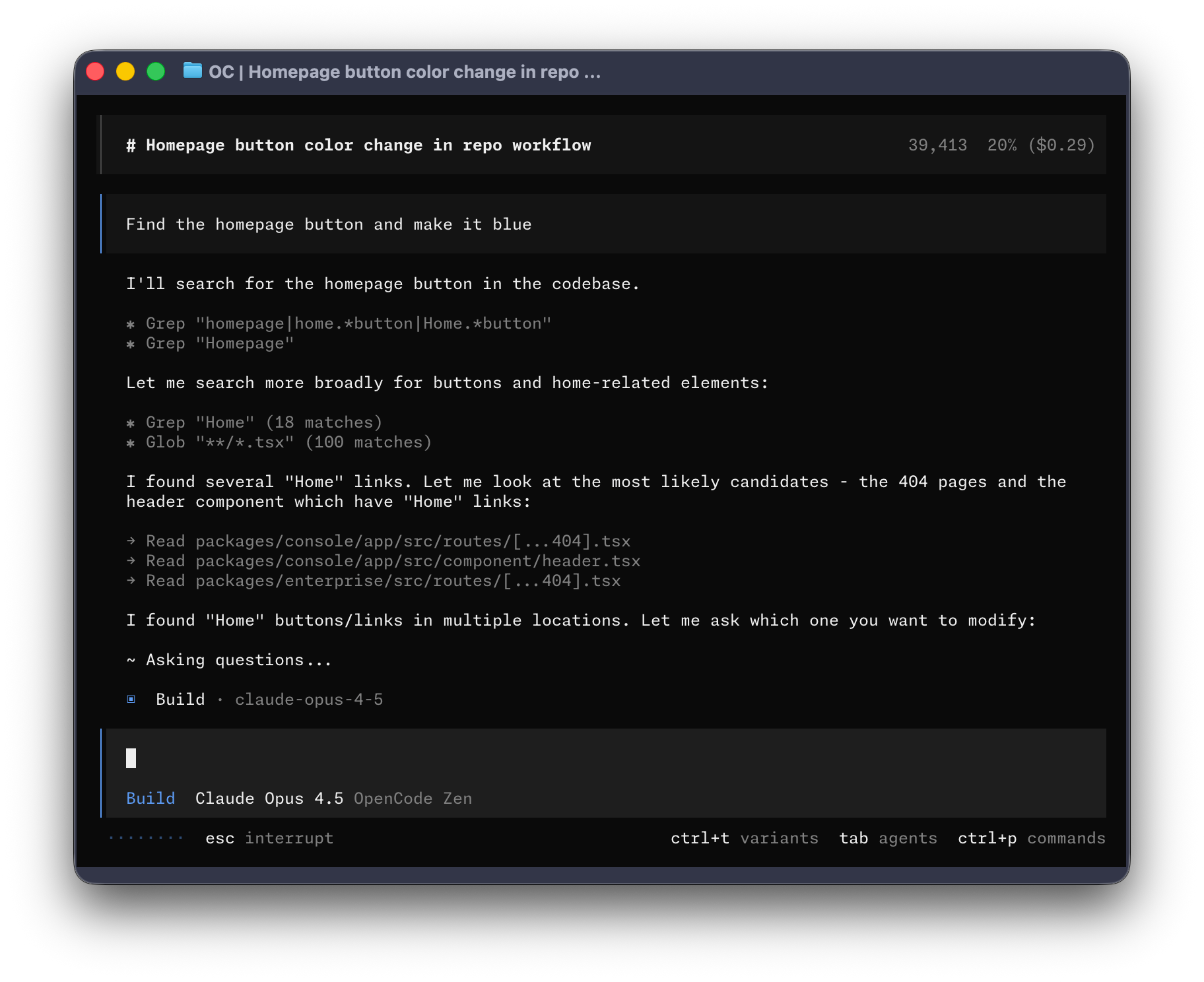
Jarvis includes two built-in agents you can switch between with the Tab key.
- build - Default, full-access agent for development work
- plan - Read-only agent for analysis and code exploration
- Denies file edits by default
- Asks permission before running bash commands
- Ideal for exploring unfamiliar codebases or planning changes
Also included is a general subagent for complex searches and multistep tasks.
This is used internally and can be invoked using @general in messages.
Learn more about agents.
Jarvis is a fork of OpenCode, so most of the OpenCode documentation applies to Jarvis.
If you're interested in contributing to Jarvis, please read our contributing docs before submitting a pull request.
Jarvis is a fork of OpenCode, the open source AI coding agent. It is an independent project and is not affiliated with the OpenCode team.
Third-party services such as OpenCode Zen and the free models provided by OpenCode remain available inside Jarvis.