Automatically send notifications to Slack when your Figma UI changed or there are new comments.

-
One click to deploy on Vercel in minutes
-
Set up app environment variable env.local
-
After deploy, check bot runs well
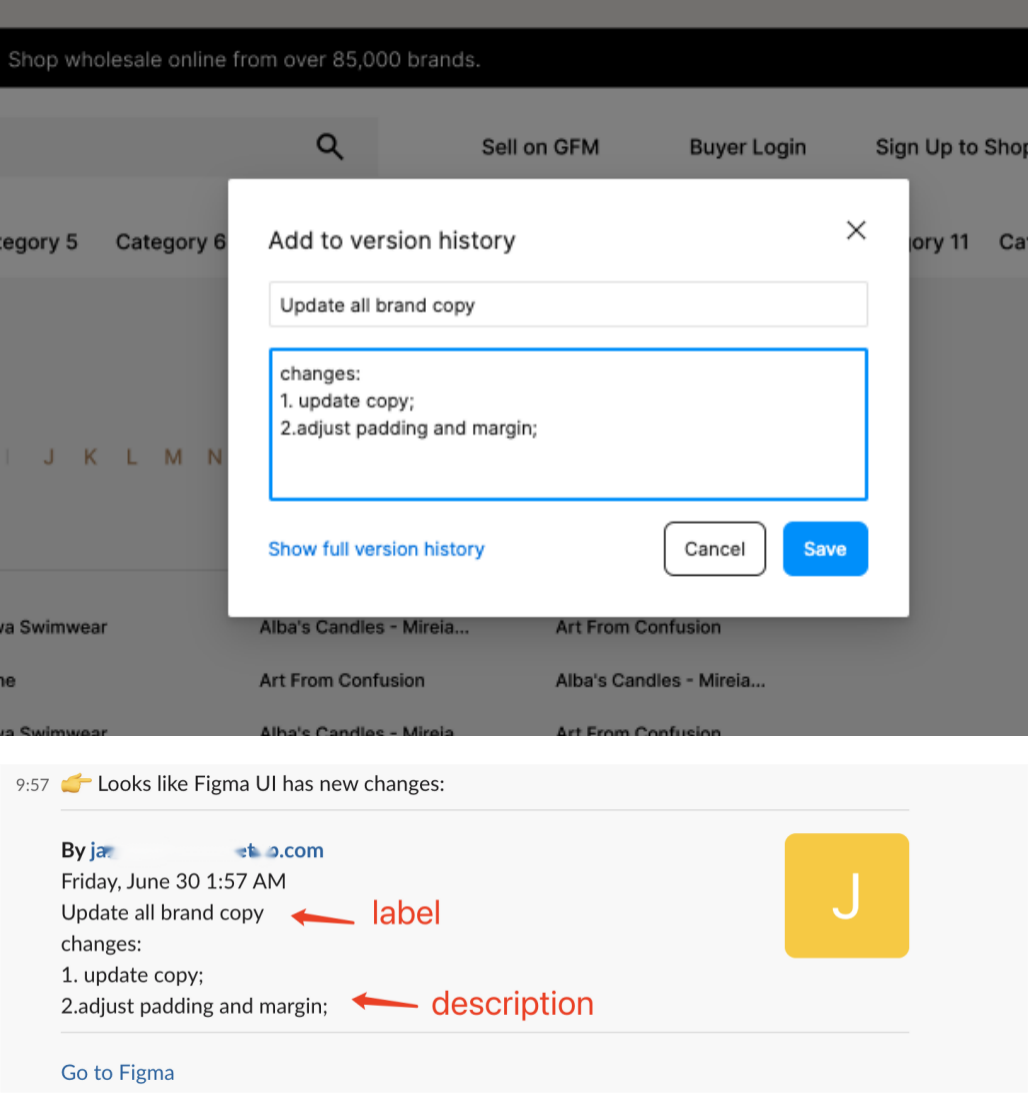
GET {your_app_url}/api/healthcheckshould returns{status: 200,message: "success."}POST {your_app_url}/api/figmashould returns{status: 200,message: "initial data"}- Then go to Figma try to make new comment or save new version history.
Like this:
-
Set up the cron job

Note: we build our app with Next.js's serverless function and deploy it on Vercel by free. In free plan, we are able to set cron job by twice a day, so we need Vercel pro plan or set up the cron job to call API regular by ourself

set up the env.local and paste to vercel app environment variable
FIGMA_TOKEN = xxx; // Figma Token
FIGMA_FILE_ID = xxx; // The Figma file ID which you want to listen
FIGMA_FILE_LINK = xxx; // The Figma file link which you are listening,like https://www.figma.com/file/[FIGMA_FILE_ID]/[FIGMA_FILE_NAME]
SLACK_WEBHOOK = xxx; // The Slack Incoming Webhooks url
FIGMA_COMMENT_LINK = xxx; // https://www.figma.com/file/[FIGMA_FILE_ID]?mode=design#{ID}
-
Get a
Personal Access Token- While logged into Figma on the web or the desktop app, visit your Account Settings
- Under Personal Access Tokens, click "Create a new personal access token"
- Name the the access token whatever you'd like, for example:
figma-slack-updates - Copy the token - this is your only chance to do so! This is your
FIGMA_TOKEN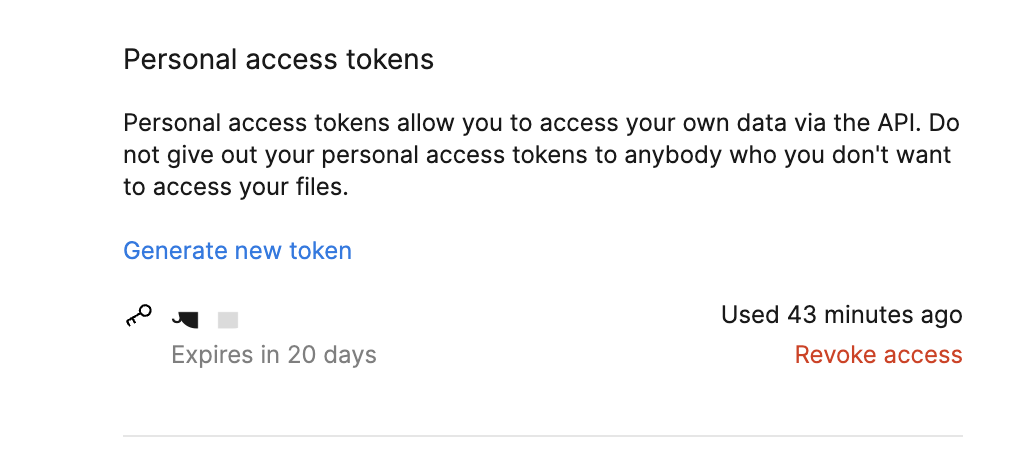
-
Get your file key
Visit the Figma file that you'd like to post updates for and copy its
file key. The file key can be found when you copy the file's link or visit the file on the web: figma.com/file/file key/... This is yourFIGMA_FILE_ID

- Get Slack webhook url
- Go to slack app gallery
- Add
Incoming WebHooksto the channel which you want to push updates
- Copy the
Webhook Url, this is yourSLACK_WEBHOOK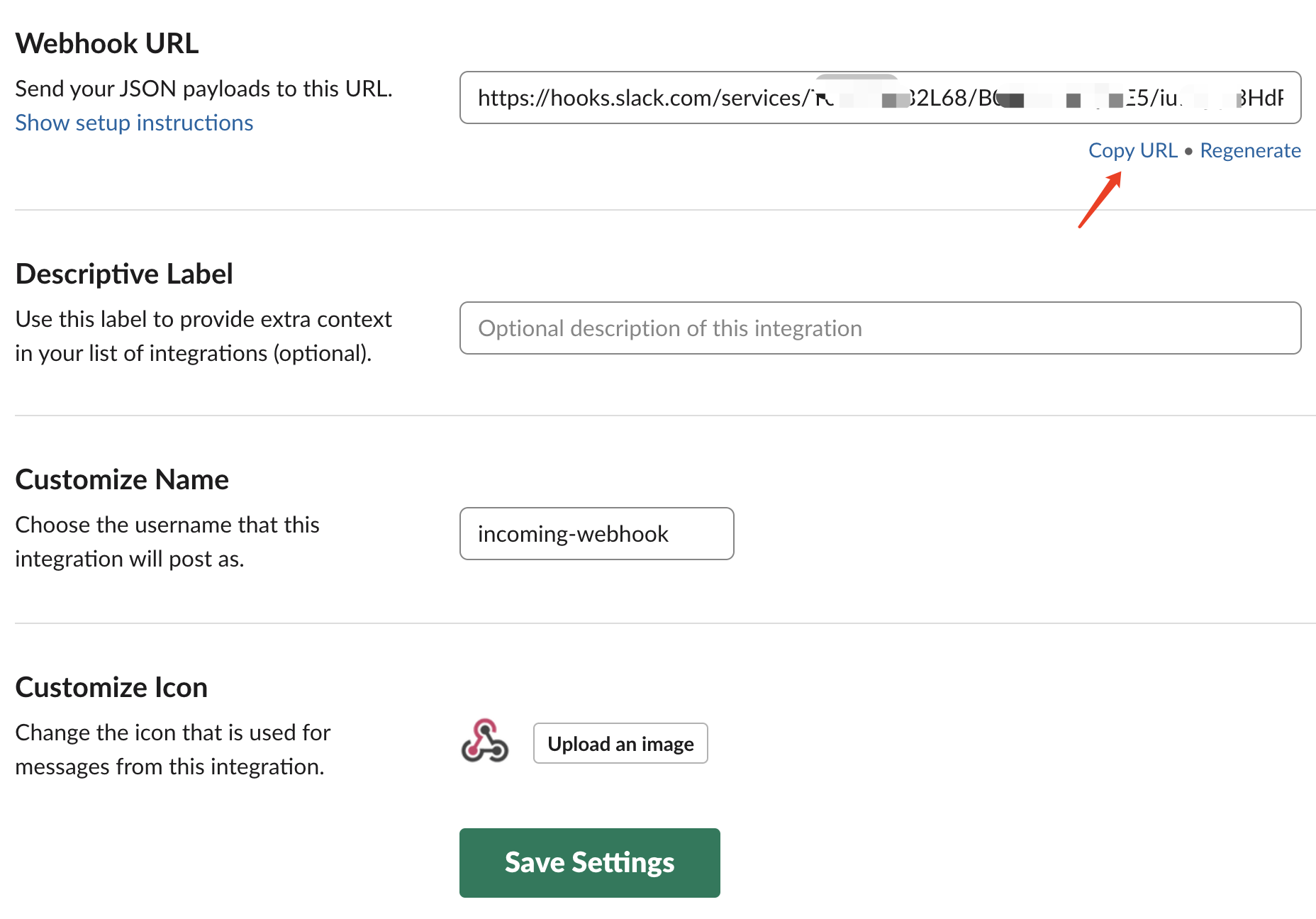
- Also, you can custom a app name and app logo


Or: you can create your own Slack app here => https://api.slack.com/apps
two ways to set up cron job
- Vercel Pro user
- Find a tool by yourself
if you are vercel pro user, then you can use vercel's Corn job directly. Just add a vercel.json at root folder.
{
  "crons": [
    {
      "path": "/api/figma",
      "schedule": "*/3 * * * *"
    }
  ]
}
// above means `/api/figma` will be called every 3 minutes, but you need change /api/figma/route.ts to GET function
More detail => https://vercel.com/docs/cron-jobs
you can search for free cron job or deploy one by yourself
examples:
- Cron-job.Org(free)
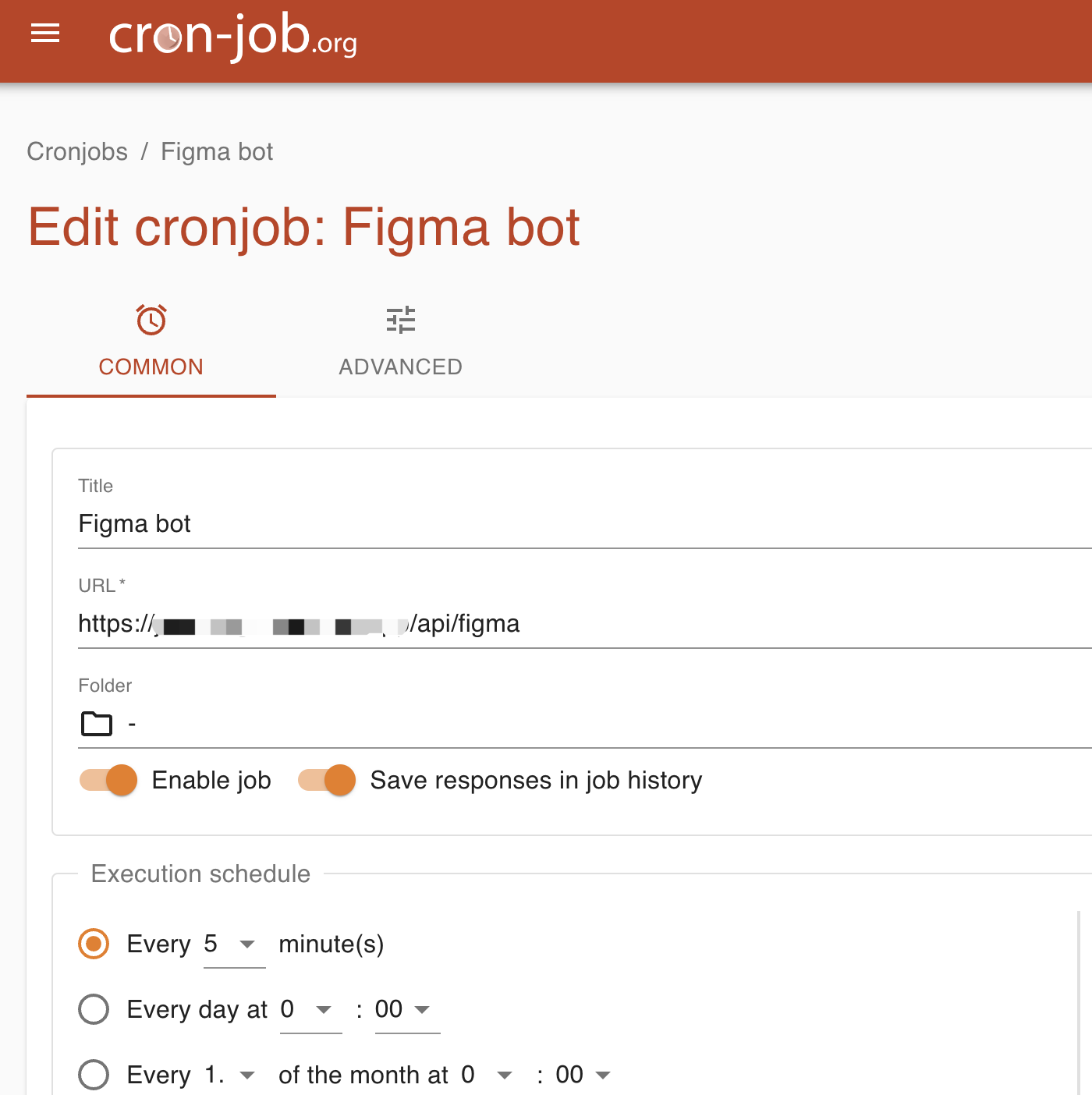

- Figma REST APIs => https://www.figma.com/developers/api
- Create Slack APP with Webhook feature => https://api.slack.com/apps
Enjoy your bot. :)