Keep a live stream beside your work. Listen to a podcast while planning your day. Watch a video in a window that fits your desktop.
YouTube API Player brings YouTube search and playback to a desktop app with a resizable window, a personal library, and six games in Orbit Games. Pick your content, position the player, and let the controls slide away when you just want to watch.
Linux · Flatpak · English and Portuguese · Official YouTube API integration
Explore the beta · Get started · Report an issue
Beta 0.2.0-beta.1: a local package is available for testing. This beta has not yet been published on GitHub Releases or Flathub. See the release notes for features and current limitations. Supporting documentation is currently in Portuguese.
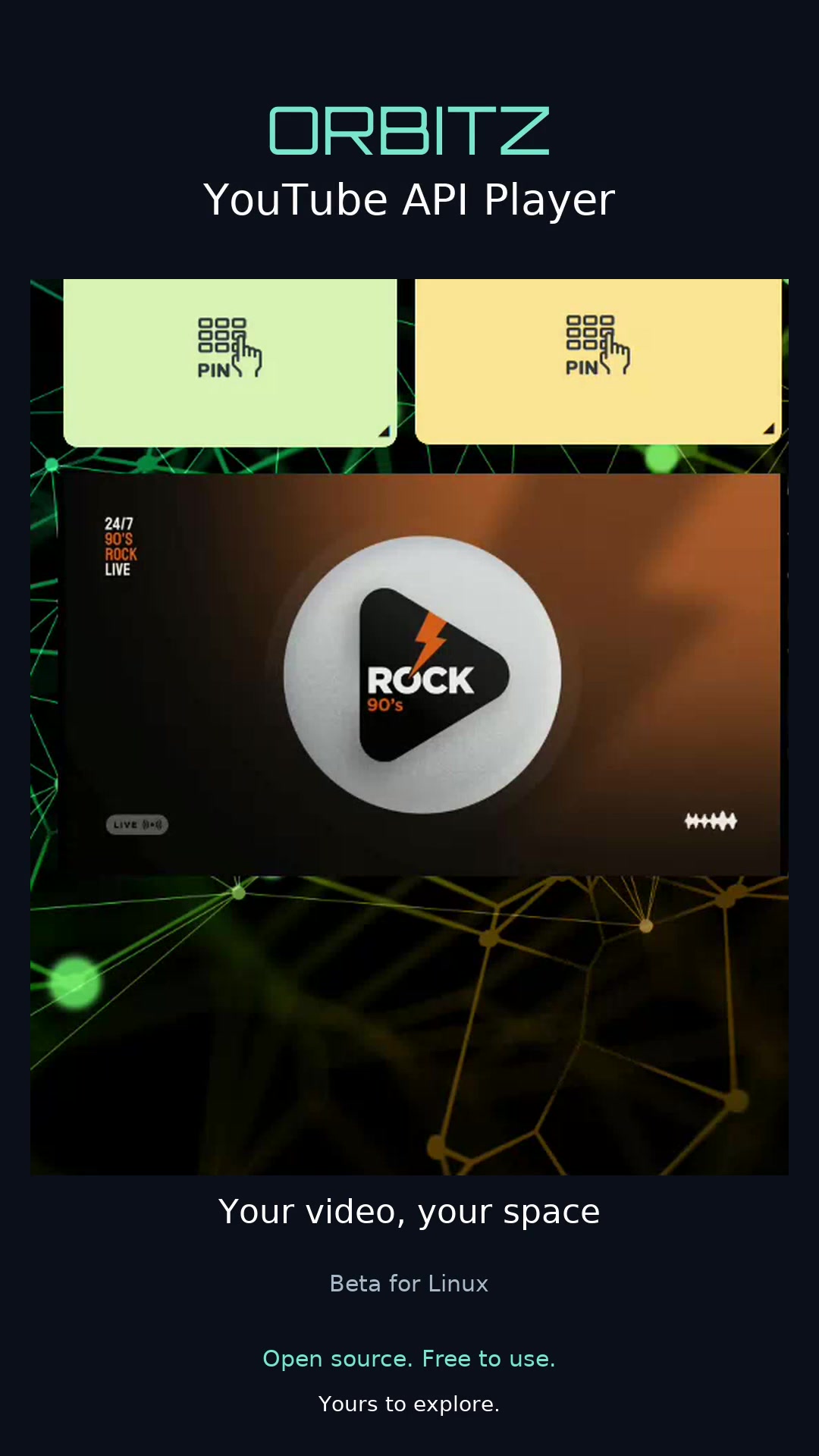
▶ Watch the English demo · 58 seconds
Open source. Free to use. Yours to explore.
Music: “Cipher” by Kevin MacLeod (incompetech.com), licensed under CC BY 4.0. Excerpt edited, faded and mixed.
Use a compact window to keep up with what matters while you use your computer. A news broadcast, your favorite radio stream, or a reference video can stay in view, wherever you choose.
- Keep it visible: enable Always above other windows from the settings menu.
- Find the right size: drag any of the four edges or four corners. A minimum window size keeps the app usable.
- Resize with handles: press Ctrl+T to reveal a resizing frame, then use Esc or Done to finish.
- Focus on the video: move the pointer into the content area to reveal the header and footer together in a half-second animation. They slide away when you leave the app or keep the mouse still for five seconds.
- Make room for your desktop: the hidden control areas become transparent, while the content stays in place during the animation.
This gives you a widget-style experience using the app's own window. Position it, resize it, and keep it above your other activities. You can also choose New Window from the menu to keep searches and content in separate windows.
Search Videos, Shorts, Live, and Podcasts in dedicated tabs. Results show a thumbnail, title, channel, and public like count when available. Found something for later? The + button adds it to your queue without interrupting playback.
Recommendations use the interests you enter and your recent searches. Adjust these signals under Settings → Recommendations for you, disable recent-search personalization, or clear those searches whenever you like. The app does not access your YouTube account's watch history.
Filters reflect what the API makes available: the Shorts tab may include other short videos, and podcast discovery uses search terms and relevance criteria. Results depend on YouTube availability.
Open the books icon to organize what you want to keep:
| Feature | What you can do |
|---|---|
| Favorites | Save the videos you return to most. |
| Watch later | Keep discoveries for another time. |
| Queue | Choose the order, rearrange items, and let the next video start when the current one ends. |
| Similar videos | Explore more results based on a saved video. |
| Import and export | Transfer Favorites and Watch later in a library file. |
On the home screen, Keep Watching puts your last video one click away. Choose Continue watching to resume from the saved position. Finished or stopped videos can restart from the beginning; live streams reopen at the position available through YouTube.
Your lists, queue, and progress are saved locally. Exported library files contain only Favorites and Watch later, without your API key.
Between viewing sessions, choose one of six cards on the home screen:
| Game | Your next challenge |
|---|---|
| Orbit Runner | Jump over obstacles and face threats as an armed alien on the run. |
| Orbit Maze | Explore six colorful mazes, eat ghosts, and collect cherries for extra lives. |
| Orbit Invaders | Defend your ship against waves of space invaders. |
| Orbit Asteroids | Pilot, dodge, and blast your way through asteroids. |
| Orbit Breaker | Break blocks and make the most of special power-ups. |
| Orbit Lander | Guide a rocket onto the landing pad; steer with the mouse and hold the mouse button to fire the engines. |
Games include local high scores and adjustable volume. Press Esc to pause, use a gameplay key to resume, and switch games with Shift+↑ / Shift+↓. Home screen previews are static, with no audio or game simulation running inside the cards.
The integration uses two YouTube services: the YouTube Data API v3 to find videos and retrieve public information, and the IFrame Player API to control playback through the official embedded player. Explore the player API.
Start with a link. Paste a video URL to watch without setting up an API key. To enable search and recommendations, add your personal YouTube Data API v3 key in settings.
The app does not require an additional OAuth sign-in. Like counts are public information; account actions, such as liking a video on your behalf, are not available.
In the usage tests reported for this beta, videos played without YouTube ads. That experience may change depending on the video, region, and platform decisions.
The API does not guarantee ad-free playback, and the app does not block or remove ads. YouTube states that embedded videos can display advertising. The absence observed in this beta is therefore not a promise of permanent ad-free playback. How advertising works in embedded videos.
The beta targets Linux x86_64, using X11 or Wayland with XWayland. It is packaged as a Flatpak with the GNOME 49 runtime and does not require a specific GNOME Shell version.
- Install Flatpak for your distribution.
- Obtain the local
orbitz-youtube-api-player-0.2.0-beta.1-x86_64.flatpakpackage. At this stage, it is generated using the beta preparation instructions; this version is not yet available as a public download. - From the package directory, run:
flatpak remote-add --user --if-not-exists flathub https://dl.flathub.org/repo/flathub.flatpakrepo
flatpak install --user ./orbitz-youtube-api-player-0.2.0-beta.1-x86_64.flatpak
flatpak run io.orbitz.YouTubeDesktop
You can then launch the app from your Linux application menu. Paste a link to watch, or open settings to configure search.
To search: enable the YouTube Data API v3 in your Google Cloud project, create a key under Credentials, and paste it into Settings. Requests use your key's API quota. Keep it private and leave it out of screenshots and issue reports.
Beta updates are manual. When you receive a newer package, install it with Flatpak. Use the accompanying SHA256SUMS file to verify its integrity.
| Shortcut | Action |
|---|---|
| Ctrl+Space | Play or pause the video. |
| Ctrl+M | Mute or unmute the video. |
| Ctrl+Alt+← / → | Seek backward or forward ten seconds. |
| Ctrl+Alt+N | Play the next queued video. |
| Ctrl+T | Open or close the resizing frame. |
| F11 | Toggle fullscreen. |
| Esc | Exit fullscreen, close panels, or pause a game, depending on context. |
Media keys and Linux playback controls can also control the app, depending on desktop support.
The app stores preferences, your library, recent searches, and playback progress in its local profile. It has no built-in telemetry or synchronization. Your key is stored with restricted permissions and sent to Google only for requests that require it.
Searching and watching connects you to YouTube/Google services. Playback and data use within those services are subject to their terms. The package requests network, audio, X11, and GPU access, without general access to your personal files. Library import and export use the system file chooser.
Try it on your desktop and tell us what worked—and what got in the way. Open Diagnostics from the settings menu for useful technical details without exposing your API key. When reporting an issue, include your distribution, app version, and steps to reproduce it.
CPU usage during video playback is still under investigation. Playback restrictions, advertising, and content availability depend on YouTube. Check the beta notes and performance measurements for the current status.
To build, test, or contribute code, see the preparation guide and validation evidence.
Developed by Felipe Santiago / Orbitz as an independent community project. YouTube and Google are trademarks of their respective owners. This app is not produced or endorsed by either company.
Source code is licensed under GPL-3.0. See the third-party credits and licenses.