ToggleDrawable helps to create animated drawable transitions using a minimalistic and clean API. The implementation relies on bezier curves instead of SVG graphics, and is compatible below API 19.
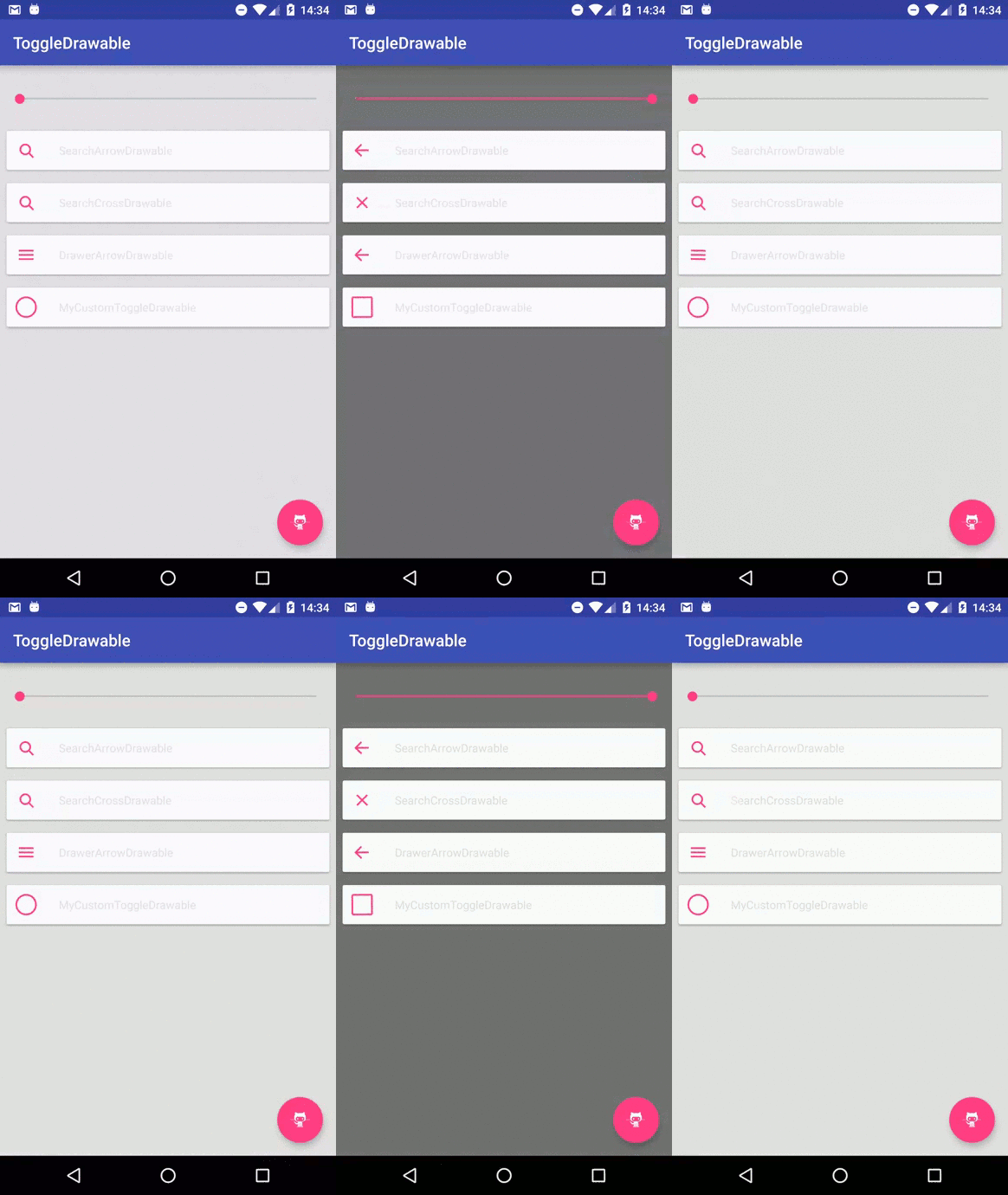
The library provides a few implementations like SearchArrowDrawable, SearchCrossDrawable or DrawerArrowDrawable:
ToggleDrawable drawable = new SearchArrowDrawable(context);
mImageView.setImageDrawable(drawable);
drawable.setProgress(...); // animate
You can easily create your own transitions by passing several Bezier curves to ToggleDrawable:
ToggleDrawable drawable = new ToggleDrawable(context);
drawable.add(<start>, <end>);
drawable.add(<start>, <end>);
Or by simpy subclassing ToggleDrawable instead:
public class MyCustomToggleDrawable extends ToggleDrawable {

        public MyCustomToggleDrawable(Context context) {
            super(context, 0, R.style.CustomToggleDrawableStyle);
            float radius = Math.round(getIntrinsicWidth()*0.5f);

            // From circle to square
            add(Bezier.quadrant(radius, 0), Bezier.line(radius, radius, radius, -radius));
            add(Bezier.quadrant(radius, 90), Bezier.line(-radius, radius, radius, radius));
            add(Bezier.quadrant(radius, 180), Bezier.line(-radius, radius, -radius, -radius));
            add(Bezier.quadrant(radius, 270), Bezier.line(-radius, -radius, radius, -radius));
        }
    }
Look at the sample.
This repositery can be found on JitPack:
https://jitpack.io/#renaudcerrato/ToggleDrawable
Add it in your root build.gradle at the end of repositories:
allprojects {
		repositories {
			...
			maven { url "https://jitpack.io" }
		}
	}
Add the dependency:
dependencies {
	        compile 'com.github.renaudcerrato:ToggleDrawable:1.0.2'
	}