
Your ROM workflow. One toolkit.
An open-source ROM, cheat, patch, and save toolkit for desktop browsers, supported mobile browsers, and CLI.
Drop in a compressed ROM and your patches, apply them in order, and recompress the result. One workflow, without unpacking each file by hand.
Files stay on your device. No uploads, accounts, or telemetry. Works offline after keeping a browser offline copy (app and emulator cores, plus any selected databases), or setting up the CLI.
Apply two sample patches and download the result as 7z.
apply-workflow.mp4
Contents
Choose the webapp, self-hosting, or CLI path below.
Open rom-weaver.com/apply-rom-patches. Add your ROM and patches, then download the result. Files are processed on your device. No install or account is needed.
For offline use, turn on the offline copy, which caches the app and every emulator core, and select any extra identify databases you need. Remote files still need a connection. See offline behavior and privacy.
Start with your first patch to practise on supplied homebrew files. For your own files:
- Apply a BPS, IPS, UPS, or xdelta patch.
- Compare ROM compression formats.
- Identify a ROM by checksum.
Use the task chooser for the other browser workflows.
Use the published Docker image or static release archive. The self-hosting guide covers both, including HTTPS, reverse proxies, and subpaths.
Native release assets cover macOS arm64 and x86-64; Linux x86-64 GNU plus x86-64, arm64, and i686 musl; and Windows arm64, x86-64, and x86.
Three recommended ways to install:
curl -fsSL https://rom-weaver.com/install.sh | shbrew install rom-weaver/tap/rom-weaver
npm install --global rom-weaver
The install script covers macOS and Linux: it downloads the latest release to ~/.local/bin and checks its build provenance, refusing a definite verification failure. If the check cannot run, it warns and continues unless strict verification is enabled; see Verify a download. Homebrew covers macOS arm64/Intel and Linux arm64/x86-64. npm is the only channel covering every supported target at once, and needs Node.js 22+.
Windows, Scoop, PowerShell, cargo-binstall, mise, Docker, shell completions, and building from source are all in Install the CLI.
All three methods above carry the identify and cheat databases, so they need no extra step. Methods that install only the executable - cargo install, cargo binstall, and mise - need rom-weaver setup afterwards to download that data, which identify and cheat baking read.
Hitting Permission denied? See File permissions.
The development guide covers the full toolchain setup, webapp builds, and tests.
A patch job can require extraction, several patches in order, checksum checks, and compression. rom-weaver runs those steps together and can save the recipe as a weave.
Browser and CLI explains the two interfaces. Comparison with similar tools covers alternatives.
The performance guide records measured compression and extraction times, output sizes, hardware, and test settings. Results vary by format and input; some compression cases are slower than the reference tool.
The CLI and browser share one Rust engine. Browser workers and storage add costs, so native timings do not predict browser performance.
- Apply and create patches. IPS, BPS, UPS, PPF, RUP, xdelta, and more. Chain compatible patches in order: a weave.
- Open archives directly. Read ROMs and patches inside ZIP, 7z, RAR, and nested archives. Extract many formats through libarchive; create ZIP and 7z.
- Convert game images. Extract and create RVZ, CHD, and Z3DS. Read CSO, PBP, GCZ, WIA, and more. See format limits and benchmarks.
- Identify and verify ROMs. Match checksums to known games, regions, and revisions. Compare fingerprints and check patch requirements.
- Handle dump differences. Resolve supported copier headers and N64 byte orders. Optionally repair supported ROM compatibility fields.
- Bake in cheats. Apply supported ROM-writing codes, or turn them into patches. Live-memory codes cannot be baked.
- Try the result. Play supported games in your browser with EmulatorJS. Import and export emulator saves.
- Reuse patch weaves. Preserve patches, order, choices, and ROM checksums. Patch-only weaves omit the ROM; each user supplies their matching original.
- Trim ROMs and edit saves. Trim supported ROM padding, edit supported saves, and generate saves within game-specific limits. Browser Trim is available by default; the beta Save Editor requires the beta setting.
- Undo patches. Reverse PPF3 patches containing undo data.
- Automate or self-host. CLI scripts, JSON output, and your own webapp hosting. Both interfaces share one Rust engine.
The plain-language feature map links every feature to its browser or CLI guide. Exact limits live in the format tables, cheat reference, and save reference.
rom-weaver is beta software and follows Semantic Versioning, but until v1.0, breaking changes may still happen between minor releases. Patching, compressing, extracting, and creating weaves are covered by automated tests. Hands-on testing happens on macOS and Linux; Windows is covered by hosted CI but has seen much less real-world use, so expect rougher edges there and please report anything Windows-specific. If you rely on the APIs or CLI flags, expect things to be a bit tougher: those interfaces may still change as the project heads toward v1.0. Some browser features are hidden behind the beta setting. The feature map lists them. The rom-weaver-core, -checksum, -containers, and -patches crates are published to crates.io only so rom-weaver-cli can use them. The CLI and the webapp are the supported interfaces; using those crates as libraries in another project is not supported.
v0.7.2 was the first complete public release. The changelog and the git history go back further, but v0.6.0 through v0.7.1 failed partway through the release pipeline or were only partially published. v0.7.1 completed most of the pipeline, but it still missed the crates.io CLI package, shipped a broken unscoped npm launcher, and built the static webapp archive with mismatched release metadata. Starting with v0.7.2, all public install methods were intended to work together. Install commands above resolve the current release unless you explicitly pin a version.
rom-weaver is built by a full-time software engineer in my spare time. Claude and ChatGPT are used during development for brainstorming, implementation, debugging, and review. I make the engineering decisions and review and test the resulting work myself; the goal is high-quality, dependable software, but AI-assisted code may still need extra scrutiny.
Localized translations are early and may be entirely wrong in places. Manual edits and corrections are welcome.
Screenshot inventory and capture instructions.
| Name | Screenshot |
|---|---|
| Desktop: Apply with two ordered patches |
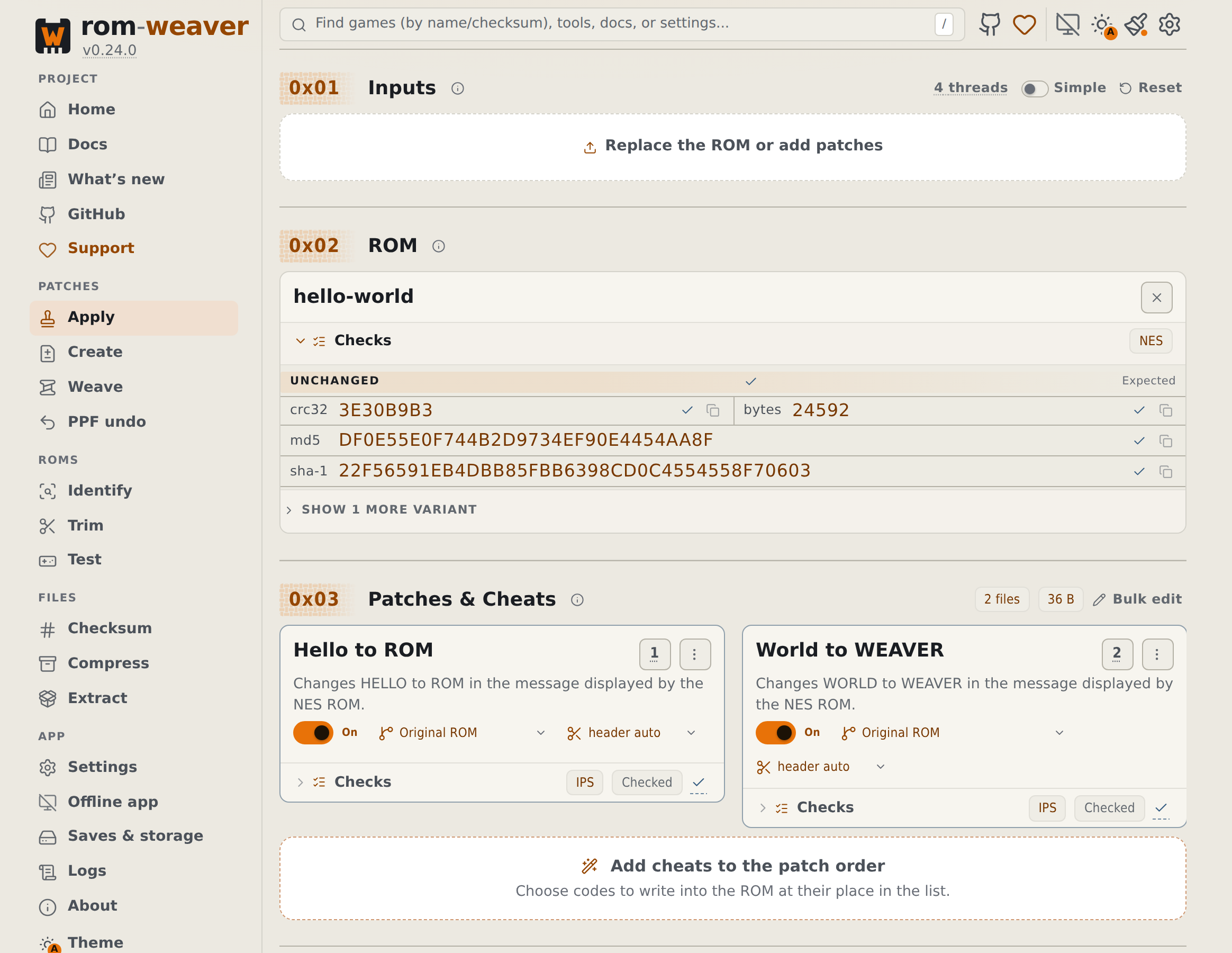
|
| Mobile: Apply with two ordered patches |
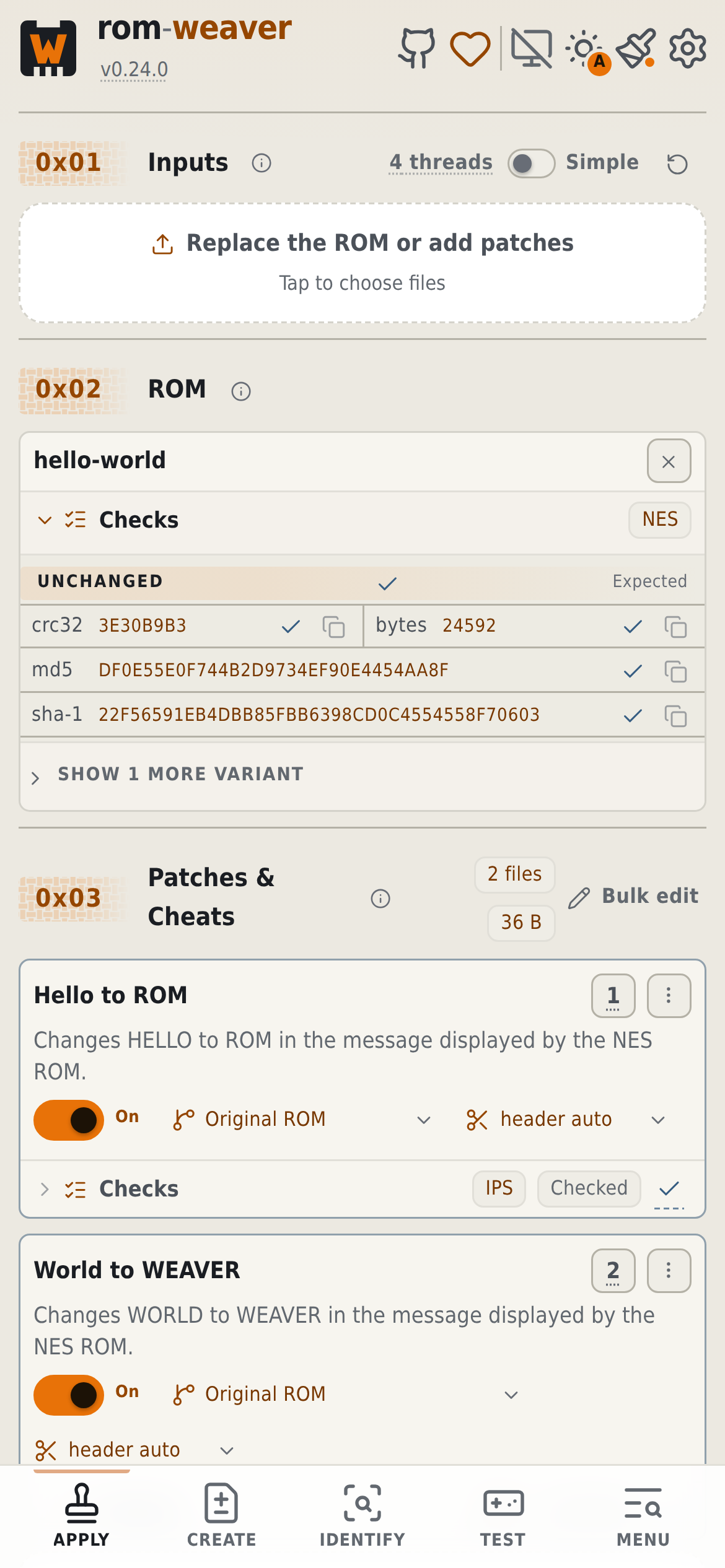
|
| Desktop: ordered patch stack |
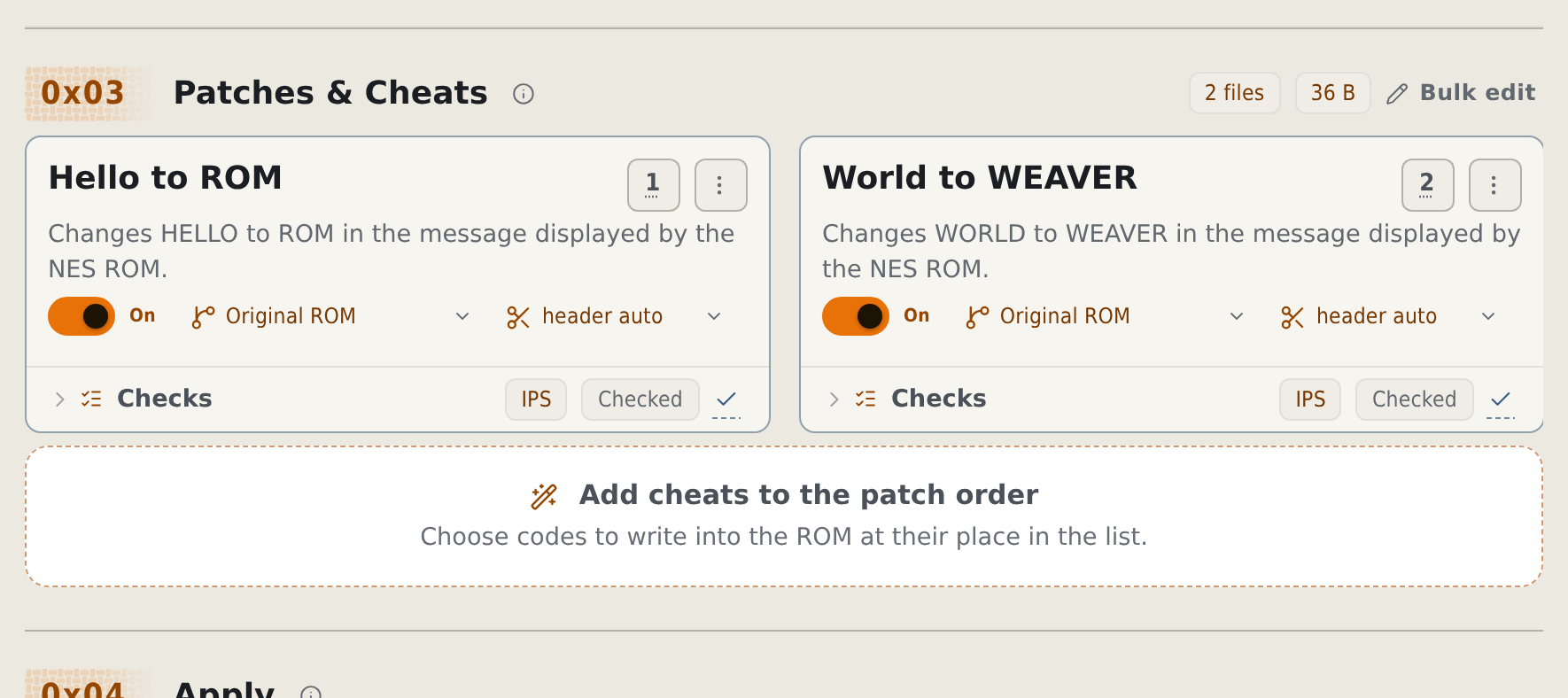
|
| Desktop: create output |
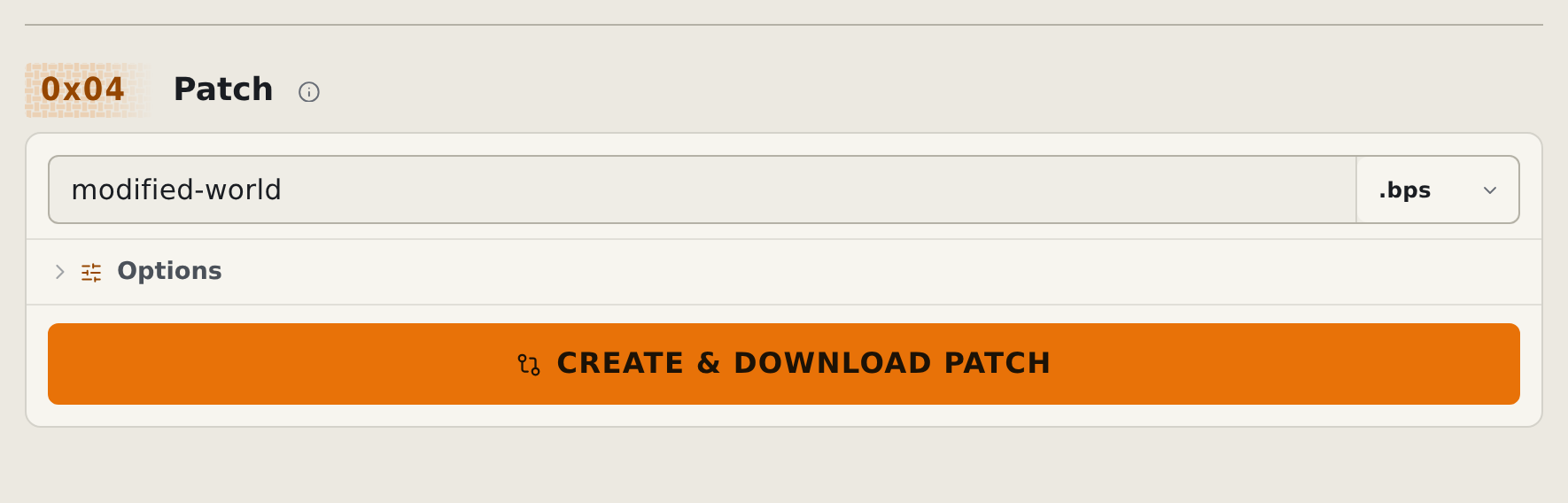
|
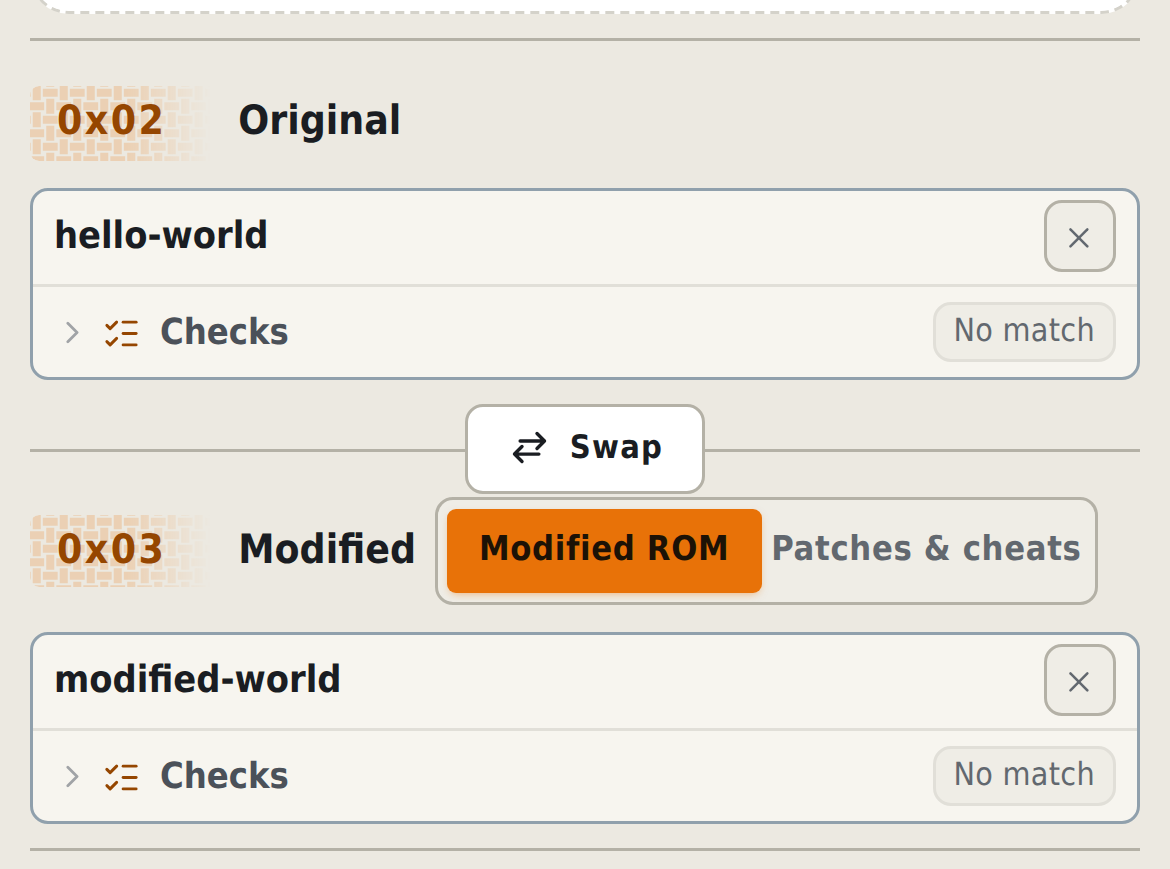
| Mobile: Original and Modified |
|
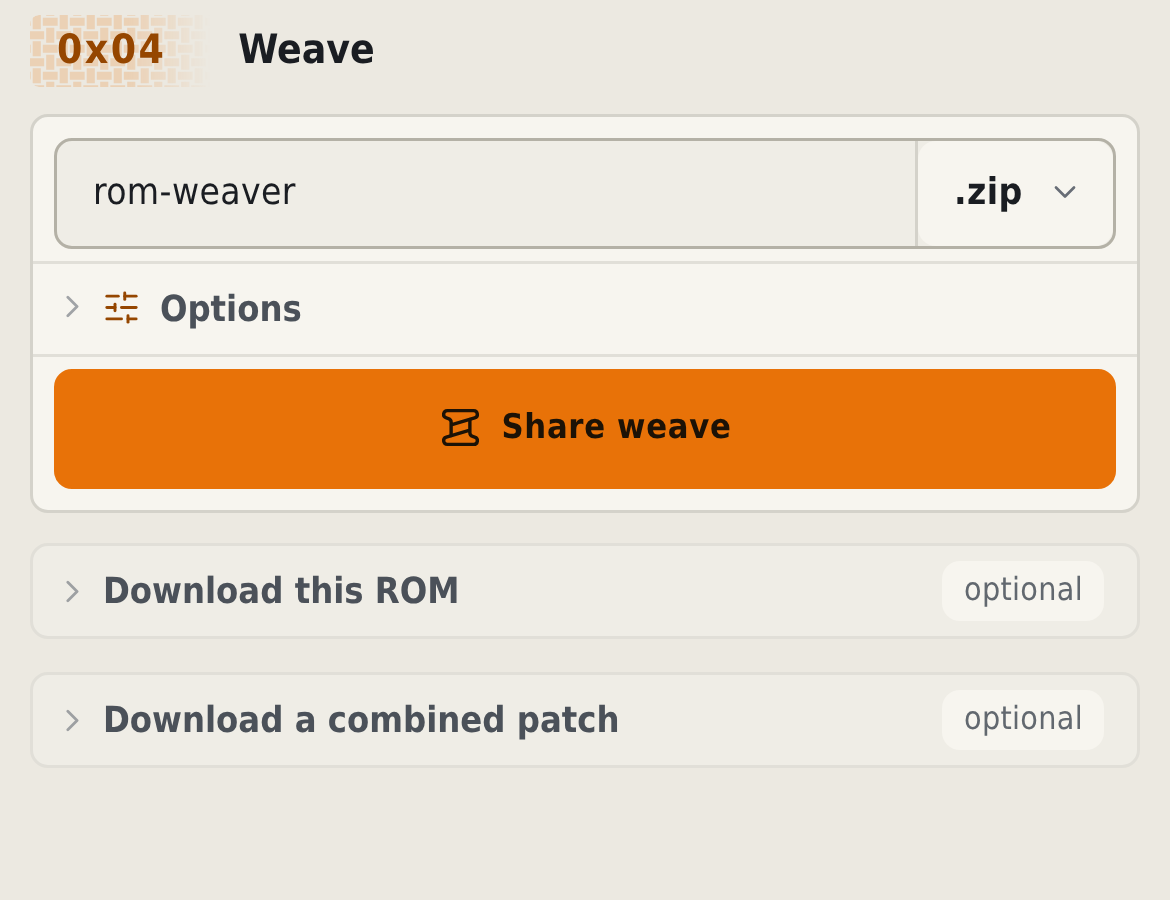
| Mobile: weave output options |
|
Start with the browser-first documentation home or the repository documentation index. Both link to the task chooser, feature map, guided samples, and FAQ. CLI, deployment, integration, development, architecture, and format references have their own pages.
Bug reports and contributions are welcome. Read the contribution guide and code of conduct before submitting a change. Because rom-weaver is dual-licensed, code and documentation changes need a one-time signature on the Contributor License Agreement. The CLA Signed check asks for it on your first pull request. One signature covers every repository in the rom-weaver organization whose contribution process references the agreement. You keep the copyright in your work. Report suspected vulnerabilities through GitHub's private reporting form in the security policy. If rom-weaver has been useful to you, you can support continued development through GitHub Sponsors or Ko-fi.
Copyright © Brandon Casey and rom-weaver contributors
The public distribution is licensed under AGPL-3.0-or-later. Commercial licensing is also available for first-party rom-weaver code. Bundled third-party components retain their own licenses. Release builds include a generated combined attribution and license inventory and corresponding license texts. Those third-party terms continue to apply under every rom-weaver licensing option.