GeezerVison is showing github.com — Home
Mehrdad Pajuhaan edited this page
Oct 23, 2026
·
2 revisions
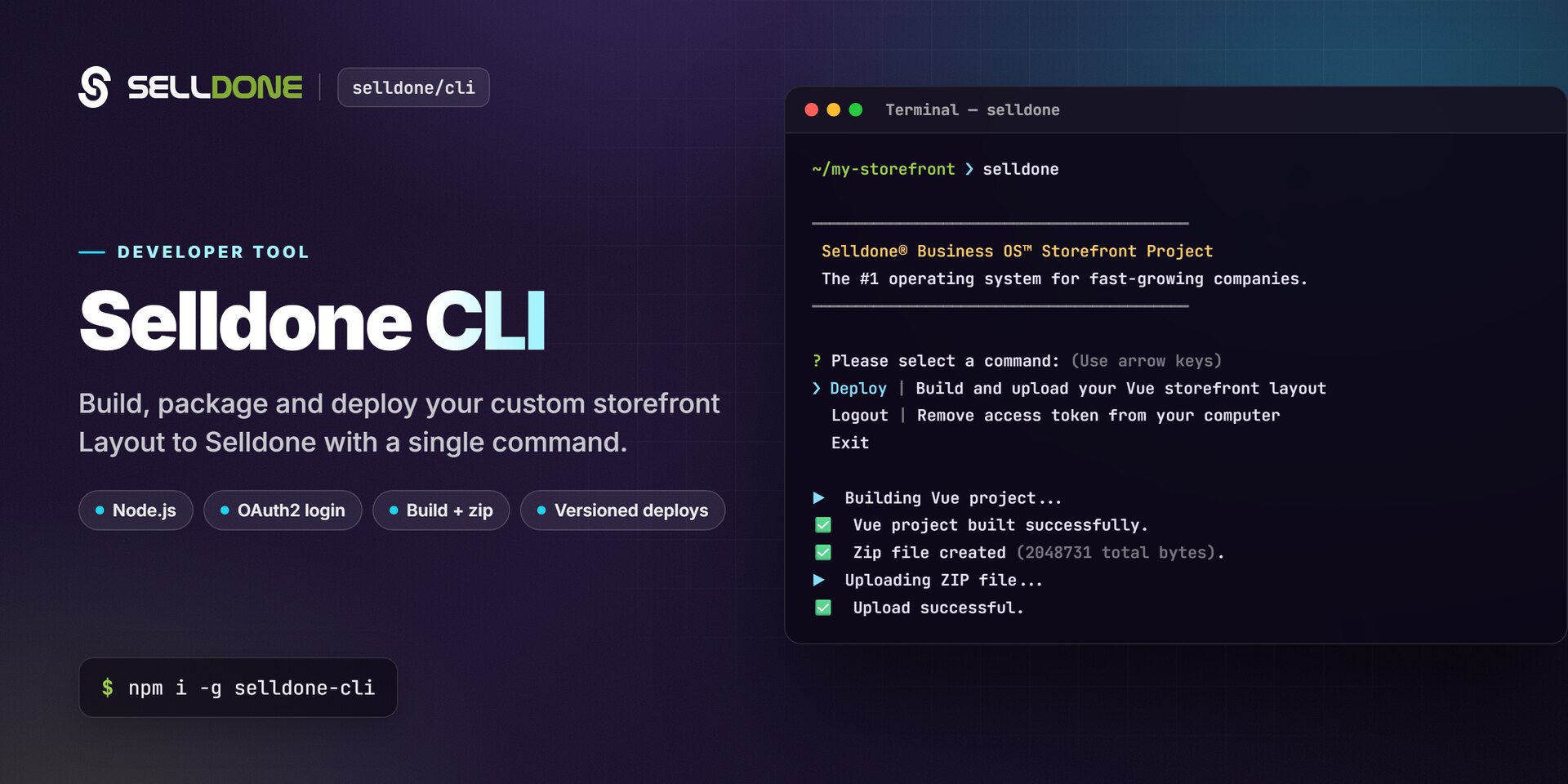
Selldone CLI (selldone-cli on npm, selldone on your command line) deploys custom storefronts to
Selldone® Business OS. Run it in your project folder and it signs you in, validates manifest.json, builds the
project, packages the build as a ZIP and uploads it as a new Layout version. A Layout is a custom storefront web app
served by Selldone for your shops.
| Page |
What you'll learn |
| Getting Started |
Requirements, installation, creating a project and the first deployment. |
| Commands |
selldone, selldone deploy, every menu action and debug mode. |
| Deployment Workflow |
What happens during a deployment, the manifest.json rules and the premium requirement. |
| Packaging Layouts |
The fixed app/shop.js and app/shop.css contract, bundler settings and the validator scripts. |
| Authentication |
OAuth2 browser login, 2FA and where the access token is stored. |
| Layout Deployment API |
The check-version and deploy endpoints, scopes, request and response bodies. |
| FAQ |
Common questions and fixes. |
npm install -g selldone-cli   # install
cd my-storefront              # folder with manifest.json
selldone deploy               # sign in, build, ZIP and upload
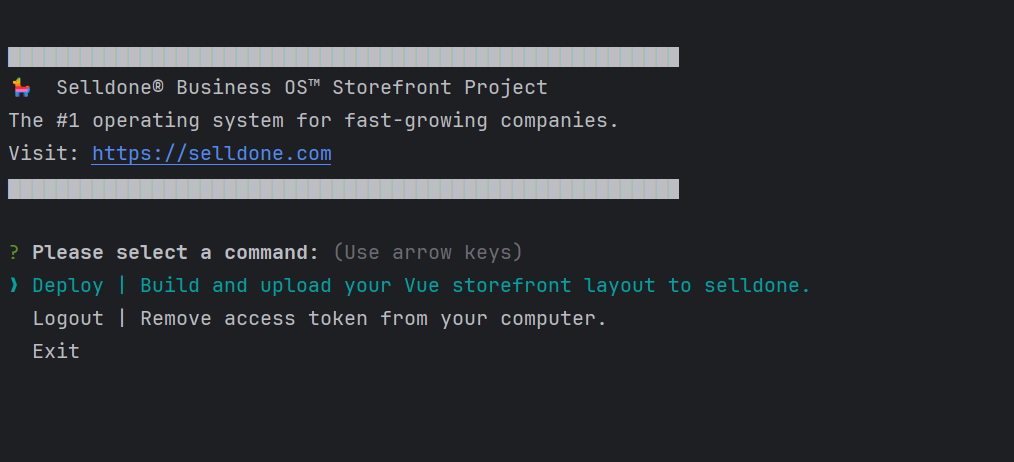
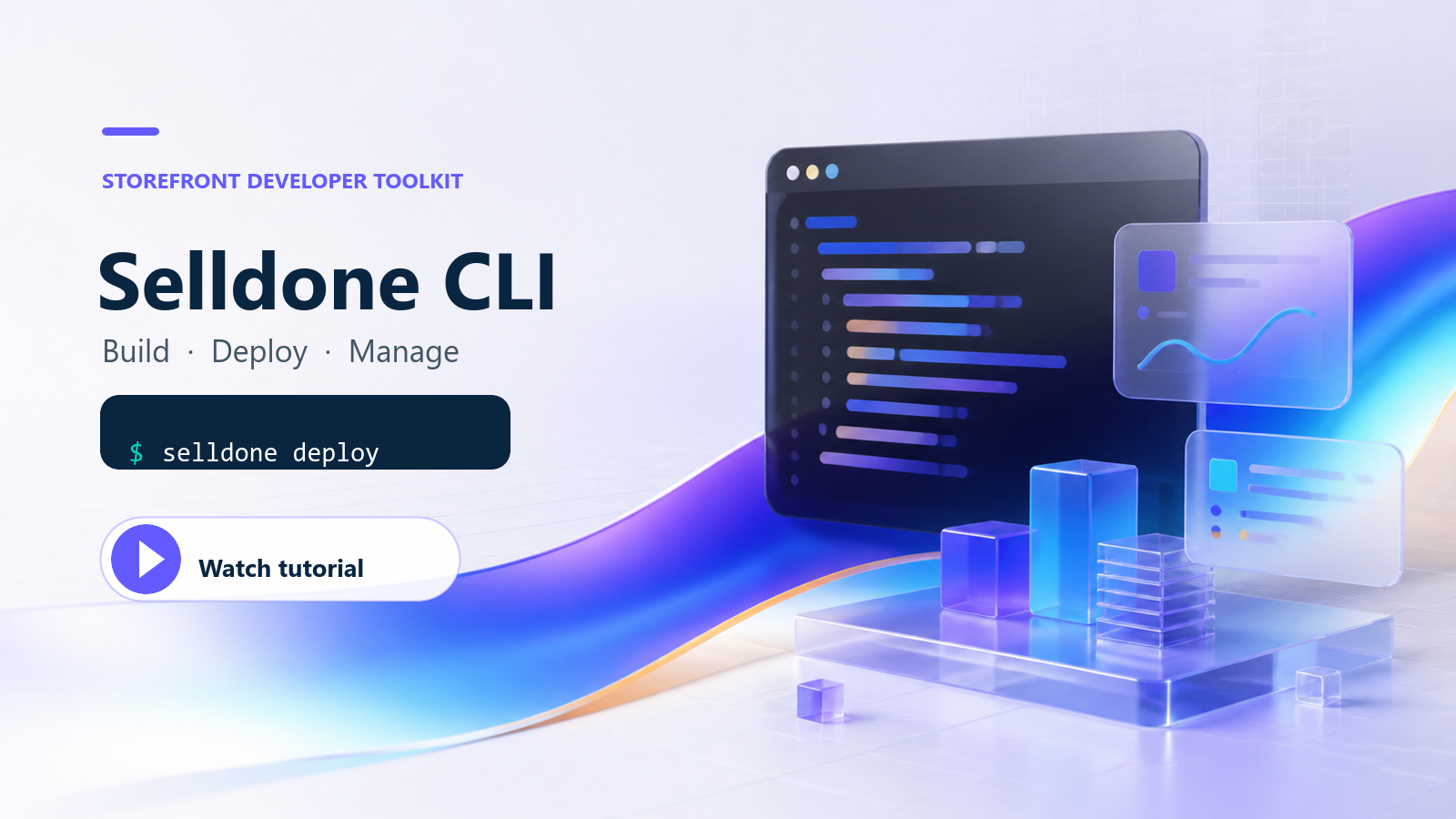
Video walkthrough:
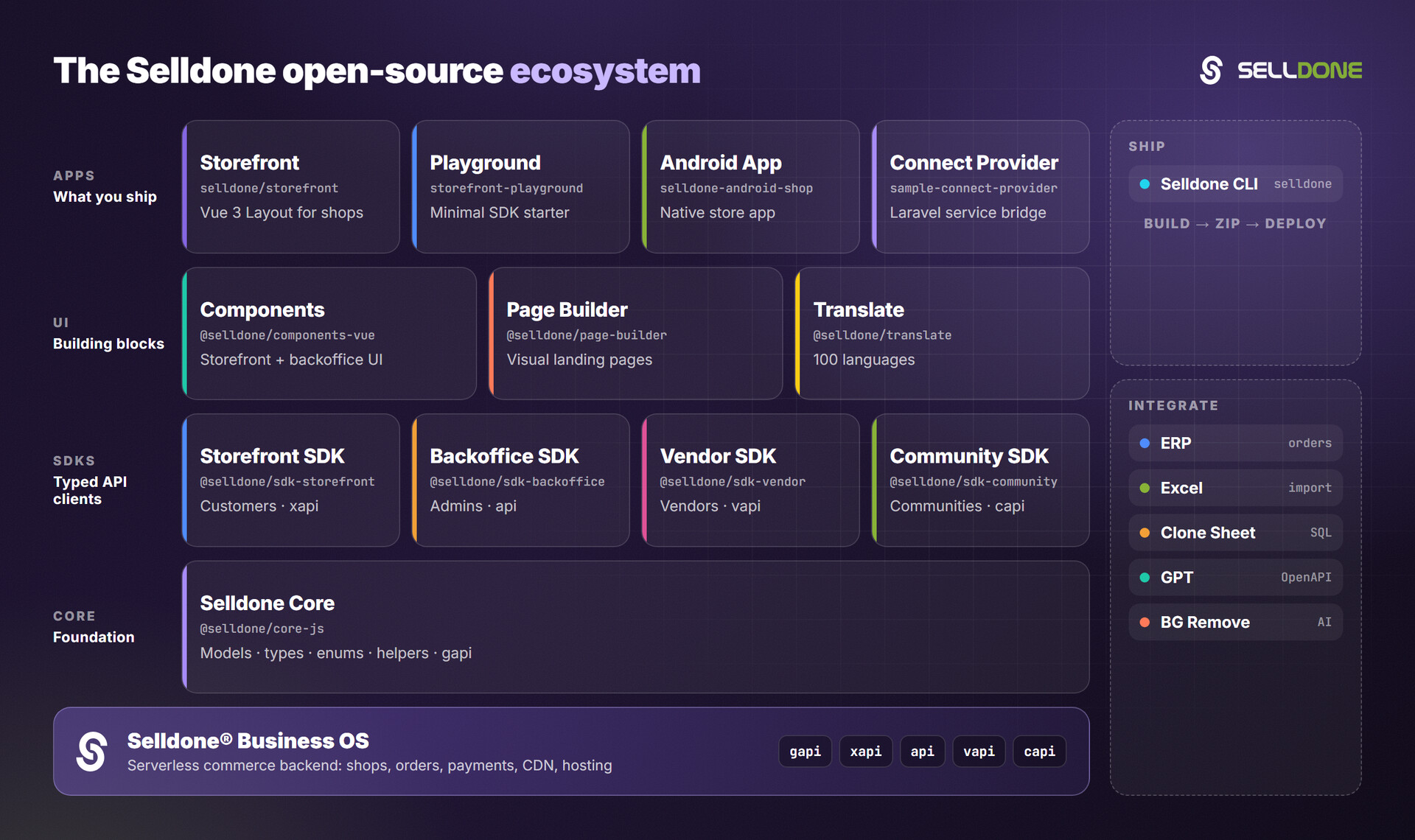
The CLI is the release step of the Selldone open-source ecosystem. You build with the
Storefront app, the Storefront SDK,
Components and the Page Builder;
the CLI ships the result to Selldone, where you manage it in the
Layouts dashboard.
| Project |
Description |
|
Storefront (wiki) |
Production-ready Vue 3 + Vite storefront (a Selldone Layout). |
|
Storefront SDK (wiki) |
Customer-facing API client: products, basket, auth, user, coupons. |
|
Components (wiki) |
Pre-built Vue 3 commerce components for storefront and backoffice. |
|
Page Builder (wiki) |
Visual drag-and-drop page builder; pages stored as structured JSON. |
|
Core (wiki) |
Shared models, types, enums and helpers. |