
Trueframe is a free, browser-based image studio for making AI-generated images feel more photographic. It includes six practical tools for repairing synthetic-looking skin, enlarging images, creating film-inspired grades, composing prompts, and processing complete batches.
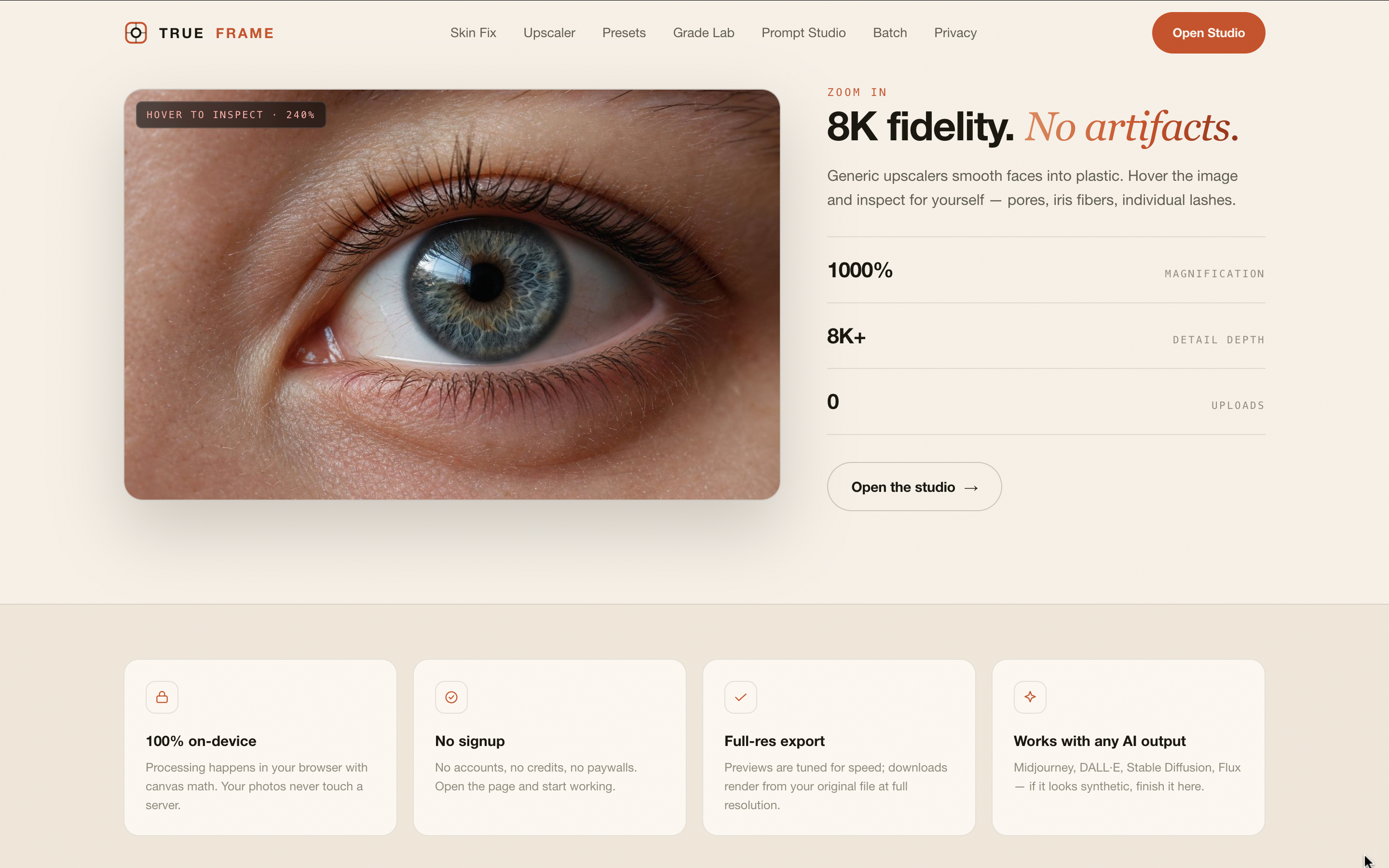
- Skin Fix — reduce plastic-looking skin and restore texture, clarity, warmth, and natural contrast.
- Upscaler — enlarge images with adjustable sharpening and detail enhancement.
- Presets — apply ready-made photographic and cinematic color treatments.
- Grade Lab — build, save, and reuse custom color looks.
- Prompt Studio — compose production-ready prompts for Midjourney, DALL·E, Stable Diffusion, Flux, and other image generators.
- Batch processing — apply a fix, preset, or custom look to multiple images and download the results as a ZIP.
- Interactive comparisons — inspect before-and-after results with draggable comparison controls and a detail loupe.
| Technology | Purpose |
|---|---|
| HTML5 | Application structure and native file inputs |
| CSS3 | Responsive layout, visual effects, transitions, and animations |
| Vanilla JavaScript | Application state, image-processing controls, prompt generation, and batch workflows |
Canvas API and createImageBitmap |
Local pixel processing, resizing, grading, previews, and JPEG exports |
| File, Clipboard, Blob, and Web Storage APIs | Image import, copy/paste, downloads, saved looks, and prompt history |
| Python 3 | Build script for embedding optimized image assets into the standalone page |
| GitHub Actions and GitHub Pages | Continuous deployment and static hosting |
Trueframe has no frontend framework, backend service, database, or runtime package dependencies.
Image processing happens locally using browser APIs and canvas operations. Photos are not uploaded to a server, and no account is required. Saved looks and prompt history remain in the browser's local storage.
Clone the repository and serve the app directory with any static web server:
git clone https://github.com/strdst7/true-frame.git
cd "true-frame/true frame/realis"
python3 -m http.server 8000
Then open http://localhost:8000.
The deployed app is a self-contained static page, so there are no runtime dependencies, package installs, accounts, or API keys.
.
├── .github/workflows/pages.yml   # GitHub Pages deployment
├── true frame/
│   ├── realis/
│   │   ├── index.html            # Deployable application
│   │   ├── template.html         # Source template
│   │   ├── build.py              # Embeds optimized images into the template
│   │   ├── assets/               # Source images
│   │   └── web/                  # Web-optimized images
│   └── uploads/                  # Original uploaded source material
└── LICENSE
The build script embeds the files from web/ into template.html as data URLs and writes the result to index.html:
cd "true frame/realis"
python3 build.py
Commit changes to main to trigger the GitHub Pages workflow. The workflow publishes true frame/realis/ as the root of the site.
Use a current version of Chrome, Edge, Firefox, or Safari. Processing speed and maximum export size depend on the device, available memory, browser canvas limits, and source-image dimensions.
Released under the MIT License.