
CPU profiling for Unity
This is a general guide focusing on CPU profiling for Unity, including which tools are useful for profiling and how to use these tools to find hotspots in your code.
GeezerVisonThe World Wide Web, restored to 800 pixels of glory. |
| Home|About|Gaming cabinet|Archives|How it works|Starter sites |
GeezerVison is showing gpuopen.com — Unity Our FSR 2 patch for Unity URP (DirectX® 11 only) is available now!AMD FidelityFX™ Super Resolution 2 (FSR 2) is our open source temporal upscaling solution. FSR 2 uses cutting-edge temporal algorithms to reconstruct fine geometric and texture detail, producing anti-aliased output from aliased input. While this patch targets URP 12.1.7 in particular, you can still use this patch for other versions (including newer) with a few careful changes. Note that this version of the patch supports DX11 only. Unity CPU profiling guideOne of our engineers shares their top advice to help you profile your CPU in Unity. This guide covers: Key factors for CPU game profiling Our FSR 1.0 patch for Unity URP is available now!AMD FidelityFX™ Super Resolution (FSR) is an open source, high-quality solution for producing high resolution frames from lower resolution inputs. It uses a collection of cutting-edge algorithms with a particular emphasis on creating high-quality edges, giving large performance improvements compared to rendering at native resolution directly. FSR enables “practical performance performance” for costly render operations, such as hardware ray tracing. This patch modifies Unity URP to include FSR 1.0. The current version of our patch file targets URP 10.6.0, but with a few careful changes you can still use it for both older and newer versions. Integrating our FSR 1.0 patch into Unity URPMethod 1 (recommended)
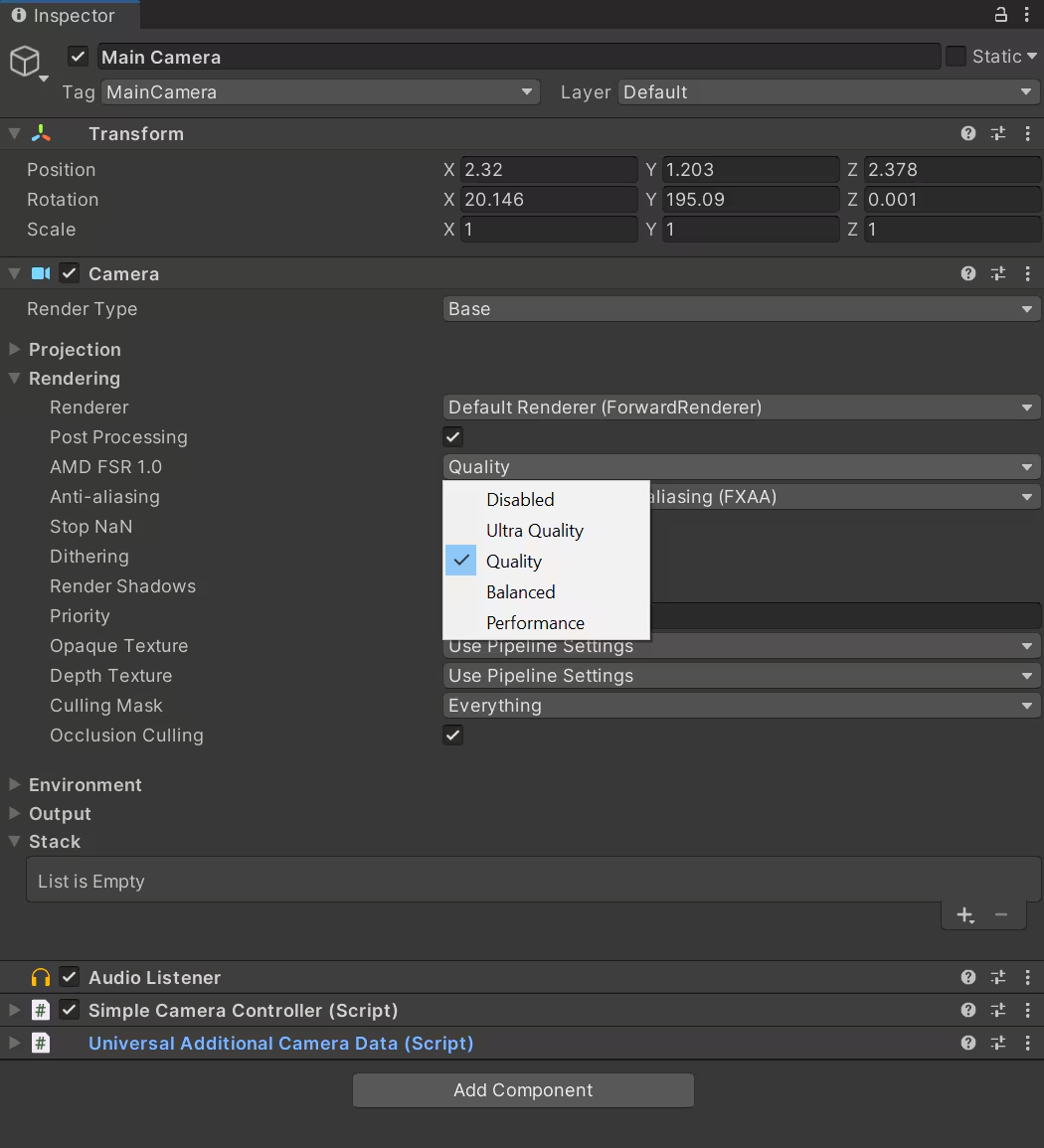
Using FSR 1.0 in Unity URPAfter integrating FSR correctly and toggling on the Camera post-processing in your Unity project, the option for AMD FSR 1.0 will appear below it. You can choose different FSR modes according to your requirements. At present, if you turn on FSR, the anti-aliasing (MSAA) setting will be set to 8X by default. You can change this to a lower MSAA level or other anti-aliasing solution. However, keep in mind that FSR 1.0 requires an anti-aliasing process before it can work. The MSAA setting is: settings.msaaSampleCount = 8;Note: Mobile platforms (including standalone VR headsets) are not guaranteed to work due to the compute shader implementation. Method 2
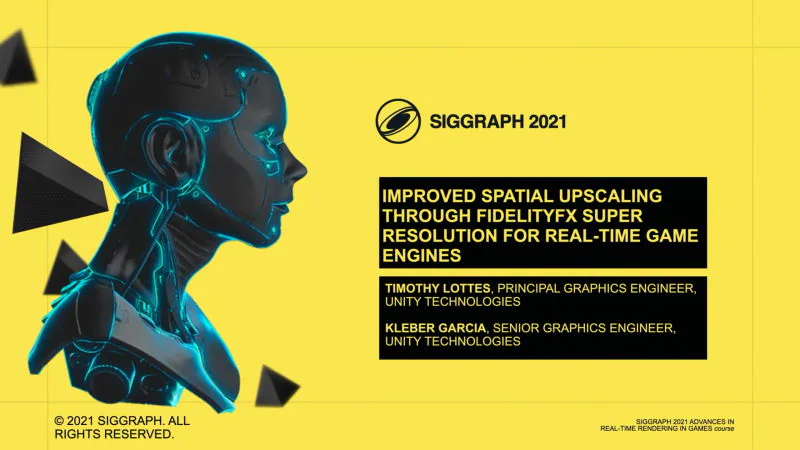
FSR 1.0 in Unity HDRPFidelityFX Super Resolution is currently available in Unity 2021.2. Unity developers can use FSR by enabling dynamic resolution in your HDRP assets and Cameras, and then selecting “FidelityFX Super Resolution 1.0” under the “Upscale filter” option. FSR settings can be tweaked along in the dynamic resolution panel. See FSR in action in Unity HDRPWe’ve made a video using Unity’s Spaceship demo with FSR support, so you can see how well it works! You can also try out FSR yourself with the Spaceship demo available on Steam – activate FidelityFX Super Resolution in the Graphics options. Learn more about how FSR works and its integration into Unity HDRP Watch Improved Spatial Upscaling through FidelityFX Super Resolution for Real-Time Game Engines, presented by Unity’s Timothy Lottes and Kleber Garcia. The talk covers the algorithmic underpinnings of FSR and their practical integration into Unity 2021.2. [slides] This video was first shown during the Advances in Real-Time Rendering in Games track at SIGGRAPH 2021. Unity China HairFXUnity China HairFX uses our TressFX open source high quality real-time hair simulation and rendering framework. It supports both Unity’s Universal Render Pipeline (URP) and Unity’s High Definition Render Pipeline (HDRP). It is also compatible with the Unity 2021 Long Term Support (LTS). Watch the Defender video below which shows the hair effects rendered by Unity China HairFX. Find out more about Unity China HairFX on our blog! Footnotes
TrademarksUnity, Unity logos, and other Unity trademarks are trademarks or registered trademarks of Unity Technologies or its affiliates in the U.S. and elsewhere.Related news and technical articles CPU profiling for Unity This is a general guide focusing on CPU profiling for Unity, including which tools are useful for profiling and how to use these tools to find hotspots in your code.  Integrating AMD FidelityFX™ Super Resolution 2 (FSR 2) into Unity URP (DX11) Want to add FSR 2 to your Unity URP project? Take a look at our quick-start guide to get you up and running. (DirectX®11 only)  Don’t miss Unity’s “Improved Spatial Upscaling through FidelityFX Super Resolution for Real-Time Game Engines” talk at SIGGRAPH 2021 Find out how to take a closer look at how FSR works, and get inspiration for how to integrate it into your own engine. FidelityFX Super Resolution (FSR) source code is here, along with Unity and UE4 support too! The source code for AMD FidelityFX Super Resolution is now available here on GPUOpen. But that's not all...  TrueAudio Next is now integrated into Steam Audio The GPU processing power of TrueAudio Next (TAN) has now been integrated into Steam Audio from Valve (Beta 13 release). 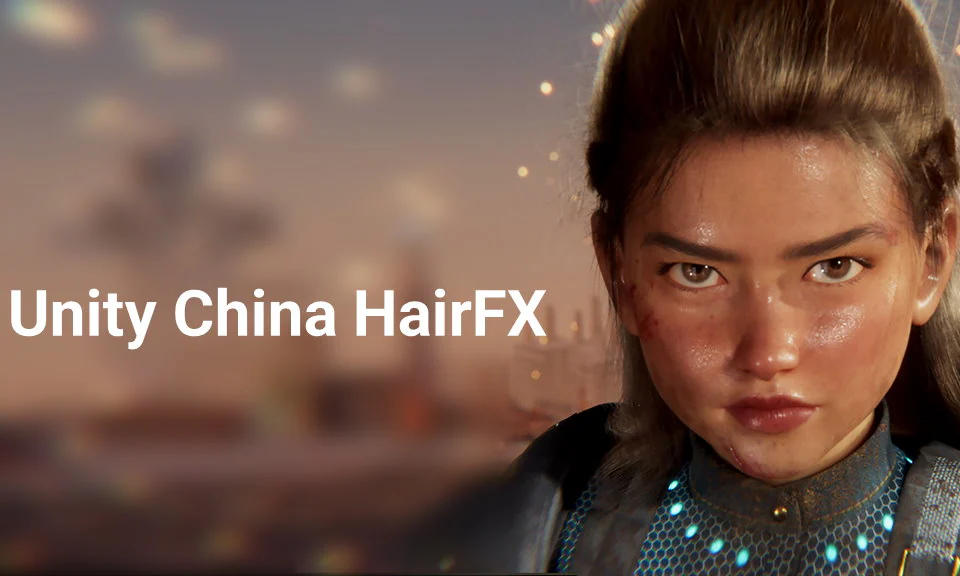 AMD and Unity China collaborate on Unity China HairFX to create ultra-realistic hair across platforms Following two years of work based on AMD’s TressFX open source high quality real-time hair simulation and rendering framework, Unity China HairFX is now available! |
| You are visitor 01402503 — GeezerVison does not store the pages you look up. Best viewed with Netscape Navigator 4.7 or Internet Explorer 6 at 800×600. No cookies required. |