GeezerVisonThe World Wide Web, restored to 800 pixels of glory. | |||||||||||||||||||||
| Home|About|Gaming cabinet|Archives|How it works|Starter sites | |||||||||||||||||||||
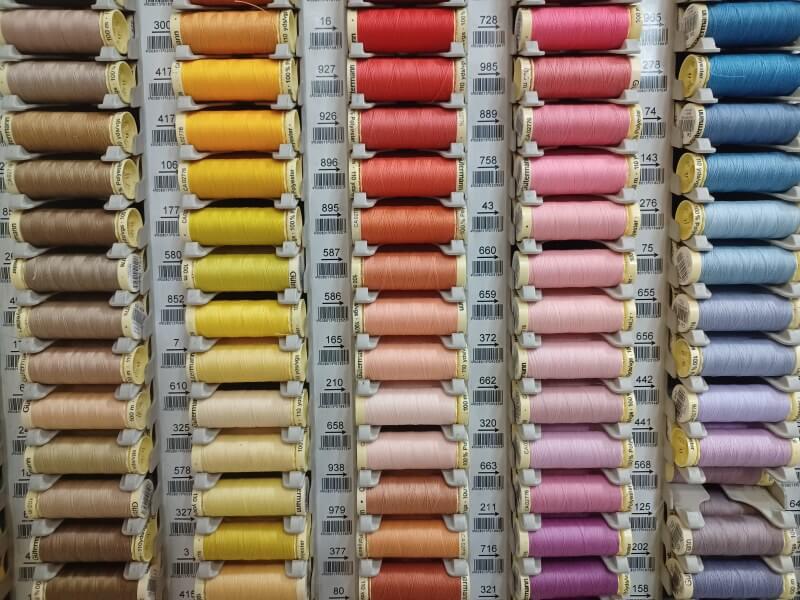
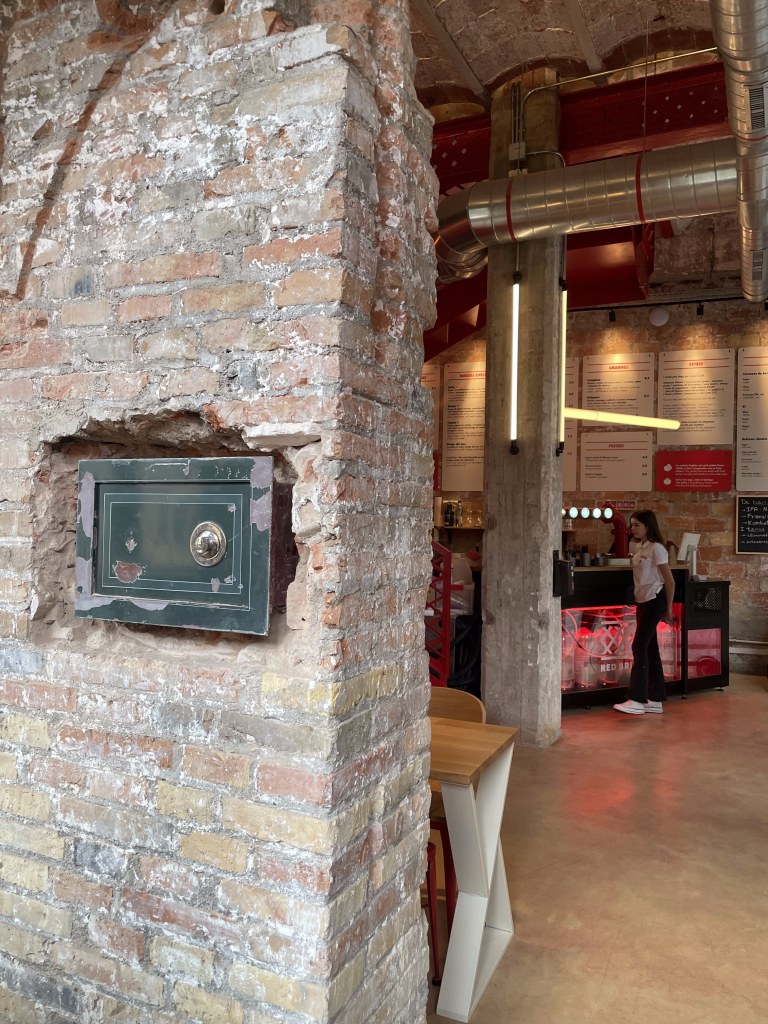
GeezerVison is showing heic.digital — HEIC sample file gallery | Download HEIC images HEIC samples downloadDownload HEIC sample file for testing and practical useHEIC image samples are available for download without restrictions. Enjoy them! In this section, we provide original HEIC sample files created on Apple iPhone, iPad, and Samsung devices. You can use these sample files to test our free HEIC to JPG converter or other online tools and software. For each sample HEIC file, you can preview the photo in JPG format, view its resolution, size, and the device used to take the photo, and finally choose to download the HEIC test file individually. After downloading a HEIC sample image, you can use it with our online tools: Mass convert HEIC to JPG HEIC file to PDF Open HEIC file online Download HEIC Sample (Landscape Orientation)
Download HEIC Sample (Portrait Orientation)
About Our HEIC Sample CollectionAuthentic, unmodified HEIC files for real-world testing. All sample files in our collection are original HEIC images captured directly from Apple and Samsung devices. Unlike compressed or converted samples found elsewhere, these files retain complete EXIF metadata, GPS coordinates, camera settings, and original compression ratios. Why these samples are different:
Our contributors: Ernest from CordeRRoure, Marc from Brottdog, and the HEIC Digital testing team using Samsung Galaxy A32. These samples are perfect for testing HEIC to JPG converters, verifying metadata preservation, developing HEIC-compatible software, and comparing iPhone vs Android HEIC implementations. Understanding HEIC MetadataEach HEIC sample in our collection contains rich metadata that provides valuable information about how the photo was captured: Device Information
Camera Settings
Location DataSome samples include GPS coordinates showing where the photo was taken. This is useful for testing location-based features in your applications. Color Profile Information
This metadata remains intact when you convert HEIC to JPG using our converter, making it ideal for testing metadata preservation in other tools. iPhone HEIC vs Samsung HEIC: Key DifferencesWhile both iPhone and Samsung devices create .heic files, there are subtle technical differences:
Important: Both types are fully compatible with standard HEIC converters, including HEIC Digital's converter. The differences are mostly technical and don't affect basic conversion or viewing functionality. For comprehensive testing, we recommend downloading samples from both device types to ensure your tool handles all HEIC variations correctly. What Makes a Good HEIC Test File?Not all HEIC samples are created equal. Here's what makes our samples ideal for testing: 1. Original, Unmodified FilesOur samples are direct exports from the camera - never re-encoded, never edited, never compressed. This ensures they represent real-world HEIC files your users will encounter. 2. Complete MetadataEach sample includes:
3. Device VarietyTesting with only iPhone samples? You might miss Samsung-specific issues. Our collection includes:
4. Orientation Variety
This helps test aspect ratio handling, orientation tag reading, and thumbnail generation. 5. Resolution RangeFrom 12MP (4000x3000) to 12.2MP (4032x3024) - covering the most common HEIC resolutions you'll encounter in the wild. Frequently Asked QuestionsAre these HEIC samples free to use?Yes! All HEIC sample files are completely free for testing, development, and educational purposes. No registration or attribution required. Why do I need HEIC sample files?HEIC samples are essential for testing HEIC to JPG converters, verifying compatibility with different devices, developing HEIC-compatible software, and ensuring metadata preservation in conversion tools. Can I use these samples commercially?Yes, you can use these samples to test commercial software or services. The files are provided as-is for testing and development purposes. Are the files modified or compressed?No. These are original, unmodified HEIC files exactly as captured by the device. We haven't re-encoded, compressed, stripped metadata, or altered them in any way. What's the difference between HEIC and HEIF?HEIF (High Efficiency Image Format) is the container format standard. HEIC is Apple's specific implementation using HEVC compression. Our samples are true HEIC files created on iOS/Android devices. How do I verify that metadata is preserved after conversion?Use tools like ExifTool, photo management software (Lightroom, Bridge), or our HEIC viewer to compare metadata before and after conversion. | |||||||||||||||||||||
| You are visitor 01402503 — GeezerVison does not store the pages you look up. Best viewed with Netscape Navigator 4.7 or Internet Explorer 6 at 800×600. No cookies required. |