httpyac CLI
httpyac CLI provides a command line interface to execute *.http and *.rest files. This can be used to quickly execute a single *.http file, but also to execute all files in a folder.

Installation
httpyac can be easily downloaded from the npm registry
bashnpm install -g httpyac
# OR
yarn global add httpyac
1
2
3
Upgrading
To upgrade the global httpyac package, you need to run:
bashnpm update -g httpyac
# OR
yarn global upgrade --latest httpyac
1
2
3
4
Arguments
shell> httpyac --help
Usage: httpyac [options] [command]
httpYac - Quickly and easily send REST, SOAP, GraphQL and gRPC requests
Options:
-V, --version output the version number
-h, --help display help for command
Commands:
oauth2 [options] generate oauth2 token
send [options] <fileName...> send/ execute http files
help [command] display help for command
1
2
3
4
5
6
7
8
9
10
11
12
shell> httpyac help send
Usage: httpyac send [options] <fileName...>
send/ execute http files
Arguments:
fileName path to file or glob pattern
Options:
-a, --all execute all http requests in a http file
--bail stops when a test case fails
-e, --env <env...> list of environments
--filter <filter> filter requests output (only-failed)
--insecure allow insecure server connections when using ssl
-i --interactive do not exit the program after request, go back to selection
--json use json output
--junit use junit xml output
-l, --line <line> line of the http requests
-n, --name <name> name of the http requests
--no-color disable color support
-o, --output <output> output format of response (short, body, headers, response, exchange, none)
--output-failed <output> output format of failed response (short, body, headers, response, exchange, none)
--raw prevent formatting of response body
--quiet
--repeat <count> repeat count for requests
--repeat-mode <mode> repeat mode: sequential, parallel (default)
--parallel <count> send parallel requests
-s, --silent log only request
--timeout <timeout> maximum time allowed for connections
--var <variables...> list of variables
-v, --verbose make the operation more talkative
-h, --help display help for command
1
2
3
4
5
6
7
8
9
10
11
12
13
14
15
16
17
18
19
20
21
22
23
24
25
26
27
28
29
30
31
32
33
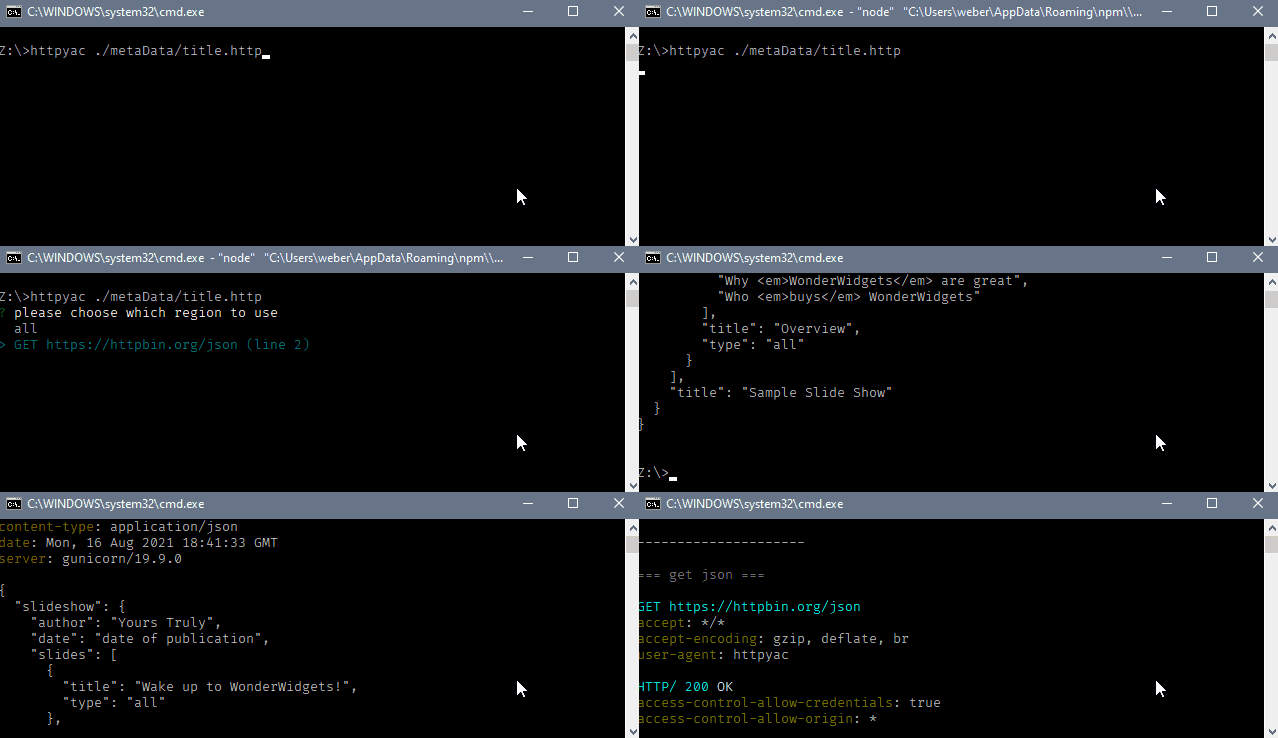
Manual Selection
When called without --all it is possible to specify a single request.
Execute Tests
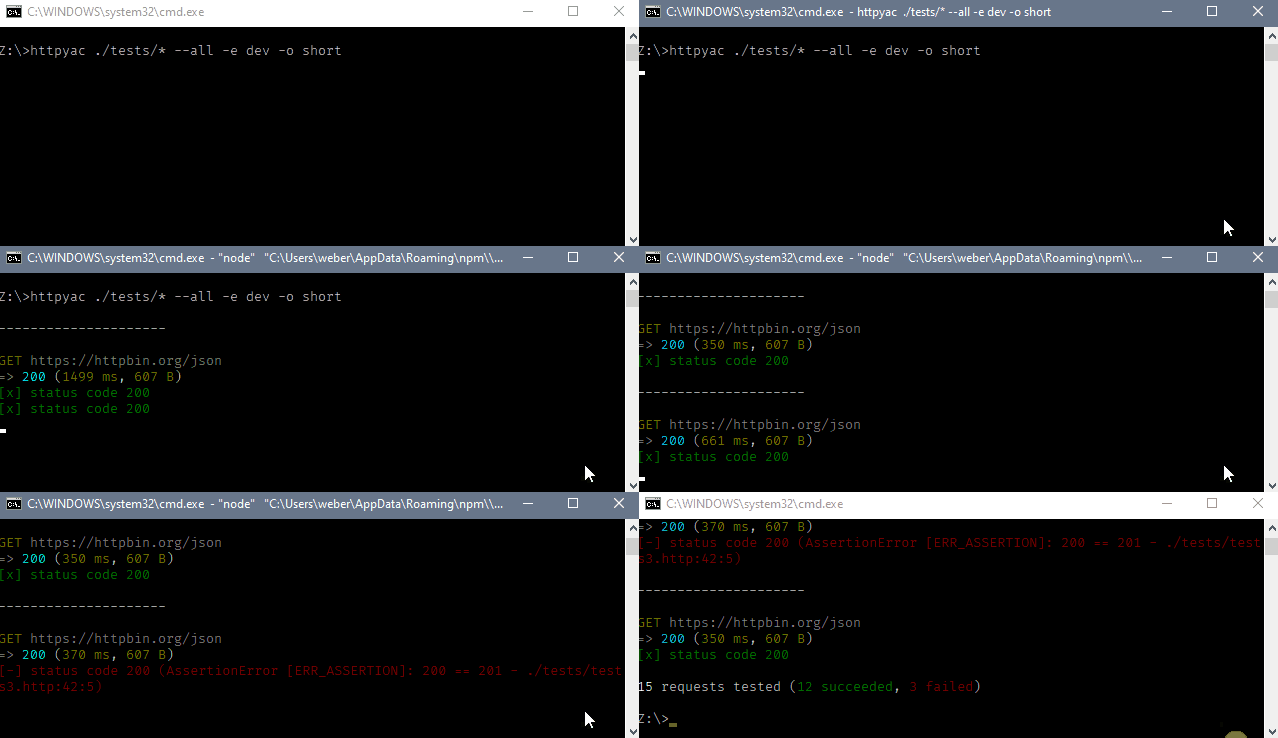
httpYac supports globby queries. This allows multiple files to be marked for execution at the same time.
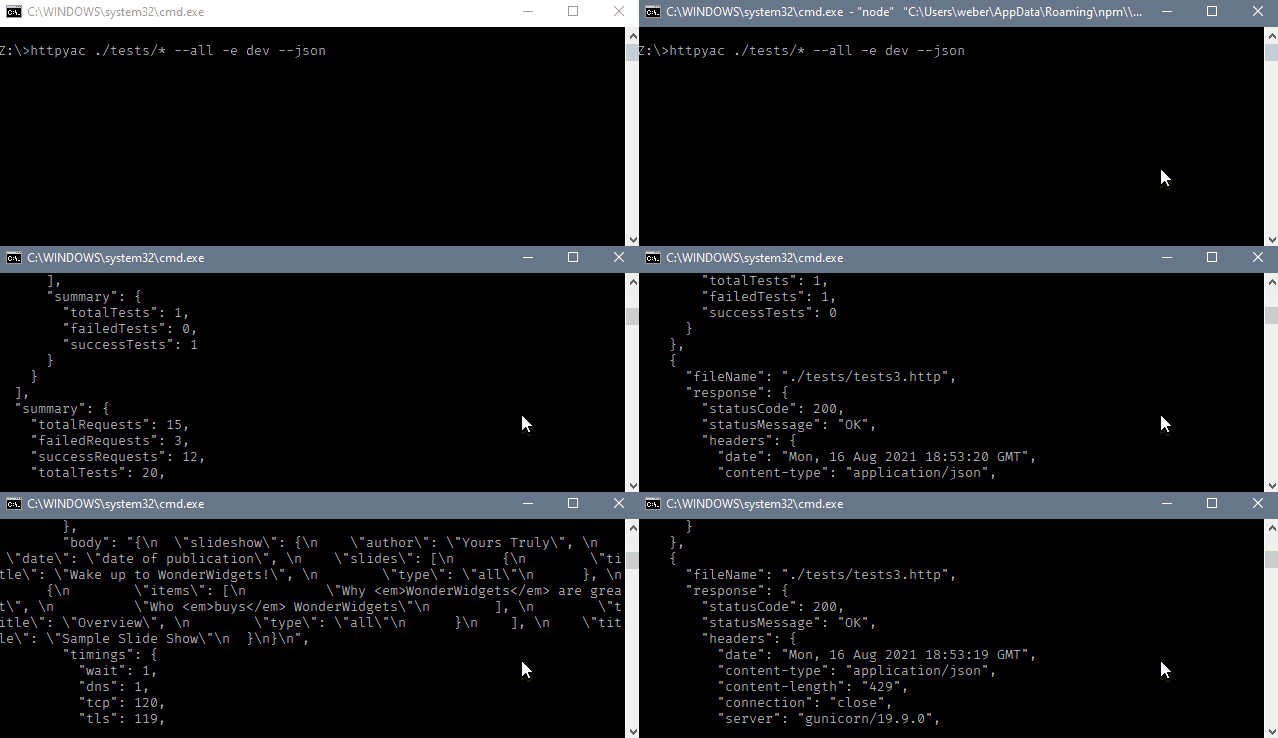
Usage in CI with JSON Output
It is possible to prevent all outputs and get a JSON object as result instead. The object corresponds to the following interface.