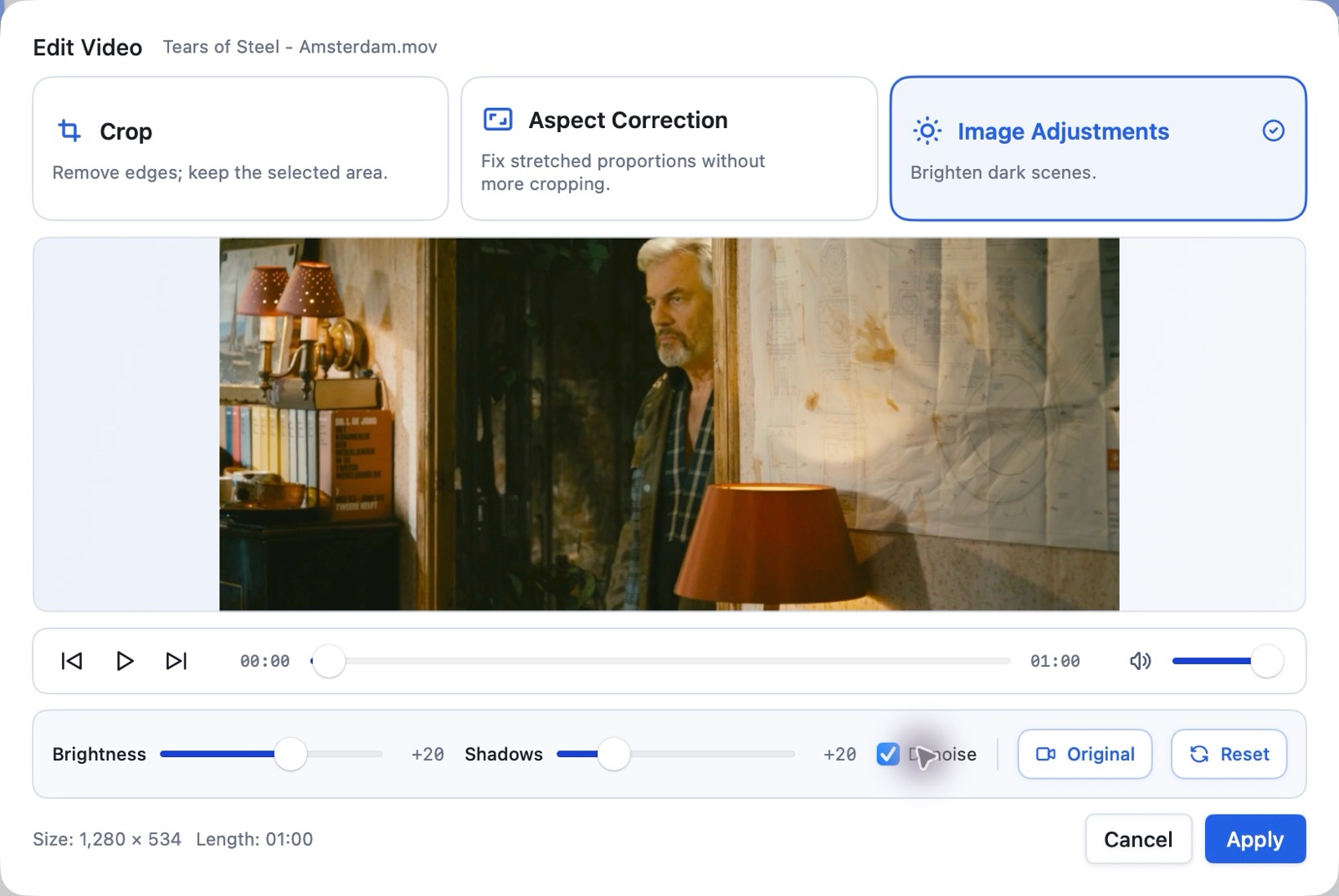
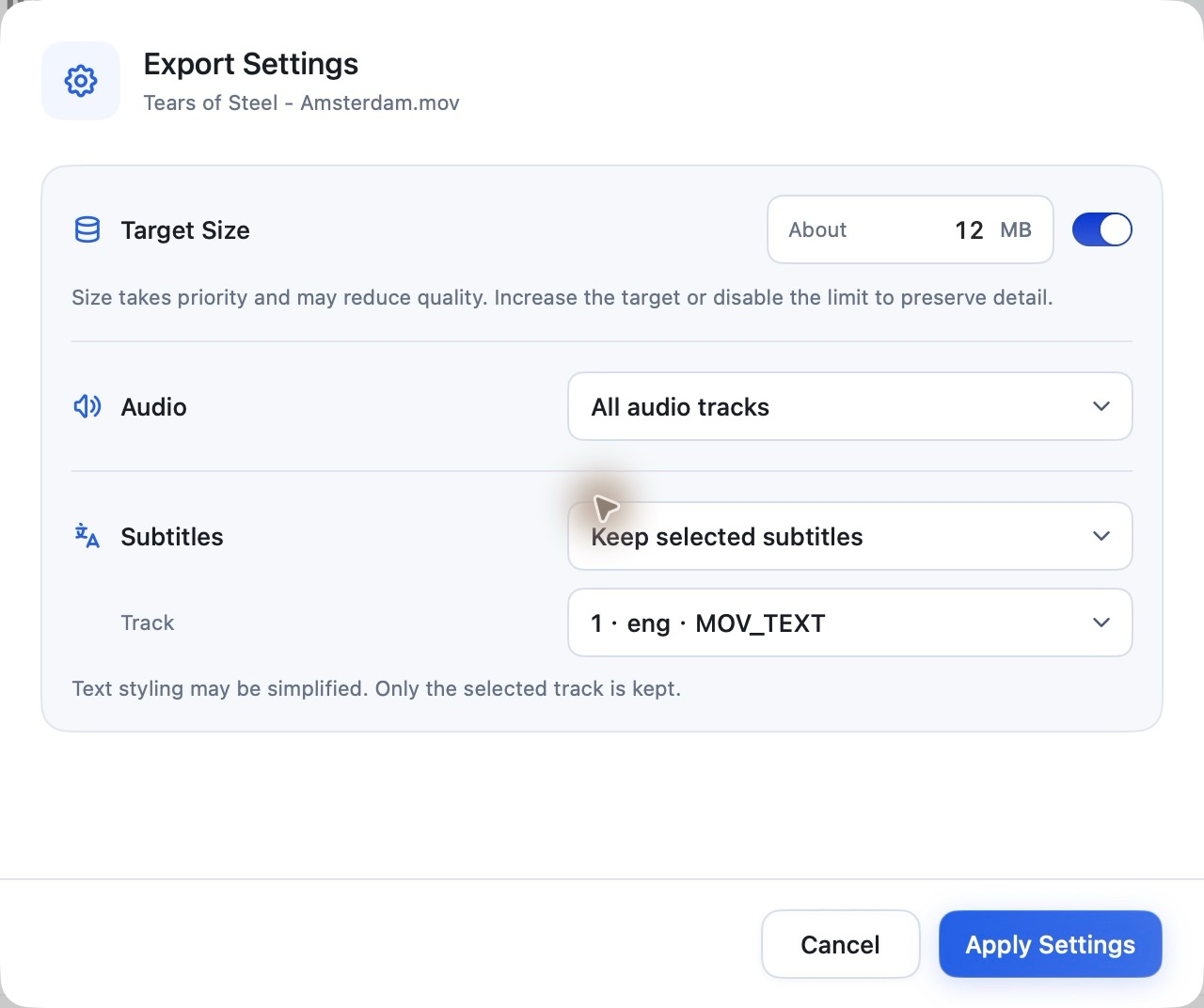
Set a 1 MB target for the MKV sample, then check the size of the exported MP4.
Video conversion FAQ
Can I convert MOV, MKV or AVI to MP4 on a Mac?
MP4Flow converts common MOV, MKV, AVI and WMV videos to MP4. Support depends on the codecs in the file and your installed FFmpeg build.
Is MP4Flow free? Do I need to upload my videos?
MP4Flow is free and open source. Videos are processed on your Mac, with no account or video uploads required.
Will converting a video make the file smaller?
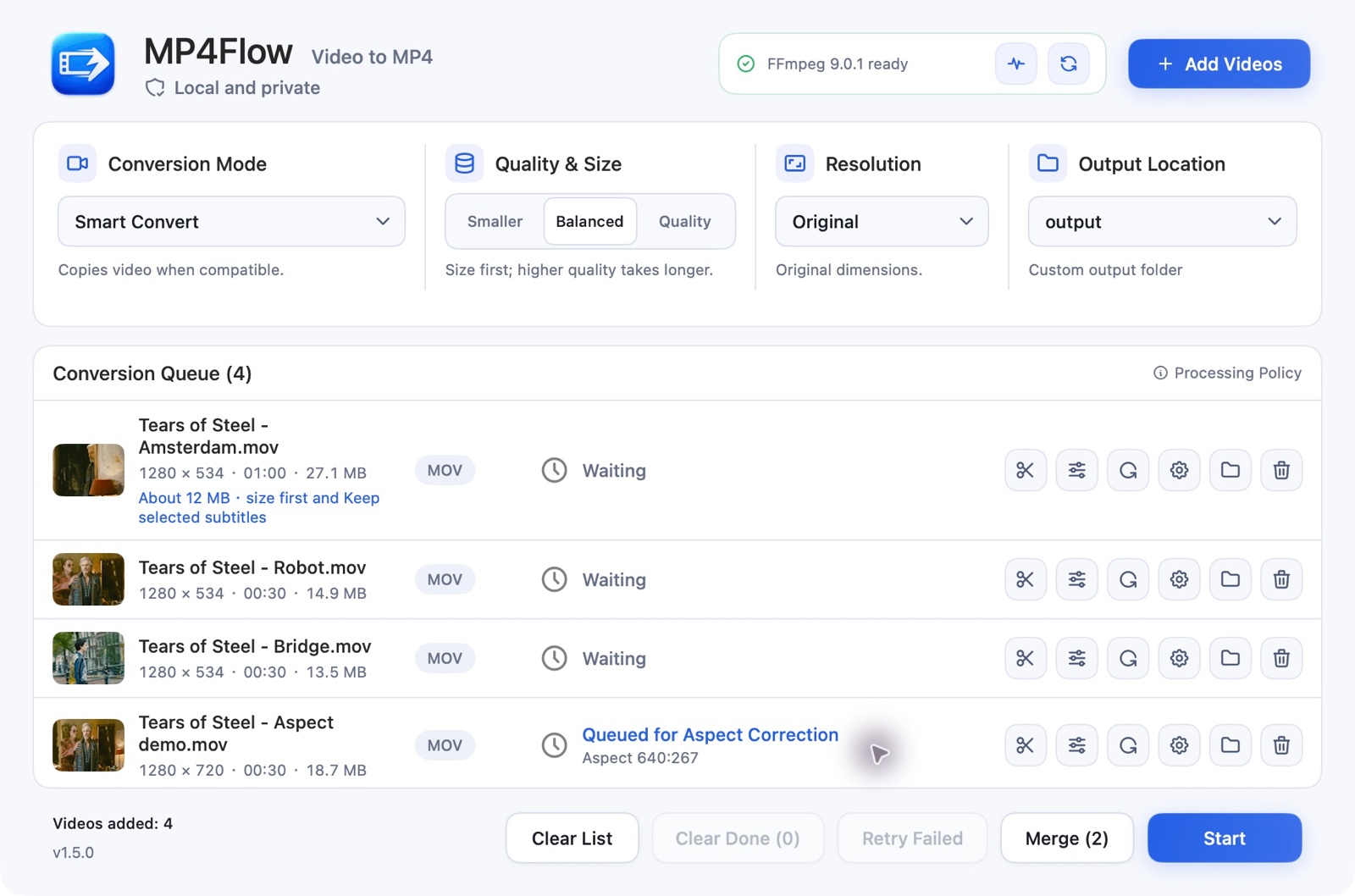
Not always. Smart Convert can copy compatible video without re-encoding. Set a target size in Export Settings, or lower the resolution. Size is approximate; re-encoding may reduce quality.
What do I need to get started?
Use macOS 13+ on Apple Silicon or Intel. Drag MP4Flow to Applications, then open Environment Check to set up FFmpeg and ffprobe.
Ready for your next video?
Download the latest version, or build from source. Free, open source, and right on your Mac.
macOS 13+ · Each installer is about 3 MB. FFmpeg and ffprobe installed separately.
You are visitor 01402775 — GeezerVison does not store the pages you look up. Best viewed with Netscape Navigator 4.7 or Internet Explorer 6 at 800×600. No cookies required.