GeezerVison is showing learning-python.com — Mark Lutz's Programs Page
Programs Central
This page is a distribution center for free and open-source
software written in the
Python programming language.
Its downloads span:
- Published
apps for your Android
devices and Windows, macOS, and Linux PCs
- Complete
programs you can run on macOS,
Windows, Linux, and Android
- Narrower programs in the
Internet and
general
departments for coders and users
- Smaller
examples intended mostly for Python learners
All code here is meant to be both useful and educational and is
entirely free and advertising free. You are invited to help make
it better with your
feedback.
For updates and tips for some of the code here, see the programs support
page.
For book example code, see your
book's support page.
Published Apps
This section's apps run on both Android phones and tablets and
Windows, macOS, and Linux PCs. They are hosted elsewhere—on the
Play
store and
quixotely.com—but are also brought to you
by the proprietor of this website and maker of the other software on this page.
|
PC-Phone USB Sync —
Offline, portable, and cloud-free backup and sync
|
|
A free and ad-free standalone app coded in Python, which mirrors content folders between
PCs,
phones,
and local
drives.
It's available on the Play store for Android and as a download for PCs
and uses the Mergeall system below.
See also the prefaces of subsumed pages like
this.
|
|
Frigcal —
Calendars made simple, portable, and private
|

|
A free and ad-free standalone app coded in Python, which provides a basic calendar on both
PCs
and
phones
and stores calendars as portable ICS files in a user-chosen folder.
It's available on the Play store for Android and as a download for all
platforms and supersedes legacy Frigcal below.
|
Complete Programs
This section's full programs run on your
macOS, Windows, and Linux PCs, as well as your Android smartphones and tablets.
All are available as a self-contained macOS app, Windows exe, and Linux executable
(which you simply unzip and run), plus a full and portable
source-code package (which you run with a Python on
PCs or an app
on
Android).
|
PyEdit —
Edit Text. Run Code. Have Fun.
|

|
A Python/Tk text-editor and code-launcher GUI, that can be used as both
standalone program and library component. PyEdit can serve as your go-to
text editor, as well as a lightweight IDE that runs Python code and other
content.
For a quick preview, check out PyEdit's
features and
screenshots.
|
|
Frigcal
— Personal Calendar GUI; No Login Required
|

|
A Python/Tk calendar GUI, which stores your calendar entries in portable ICS
files that work across platforms and programs. With Frigcal, your calendar data
is your business, not something to be scanned and monetized by nosy companies.
For a quick preview, tour Frigcal's
features and
screenshots.
|
|
Mergeall
— Backup and Sync Your Stuff Your Way
|

|
A Python/Tk GUI+script program that backs up and syncs content folders quickly
and can serve as a manual but private alternative to cloud storage.
With Mergeall, your stuff is your property, not someone else's point of control.
For a quick preview, browse Mergeall's
features and
screenshots.
|
|
PyMailGUI
— Email Without the Evil
|
|
A Python/Tk email client GUI, which allows you to both send and receive email
using your email accounts, and save and view it in offline files.
With PyMailGUI, your email session is private, void of advertising, and off-limits
to snoops. For a quick preview, explore PyMaiGUI's
features and
screenshots.
|
|
PyGadgets
— GUI Toys, Just for the Hack of It
|
|
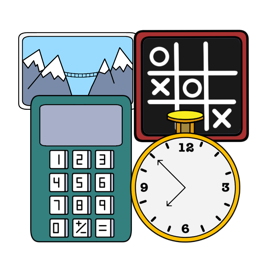
A set of four Python/Tk desktop GUIs originally from the book
PP4E—the PyCalc calculator,
PyClock analog/digital clock,
PyPhoto image viewer, and
PyToe AI-based game—all upgraded, ported to macOS,
and bundled as both executable and source.
For a quick preview, see PyGadgets'
screenshots.
|
Internet-Related Programs
This section's programs pertain to Internet or web scripting.
In the table below, click first-column links to go to main pages,
and see Images for screenshots and Tools for coding subjects.
All programs here are provided in source-code
form and run on macOS, Windows, Linux, and other Python-friendly platforms.
Most are run from command lines, though
some run in web browsers or servers too, and many may be run in
PyEdit's Run Code.
Among notables here:
thumbspage creates web-page galleries for image folders;
sitesearch adds search to websites;
pylotto runs a web-based lottery;
showcode formats text files for display;
and genhtml generates a site's web pages from templates,
inserting common parts automatically with HTML macros.
Many of the programs here are used to build the site you are viewing.
| Program
| Description
| Images
| Tools
|
| thumbspage
| Turn folders into HTML image galleries
| 1
2
3
4
| PIL/Pillow, piexif, Unicode
| | sitesearch
| Add search to websites via CGI redirects
| 1
2
3
| Web scripting, URLs
|
|---|
| genhtml
| Generate website files with static HTML inserts
| 1
2
3
| Files, text, Unicode
|
|---|
| showcode
| Display text files nicely in HTML pages by CGI
| 1
2
3
| Web scripting, Unicode
|
|---|
| shrinkpix
| Shrink images for faster (and politer) websites
| 1
2
| PIL/Pillow, piexif, re
|
|---|
| imapfetch
| Fetch IMAP email folders from your server
| 1
2
3
| Files, imaplib, email
|
|---|
| pylotto
| Give away Python books with an online lottery
| 1
2
3
| email, websites, random
|
|---|
| ip-anon
| Add analytics code to anonymize IP addresses
| 1
2
| Bytes files, Unicode
|
|---|
| pixindex
| Make/upload photos page+zipfile
| 1
2
| zipfile, FTP, text
|
|---|
| cleansite
| Find unused files in a local website copy
| 1
2
| HTML and URL parsing
|
|---|
| findem
| Android Opera work-around: find /* in <pre>
| 1
| HTML parsing, folder trees
|
|---|
| pystockmood
| Guess stock-market mood from web-page text
| 1
| re, urllib, page scraping
|
|---|
| headcode
| Insert or remove code in a folder's HTML files
| 1
| Files, Unicode, bytes
|
General-Purpose Programs
This section's programs span application domains.
In the table below, click first-column links to go to main pages,
and see Images for screenshots and Tools for coding subjects.
All programs here are provided in source-code
form and run on macOS, Windows, Linux, and more. Most are run
from command lines—in Terminal on macOS and Linux,
Command Prompt on Windows, Termux on Android,
PyEdit's Run Code, or other.
Among highlights here:
deltas (a.k.a. Android Deltas Sync) syncs content from PCs to Android 11+
devices and others;
iconify builds ".icns" and ".ico" files on both macOS and Windows;
tagpix helps you organize your photo collections;
and ziptools provides scripts and functions that
zip and unzip archives anywhere, and fill in crucial support missing from
Python's own zip module—symlinks, UTC times, cruft-file skips, and more.
| Program
| Description
| Images
| Tools
|
| ziptools
| The bits that Python's zipfile module forgot
| 1
2
3
4
| os, zipfile, glob, struct
|
| deltas sync
| Sync content to Android 11+ devices by USB
|
1
2
3
4
| ziptools, Mergeall, subprocess
| | tagpix
| Combine your photos for viewing and saving
| 1
2
3
| PIL/Pillow, re, text, files
|
|---|
| iconify
| Make Windows and Mac icon files anywhere
| 1
2
| struct, PIL/Pillow, bytes
|
|---|
| treesize
| Report the size taken by each folder and file
| 1
2
| os, files, recursion
|
|---|
| unicodemod
| Change a text file's Unicode encoding
| 1
| Files, os, Unicode
|
|---|
| fixeoln
| Swap Windows⇔Unix text endlines on either
| 1
| Files, Unicode, 3.X+2.X
|
|---|
| pickcolor
| Map color ~ RGB string, RGB string ~ color
| 1
2
| tkinter GUIs, 3.X+2.X
|
|---|
| flatten-iTunes
| Merge your iTunes or other music folders
| 1
| Folders, files, text
|
|---|
| debugtypes
| Test function input/output types (decorator)
| 1
| Decorators, types, bytes
|
Smaller Examples
This section's programs are smaller examples included primarily for Python
learners.
In the table below, click first-column links to go to main pages,
and see Images for screenshots and Tools for coding subjects.
Most examples here are supplements to material in my Python
books and span application domains.
All examples here are provided in source-code
form and run on macOS, Windows, Linux, and more,
and all can be run from command lines, IDLE,
PyEdit's Run Code,
or other Python launching schemes.
| Example
| Description
| Images
| Tools
|
| methods
| Classmethods versus staticmethods
| 1
| OOP class techniques
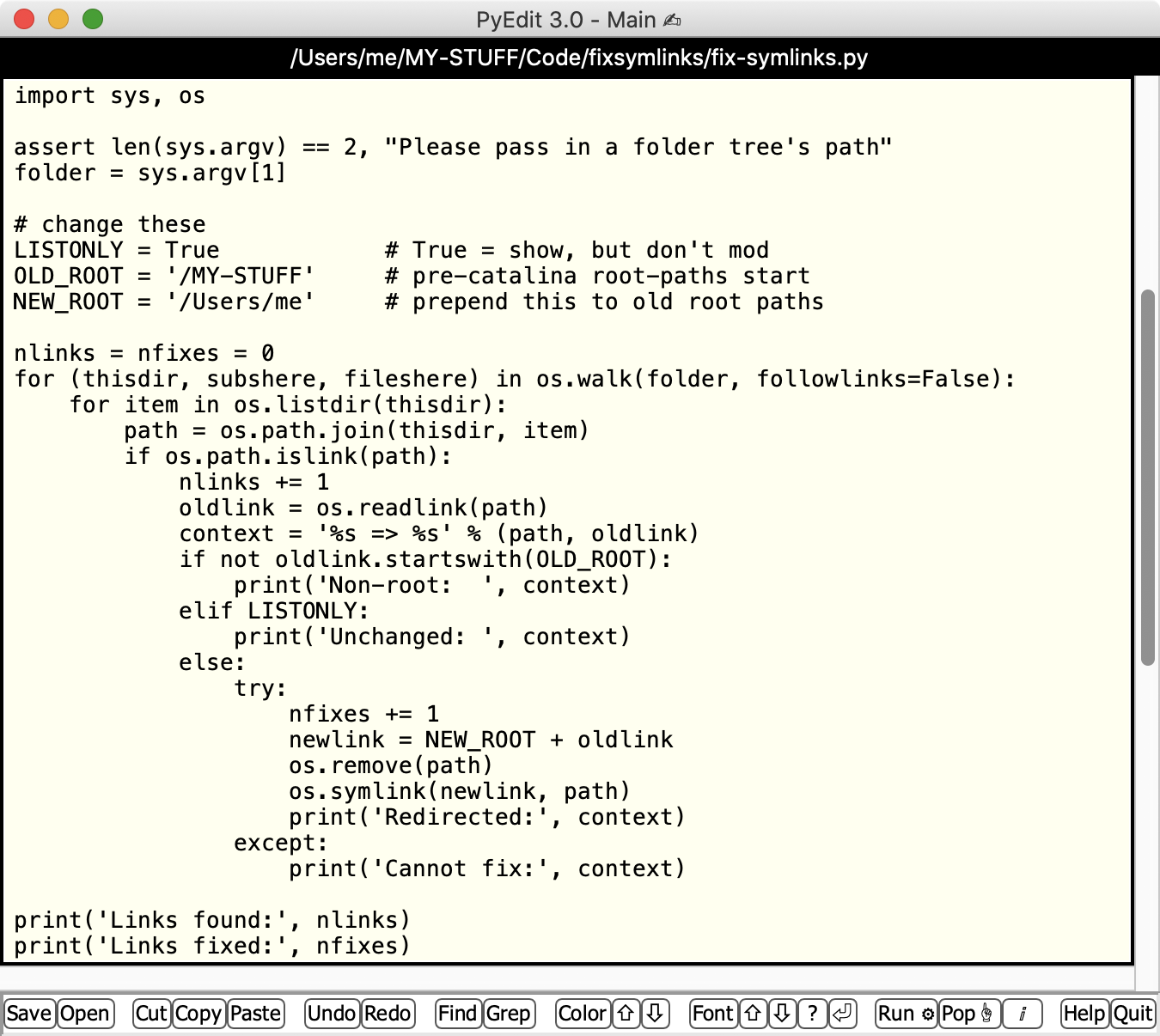
| | symlinks
| Point absolute symlinks to a new root
| 1
| os module, files
|
|---|
| coroutines
| Basic yield-based coroutines switcher
| 1
2
| Functions, generators
|
|---|
| generators
| The evolution of Python generators
| 1
| Functions, generators
|
|---|
| checksums
| Modtimes vs checksums for syncs
| 1
| hashlib, os.stat, bytes
|
|---|
| map/lambda
| Nested loops via map+lambda and more
| 1
| Loops, map, lambda
|
|---|
| aca_utils
| US health insurance premium tax credit
| 1
| Basic math tools
|
|---|
| timers
| More on code timing (now LP5E)
| 1
| time module
|
|---|
| matrixes
| More loops/comprehensions (now LP5E)
| 1
| Iteration tools
|
Other Code, Notes, and Updates
Post-release program updates: off-page
Users of any of the five complete programs above should watch
this page
for announcements of updated releases, as well as new pointers and
issues that arose after the apps' were published in 2017. That
page's tips are updated regularly with new info.
Book Examples: see book pages
If you're looking for book example distributions, see the separate
support page for your book and edition
at this site.
You can also find book example screenshots on the
Programming Python gadgets page;
some reflect early versions of major apps above.
Windows unzips caution
Though rare (and perhaps even moot today), Windows
File Explorer's built-in zip support has been known to silently fail to
extract some files in zip archives of the sort used to package many of the programs
on this page. See
this usage note for details and alternatives,
including the Python-coded ziptools package above.
Ignore browser warnings for zipfiles
Some web browsers, including older Chromes on some platforms, have been seen to
issue warnings when users try to download zipfiles. Although zipfiles can pose a
security risk, those available here do not. This site has been spam- and virus-free
since 1996. All its code is completely open source, safe to use, and free of
advertising—despite the draconian measures being adopted by companies whose
own products are
not.
Ignore platform warnings for first runs
Some platforms also issue warnings the first time you run an independent
developer's program which hasn't been officially sanctioned by the platform's
owner. This includes apps here; see
this note for more details and fixes.
macOS, for example, still allows you to run apps that have not been
registered with Apple (nor paid the requisite fee)
but is making it increasingly hard—and perhaps even
intimidating—to
do so. Windows and Android are following
suit.
Alas, closed and proprietary seem the inevitable spawn of greed and
monopoly.
Grant own-folder access to apps on macOS Sierra+
As an especially grievous extension to the preceding note,
on macOS, non-store apps like those downloaded from this site may be denied
write access to their own folders, unless you take action to enable it. The denial
may produce reduced functionality or outright failures, though a simple app move will
generally sidestep the issue. For complete work-arounds coverage—and an
extra slice of righteous indignation—see the expanded support-page
note here.
|