GeezerVison is showing nodeclipse.github.io — Nodeclipse - Node.js Tooling with Eclipse


Links
News.
Features.
Demo.
History.
Usage.
Download.
Support.
Support us.
About.
Donate.
Gradle IDE Pack.
Gradle for Eclipse - Android.
AngularJS-Eclipse.
Angular2-Eclipse.
Polyglot Maven IDE Pack.
.proto Editor.
Nodeclipse CLI installer.
Nodeclipse & Enide Features
More detailed and more recent features are at history page.
Node.js and JavaScript Features
- Creating default structure for New Node Project and New Node Source File
- Generating Express project with Wizard
- JavaScript Syntax highlighting
- Bracket matching and marking selection occurrences with background color
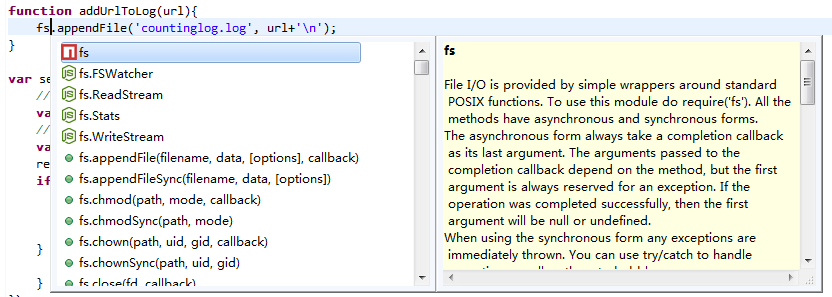
- Code Assist (JSDT and/or Tern)
- Code Completion for base Node.js modules, Express, MongoDB driver, Mongoose (create tern plugins for more)
- Experimental content assist from Orion IndexFiles for amqp, express, mongodb, mysql, postgres and redis node packages
- Go to definition with Ctrl+click when JSDoc is used or Tern is configured
- Refactoring within one file (Alt+Shift+R)
- JSON files highlight and validation
- NPM support
- Debugging - Breakpoint, Trace, Variables, Expressions, etc... via modified Eclipse debugger plugin for V8 (Chromium Tools)
- Setting project properties for JSHint-Eclipse automatically;
JSHint
settings template
- Passing arguments to
node and Node application (per every file and per whole workspace)
- Specifying environment variables values to use (per every file)
- Running CoffeeScript *.coffee files
- Running *.js files with PhantomJS, MongoDB Shell or Java 8 Nashorn
jjs util.
- Supporting
*.njs, *.pjs, *.mjs and *.jjs file extensions.
- Bundled together with
Markdown Editor,
GitHub Flavored Markdown,
StartExplorer (for system explorer and shell),
RegExp,
Icon Editor,
MongoDB GUI,
RestClient Tool
and other plugins (20+ in total, check update site(p2 repository) and
Nodeclipse Plugin List)
- Support for Eclipse Juno, Kepler, Luna M3 (3.7, 3.8, 4.2, 4.3, 4.4)
Java Features (as Enide)


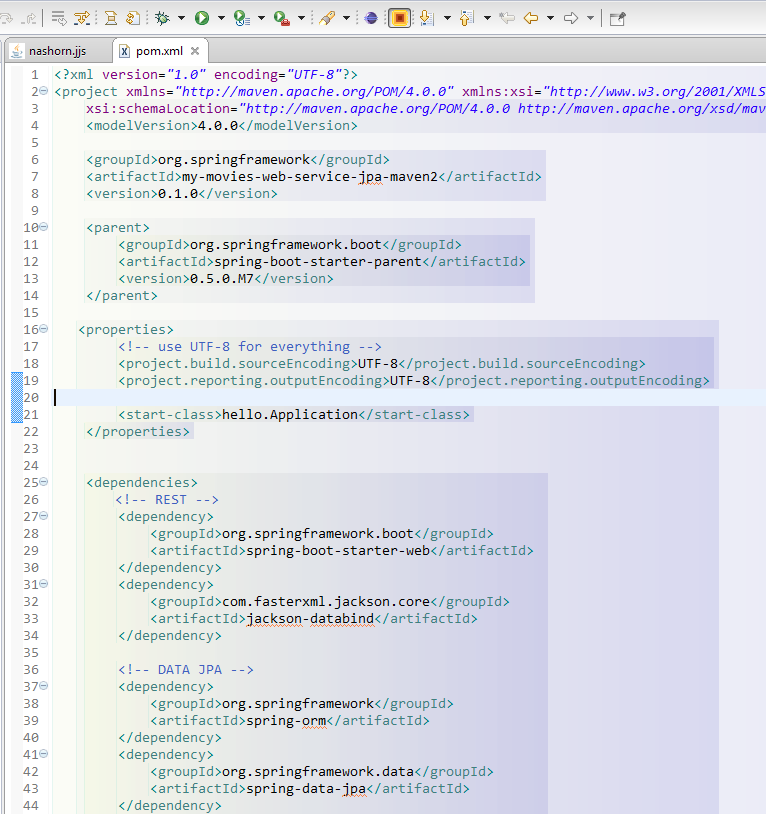
- Lightweight Maven plugin (run Jetty, Tomcat; build any project with
pom.xml from Eclipse/Enide Studio)
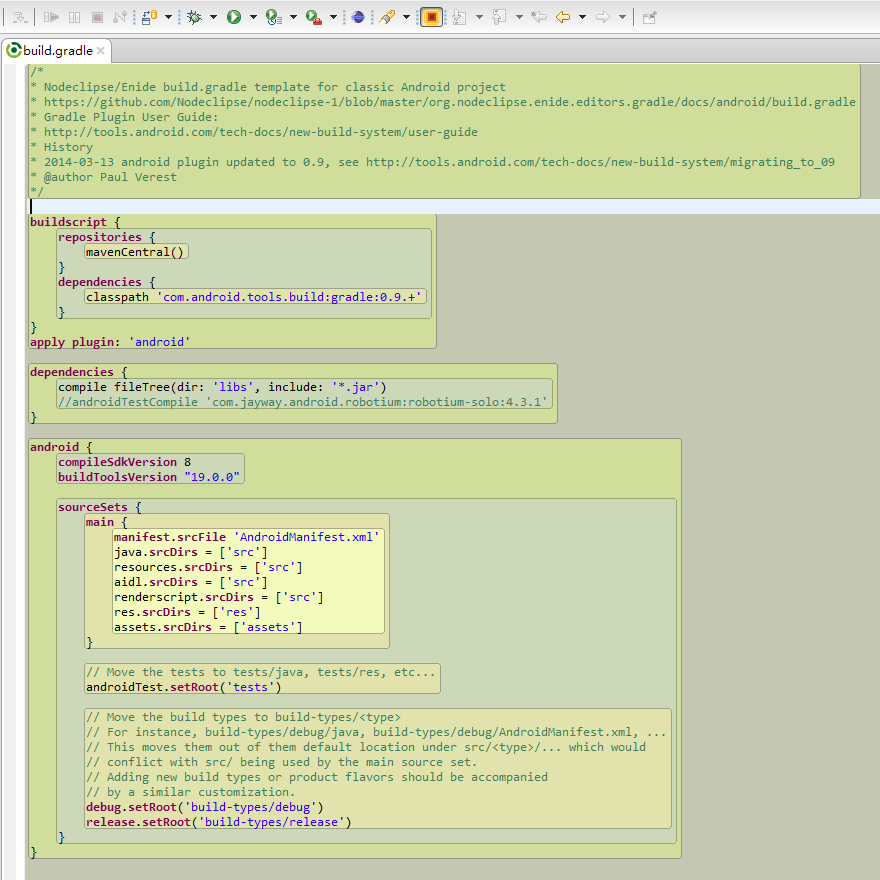
- Lightweight Gradle and Minimalist Gradle Editor plugins (run Jetty, JettyEclipse, Android; build any project with
build.gradle from Eclipse/Enide Studio)
Continue reading on usage page.
comments powered by Disqus
|


