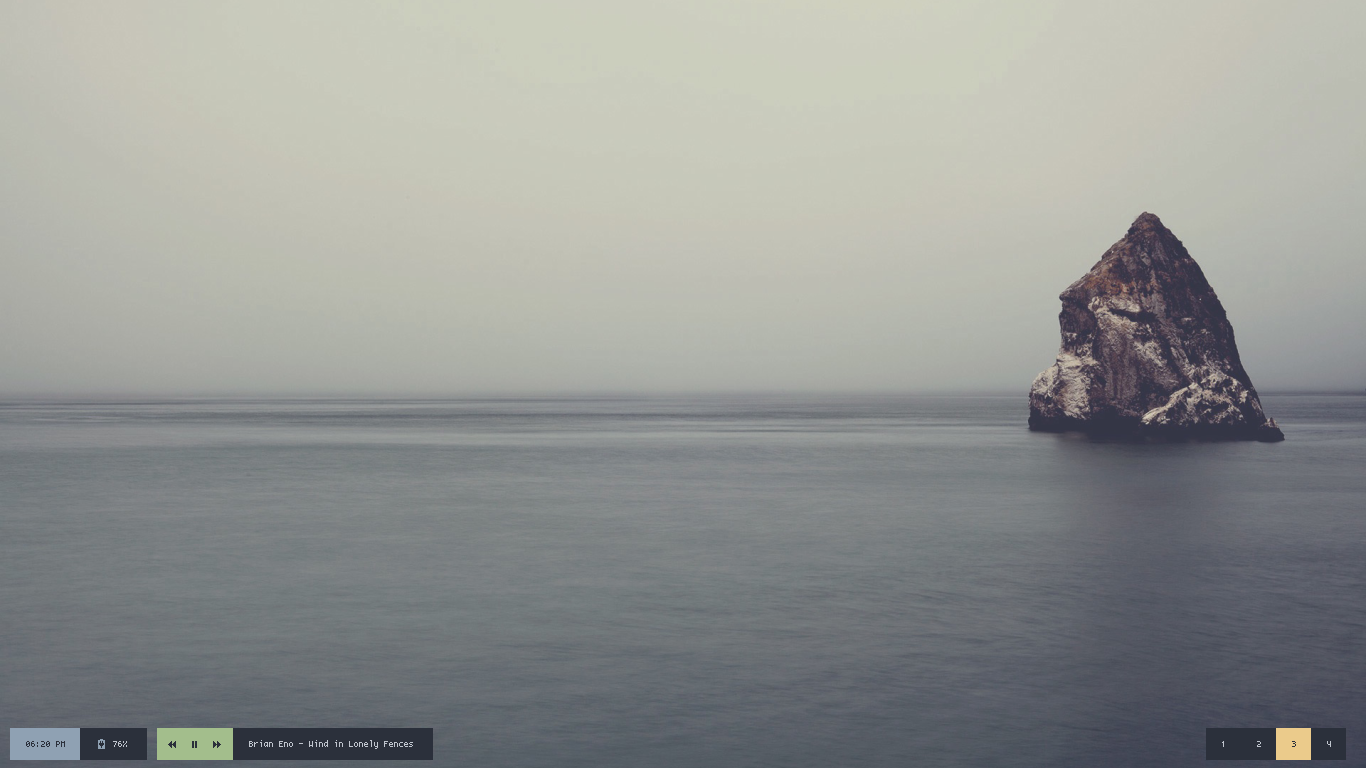
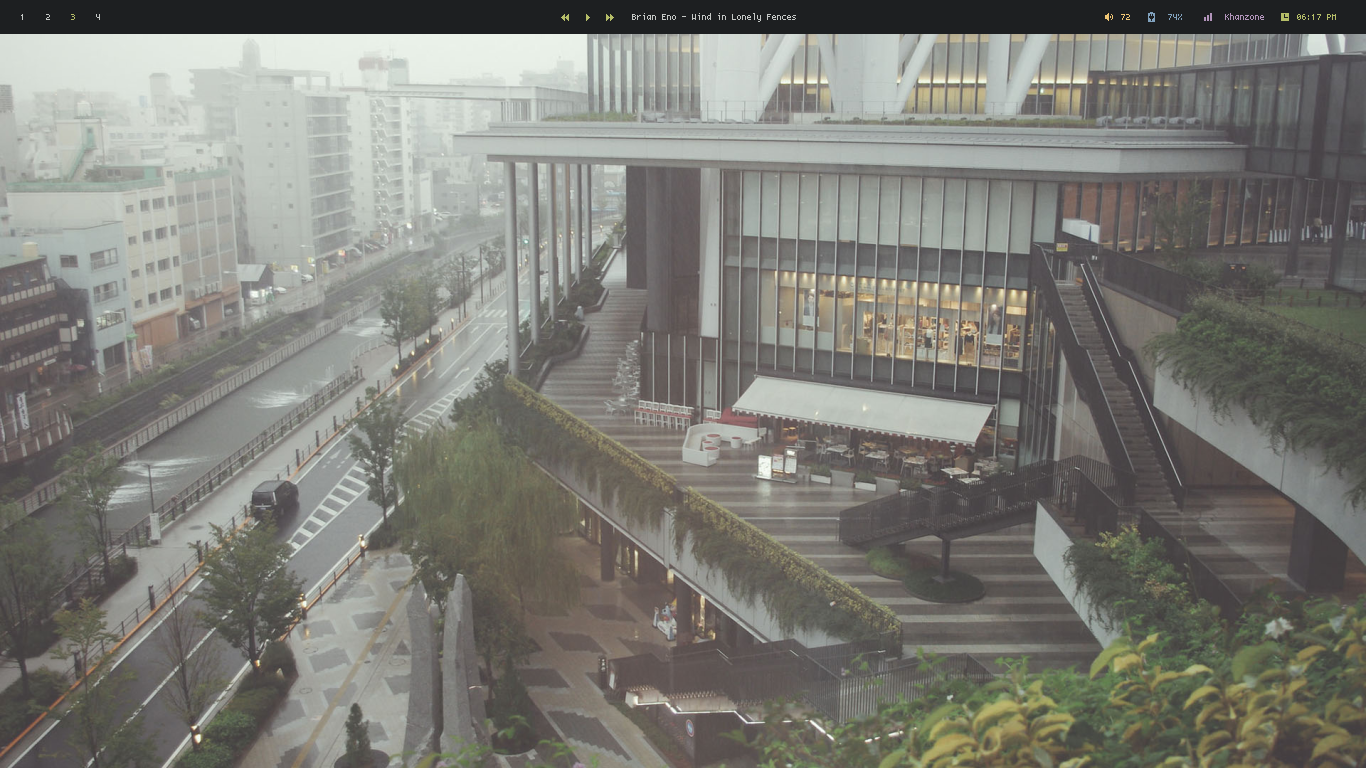
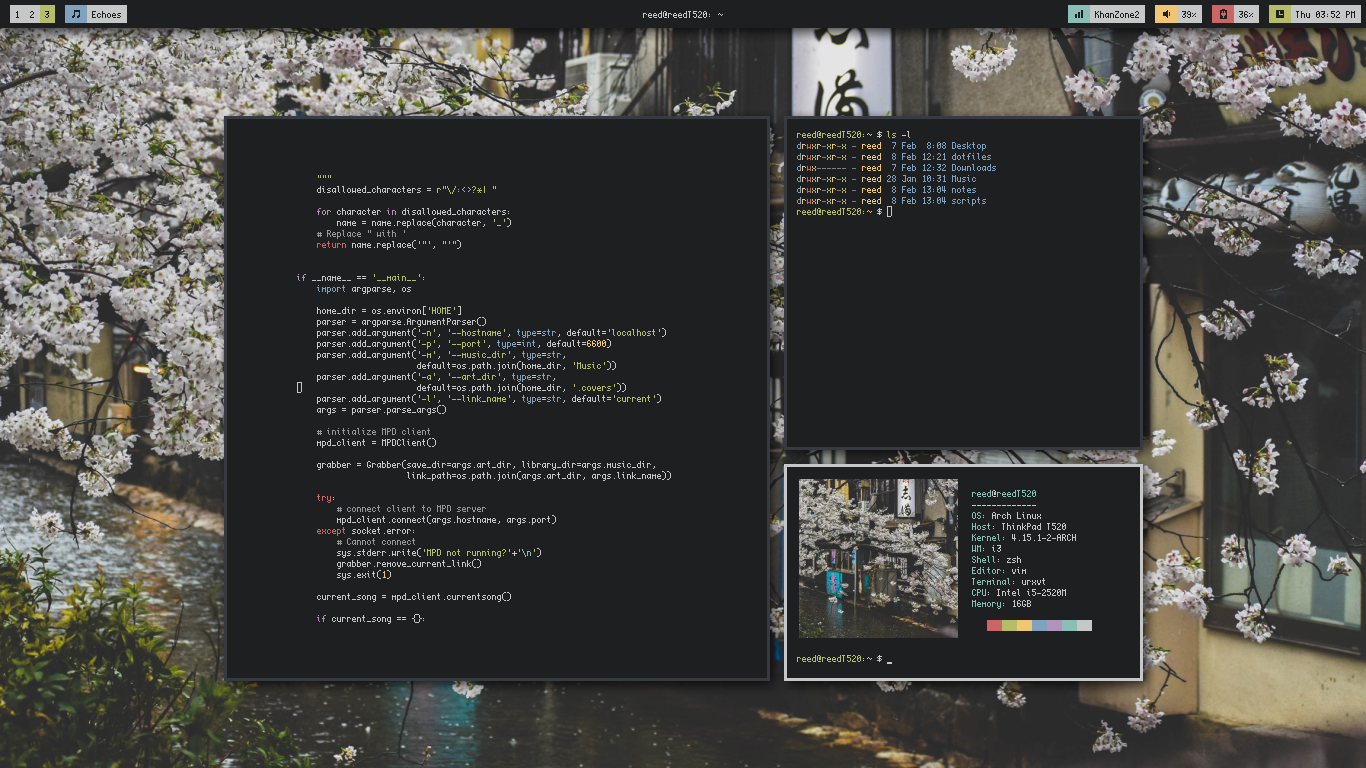
GeezerVison is showing polybar.github.io — A fast and easy-to-use tool for creating status bars
|
Debian
|
can be installed using sudo apt install polybar. Newer releases of polybar are sometimes provided in the backports repository for stable users, you need to enable backports and then install using sudo apt -t buster-backports install polybar.
|
|
Ubuntu
|
can be installed using sudo apt install polybar on 20.10 (Groovy Gorilla) or later.
|
|
Arch Linux
|
can be installed using pacman -S polybar or you can install the polybar-git package from the AUR to get the latest unstable changes.
|
|
Fedora
|
you can install polybar using sudo dnf install polybar
|
|
Void Linux
|
can be installed using
  xbps-install -S
  polybar
|
|
NixOS
|
available in both the stable and unstable channels and can be installed with the command nix-env -iA nixos.polybar
|
|
Slackware
|
available in the SlackBuilds repository
|
|
openSUSE
|
available in OBS repository, package is available both for openSUSE Leap 15 and Tumbleweed
|
|
FreeBSD
|
can be installed using pkg install polybar, make sure you are using the latest package branch
|
|
Gentoo
|
both release and git-master versions are available in the main repository
|
|
GNU Guix
|
can be installed using guix install polybar
|
|
Source Mage GNU/Linux
|
polybar spell is available in the test grimoire and can be installed via cast polybar
|
You can find full list of dependencies
as well as build instructions here.
Polybar's powerful yet simple DSL allows for extensive customization
while remaining
relatively easy to write and understand.
Here is an example of a basic date/time module that will display current date and time
in 1970-01-01 - 00:00 format, with an update interval of one second.
[module/datetime]
type = internal/date
interval = 1.0

date = "%Y-%m-%d%"
time = "%H:%M"

label = "%date% - %time%"
To learn more about configuring Polybar, take a look at
our wiki.