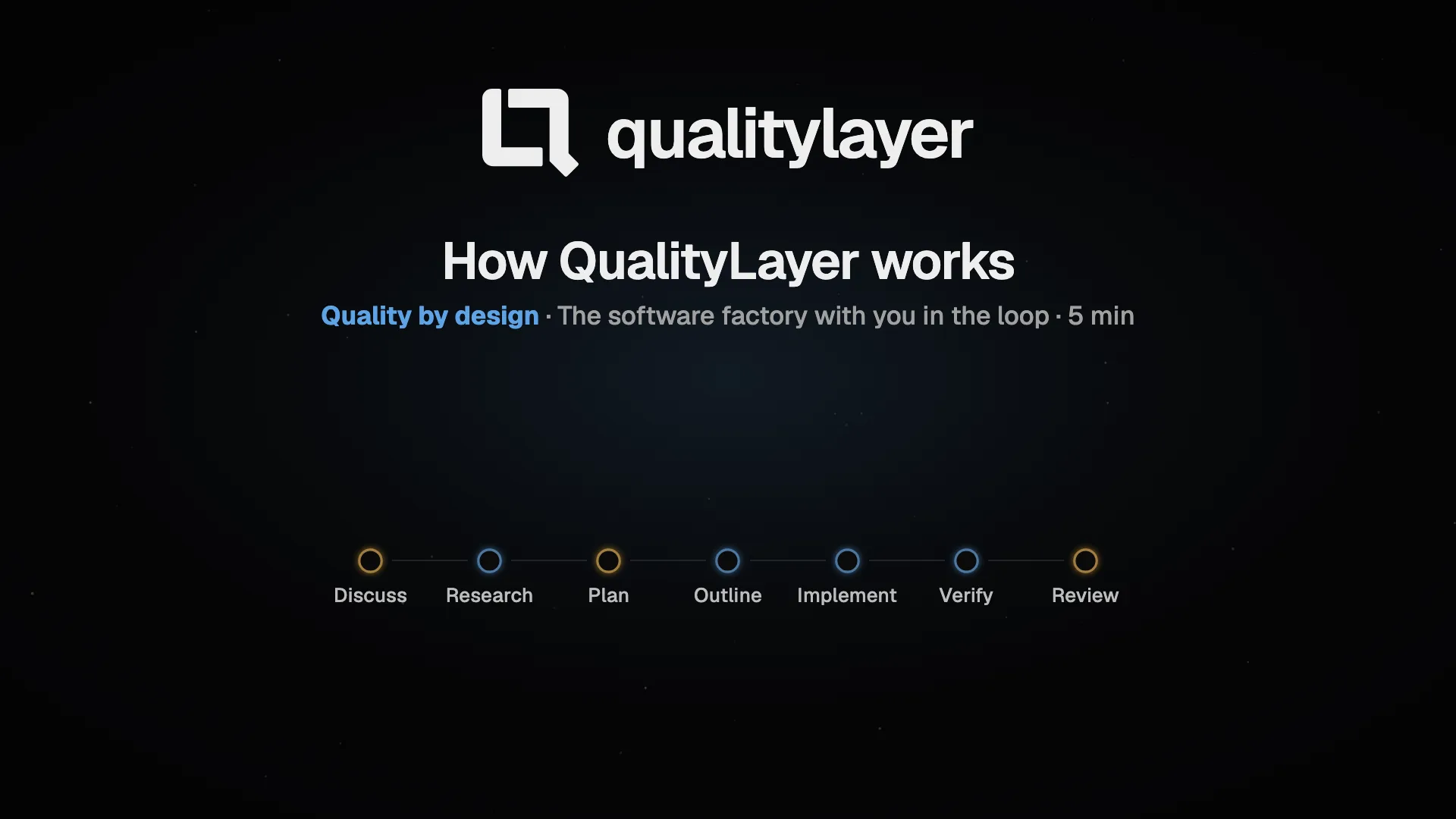
Plan, build and review software with your coding agents. Agree on diagrams and clickable designs before building, then review the tested change.
Start here: Install · Your first task · Chat · The App · Workflow · Artifacts
Choose how to work
| Start | What you get |
|---|---|
| Chat | A direct conversation with Claude Code or Codex, with no steps or gates. Move it into the workflow later (Chat) |
| Feature or Bugfix | The seven steps below, from Plan with QualityLayer (default) or an Existing plan you paste or attach |
The workflow
 Open full size ↗
 Open full size ↗
You approve twice: the Plan and the finished change. In between, your agent works on its own and asks only what needs you.
| Step | What happens |
|---|---|
| Discuss | Your agent asks until it knows what done means |
| Research | Agents read the code and find a bug's cause |
| Plan | Diagrams and clickable designs; you approve the Plan |
| Outline | Your agent cuts the Plan into slices |
| Implement | Your agent builds test first and fixes what fails |
| Verify | Project checks, then an agent that did not write the code rules on every point |
| Review | You review the code and approve |
| Pull request | After Review: your agent fixes failing checks and routine threads. You merge |
The agent decides how to carry out each step. QualityLayer enforces only your two approvals, a visible amendment for any change to what you approved, and recorded evidence for every check.
Who it is for
Medium and large changes, alone or with a team. Claude Code, Codex, Cursor, Grok, Antigravity, Pi, OpenCode and GitHub Copilot run natively; other agents use the CLI. Each keeps its own login.
Two levels
Pick a level at Setup. Change it in Settings › Workflow, or per task until you approve its Plan. Both take the same steps and write the same files.
| Engineering (default) | Product | |
|---|---|---|
| For | Engineers | Product owners, managers, leadership |
| Discuss becomes | Numbered points of what done means | A PRD for Confluence, Google Docs or Jira |
| The Plan shows | Each decision with its diagram, contracts, files and tests | What changes for the user; engineering detail one click away |
How it fits together
 Open full size ↗
 Open full size ↗
Task documents 01-discuss.md to 07-review.md, each with a file for your agents beside it, stay in your repository, even after you uninstall (files). Anything you share is encrypted on your computer first (your data).