GeezerVisonThe World Wide Web, restored to 800 pixels of glory. |
| Home|About|Gaming cabinet|Archives|How it works|Starter sites |
GeezerVison is showing sciqlop.github.io — SciQLop Download SciQLopLatest release: v0.13.1 · release notes and all files on GitHub What Is SciQLop?SciQLop (SCIentific Qt application for Learning from Observations of Plasmas) is a powerful and user-friendly tool designed for the visualization and analysis of in-situ space plasma data: browse, plot, label, script, and extend — all in one tool. Using SciQLop will let you:
Heliophysicists now benefit from decades of space exploration through many spacecraft missions. Exploring this massive amount of data to find events of interest, build catalogs, and conduct statistical multi-mission data analysis can be a daunting task without the right tool. SciQLop aims at being this tool! A simple lightweight yet powerful graphical interface coupled to the limitless options brought by the Jupyter notebook integration, that focuses on providing users with the easiest possible way to explore, label and analyze huge amounts of data. SciQLop is also the right tool for teaching space physics and in-situ spacecraft data handling to students effortlessly — a built-in guided tour walks new users through their first plot. Learn SciQLop
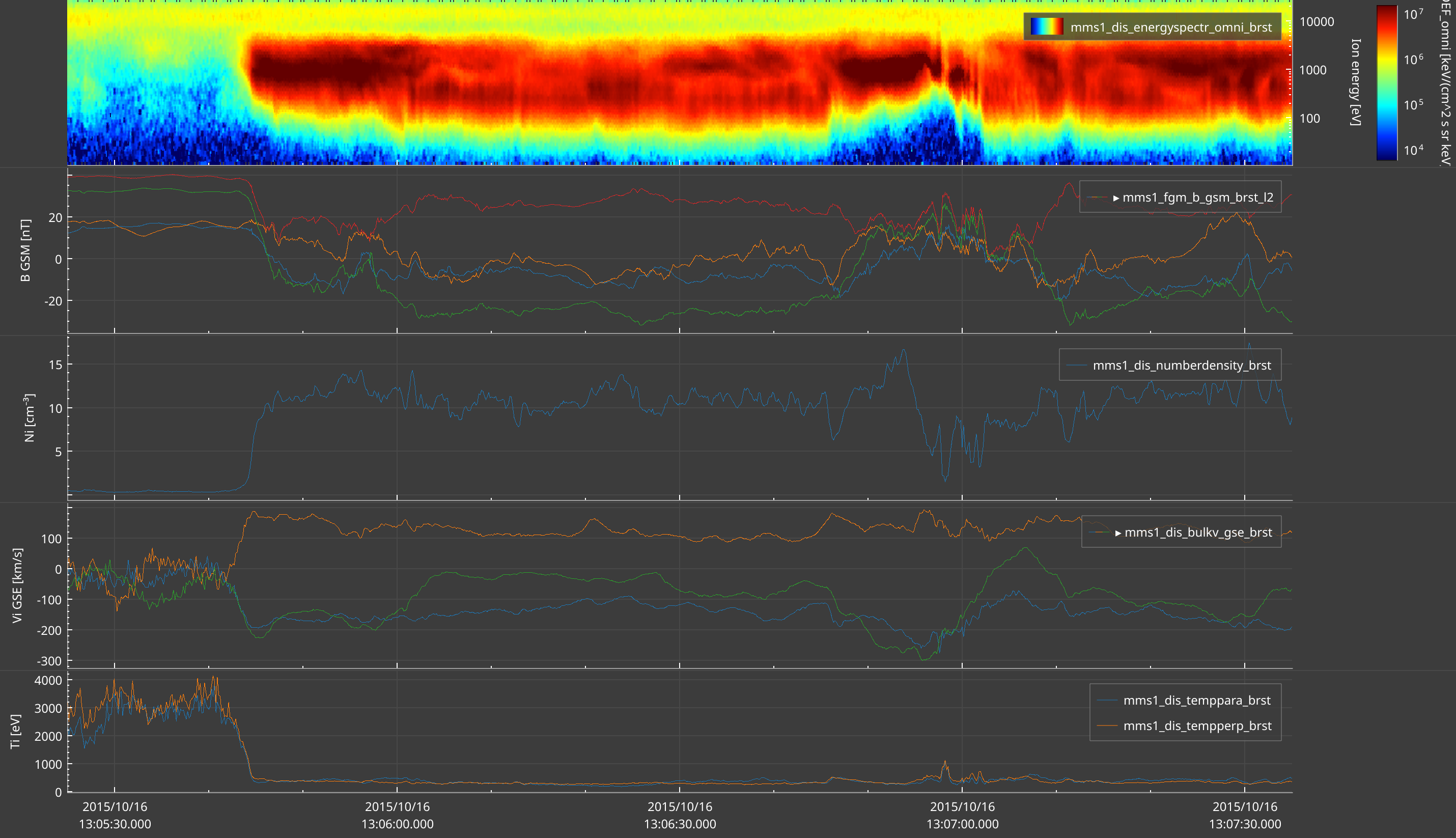
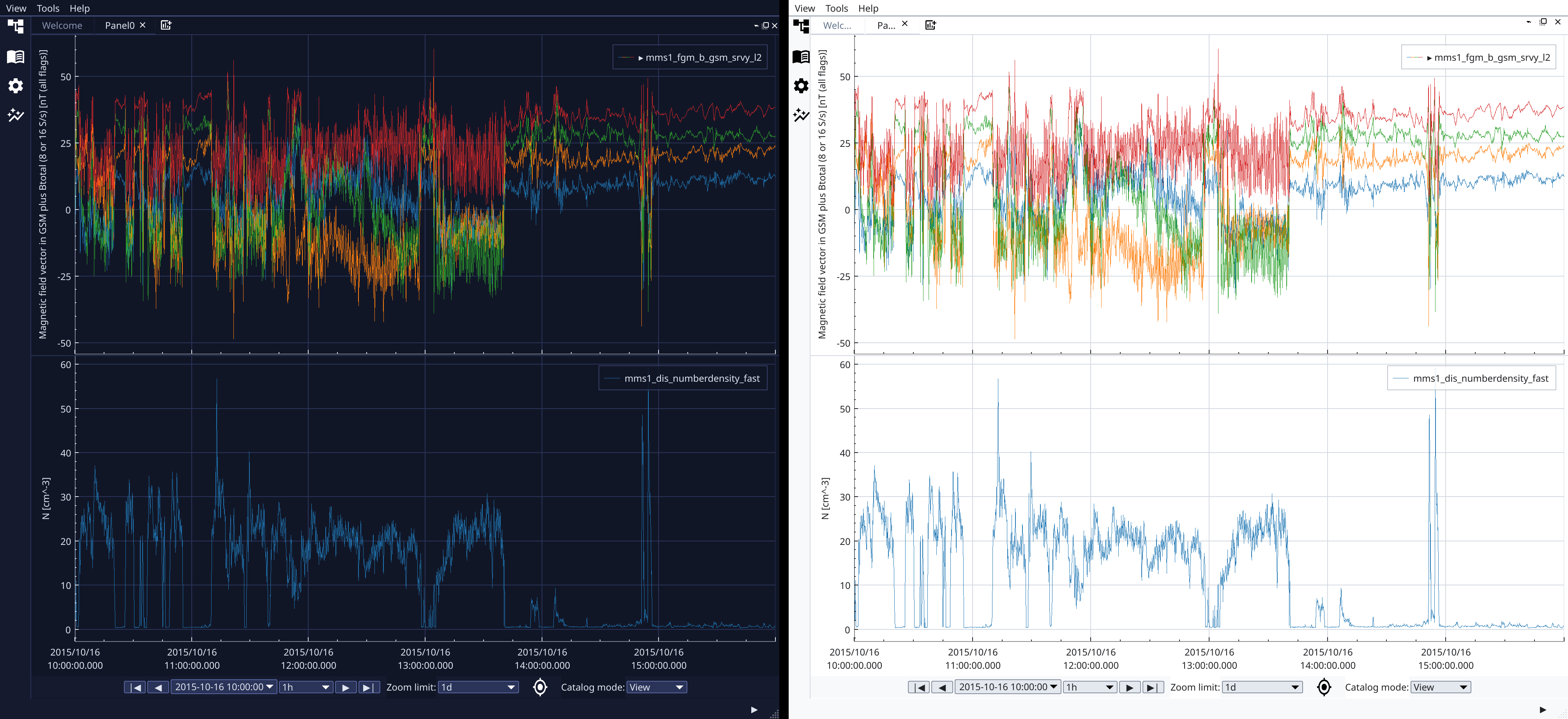
SciQLop is also the tip of a whole open-source stack — Speasy for data access, SciQLopPlots for GPU plotting, CDFpp, cocat and more. See the Ecosystem page. Curious how it all stays fast, and how SciQLop updates itself without breaking? See Under the hood. Main FeaturesInteractive and Responsive PlottingSciQLop can handle millions of data points without compromising on interactivity. Users can scroll, zoom, move, and export plots with ease.
Data Access Made EasyAccessing data in SciQLop is as simple as a drag and drop from the tens of thousands of products readily available. New empty panels show a built-in search overlay where you can type to find any product instantly, and the sidebar smart search combines full-text and semantic ranking to find the right products even when your words don’t match the catalog naming exactly.
Jupyter Notebook IntegrationSciQLop embeds a full IPython kernel and can launch a JupyterLab server connected to it.
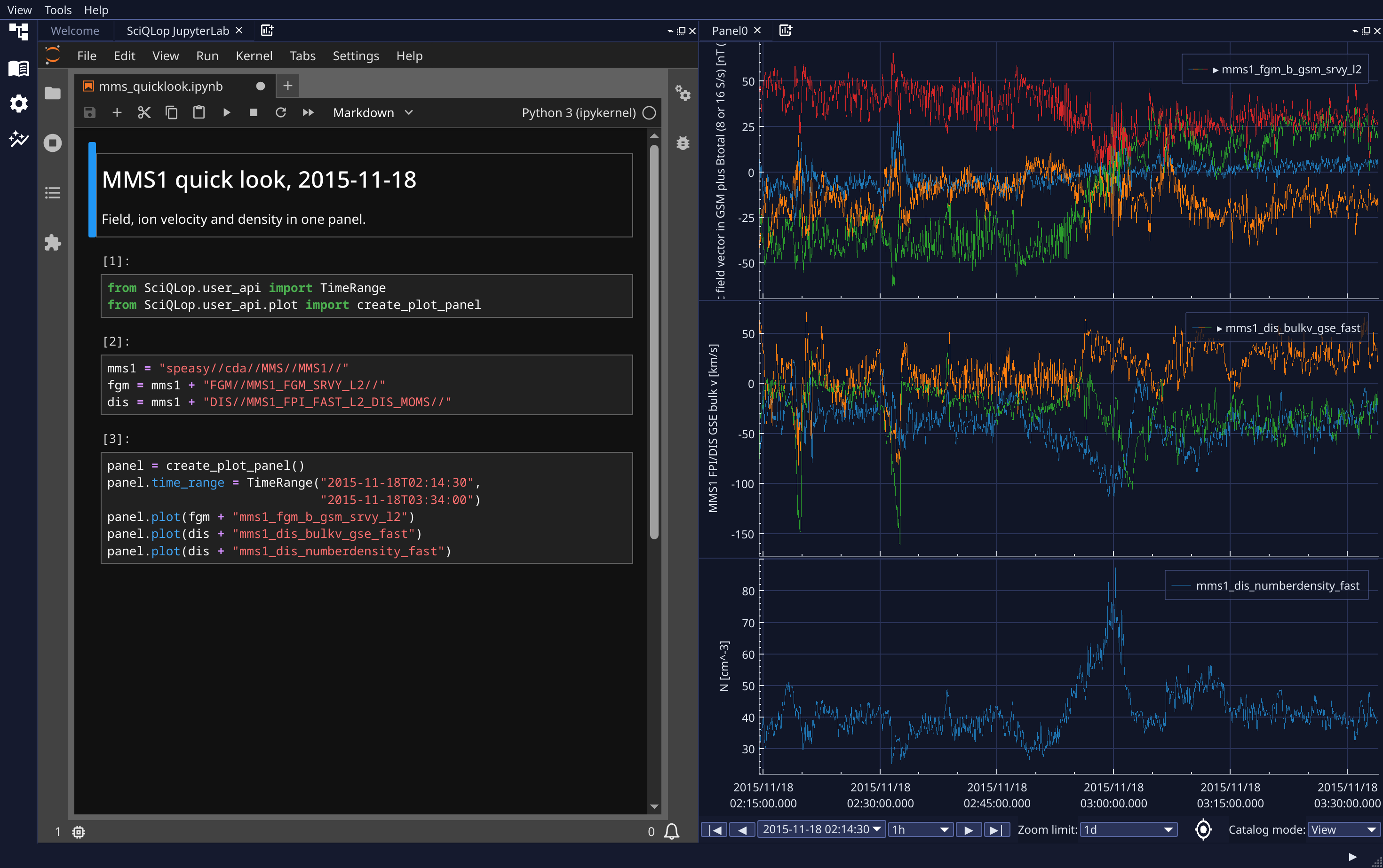
Create and manipulate plots, define virtual products, and manage catalogs directly from your notebooks.
Dedicated IPython magics make common operations one-liners:
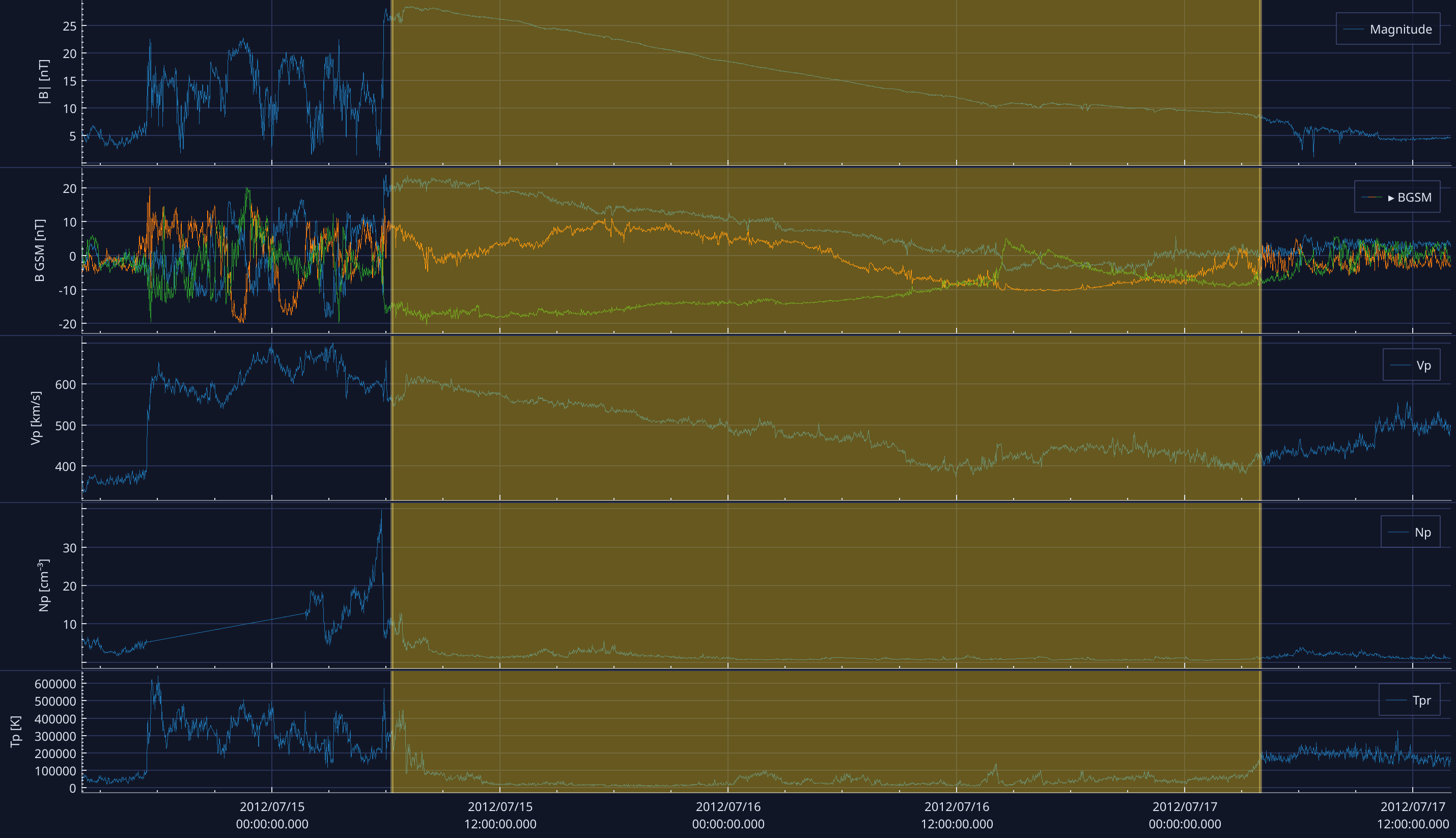
CatalogsSciQLop provides a powerful catalog system for labeling and browsing events in your data: local, collaborative (cocat) and read-only speasy catalogs in a unified browser, color-coded overlays on your plots, graphical event creation and editing, and a full notebook API.
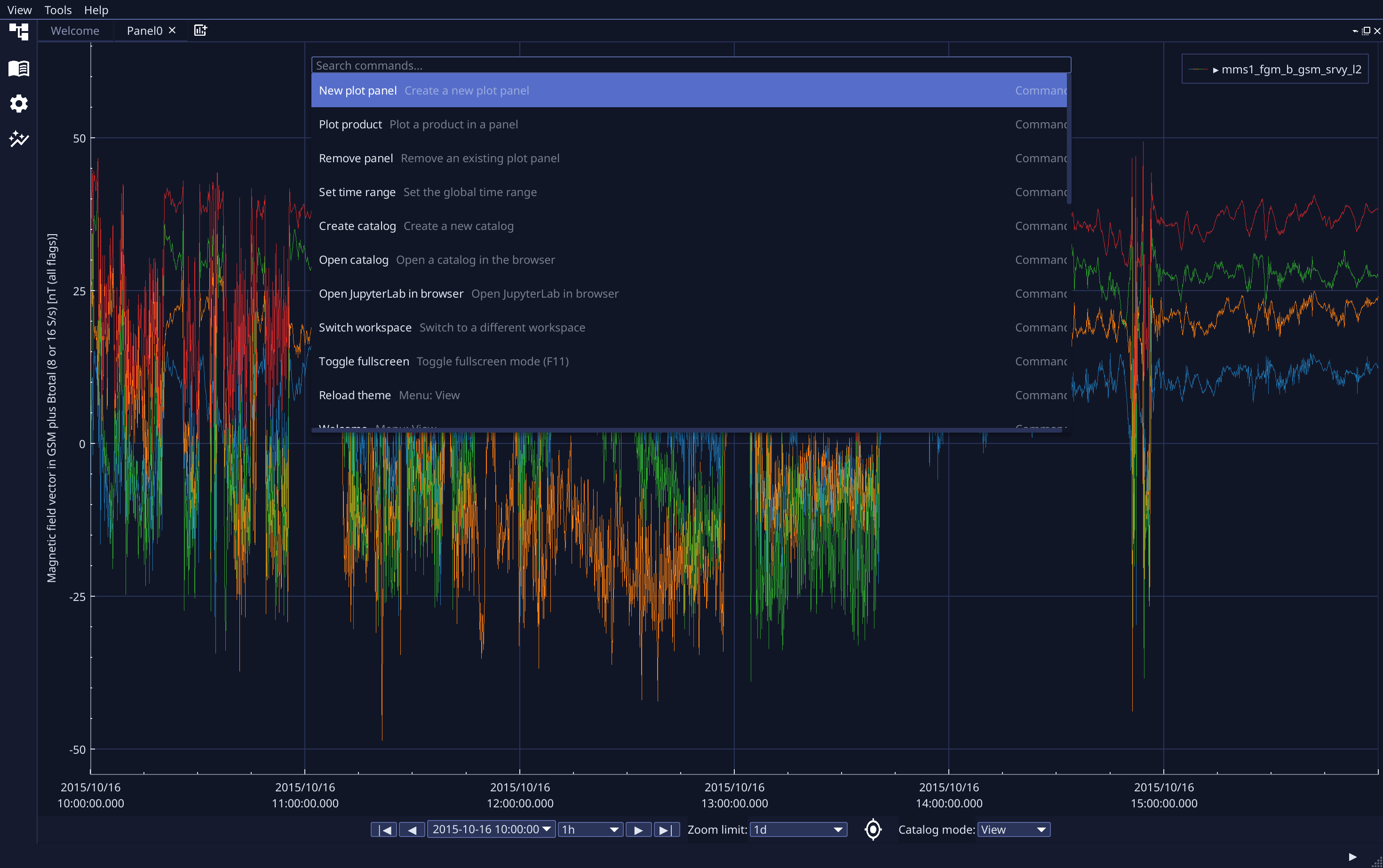
Collaborative Catalog EditingMultiple users can co-edit catalogs in real time via cocat (CRDT-based synchronization over WebSocket). Create, edit and delete events simultaneously — all changes are merged conflict-free across all connected clients. AI AssistantSciQLop ships an agent chat dock with pluggable AI backends — Claude Code, GitHub Copilot, OpenCode, Kimi and Albert — installable from the App Store. The assistant has access to dedicated tools: it can plot products, fetch and describe data, run notebook cells, and inspect your workspace, all under your control. Command PalettePress Ctrl+K to open the command palette. It fuzzy-searches all available actions and supports multi-step argument chains (e.g., select “Plot product” then pick the product).
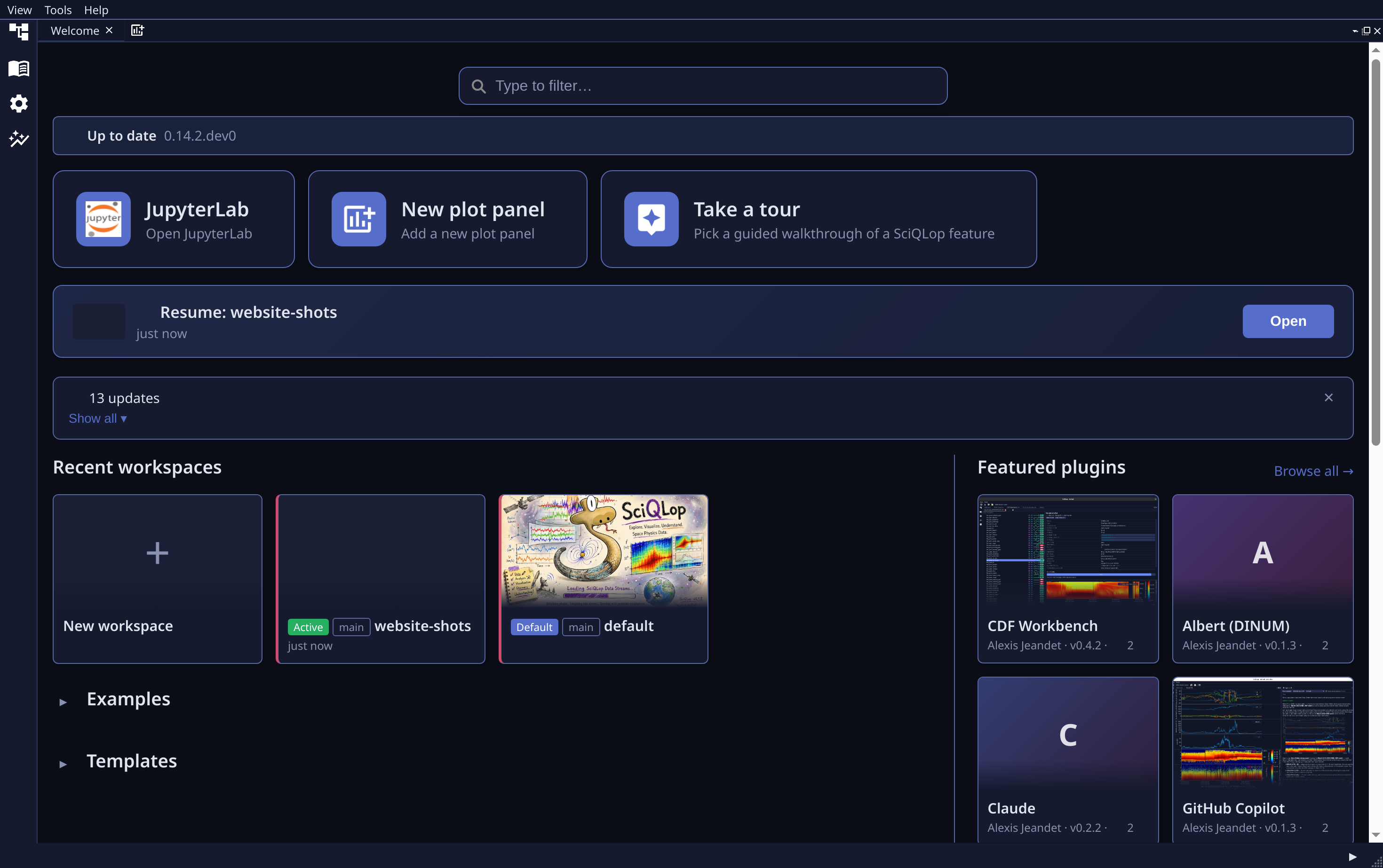
WorkspacesSciQLop organizes your work into workspaces, each with its own isolated Python environment (managed by uv), installed packages, enabled plugins, and examples — all managed from the welcome page.
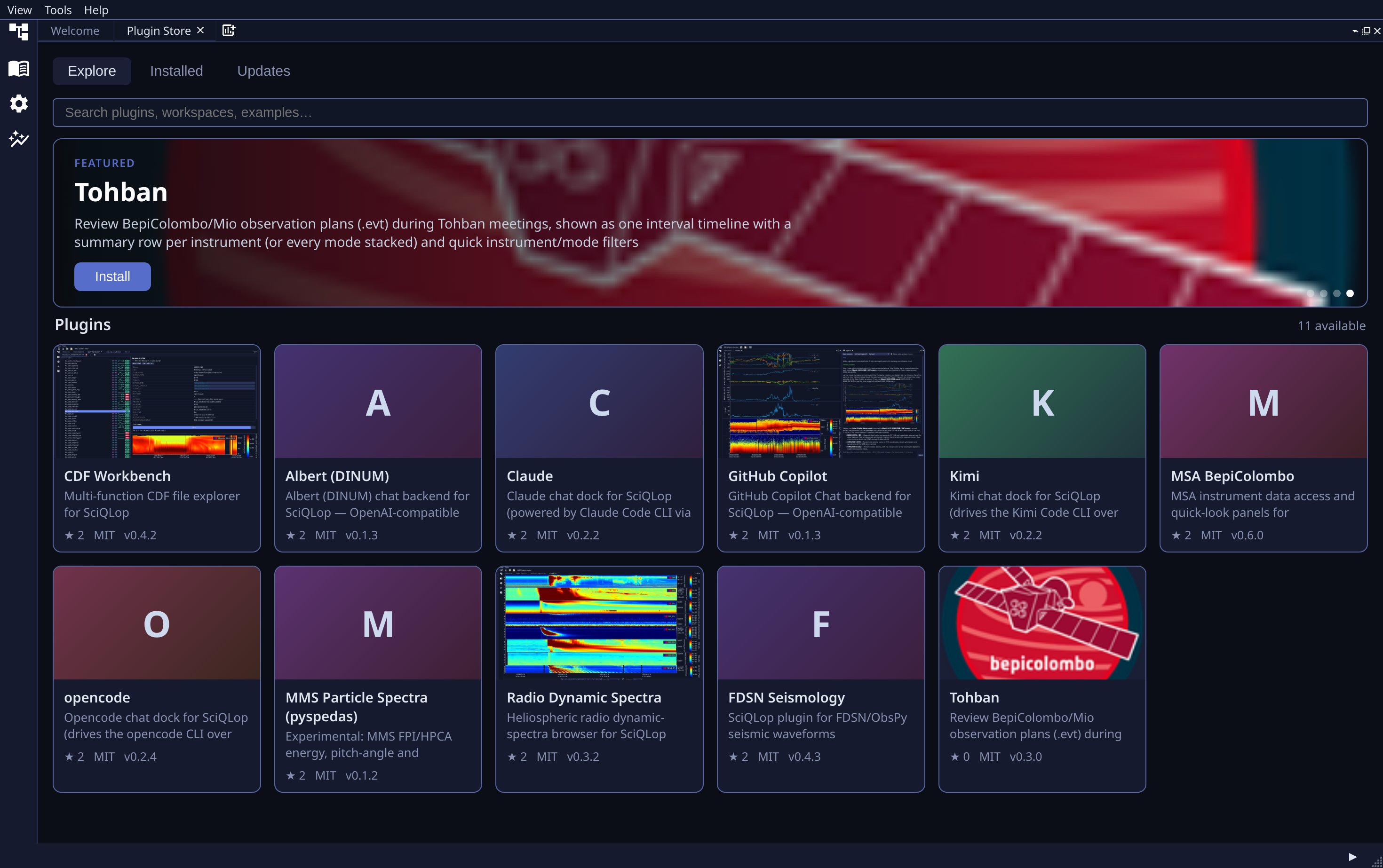
App StoreBrowse and install community plugins directly from within SciQLop. The built-in App Store fetches a live registry, shows descriptions, tags, and GitHub stars, and handles installation and updates. Plugins are hot-loaded into the running application without restart.
Virtual ProductsDefine custom products with simple Python functions. Virtual products behave exactly like built-in products — they
respond to scroll and zoom with on-the-fly computation, and the Themes, Templates and MoreSave and restore complete plot layouts as shareable templates, and switch between four built-in palettes (light, dark, neutral, space) at runtime.
How to Install SciQLopWindows UsersDownload the installer from the latest release page and run it. Mac UsersDownload the Mac App Bundle from the latest release page — pick the right architecture for your Mac (ARM64 for Apple M1/2/3/4 chips and x86_64 for Intel). Linux UsersDownload the AppImage from the latest release and run it (after making it executable). From Sources (for developers)The installers and AppImages above are the recommended way to use SciQLop. If you want to work on SciQLop itself, clone the repository and run it with uv, which handles the virtualenv and dependencies automatically: Citing SciQLopIf you use SciQLop in your research, please cite it via its Zenodo DOI: 10.5281/zenodo.7379012 (covers all versions). How to ContributeFork the repository, make your changes and submit a pull request. We will be happy to review and merge your changes. Reports of bugs and feature requests are also welcome on the issue tracker. Do not forget to star the project if you like it! LicenseSciQLop is free software, released under the GNU General Public License v3.0. CreditsThe development of SciQLop is supported by the CDPP. ThanksWe would like to thank the developers of the following libraries that SciQLop depends on:
|
| You are visitor 01402775 — GeezerVison does not store the pages you look up. Best viewed with Netscape Navigator 4.7 or Internet Explorer 6 at 800×600. No cookies required. |