GV

GeezerVison

The World Wide Web, restored to 800 pixels of glory.

Home|About|Gaming cabinet|Archives|How it works|Starter sites

On this site

  • sourcey
  • Account
  • Submit
  • Docs engine
  • Companies
  • Startup credits
  • Agent readiness
  • Email lookup
  • Policies
  • Open source
  • SKILL.md
  • mcp.json
  • openapi.yml
  • ← Nameclick

This view

  • Original page
  • New address

GeezerVison is showing sourcey.com — GitHub Email Finder: Look Up a Developer's Email by Username

Three free lookups a day. No sign-up.

Example
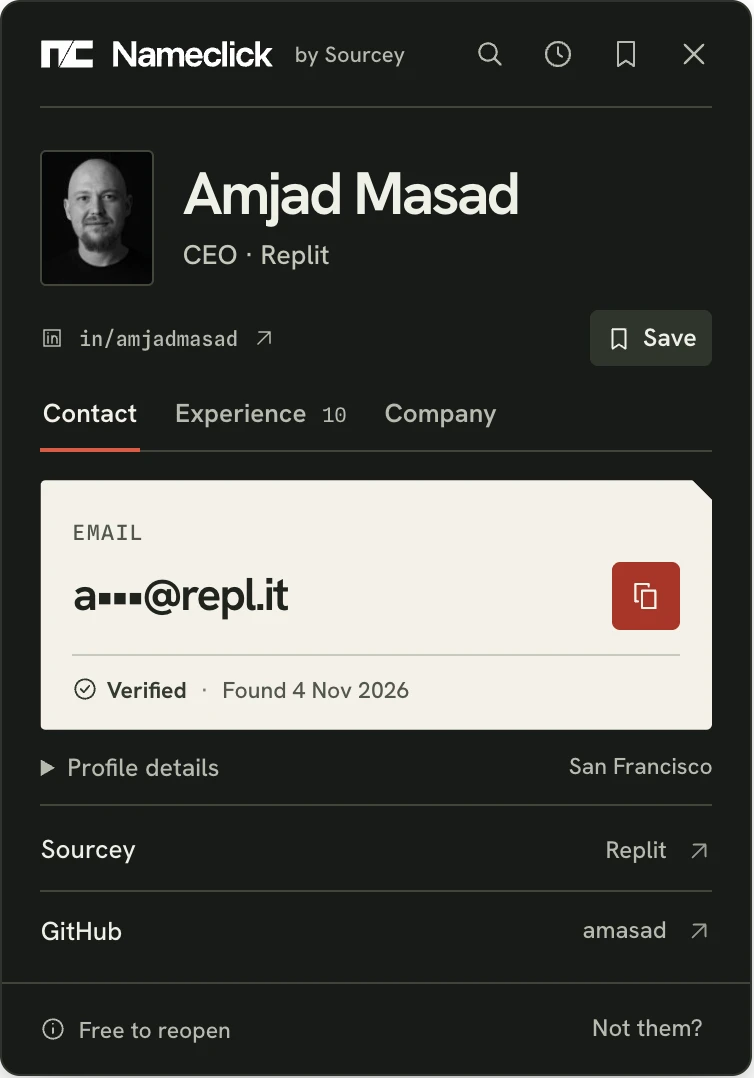
The Nameclick card for Amjad Masad, with the verified email address.

Before you copy the email

  • Look past the username. A GitHub username rarely tells you much. Compare the card's photo, title, employer and location with the developer you meant. A wrong match should be obvious before you copy anything.
  • The company matters. A full name on the GitHub profile helps most, with their company or a website. If we can't tell who an account belongs to, nothing is counted. Know where they work? Search with their name and company instead. Find someone by name and company
  • Look at Found, too. In Contact, Verified marks an address checked to take mail. Found tells you when we found it. If they've changed jobs since then, compare their employer with the email's domain. Their old company address will bounce.

Find email on the profile

Watch us open Nameclick on Amjad Masad's GitHub profile and find his email, roles and company.

  1. Open the profileStart on Amjad Masad's GitHub profile. His name and company are already there.
  2. Press the shortcutPress AltShiftN on the profile. There's nothing to select on GitHub.
  3. The developer foundAmjad's email, roles and company open beside his GitHub profile.
Add to Chrome, free

Chrome, Edge and Firefox extensions ↓MCP server for agents

How to find someone's email from GitHub

  1. Install Nameclick

    Add our extension to Chrome, Edge or Firefox. Brave, Arc and Opera use the Chrome Web Store. Your first GitHub lookup prompts you to sign in with Google for a free Nameclick account.

  2. Open their GitHub profile

    Press AltShiftN. On GitHub, we read the profile without asking you to highlight a name.

  3. Compare the person

    Check the developer's photo and employer, then copy their email from Contact. Report a wrong match and that lookup costs nothing.

  4. Return from the toolbar

    You don't need to remember their GitHub username. Everyone you've found reopens free from the Nameclick toolbar, for good.

Where to look by hand

Git preserves the address a developer used years ago. Start with what they publish now.

  • Their public profile

    Sign in to GitHub first. You'll see an email on the profile only if the developer chose to make one public.

  • A commit they authored

    Every commit records an email address. Add .patch to the commit's address in your browser; the From line shows the author's name and email. That's the address used for that commit. What GitHub shows about an email address

  • GitHub's no-reply address

    An address ending in users.noreply.github.com comes from GitHub's privacy setting. Mail goes nowhere. Older commits still carry the earlier address, which may be out of date.

  • Their website and company

    Follow the website on their GitHub profile; it often has a contact page. The company they list is where a finder looks for their professional address. Find an email with a name and company

Every contact, enriched

The GitHub bio is only the introduction. Open Experience for every role, with dates, current first. Company includes size, industry, phone, links, every funding round and the company's Sourcey record. Both views open from the same card at no extra cost. Even without an email, you still see who matched, their roles and company; nothing is counted.
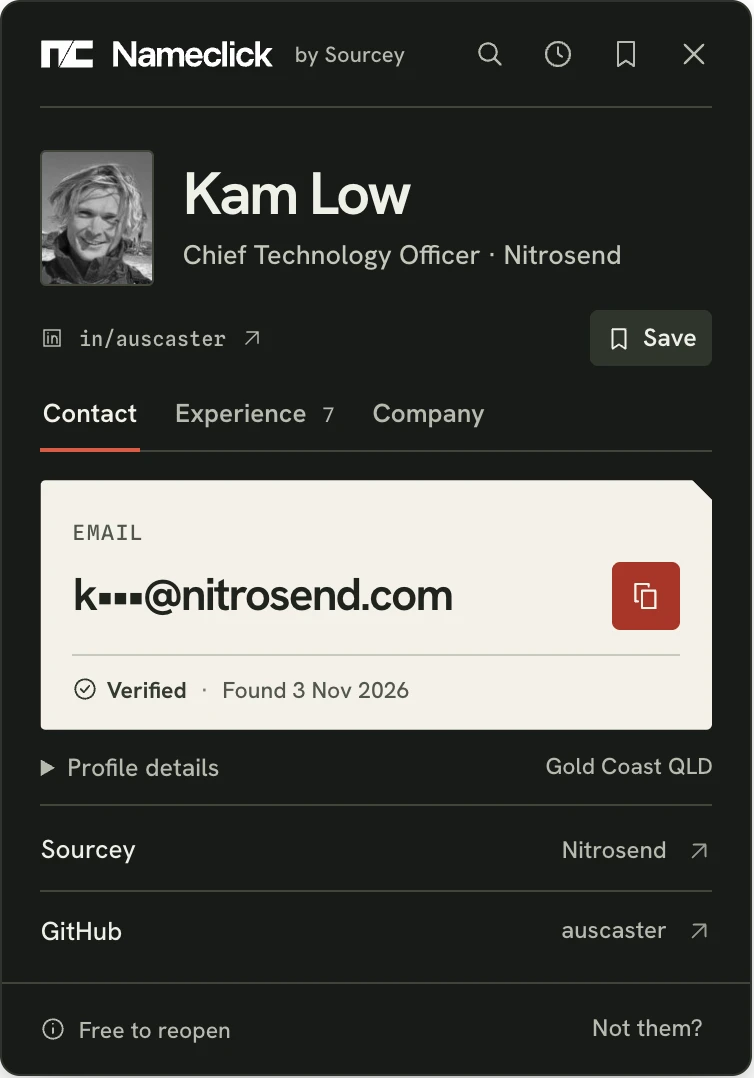
ContactTheir email, Verified if checked to take mail, and when we found it.
The Nameclick card's Contact view for Kam Low.
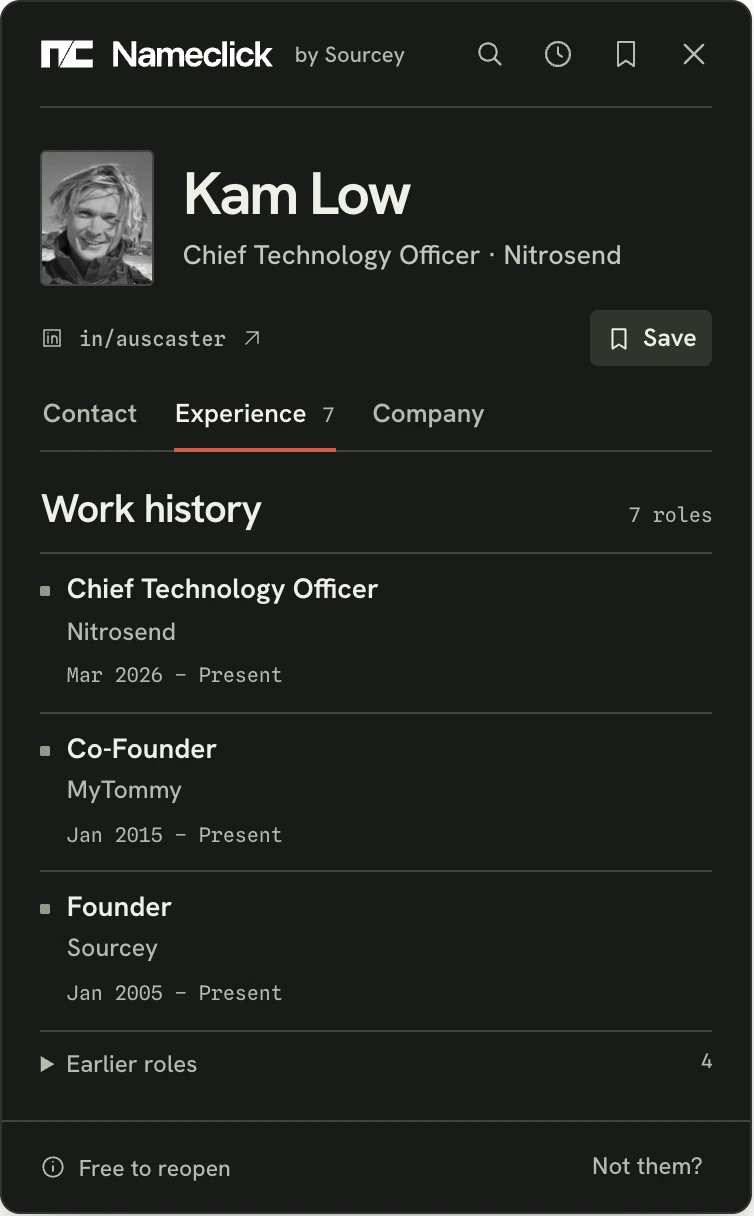
ExperienceEvery role with its dates, current first.
The Nameclick card's Experience view for Kam Low.
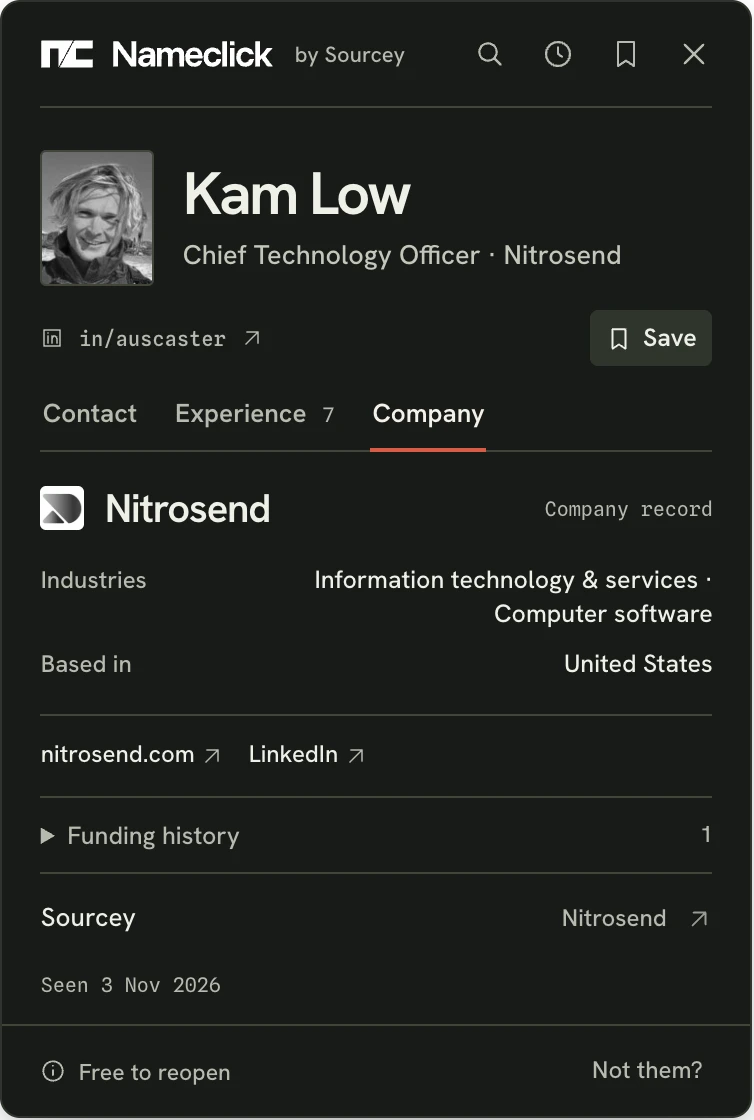
CompanyCompany size, industry, phone, links, every funding round and its Sourcey record.
The Nameclick card's Company view for Kam Low.

Other ways to find an email with Nameclick

Reverse email lookupWho holds a company addressEmail finderFrom a name and companyLinkedIn email finderFrom a profile URLX email finderFrom someone's profileYouTube email finderA creator or a podcast guestNameclick extensionA name on any page, in one press

Questions

Can I email any developer whose address I find?

Finding an address isn't permission. GitHub forbids using its information for spam, including "sending unsolicited emails to users". Developers recognise a mass message. When contact is welcome, write to one person about their work and say how you found them.

What if their profile has a name but no company?

We still try to work out who they are. If we can't, nothing is counted. If you know their employer, use the name-and-company finder below. Find someone by name and company

What does a free GitHub lookup include?

The developer's email, roles and company. A personal address such as Gmail shows in the extension or on a paid plan. The web finder gives you three lookups a day without signing up, then three more tomorrow. The extension includes 3 more a day. Only a lookup that shows an email counts; misses, failures and reported wrong matches cost nothing.

Can a developer opt out of future searches?

Any developer can request removal below; no reason is needed. Once removed, we never look them up again, for anyone, even if you press Alt+Shift+N (Option+Shift+N on a Mac) on their GitHub profile. Ask to be removed

Get the extension

The Nameclick extension finds their email in one press, with 3 free lookups a day.

How Nameclick works, and how to use it from your AI agent.

  • ChromeChrome Web Store
  • EdgeIn review
  • FirefoxFirefox Add-ons
You are visitor 01402503 — GeezerVison does not store the pages you look up.
Best viewed with Netscape Navigator 4.7 or Internet Explorer 6 at 800×600. No cookies required.