GeezerVisonThe World Wide Web, restored to 800 pixels of glory. |
| Home|About|Gaming cabinet|Archives|How it works|Starter sites |
GeezerVison is showing splitpro.app — SplitPro: Split expenses with friends for free Split expenses with friends, for freeAdd what you spent on trips, rent or dinners. SplitPro shows who owes whom. No daily limits, no paywall for the basics. Free · Open source · Works on any phone or computer 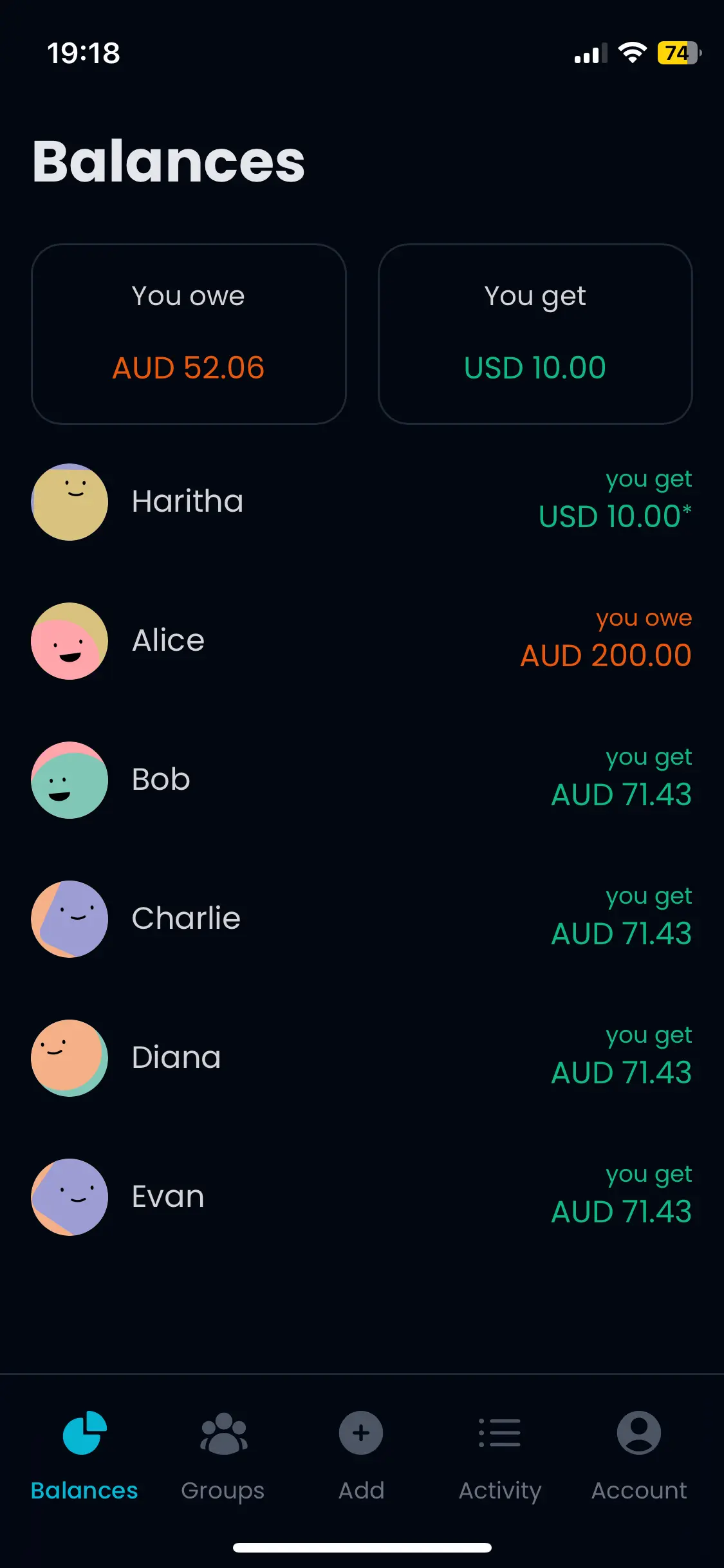 Everything you need to split fairlySplit any wayEqually, by percentage, by shares or by exact amounts. Totals add up to the cent. Groups and friendsA group for every trip or home, or split a one-off cost with a friend. Recurring expensesRent and subscriptions add themselves every week, month or year. Default split per groupChoose an equal, percentage or shares split, and new expenses in the group start from it. Settle up in a groupRecord a payment in one group, or settle up with a friend in one currency. 100+ currenciesAdd each expense in the currency you paid in. Balances stay separate. Works like an appAdd it to your home screen and get notified when someone adds an expense. Import from SplitwiseBring your friends and groups over with their balances. ReceiptsAttach a photo of the receipt to any expense. On your phone or your laptopAdd an expense at the table, check the totals later. Everything stays in sync. 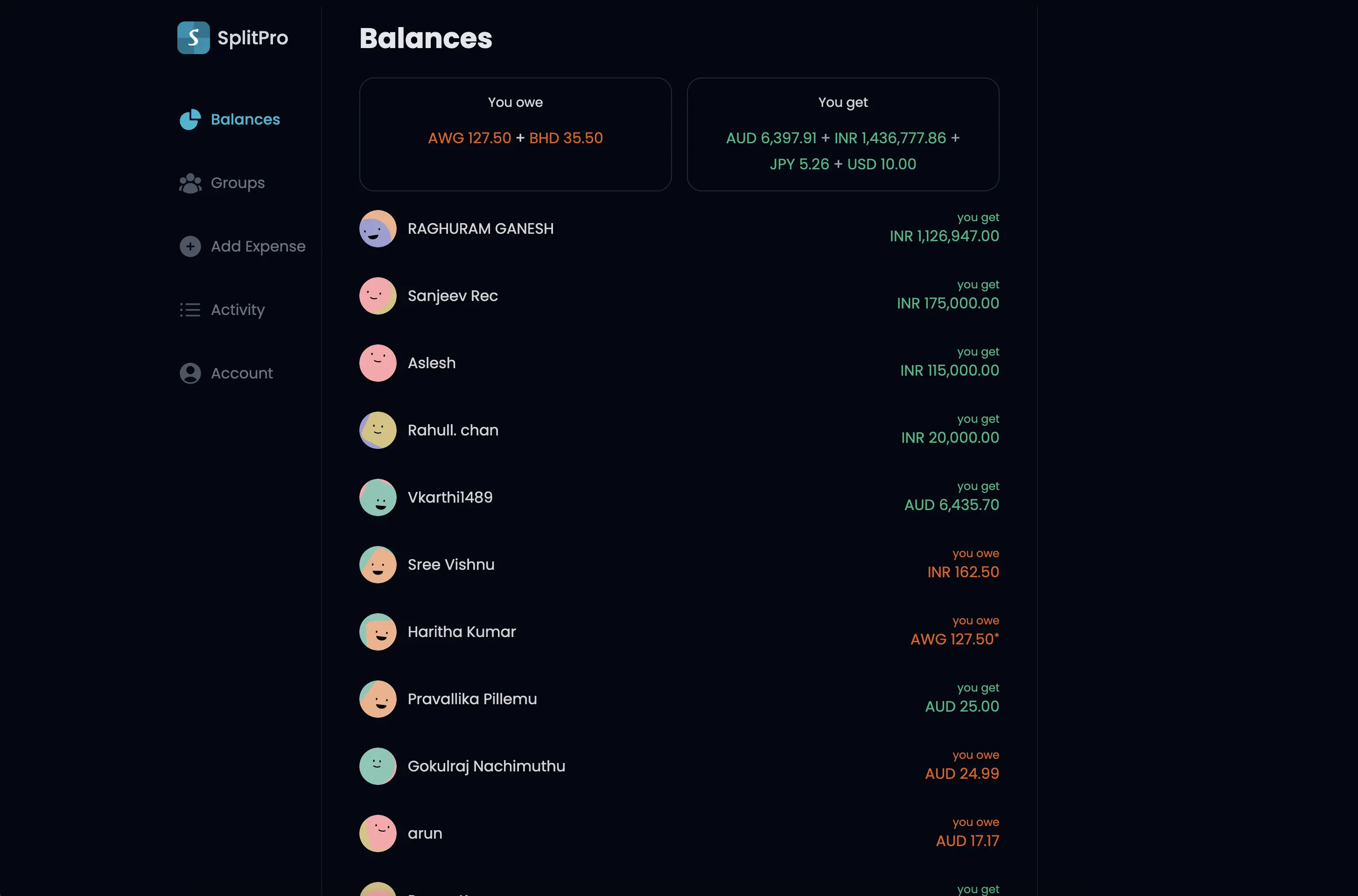 Just one trip? Skip the sign-up.Add names and expenses, see who owes whom, and share one link with the group. Nobody needs an account. Adding an expense shouldn't cost moneyMany expense apps start free, then limit the one thing you came for. SplitPro is open source, so the core stays free. SplitProSplitwise free Expenses you can add per dayUnlimited4 Open sourceYesNo Run it on your own serverYesNo Splitwise limits are from its help center as of October 2026. QuestionsIs SplitPro really free?Yes. Signing up, adding expenses, creating groups and settling up are all free, and there is no daily limit on how many expenses you can add. Do I need to install an app?No. SplitPro runs in your browser, and on your phone you can add it to your home screen. Native iPhone and Android apps are in beta too. Do my friends need an account?You can add friends by email and start adding expenses right away. They sign in with that email whenever they want to see their balances. Can I move my groups over from Splitwise?Yes. SplitPro imports your friends and groups, with their current balances, from a Splitwise JSON backup. Past individual expenses are not imported. Our blog has a step-by-step guide. Can SplitPro add repeating costs like rent automatically?Yes. Set an expense to repeat every day, week, month or year, or on the last day of every month. Each repeat is added like a normal expense, with the same notification as when you add one yourself. Anyone in the expense can pause or stop it. In a group, they also need to still be a member. Which currencies are supported?More than 100. Every expense has its own currency, and balances are kept per currency, so a trip abroad never gets mixed up with your rent. Is SplitPro open source?Yes, under the MIT license. Anyone can read the code, and you can run your own copy on your own server if you prefer. Keep a running tab with your peopleGroups, trips and shared homes in one place. SplitPro remembers who paid what, so nobody has to. |
| You are visitor 01402503 — GeezerVison does not store the pages you look up. Best viewed with Netscape Navigator 4.7 or Internet Explorer 6 at 800×600. No cookies required. |