Installation
Via the Marketplace (Recommended)
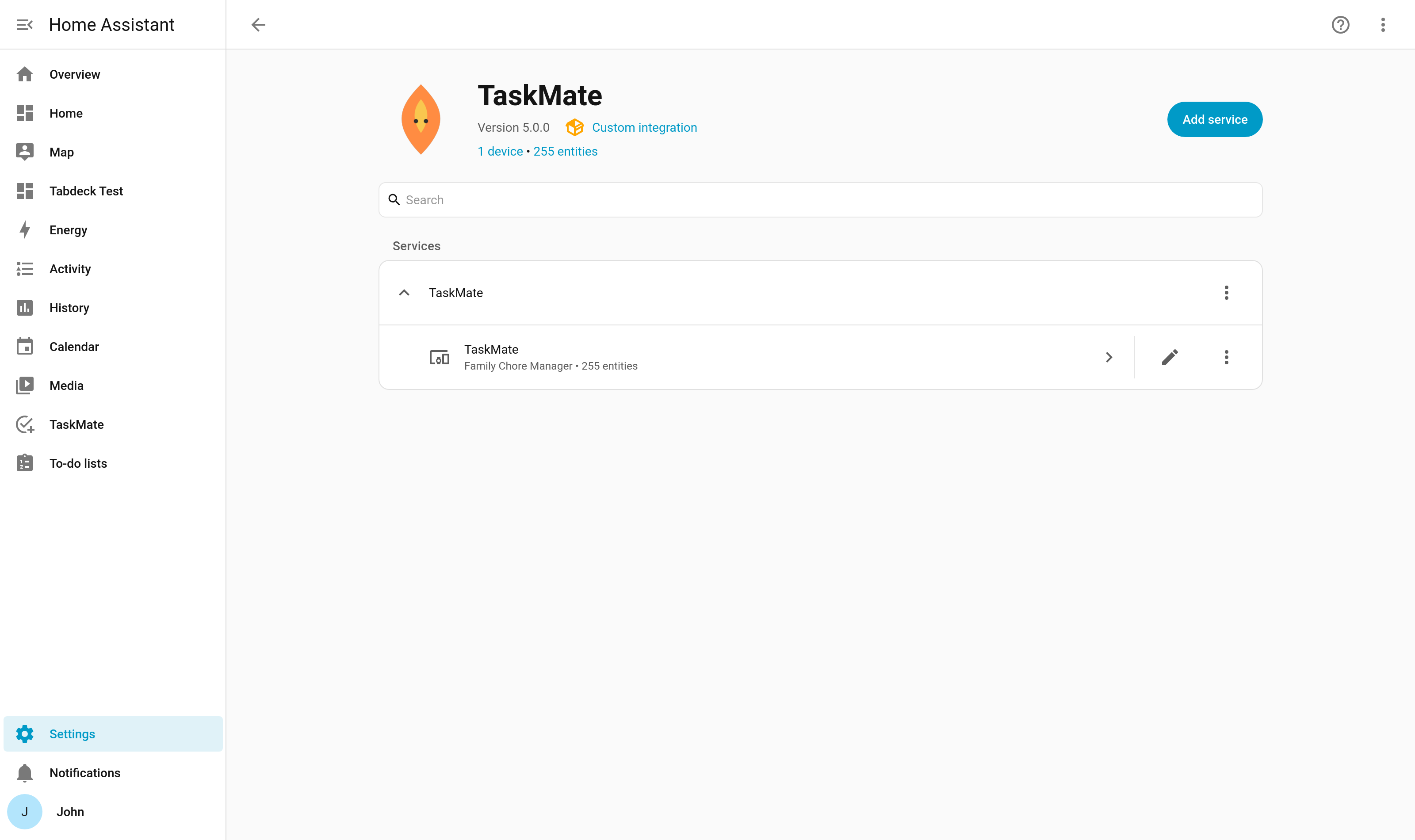
Since Home Assistant 2026.11, HACS is built into Home Assistant as the Marketplace. TaskMate is in its default catalogue — no custom repository is needed:
- Go to Settings → Marketplace
- Search for TaskMate
- Select Install — TaskMate's setup opens straight away, no restart needed
The first time you open the Marketplace, Home Assistant asks you to select I understand the risks and agree before you can install anything.
If you already had TaskMate through HACS, there is nothing to do: the upgrade to 2026.11 moves it into the Marketplace for you.
Via HACS (Home Assistant before 2026.11)
- Open HACS in your Home Assistant sidebar
- Search for TaskMate
- Click Download
- Restart Home Assistant
Installing as a custom repository (legacy)
TaskMate is in the default catalogue, so this is no longer required. It is kept here only for reference — existing custom-repository installs keep working and keep receiving releases. - **Marketplace:** **Add from link** → enter `https://github.com/tempus2016/taskmate` (needs a GitHub connection) - **HACS:** ⋮ menu → **Custom repositories** → enter `https://github.com/tempus2016/taskmate` → category **Integration** → **Add**Manual Installation
- Download the latest release
- Extract the archive
- Copy the
taskmatefolder to/config/custom_components/taskmate/
Your file structure should look like:
config/
└── custom_components/
    └── taskmate/
        ├── __init__.py
        ├── coordinator.py
        ├── manifest.json
        ├── sensor.py
        ├── www/
        │   ├── taskmate-child-card.js
        │   └── ... (all 21 card files)
        └── ...
- Restart Home Assistant
After Installation
After restarting, add the integration:
- Go to Settings → Devices & Services
- Click Add Integration
- Search for TaskMate
- Follow the setup wizard — see Getting Started
Lovelace Resources
TaskMate automatically registers all 21 Lovelace card resources when it loads. You do not need to add them manually in storage mode.
On every restart, TaskMate will:
- Add any missing card resources
- Update the cache-busting version string (?v=x.x.x) so browsers fetch fresh JS
YAML Mode Users
If your Lovelace is in YAML mode, add these resources to your configuration.yaml:
lovelace:
  resources:
    - url: /taskmate/taskmate-child-card.js
      type: module
    - url: /taskmate/taskmate-rewards-card.js
      type: module
    - url: /taskmate/taskmate-approvals-card.js
      type: module
    - url: /taskmate/taskmate-points-card.js
      type: module
    - url: /taskmate/taskmate-reorder-card.js
      type: module
    - url: /taskmate/taskmate-overview-card.js
      type: module
    - url: /taskmate/taskmate-activity-card.js
      type: module
    - url: /taskmate/taskmate-streak-card.js
      type: module
    - url: /taskmate/taskmate-weekly-card.js
      type: module
    - url: /taskmate/taskmate-graph-card.js
      type: module
    - url: /taskmate/taskmate-reward-progress-card.js
      type: module
    - url: /taskmate/taskmate-leaderboard-card.js
      type: module
    - url: /taskmate/taskmate-parent-dashboard-card.js
      type: module
    - url: /taskmate/taskmate-penalties-card.js
      type: module
    - url: /taskmate/taskmate-bonuses-card.js
      type: module
    - url: /taskmate/taskmate-points-display-card.js
      type: module
    - url: /taskmate/taskmate-calendar-card.js
      type: module
    - url: /taskmate/taskmate-routine-card.js
      type: module
    - url: /taskmate/taskmate-badges-card.js
      type: module
    - url: /taskmate/taskmate-family-goal-card.js
      type: module
    - url: /taskmate/taskmate-photo-gallery-card.js
      type: module
Note: Three global support modules (
taskmate-config-sounds.js,taskmate-localize.js,taskmate-design.js) are registered automatically viaadd_extra_js_url()and do not need to be listed as Lovelace resources.taskmate-attr-resolver.jsis a normal Lovelace resource and is registered with the cards.
Upgrading
Via the Marketplace or HACS
A new version shows up under Settings → Updates, next to Home Assistant's own updates. Select Update, then restart Home Assistant — on the Marketplace, a repair tells you when the restart is needed and can do it for you.
Manual
Replace the contents of /config/custom_components/taskmate/ with the new release files and restart.
Resource version strings are updated automatically on restart — no manual editing of Lovelace resources is needed.