GeezerVisonThe World Wide Web, restored to 800 pixels of glory. |
| Home|About|Gaming cabinet|Archives|How it works|Starter sites |
GeezerVison is showing thepythoncode.com — How to Lock PDFs in Python - The Python Code Want to code faster? Our Python Code Generator lets you create Python scripts with just a few clicks. Try it now! In this tutorial, we’re going to be building a PDF locker. A PDF, or Portable Document Format, is a file format developed by Adobe that preserves the formatting and layout of a document, regardless of the software, hardware, or operating system used to view or print it. PDF files can contain text, images, links, and interactive elements, making them a versatile format for sharing documents. PDFs are widely used for various purposes, such as sharing business reports, eBooks, forms, and academic papers. They are also commonly used for distributing documents that need to be printed exactly as intended. PDFs can be viewed and edited using various software applications, including Adobe Acrobat Reader, a free and widely used PDF viewer. Sometimes we might have confidential information saved in PDFs, and we wouldn’t want Tom, Dick and Harry to access it. One of the options we have is to password-protect our files. Another option is obviously encrypting the file. But because we like variety, we will see another method of keeping our files away from unwanted eyes. I’m sure you agree that this program's importance cannot be overemphasized. For this program, we’ll be making use of To install: Then as usual, we create a Python file. Name it meaningfully, like Getting to the code, we start by importing the necessary libraries:
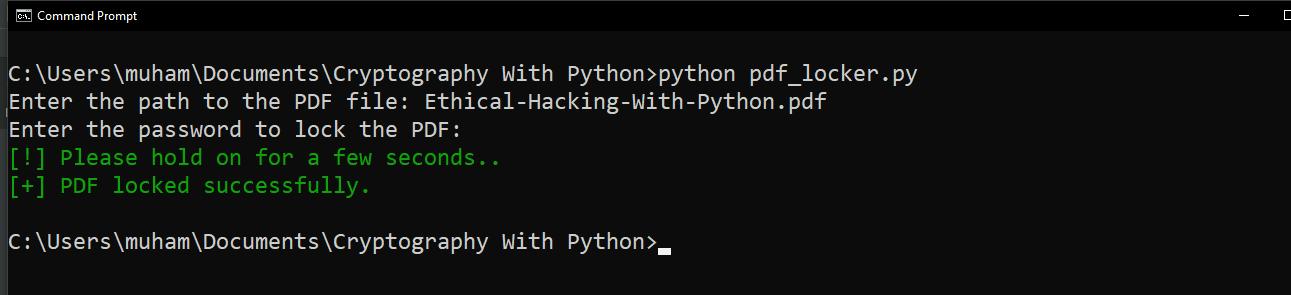
Next, we create a function that does the PDF-locking: Finally, we collect the user’s input: That’s essentially it. To run our code, make sure to have a PDF to test in your directory or specify the full PATH to the PDF file. Before you run this code, please store your password in a secure location or use a password manager. For testing purposes, It’s highly recommended to create a copy of the PDF file you want to test with so that in case you unwittingly mess things up, you will still have a backup. I’m testing my code with my copy of the Ethical-Hacking-With-Python.pdf eBook. Feel free to use any PDF of your choice while factoring all considerations:
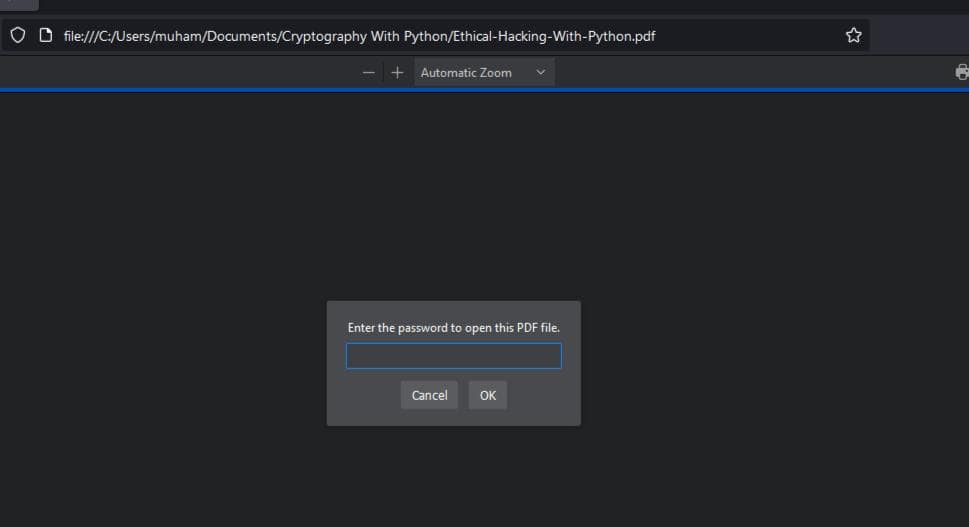
When I try to open the PDF now:
Now, no one can open our file without the password. However, it’s good to note that if you forget your password to lock your file, you may lose access to it permanently. Unlike online applications, you can easily request a new password by hitting the Forgot password button. So please store your passwords by either writing them down and keeping them very safe or using a password manager. Similar to what we built here. Also, if you want to learn how to crack locked PDFs, check this tutorial out. Using a strong password is crucial as it serves as the first line of defense against unauthorized access, significantly enhancing the security of your accounts and sensitive information. So please be sure to use a strong password. Check this tutorial to generate passwords with Python. Finally, Diving into the practicalities of securing PDFs in Python opens a glimpse into the broader universe of cybersecurity and programming. If this tutorial sparked your interest and you're keen on furthering your journey into the realms of digital security and encryption, our Cryptography with Python eBook is the perfect next step. It's designed to broaden your horizons with a richer, more detailed exploration of cryptographic concepts and their implementation in Python, offering you a path to elevate your skills and knowledge in this critical and fascinating domain. Happy coding ♥ Take the stress out of learning Python. Meet our Python Code Assistant – your new coding buddy. Give it a whirl!
Sharing is caring!
Read also
How to Create a Zip File Locker in PythonDiscover how to protect your ZIP files with a custom Python script in this tutorial. Learn to enforce strong passwords using pyzipper and safeguard your data from cyber threats. Perfect for programmers who love to DIY their security tools! 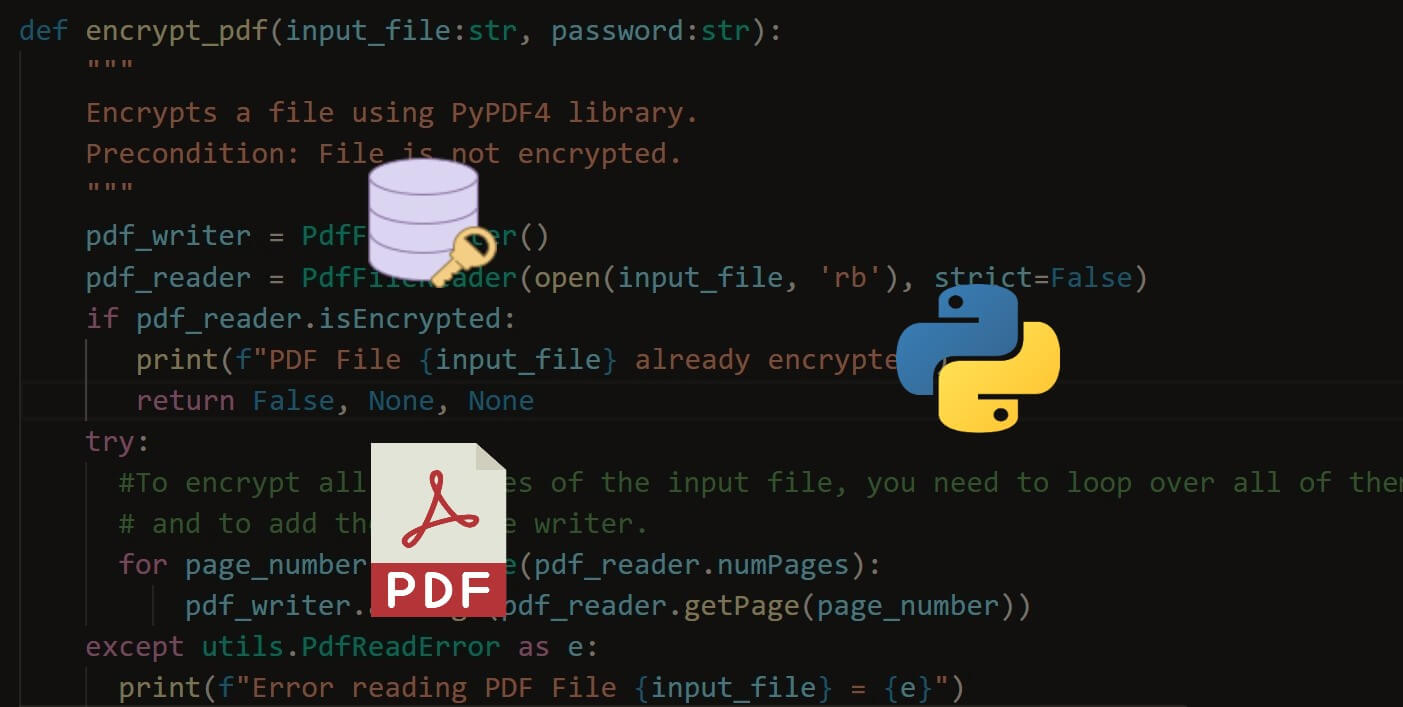
How to Encrypt and Decrypt PDF Files in PythonLearn how to add and remove passwords to PDF files using PyPDF4 library, as well as using pyAesCrypt to encrypt and decrypt PDF files in Python 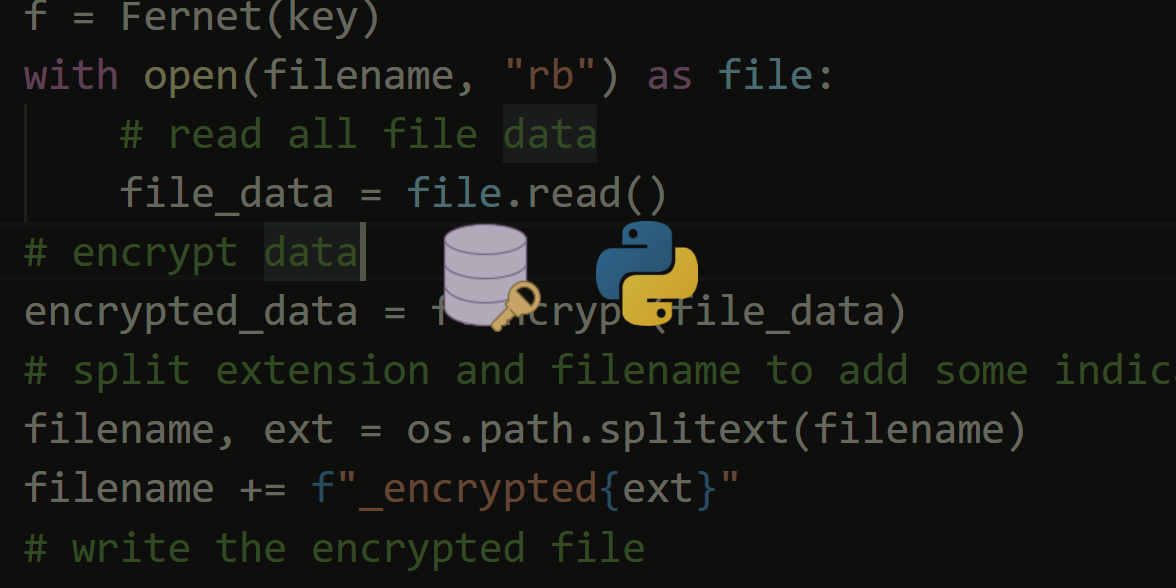
How to Encrypt and Decrypt Files in PythonEncrypting and decrypting files in Python using symmetric encryption scheme with cryptography library. CommentsGot a coding query or need some guidance before you comment? Check out this Python Code Assistant for expert advice and handy tips. It's like having a coding tutor right in your fingertips! |
| You are visitor 01402503 — GeezerVison does not store the pages you look up. Best viewed with Netscape Navigator 4.7 or Internet Explorer 6 at 800×600. No cookies required. |