GeezerVisonThe World Wide Web, restored to 800 pixels of glory. |
| Home|About|Gaming cabinet|Archives|How it works|Starter sites |
GeezerVison is showing thepythoncode.com — How to Manipulate IP Addresses in Python using ipaddress Module - The Python Code Struggling with multiple programming languages? No worries. Our Code Converter has got you covered. Give it a go! In this tutorial, you will learn how you can use the ipaddress module to work with IP addresses in Python, network engineers and people who develop network-related software use this module so often as it provides handy functions and classes that handle various tasks that are related to IP addresses, including checking whether two hosts belong to the same subnet, iterating over all hosts of a subnet, retrieving broadcast addresses of a particular subnet, and much more. Related: How to Make a Network Scanner using Scapy in Python. We don't need to install anything, as this module comes built-in and it was introduced in Python 3.3, so if you have Python 3.3+ (and I'm sure you do), you're good to go! Let's start by IPv4Address class: Now, this ip object represents a single IP address, we can check whether it is a global IP address (not private) and whether it is a link-local: Output: You can also use ip.is_reserved and ip.is_multicast to check whether this IP address is in the list of reserved IP and multicast addresses respectively. You can perform addition and subtraction on IP addresses: You guessed it, adding an IP by 1 means it is the next IP address, and subtracting by 1 means the previous IP address, here is the output: Since I can't cover all the available methods, write dir(ip) to discover various methods and attributes you can use. Now that you have a basic understanding of IPv4Address object, let's dive into handling IPv4Network objects: Now this network object represents an IPv4 network, the /24 thing is CIDR notation, it indicates that the leading 24 bits of the total 32 bits of the IP address are used to identify the network portion of the address, that means in this case, "192.168.1.x" is network portion (3x8 = 24 bits), and only the last octet "x.x.x.0" is the host portion. You can retrieve the network mask of this network: Output: The network mask is just another format (maybe older) for expressing and representing the network portion of the address, in this case, 255.255.255.0 means that the leading 24 bits which are filled with 1's (255 is 11111111 in binary) indicate the network part of the address (same as /24 notation). Here is how you can get the broadcast address of the network: Output: Printing the number of hosts that belong to this network: Output: A total of 256 hosts (including the subnet and broadcast addresses) are available under this network, here is how you can iterate over all of them: This will print all valid host IP addresses that range from 192.168.1.1 to 192.168.1.254. You can also get the subnets of this network: Output: network.subnets() method returns the subnets which join to make the current subnet as list of IPv4Network objects, prefixlen_diff parameter is an integer that indicates the amount the prefix length should by increased by, I set this to 2 so i can get /26 subnets. You can also get the supernet: This will return the supernet containing the current network, here is the output: Finally, you can test whether a network overlaps another network: Output: It returned True, as 192.168.1.1/24 subnet is under 192.168.0.0/16 network. Alright, we are done with this tutorial, you can explore this module by check their official documentation for more functions and classes for IPv4 and also IPv6 addresses that are really handy for network engineers and Python programmers who wish to develop network applications. Read Also: How to Make a DNS Spoof attack using Scapy in Python. Happy Coding ♥ Liked what you read? You'll love what you can learn from our AI-powered Code Explainer. Check it out!
Sharing is caring!
Read also
How to Use Pickle for Object Serialization in PythonUsing Python standard library pickle module to save (pickle) and load (unpickle) any type of object in Python. 
How to Transfer Files in the Network using Sockets in PythonWriting a server and client Python scripts that receives and sends files in the network using sockets module in Python. 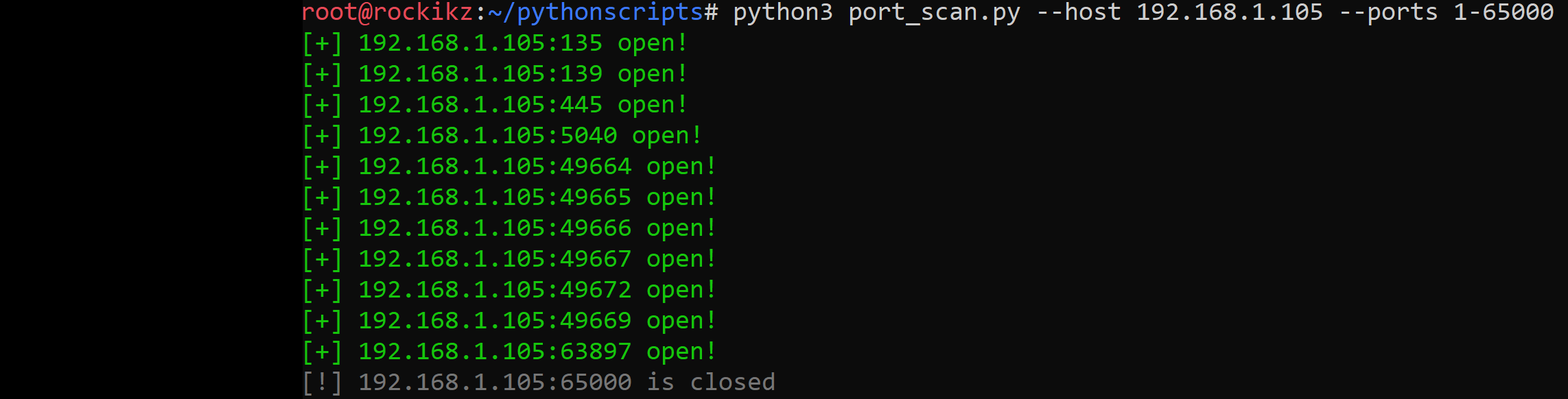
How to Make a Port Scanner in PythonLearn how to write a port scanner in Python using sockets, starting with a simple port scanner and then diving deeper to a threaded version of a port scanner that is reliable for use. CommentsGot a coding query or need some guidance before you comment? Check out this Python Code Assistant for expert advice and handy tips. It's like having a coding tutor right in your fingertips! |
| You are visitor 01402520 — GeezerVison does not store the pages you look up. Best viewed with Netscape Navigator 4.7 or Internet Explorer 6 at 800×600. No cookies required. |