GeezerVisonThe World Wide Web, restored to 800 pixels of glory. |
| Home|About|Gaming cabinet|Archives|How it works|Starter sites |
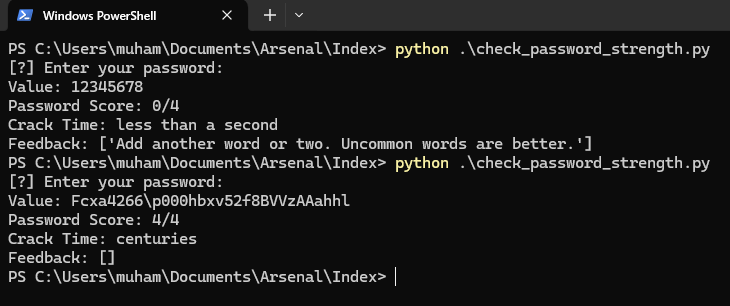
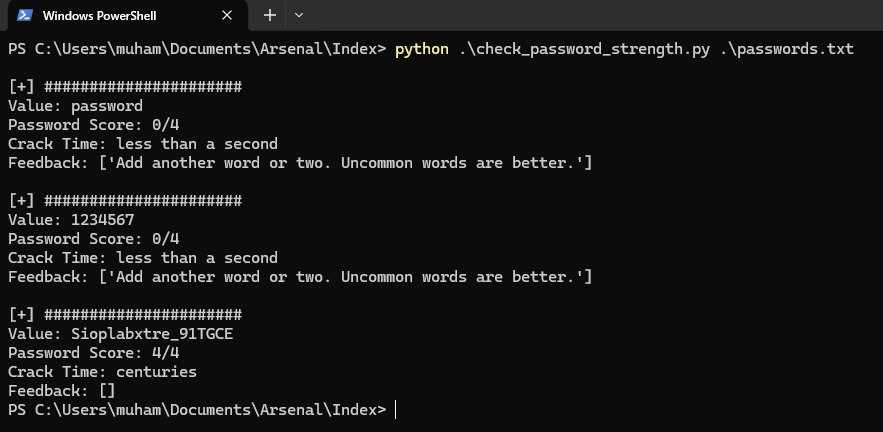
GeezerVison is showing thepythoncode.com — How to Check Password Strength with Python - The Python Code Juggling between coding languages? Let our Code Converter help. Your one-stop solution for language conversion. Start now! In this quick guide, you'll learn how to check password strength with Python. This is a very crucial program for our day-to-day online activities. Even though it's being preached every single day, a lot of people do not actually know what a strong password is. The program we'll build today will help us with that. To achieve this, we'll be using zxcvbn. You can install it by running: Open up a Python file, as always, name it meaningfully like We'll start by importing the necessary libraries: The imports bring in We will make our program flexible so we can either check the strength of one password or pass a file containing passwords and check all to save time. First, we create a function to check the strength of just one password: In this After getting the password, we're passing it to the Next, we display some important parameters from the Of course, you can print the entire result. For that, I'll advise using the pprint library as the regular Next, we create a function for handling multiple passwords by accepting them through a file: This function is essentially the same as the previous one. The main difference is that we allow a user to pass a file. We then open the file and check the strength of every password in the given file. Finally, we handle the program execution - through CLI, of course: Essentially, we're checking the user's arguments. If the user's arguments are 2 (starting from index 0), e.g If the user's argument is/are 1 (starting from index 0), e.g That's it! Let's run our code! Checking the strength of one password: Result:
That's a result of two different passwords. Checking the strengths of multiple passwords: Result:
Please note that the file containing the passwords doesn't necessarily have to be text ( In this tutorial, we learned how to write a very simple but helpful program that can check the strength of our passwords. I hope you enjoyed this one and found it helpful. You can get the complete code on this page. If you're ever in a situation where you don't have access to running this program immediately, you can use this password strength checker tool to check the strength of your password quickly. I built the tool. You don't have to worry about privacy or data collection. Here are similar tutorials you may find interesting:
Till next time, Happy coding ♥ Loved the article? You'll love our Code Converter even more! It's your secret weapon for effortless coding. Give it a whirl!
Sharing is caring!
Read also
How to Crack Hashes in PythonLearn how to crack hashes using Python's hashlib library and a brute-force approach with a wordlist. Gain insights into various hashing algorithms and understand the importance of secure data handling. 
How to Make a Password Generator in PythonLearn how to make a password generator in Python with the ability to choose the length of each character type using the built-in random, string and argparse modules. 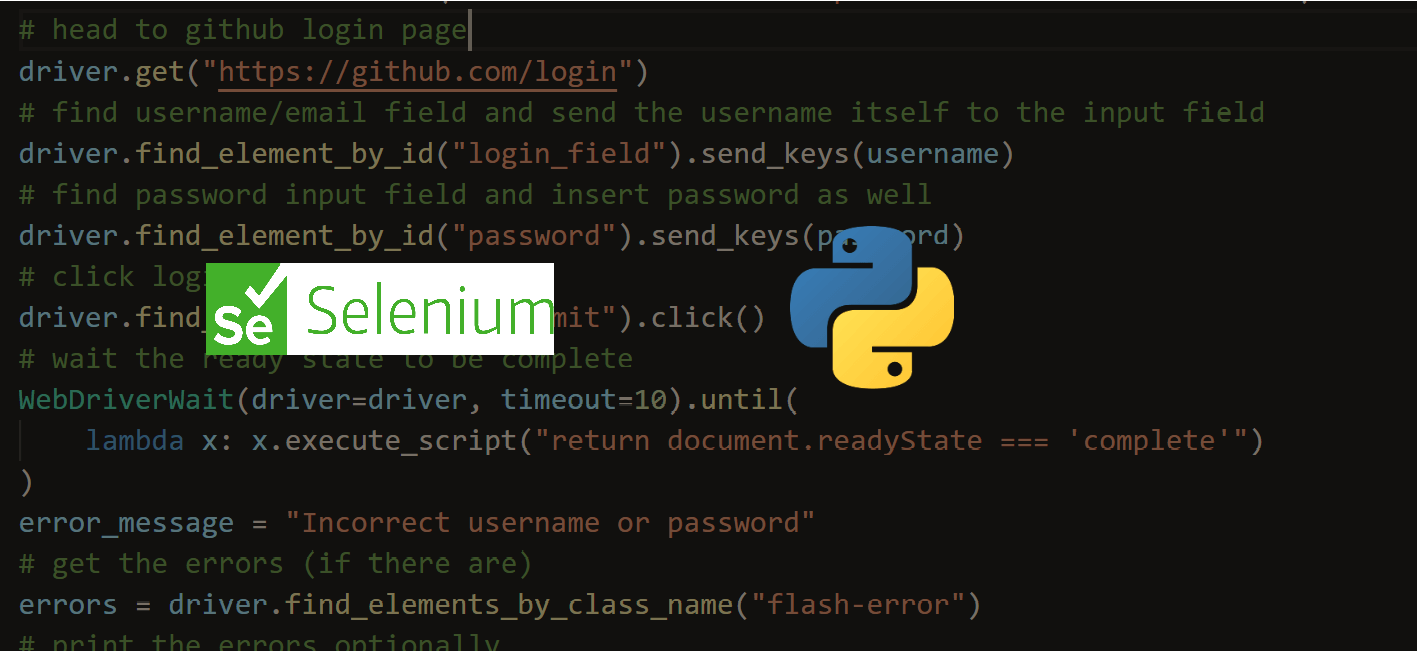
How to Automate Login using Selenium in PythonLearn how to use Selenium library with Chrome driver in Python to login to websites automatically as well as verifying login success. CommentsGot a coding query or need some guidance before you comment? Check out this Python Code Assistant for expert advice and handy tips. It's like having a coding tutor right in your fingertips! |
| You are visitor 01402503 — GeezerVison does not store the pages you look up. Best viewed with Netscape Navigator 4.7 or Internet Explorer 6 at 800×600. No cookies required. |