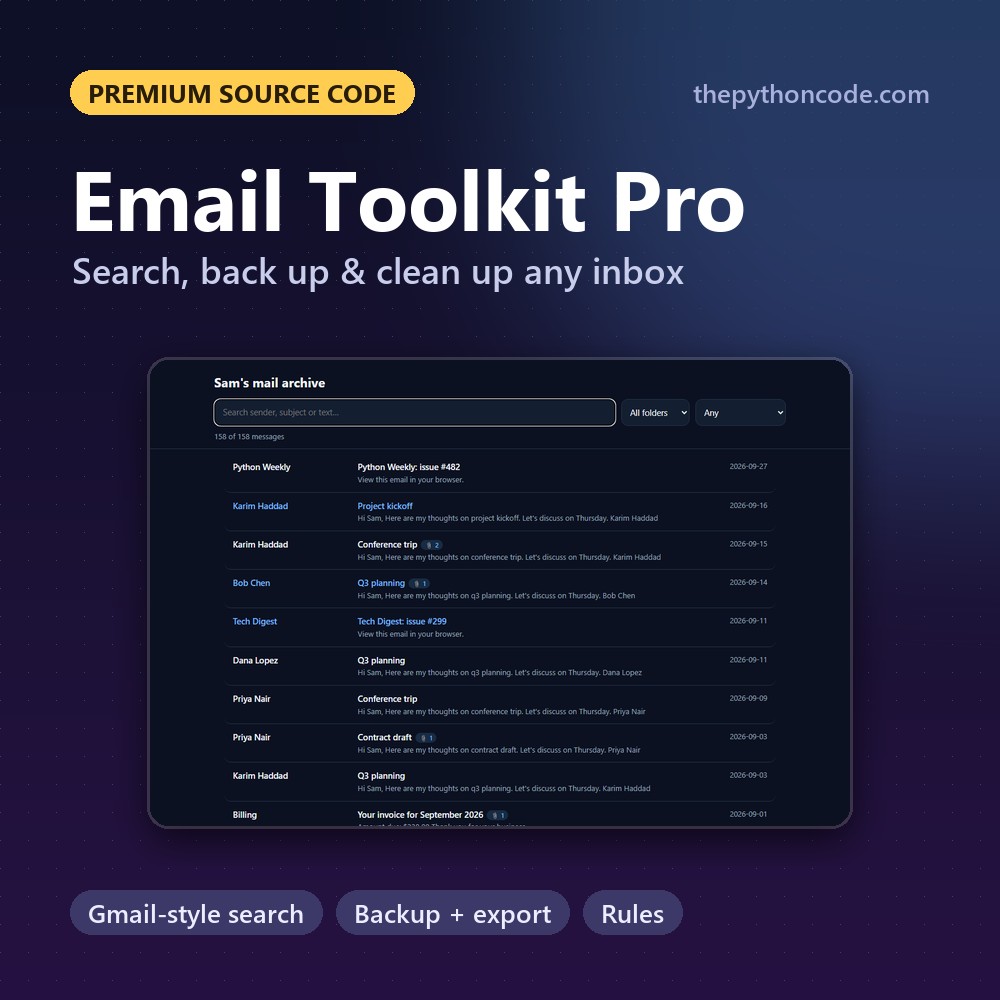
 Want the advanced version? Email Toolkit Pro is the complete tool built from this tutorial,
with Gmail-style search, Incremental backups, HTML archive and more.
$15
View on Github
reading_emails.py
import imaplib
import email
from email.header import decode_header
import webbrowser
import os

# account credentials
username = "[email protected]"
password = "yourpassword"
# use your email provider's IMAP server, you can look for your provider's IMAP server on Google
# or check this page: https://www.systoolsgroup.com/imap/
# for office 365, it's this:
imap_server = "outlook.office365.com"


def clean(text):
    # clean text for creating a folder
    return "".join(c if c.isalnum() else "_" for c in text)

# number of top emails to fetch
N = 3

# create an IMAP4 class with SSL, use your email provider's IMAP server
imap = imaplib.IMAP4_SSL(imap_server)
# authenticate
imap.login(username, password)

# select a mailbox (in this case, the inbox mailbox)
# use imap.list() to get the list of mailboxes
status, messages = imap.select("INBOX")

# total number of emails
messages = int(messages[0])

for i in range(messages, messages-N, -1):
    # fetch the email message by ID
    res, msg = imap.fetch(str(i), "(RFC822)")
    for response in msg:
        if isinstance(response, tuple):
            # parse a bytes email into a message object
            msg = email.message_from_bytes(response[1])
            # decode the email subject
            subject, encoding = decode_header(msg["Subject"])[0]
            if isinstance(subject, bytes):
                # if it's a bytes, decode to str
                subject = subject.decode(encoding)
            # decode email sender
            From, encoding = decode_header(msg.get("From"))[0]
            if isinstance(From, bytes):
                From = From.decode(encoding)
            print("Subject:", subject)
            print("From:", From)
            # if the email message is multipart
            if msg.is_multipart():
                # iterate over email parts
                for part in msg.walk():
                    # extract content type of email
                    content_type = part.get_content_type()
                    content_disposition = str(part.get("Content-Disposition"))
                    try:
                        # get the email body
                        body = part.get_payload(decode=True).decode()
                    except:
                        pass
                    if content_type == "text/plain" and "attachment" not in content_disposition:
                        # print text/plain emails and skip attachments
                        print(body)
                    elif "attachment" in content_disposition:
                        # download attachment
                        filename = part.get_filename()
                        if filename:
                            folder_name = clean(subject)
                            if not os.path.isdir(folder_name):
                                # make a folder for this email (named after the subject)
                                os.mkdir(folder_name)
                            filepath = os.path.join(folder_name, filename)
                            # download attachment and save it
                            open(filepath, "wb").write(part.get_payload(decode=True))
            else:
                # extract content type of email
                content_type = msg.get_content_type()
                # get the email body
                body = msg.get_payload(decode=True).decode()
                if content_type == "text/plain":
                    # print only text email parts
                    print(body)
            if content_type == "text/html":
                # if it's HTML, create a new HTML file and open it in browser
                folder_name = clean(subject)
                if not os.path.isdir(folder_name):
                    # make a folder for this email (named after the subject)
                    os.mkdir(folder_name)
                filename = "index.html"
                filepath = os.path.join(folder_name, filename)
                # write the file
                open(filepath, "w").write(body)
                # open in the default browser
                webbrowser.open(filepath)
            print("="*100)
# close the connection and logout
imap.close()
imap.logout()