Modern Web Guidance is now stable! Upgrade your coding agents with expert-vetted web development best practices. Read the announcement.

Accessibility
Design and build websites and web apps that people with disabilities can interact with in a meaningful and equivalent way.
school
Learn Accessibility
This course offers a general understanding of accessibility practices and testing, or you can use it as a reference for specific subjects.
school
More courses
Discover modules from other courses that can help you learn more about accessibility.
article
Hear from community experts
Interviews with accessibility experts and practitioners.
play_circle
Watch and learn
Watch these videos to discover what changes you can make your sites.
COURSE
New to Accessibility?
If you're new to accessibility, we've got you covered. Our Learn Accessibility course offers a general understanding of accessibility practices and testing, or you can use it as a reference for specific subjects.
COURSE
Forms accessibility
HTML forms give users the ability to provide input for your web applications. Learn how to create forms that are usable by everyone.
COURSE
Responsive design
Allowing your pages to respond to different screen sizes is just one way of making sure your website is accessible to as many people as possible.
COURSE
Semantic HTML
While accessibility spans all parts of the web platform, writing accessible HTML is the cornerstone of building accessible web applications.
article
Content reordering
Starting with a well-structured document and using the right HTML elements is a key part of creating an accessible site.
article
Accessible tap targets
Create interactive elements are large enough and well-spaced so they're easy to press without overlapping other elements
article
Style focus
If the browser's default focus indicator clashes with your design, restyle rather than removing it.
article
Media accessibility
Use WebVTT to add captions and screen reader descriptions to your videos.
article
Labels and text alternatives
Present a spoken UI to the user with screenreaders by ensuring your elements have proper labels or text alternatives.

Meet Melanie Sumner
Melanie is a software engineer, specializing in digital accessibility. Learn about her path to engineering, accessible design, and the importance of funding.

Meet Olutimilehin Olushuyi
Olutimilehin is a lawyer, new to accessibility. Learn about his battle with JavaScript, international standards, and the importance of reading a website's contents.
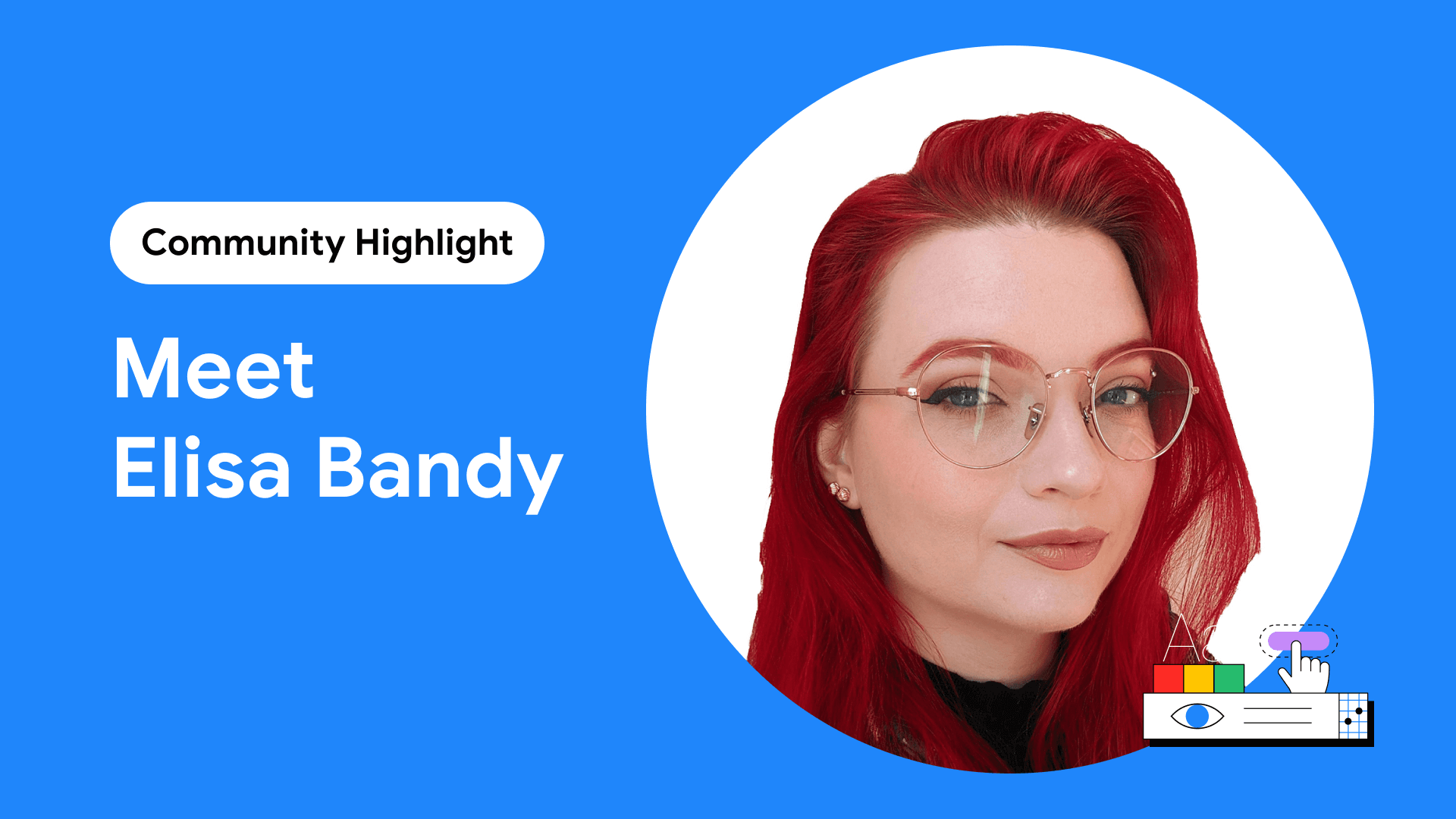
Meet Elisa Bandy
Elisa is a Googler working on web accessibility and documentation for internal tools.
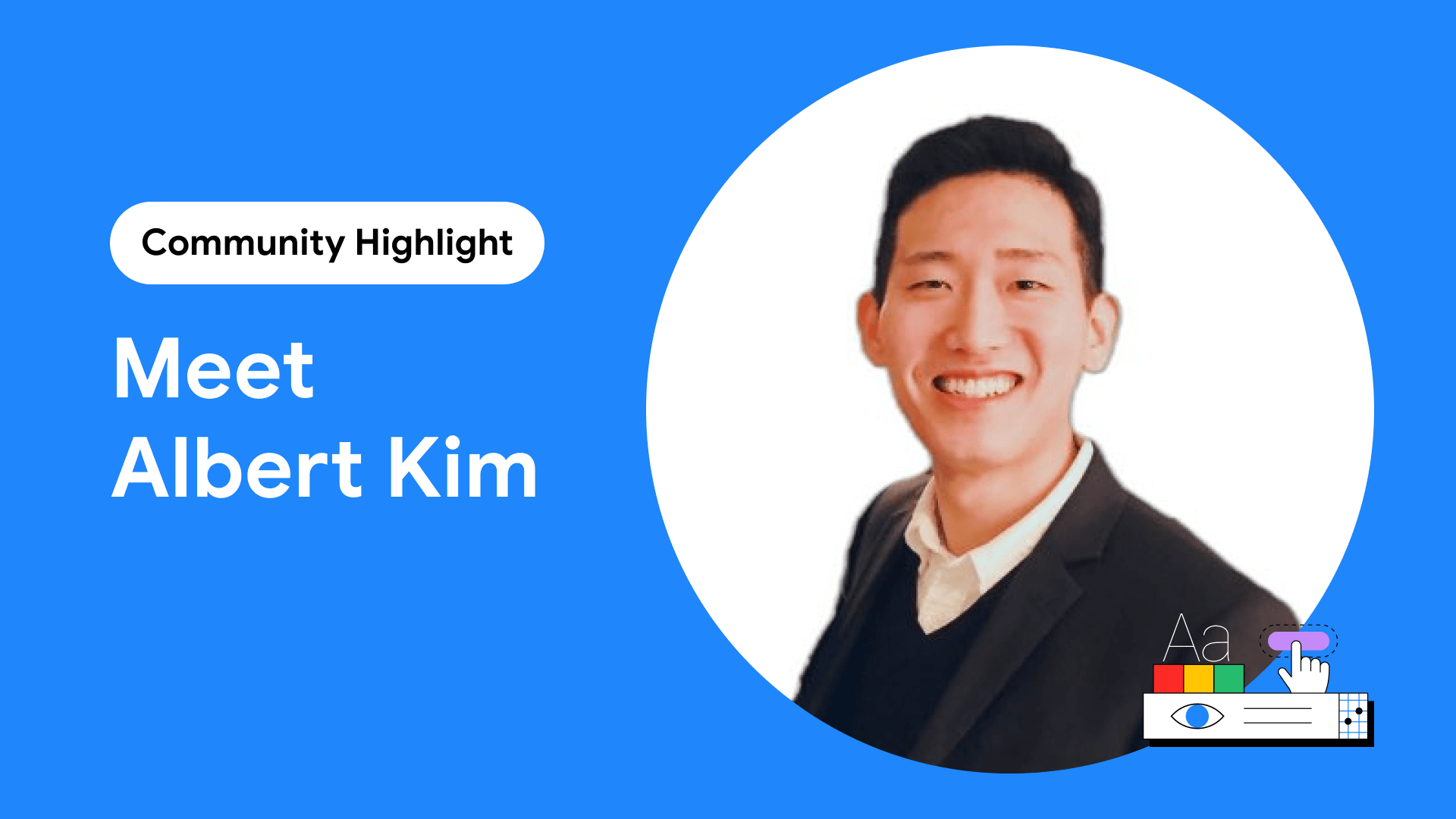
Meet Albert Kim
Albert is a multi-faceted accessibility expert, leading the conversation around mental health and digital accessibility.
Debugging accessibility with Chrome DevTools
Learn how new features in Chrome DevTools can help you understand how accessibility works (or doesn't work!) in a web application.
How I do an accessibility check?
Rob Dodson shows a set of quick checks that you can use to highlight big problems with your website accessibility.
Write accessible headings
Learn more about how the content in your headings impacts accessibility.