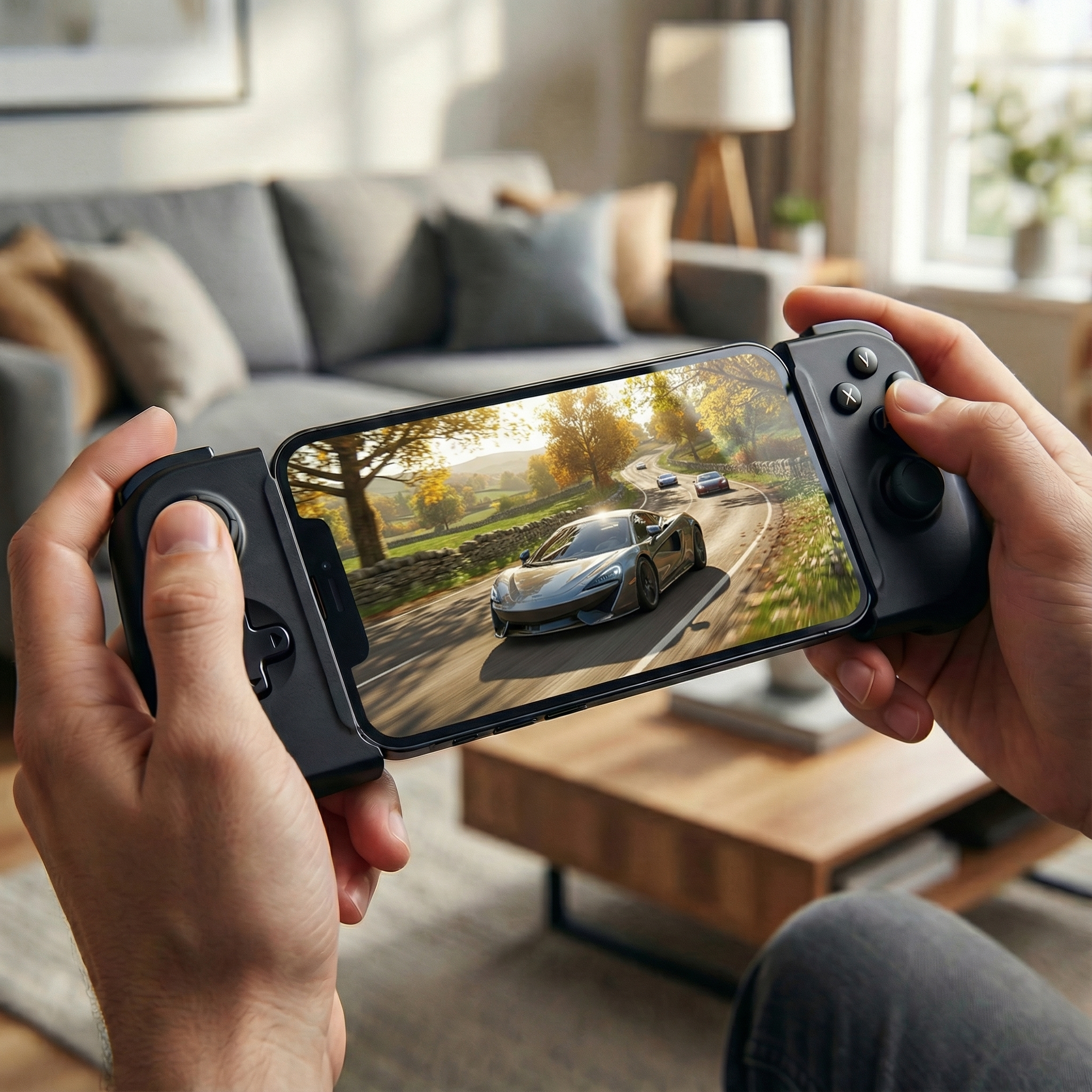
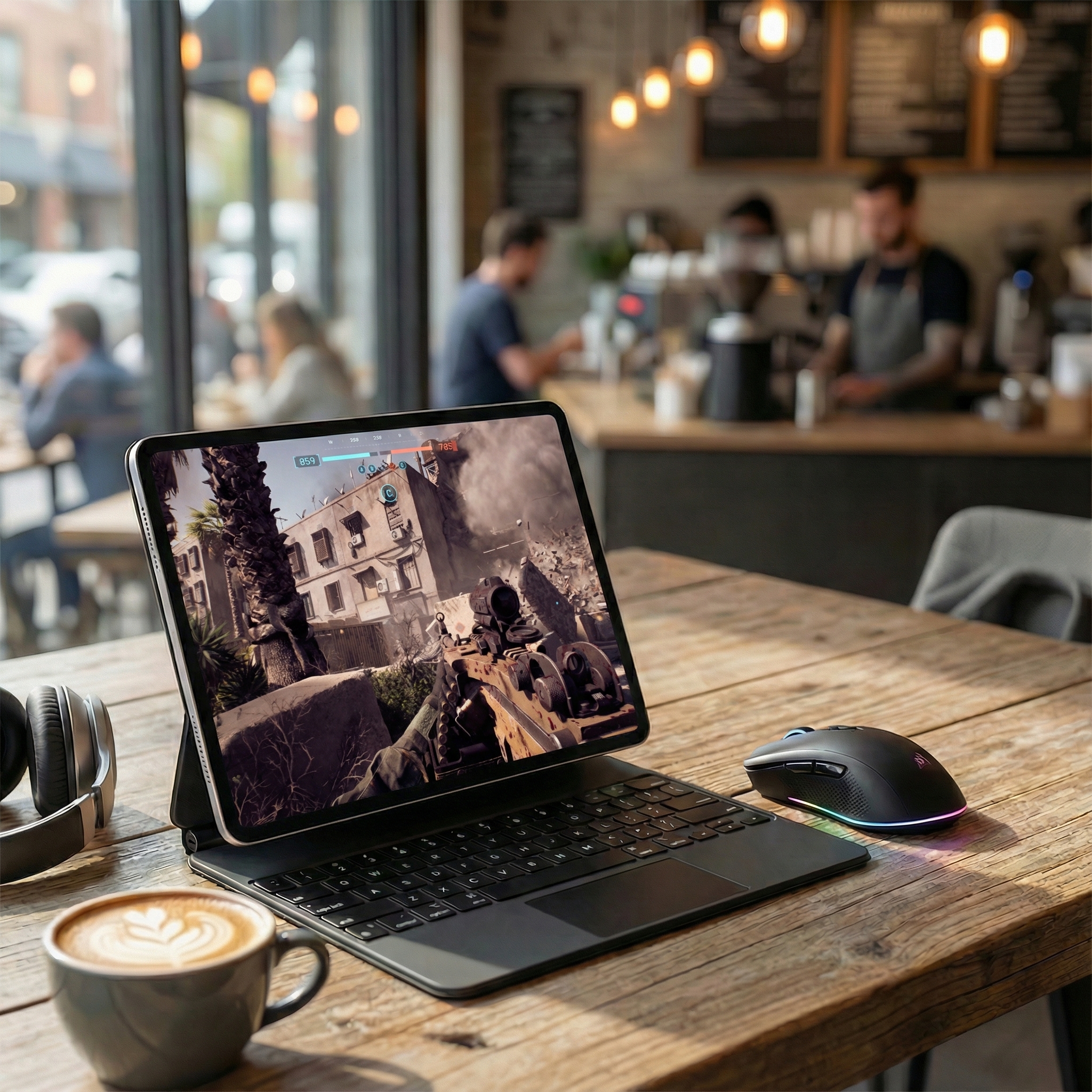
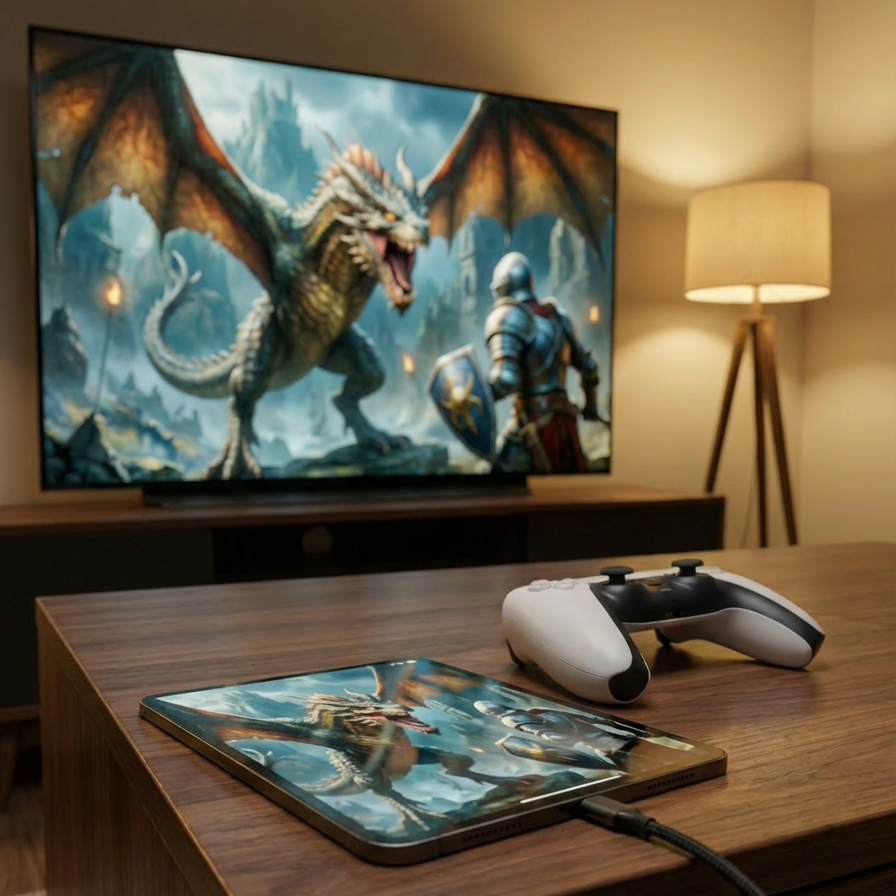
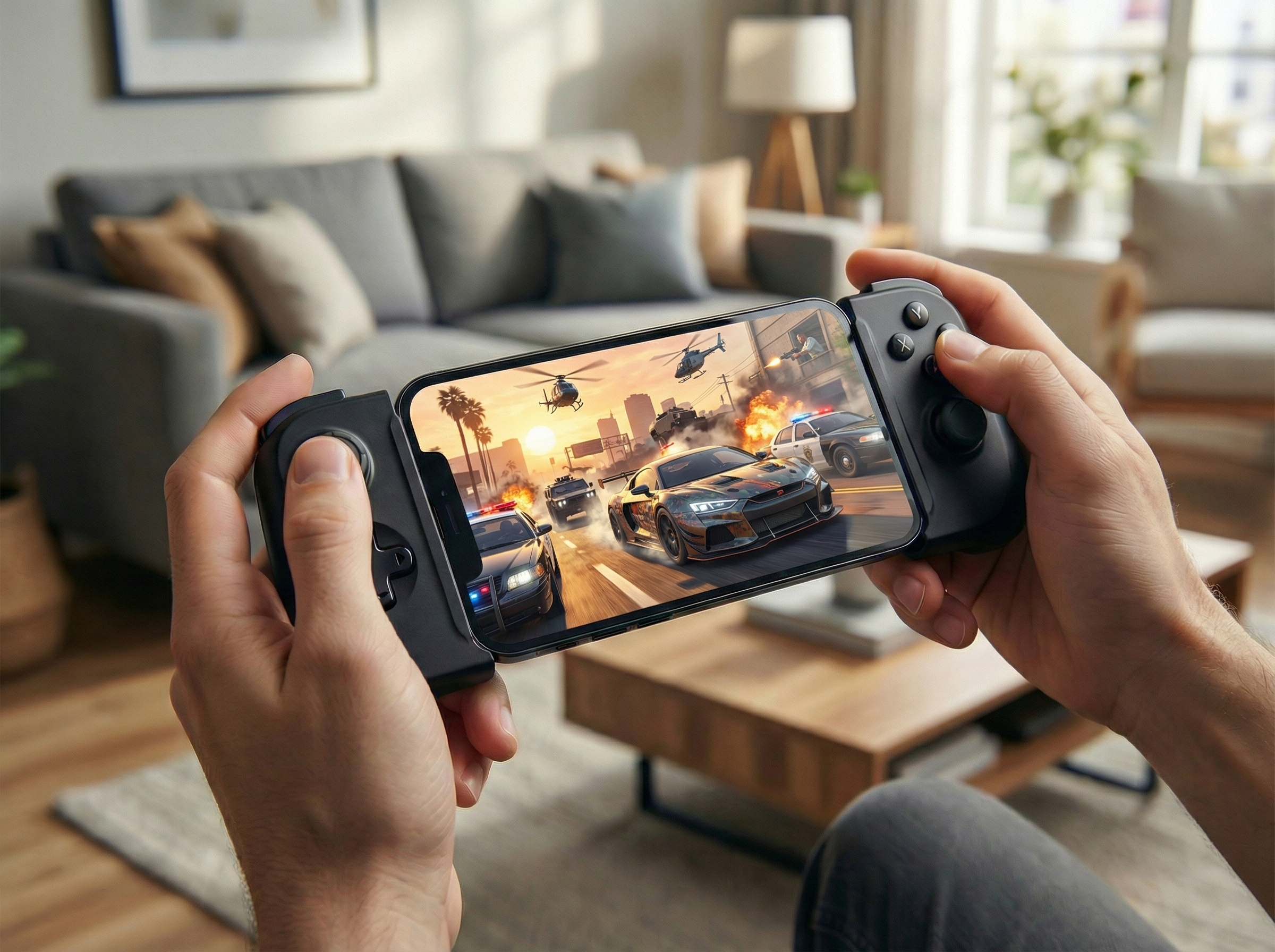
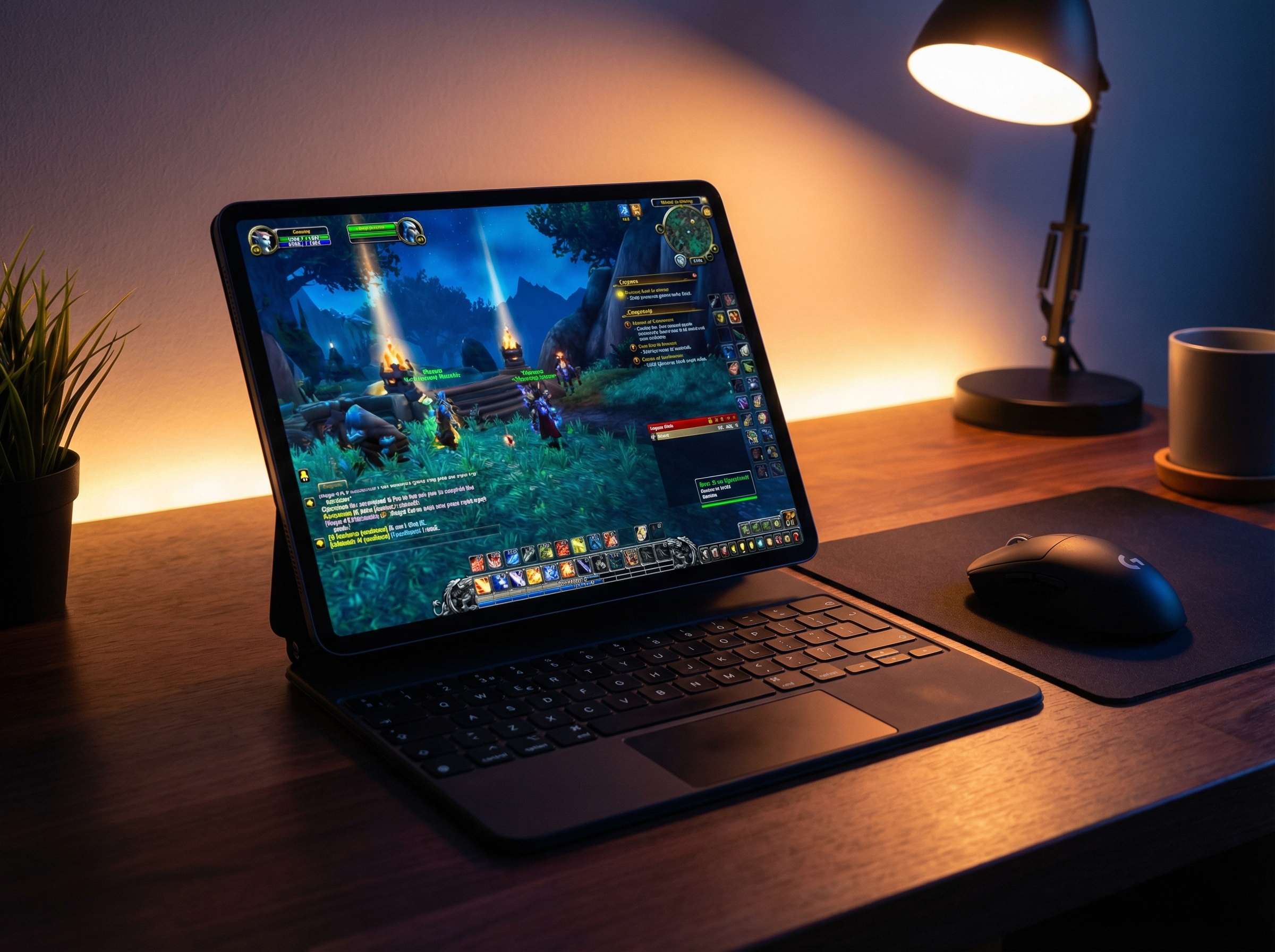
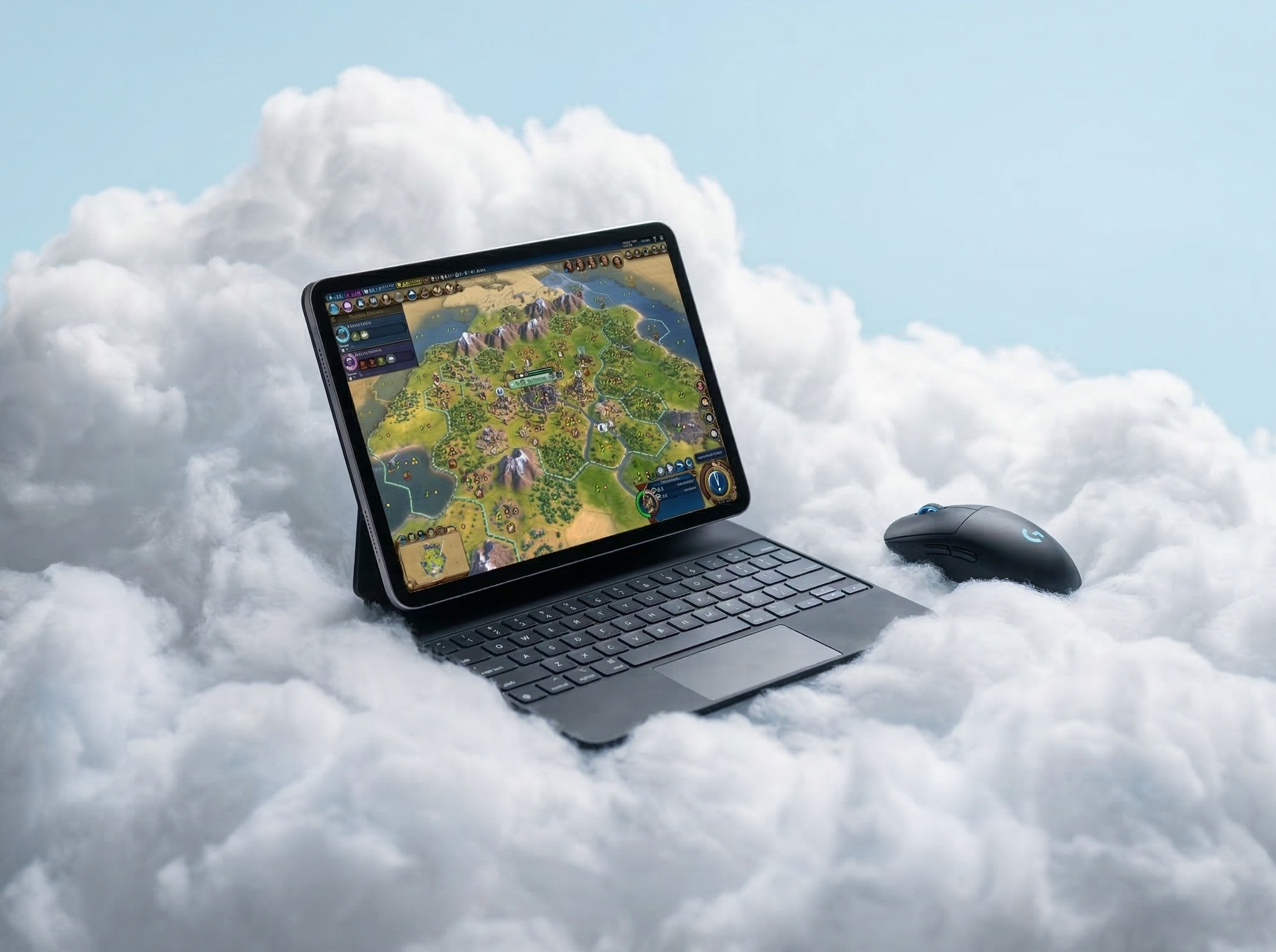
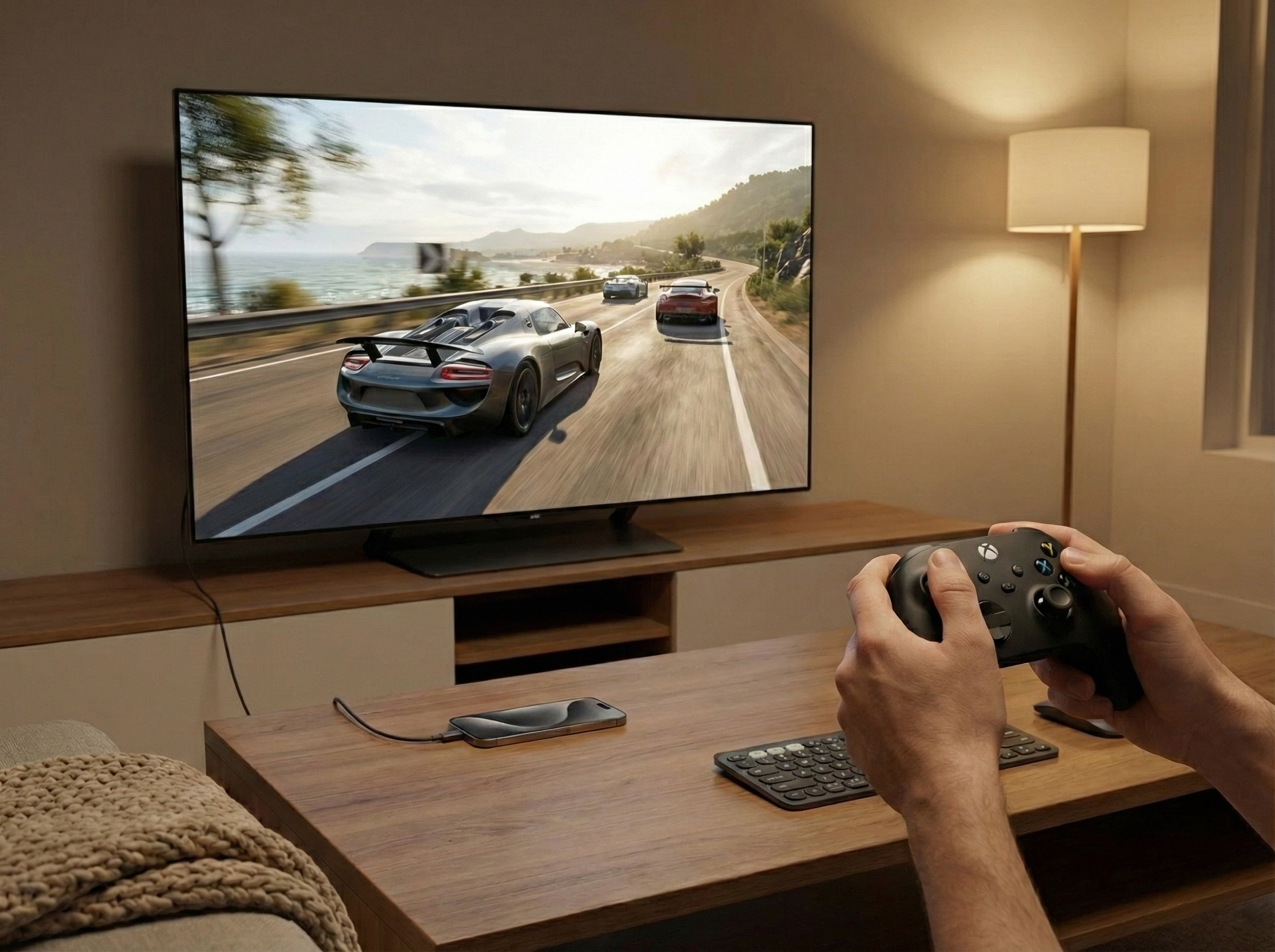
GeezerVison is showing www.cloudgear.app — CloudGear - Cloud Gaming Browser for iPhone, iPad & Apple TV Unlock the Full Power of Cloud Gaming on iOS and Apple TVTurn your iPhone or iPad into a top-end gaming PC with CloudGear - the browser built for GeForce NOW, Xbox Cloud Gaming, Amazon Luna, and Boosteroid. And with CloudGear for Apple TV, they play on the big screen too. 4.8 · 900+ App Store ratings Free 7-day trial - see plans & pricing Safari holds cloud gaming back, missing essential features like controller rumble, mouse pointer lock, HDR, and external display support. From the creators of OneCast - the trusted Xbox streaming app - CloudGear fixes all of it with a custom-built, low-latency rendering engine, delivering up to 5K, 120 FPS, and HDR on any screen. Loved by Cloud GamersReal reviews from the App Store and the press. Tech Dad YouTube review"Does the CloudGear browser do as advertised? The answer is yes." MacStories Press review"The iPad finally becomes a gaming console." raexxar App Store review · Poland"10/10, turned my phone into a monster PC." wadernat0rz App Store review · USA"I connect my iPad to my ultrawide monitor and play just as I did when I played on a dedicated gaming PC." Cloud Dosage Press review"CloudGear is the iOS upgrade cloud gamers have been waiting for." brandonmsa App Store review · USA"Between HDR and 120fps, this makes games look truly INCREDIBLE on my iPad." ClassicMyki App Store review · USA"Works flawlessly and unlocks way more potential for an iPhone." Jukens App Store review · USA"Friends think the game is running on my local device." Pixel Swish YouTube review"CloudGear is a tremendous step forward for cloud gaming on iPhones." Pikador26 App Store review · Poland"GeForce Now on 13’ iPad Pro M5 and CloudGear is all that you need." Falco9222222 App Store review · Netherlands"You put Nvidia and Apple to shame with this app." Uncompromised Performance & VisualsCloud gaming on iOS has never been so good. High-Resolution & Smooth Frame RatesEnjoy fluid gameplay with support for up to 120 FPS and stunningly clear 5K video on supported platforms. HDR & 10-Bit ColorSee games the way developers intended with high dynamic range. Deep blacks, bright highlights, and rich color gradients bring virtual worlds to life. Advanced Codec SupportFull support for AV1 and H.265 ensures you get the crispest image quality at the most efficient bitrates. Immersive AudioGo beyond stereo with support for up to 7.1 channel surround sound and head-tracked spatial audio that puts you in the center of the action. Specific feature availability like resolution, FPS, and HDR depends on the cloud gaming service and your subscription tier. Desktop-Class Controls & ImmersionBecause cloud gaming shouldn't feel like a downgrade. True Mouse Pointer LockGet the precision you need for competitive play. Your cursor is captured within the game for flawless, uninterrupted aiming, just like on a PC. Full Controller VibrationFeel every impact, explosion, and rumble through any connected gamepad. For controllers without built-in motors, CloudGear routes vibration through your iPhone's Taptic Engine instead. Steam Controller SupportFirst-class support for the Valve Steam Controller, on iPhone, iPad, and Apple TV. Use its trackpad as a mouse, or switch to Keyboard & Mouse mode and remap every button, stick, and trackpad so keyboard-and-mouse-only games become playable with just a controller. Immersive Fullscreen ModeHide all distracting UI elements with a few taps. It's just you and the game. Comprehensive Video SizingTake full control of your view. Zoom, stretch, or manually position the video stream to eliminate black bars and use every inch of your display. Your Game on the Big ScreenFrom your Apple TV to AR glasses on your morning commute. CloudGear for Apple TVBrowse and launch on your iPhone or iPad, then play on your Apple TV in up to 4K with HDR10 and 7.1 surround sound. The first app to bring GeForce NOW, Xbox Cloud Gaming, Amazon Luna, and Boosteroid to Apple TV together, included with your CloudGear unlock. Plug & PlayConnect your iPhone or iPad to any TV or monitor via a USB-C or Lightning to HDMI adapter and you're gaming on the big screen in seconds, at your display's native resolution with no black bars. AR GlassesPair with AR glasses like XREAL, VITURE, Rokid, or RayNeo that act as an external display for a massive private virtual screen. Game on a cinema-sized display that only you can see. Your Portable Gaming RigCloud gaming does the heavy lifting. Your iPhone or iPad is the gateway. Pair it with any screen and you have a portable, high-performance gaming rig ready to go. Straight Into the ActionLess scrolling. More gaming. Quick Launch BookmarksBookmark a specific game and launch it with one tap. Quick Launch bookmarks bypass the streaming service's user interface entirely, taking you straight into the game. Home Screen WidgetsAdd any bookmark to your iOS Home Screen as a widget. Tapping the widget launches the bookmark directly — no need to open CloudGear first. Spotlight SearchFind and launch any bookmark right from iOS Spotlight search. iCloud SyncBookmarks sync automatically across all your iPhones and iPads via iCloud. Supercharge Your Favorite ServiceCloudGear unlocks the full potential of popular cloud gaming platforms. Experience Ultimate membership with up to 5K at 120 FPS, H.265 & AV1 codecs, HDR, 10-bit color, and 7.1 surround sound. Auto resolution picks the best option GeForce NOW offers for the screen you're actually playing on, whether that's your device, an external display, or a paired Apple TV. Stream at up to 4K at 120 FPS (including on mobile) with HDR support. Use Custom Resolution Selection to match your stream to any display for a pixel-perfect picture. Better xCloud — the popular enhancement script for Xbox Cloud Gaming — is built right in. Install it from the CloudGear menu to unlock higher bitrate, improved input, and more. Stream Luna at the maximum resolution and bitrate the service offers — even on iPhone. Full controller support and CloudGear's gaming-focused enhancements bring the Luna experience up to PC-class on mobile. Stream at up to 4K at 120 FPS. CloudGear brings full controller rumble and true mouse pointer lock to OnePlay — desktop-class play, even on iPhone. Actual streaming quality is determined by each service's capabilities and your subscription plan. CloudGear enables the maximum quality available to your account. CloudGear vs. SafariHere's what a cloud gaming browser unlocks that Safari can't. | CloudGear | Safari |
|---|
| Visuals & Performance | Max Video Resolution
(with GFN Ultimate) | 5120 x 2880 | 1600 x 1200 | Max Frame Rate
(with GFN Ultimate) | 120 FPS | 60 FPS | Max Bitrate
(with GFN Ultimate) | 100 Mbps | 75 Mbps | | HDR | | | | 10-Bit Color | | | | Low Latency Rendering | | | | Frame Pacing | | | | Video Codecs | H.264, H.265, AV1 | H.264 | | Controls & Input | | Controller Vibration / Rumble | | | | Mouse Pointer Lock | | | | Keyboard Lock | | | | Custom Mouse Sensitivity | | | | Custom Rumble Sensitivity | | | | Scroll Direction Inversion | | | | Use Device Haptics For Rumble (iPhone Only) | | | | Valve Steam Controller Support | | | | Virtual Mouse (Touch Gestures) | | | | Controller Button Remapping | | | | Thumbstick Anti-deadzone | | | | Audio | 7.1 Surround Sound
(with GFN Ultimate) | | | | Background Audio Playback | | | | Spatial Audio | | | | System Integration | | Immersive Fullscreen | | | | Configurable Video Sizing | | | | Clutter-Free Interface | | | | Native Resolution External Display & AR Glasses | | | | Quick Launch Bookmarks | | | | Home Screen Widgets | | | | Built-in "Better xCloud" Manager | | | | Configurable Background Idle Timeout | | | | Prevent Screen Dimming | | | | Landscape Lock While Streaming (iPhone Only) | | | | Play on Apple TV | | | | Live Performance Overlay | | | | Auto Resolution Matching | | |
Ready to Elevate Your Game?Download CloudGear on the App Store and unlock the true potential of cloud gaming on your iPhone, iPad, Apple TV, or AR glasses. Join the CommunityHave a question, need support, or just want to talk games? Our community is the place to connect with fellow players, share your setup, and chat about all things cloud gaming. Apple TV has no web browser, and the big cloud gaming services have never shipped an app for it. Here's how to play all four on your Apple TV in up to 4K with HDR10. Cloud gaming streams full PC and console games straight to your iPhone or iPad — no $500 console or $1,500 gaming PC required. Here's how it works, what it costs, and how to start. Learn how to play GTA V on iOS with controller rumble, up to 4K resolution, and 120 FPS using cloud gaming with Boosteroid. Learn how to play WoW on iPad with full mouse support using cloud gaming with GeForce NOW and Boosteroid. Fortnite left the App Store, but you can still play it on iPhone & iPad through cloud gaming — with up to 4K, rumble, and true mouse & keyboard. Here's how. Safari blocks mouse pointer lock, making mouse-driven cloud games unplayable on iOS. Here's how to get full mouse and keyboard support on iPhone and iPad. Safari caps GeForce NOW at low resolution and 60 FPS, stripping rumble, mouse lock, and HDR. Here's how to unlock the full Ultimate experience on iOS. Boosteroid auto-selects your resolution and Safari caps frame rate at 60 FPS. Here's how to unlock the full experience — including HDR no other client offers. Safari strips controller vibration from cloud gaming streams. Learn how to restore full rumble support on iPhone and iPad with CloudGear. Skip the Steam Deck - connect your iPhone or iPad to any TV for console-quality cloud gaming with full controller and mouse/keyboard support. |