GeezerVisonThe World Wide Web, restored to 800 pixels of glory. |
| Home|About|Gaming cabinet|Archives|How it works|Starter sites |
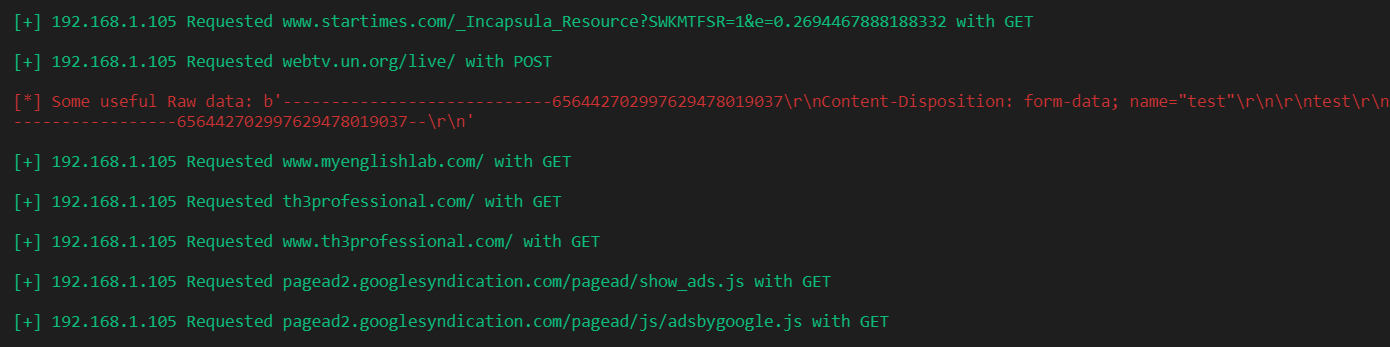
GeezerVison is showing thepythoncode.com — How to Sniff HTTP Packets in the Network using Scapy in Python - The Python Code Turn your code into any language with our Code Converter. It's the ultimate tool for multi-language programming. Start converting now! Monitoring the network always seems to be a useful task for network security engineers, as it enables them to see what is happening in the network, see and control malicious traffic, etc. In this tutorial, you will see how you can sniff HTTP packets in the network using Scapy in Python. There are other tools to capture traffic, such as tcpdump or Wireshark, but in this guide, we'll use the Scapy library in Python to sniff packets. The basic idea behind the recipe we will see in this tutorial is that we keep sniffing packets. Once an HTTP request is captured, we extract some information from the packet and print them out. Easy enough? let's get started. In Scapy 2.4.3+, HTTP packets are supported by default. Let's install the requirements for this tutorial: We need colorama here just for changing text color in the terminal. Let's import the necessary modules: Let's define the function that handles sniffing: As you may notice, we specified port 80 here, that is because HTTP's standard port is 80, so we're already filtering out packets that we don't need. We passed the process_packet() function to sniff() function as the callback that is called whenever a packet is sniffed, it takes packet as an argument, let's implement it: Related: Build 35+ Ethical Hacking Scripts & Tools with Python EBook We are extracting the requested URL, the requester's IP, and the request method here, but don't be limited to that. Try to print the whole HTTP request packet using the packet.show() method, you'll see a tremendous amount of information you can extract there. Don't worry about the show_raw variable; it is just a global flag that indicates whether we print POST raw data, such as passwords, search queries, etc. We're going to pass it into the script's arguments. Now let's implement the main code: We've used the argparse module to parse arguments from the command line or terminal; let's run the script now (I've named it http_filter.py): Here is the output after browsing HTTP websites on my local machine:
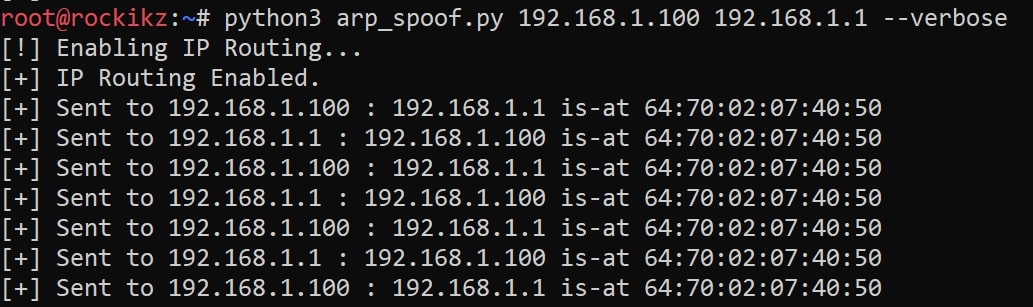
To do that, you need to arp spoof the target using this script. Here is how you use it:
At this moment, we are spoofing "192.168.1.100" saying that we are the router, so any packet that goes to or comes out of that target machine will flow to us first, then to the router. For more information, check this tutorial. Now let's try to run the http_filter.py script again: After browsing the internet on "192.168.1.100" (which is my Windows machine), I got this output (in my attacking machine): Pretty cool, right? Note that you can also extend that using DISCLAIMER: Use this on a network you have permission to. The author isn't responsible for any damage you cause to a network you don't have permission to. Alright, so this was a quick demonstration of how you can sniff packets in the network. This is an example, though. You can change the code whatever you like, and experiment with it! Also, there is a possibility to modify these packets and inject Javascript into HTTP responses. Check this tutorial for that. Finally, we have an Ethical Hacking with Python Ebook, in which we build over 35 infosec and hacking tools and programs. Make sure to check it out here if you're interested! Learn Also: How to Make a DNS Spoof attack using Scapy in Python. Happy Sniffing ♥ Just finished the article? Now, boost your next project with our Python Code Generator. Discover a faster, smarter way to code.
Sharing is caring!
Read also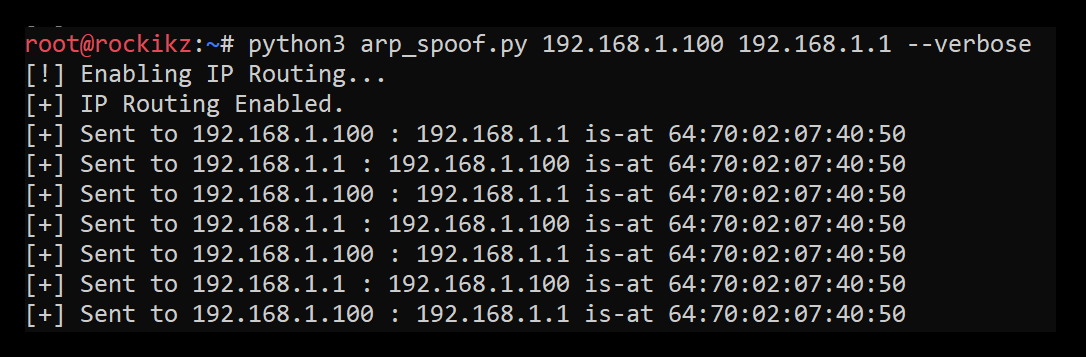
How to Build an ARP Spoofer in Python using ScapyBuilding and creating an ARP Spoof script in Python using Scapy to be able to be a man in the middle to monitor, intercept and modify packets in the network. 
How to Make a DNS Spoof Attack using Scapy in PythonWriting a DNS spoofer script in Python using Scapy library to successfully change DNS cache of a target machine in the same network. 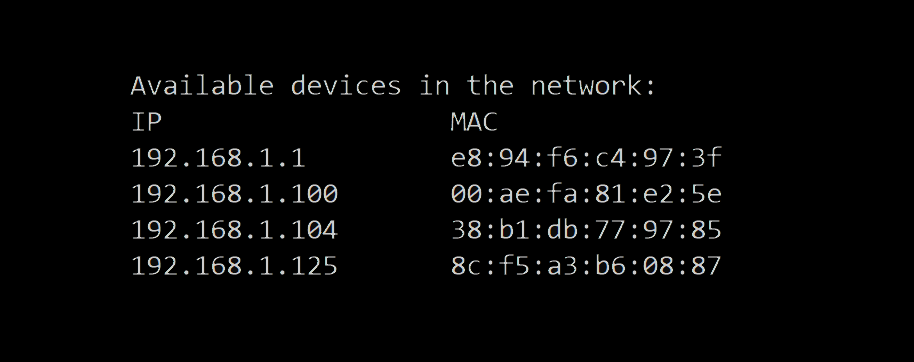
How to Make a Network Scanner using Scapy in PythonBuilding a simple network scanner using ARP requests and monitor the network using Scapy library in Python. CommentsGot a coding query or need some guidance before you comment? Check out this Python Code Assistant for expert advice and handy tips. It's like having a coding tutor right in your fingertips! |
| You are visitor 01402503 — GeezerVison does not store the pages you look up. Best viewed with Netscape Navigator 4.7 or Internet Explorer 6 at 800×600. No cookies required. |
 You may wonder now what is the benefit of sniffing HTTP packets on my local computer. Well, you can sniff packets all over the network or a specific host when you are a