GeezerVisonThe World Wide Web, restored to 800 pixels of glory. |
| Home|About|Gaming cabinet|Archives|How it works|Starter sites |
GeezerVison is showing thepythoncode.com — How to Build a Text Generator using TensorFlow 2 and Keras in Python - The Python Code Want to code faster? Our Python Code Generator lets you create Python scripts with just a few clicks. Try it now! Recurrent Neural Networks (RNNs) are very powerful sequence models for classification problems. However, in this tutorial, we are doing to do something different, we will use RNNs as generative models, which means they can learn the sequences of a problem and then generate entirely a new sequence for the problem domain. After reading this tutorial, you will learn how to build an LSTM model that can generate text (character by character) using TensorFlow and Keras in Python. Note that the ultimate goal of this tutorial is to use TensorFlow and Keras to use LSTM models for text generation. If you want a better text generator, check this tutorial that uses transformer models to generate text. In text generation, we show the model many training examples so it can learn a pattern between the input and output. Each input is a sequence of characters and the output is the next single character. For instance, say we want to train on the sentence "python is a great language", the input of the first sample is "python is a great langua" and output would be "g". The second sample input would be "ython is a great languag" and the output is "e", and so on, until we loop all over the dataset. We need to show the model as many examples as we can grab in order to make reasonable predictions. Related: How to Perform Text Classification in Python using Tensorflow 2 and Keras. Getting StartedLet's install the required dependencies for this tutorial: Importing everything: Preparing the DatasetWe are going to use a free downloadable book as the dataset for this tutorial: Alice’s Adventures in Wonderland by Lewis Carroll. But you can use any book/corpus you want. These lines of code will download it and save it in a text file: Just make sure you have a folder called "data" exist in your current directory. Now let's define our parameters and try to clean this dataset: The above code reduces our vocabulary for better and faster training by removing upper case characters and punctuations as well as replacing two consecutive newlines with just one. If you wish to keep commas, periods and colons, just define your own Let's print some statistics about the dataset: Output: Now that we loaded and cleaned the dataset successfully, we need a way to convert these characters into integers, there are a lot of Keras and Scikit-Learn utilities out there for that, but we are going to make this manually in Python. Since we have vocab as our vocabulary that contains all the unique characters of our dataset, we can make two dictionaries that map each character to an integer number and vice-versa: Let's save them to a file (to retrieve them later in text generation): Now let's encode our dataset, in other words, we gonna convert each character into its corresponding integer number: Since we want to scale our code for larger datasets, we need to use Awesome, now this This will take the very first 8 characters and print them out along with their integer representation: Great, now we need to construct our sequences, as mentioned earlier, we want each input sample to be a sequence of characters of the length As you may notice, I used 2*sequence_length +1 size of each sample, and you'll see why I did that very soon. Check the output: You notice I've converted the integer sequences into normal text using Now you know how each sample is represented, let's prepare our inputs and targets, we need a way to convert a single sample (sequence of characters) into multiple (input, target) samples. Fortunately, the flat_map() method is exactly what we need; it takes a callback function that loops over all our data samples: To get a good understanding of how the above code works, let's take an example: Let's say we have a sequence length of 10 (too small but good for explanation), the Now the first data sample we going to generate would be the following tuple of inputs and targets ('python is ', 'a'), the second is ('ython is a', ' '), the third is ('thon is a ', 'g') and so on. We do that on all samples, in the end, we'll see that we dramatically increased the number of training samples. We've used the ds.concatenate() method to add these samples together. After we constructed our samples, let's one-hot encode both the inputs and the labels (targets): We've used the convenient map() method to one-hot encode each sample on our dataset, tf.one_hot() method does what we expect. Let's try to print the first two data samples along with their shapes: Here is the output of the second element: So each input element has the shape of (sequence length, vocabulary size), in this case, there are 39 unique characters and 100 is the sequence length. The shape of the output is a one-dimensional vector that is one-hot encoded. Note: If you're using a different dataset and/or using another character filtering mechanism, you'll see a different vocabulary size, each problem has its own domain. For instance, I also used this to generate Python code, it has 92 unique characters, that's because I should allow some punctuations that are necessary for Python code. Finally, we repeat, shuffle and batch our dataset: We set the optional Building the ModelNow let's build the model, it has basically two LSTM layers with an arbitrary number of 128 LSTM units. Try to experiment with different model architectures, you're free to do whatever you want! The output layer is a fully-connected layer with 39 units where each neuron corresponds to a character (probability of the occurrence of each character). We're using Adam optimizer here, I suggest you experiment with different optimizers. After we've built our model, let's print the summary and compile it: Training the ModelLet's train the model now: We fed the Dataset object that we prepared earlier, and since the After running the above code, it should start training, which gonna look something like this: This will take few hours, depending on your hardware, try increasing batch_size to 256 for faster training. After the training is over, a new file should appear in the results folder, that is, the model trained weights. Generating New TextHere comes the fun part, now we have successfully built and trained the model, how can we generate new text? Let's import the necessary modules (If you're on a single notebook, you don't have to do that): We need a sample text to start generating. This will depend on your problem, you can take sentences from the training data in which it will perform better, but I'll try to produce a new chapter of this book: Let's load the dictionaries that map each integer to a character and vise-versa that we saved before in the data preparation phase: Building the model again: Now we need to load the optimal set of model weights: Let's start generating: All we are doing here is starting with a seed text, constructing the input sequence, and then predicting the next character. After that, we shift the input sequence by removing the first character and adding the last character predicted. This gives us a slightly changed sequence of inputs that still has a length equal to the size of our sequence length. We then feed this updated input sequence into the model to predict another character. Repeating this process N times will generate a text with N characters. Here is an interesting text generated: That is clearly English! But as you may notice, most of the sentences don't make any sense, that is due to many reasons. One of the main reasons is that the dataset is trained only on very few samples. Also, the model architecture isn't optimal, other state-of-the-art architectures (such as GPT-2 and BERT) tend to outperform this one drastically. Note though, this is not limited to English text, you can use whatever type of text you want. In fact, you can even generate Python code once you have enough lines of code. ConclusionGreat, we are done. Now you know how to:
In order to further improve the model, you can:
Check the full code here. Learn also: How to Perform Text Summarization using Transformers in Python. Happy Training ♥ Why juggle between languages when you can convert? Check out our Code Converter. Try it out today!
Sharing is caring!
Read also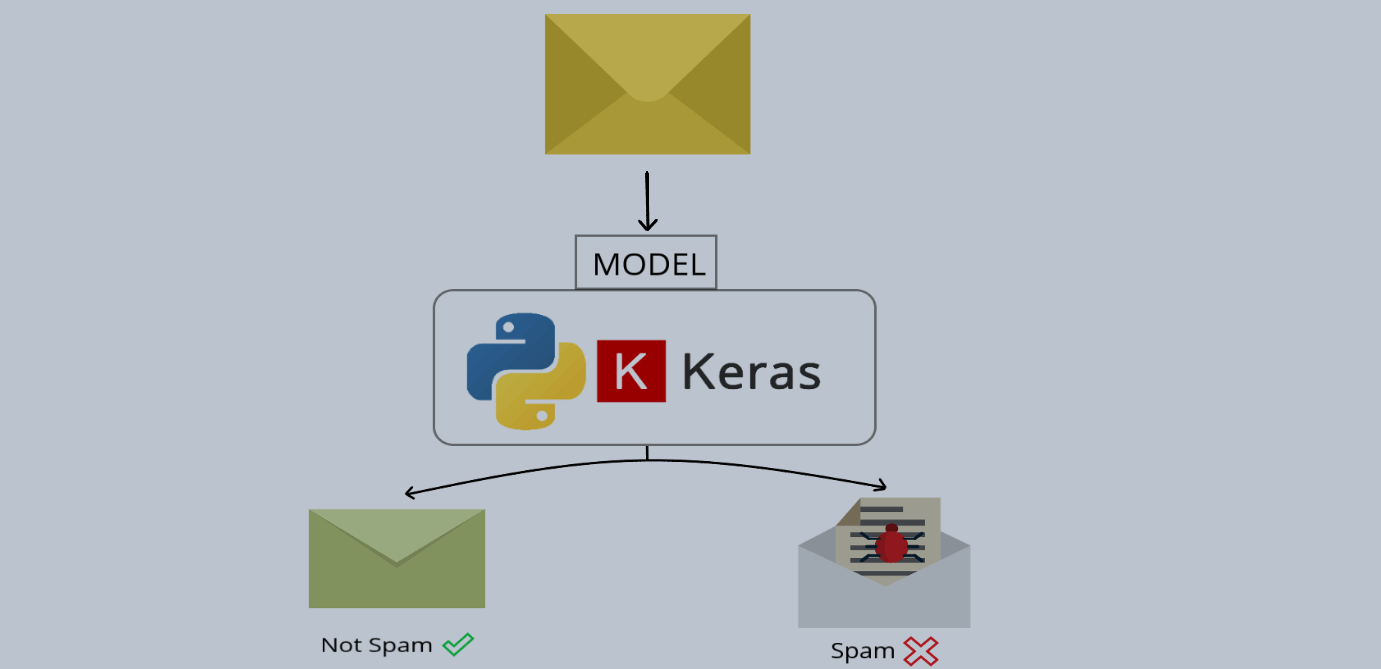
How to Build a Spam Classifier using Keras and TensorFlow in PythonClassifying emails (spam or not spam) with GloVe embedding vectors and RNN/LSTM units using Keras and TensorFlow in Python. 
How to Perform Text Summarization using Transformers in PythonLearn how to use Huggingface transformers and PyTorch libraries to summarize long text, using pipeline API and T5 transformer model in Python. 
How to Perform Text Classification in Python using Tensorflow 2 and KerasBuilding deep learning models (using embedding and recurrent layers) for different text classification problems such as sentiment analysis or 20 news group classification using Tensorflow and Keras in Python CommentsGot a coding query or need some guidance before you comment? Check out this Python Code Assistant for expert advice and handy tips. It's like having a coding tutor right in your fingertips! |
| You are visitor 01402503 — GeezerVison does not store the pages you look up. Best viewed with Netscape Navigator 4.7 or Internet Explorer 6 at 800×600. No cookies required. |