GeezerVison is showing f1devbin.github.io — Max (f1devbin): programmer and electronics engineer
Hi, I’m Max
I trained as a programmer and have worked as an electronics engineer for many years. Most of the software I write is for myself, for problems I actually run into.
When a tool turns out to be useful to other people too, I tidy it up, write tests and documentation and publish it.
Oh, and I love cats. This one in the penguin costume lives in the icon of my KDE widget.
My projects
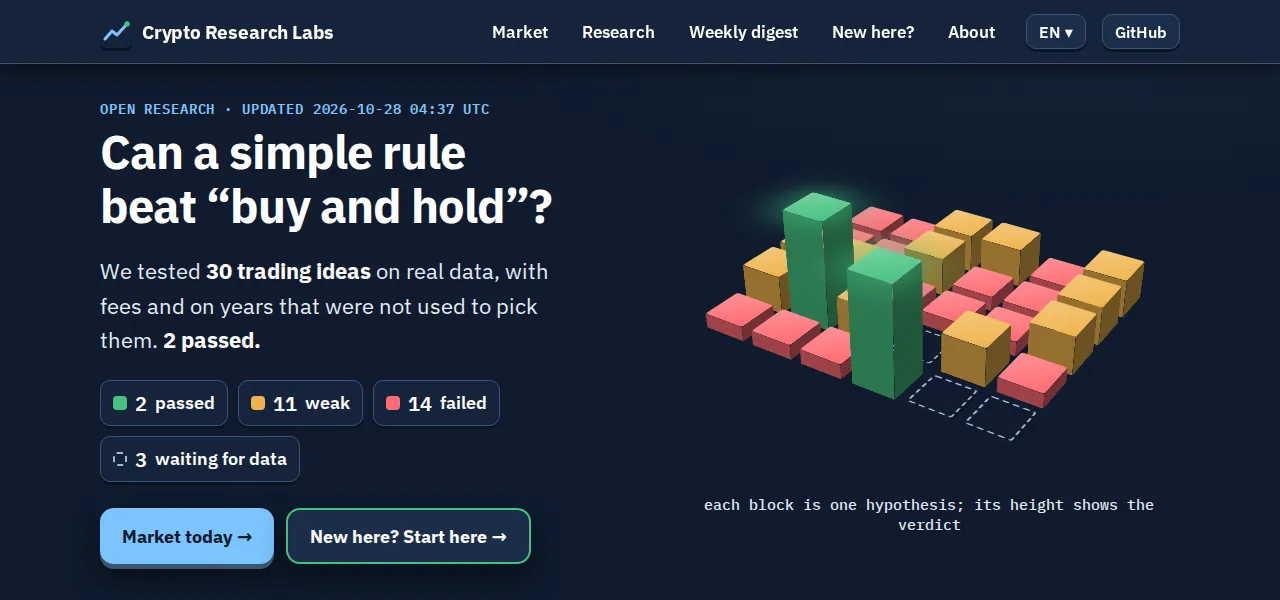
Crypto Research Labs
An open lab where I test crypto trading ideas and publish every result, failures included.
It started with my own trading bot. When I replayed its 7,649 signals on real prices, it called the direction worse than a coin toss. Luckily, it only ever traded on a test exchange. Instead of tuning it until the backtest looked good, I built a lab where that trick doesn’t work: each idea is written down and sealed with a hash before it is tested, fees are always included, and GitHub Actions re-test everything on new data on a schedule. Most ideas fail, and the failures are written up as carefully as the passes.
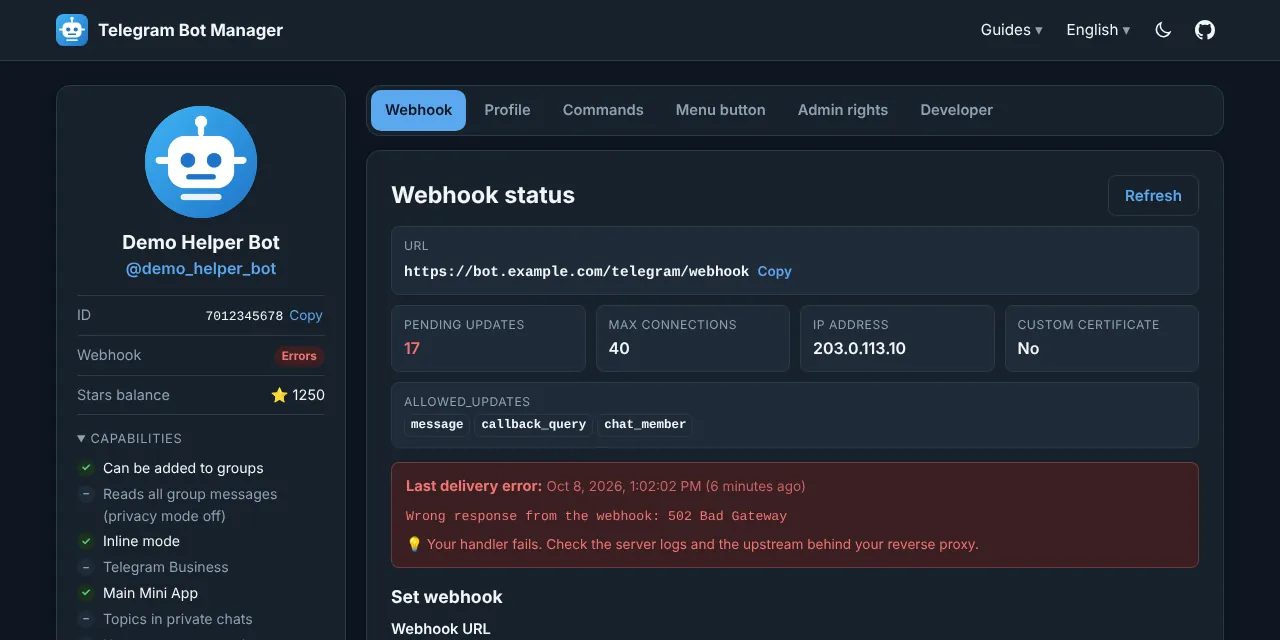
A free page for setting up a Telegram bot right in the browser: webhooks, commands, name and description, avatar, menu button and admin rights.
I run several bots of my own, and every webhook change used to mean another curl command with the bot token typed into a terminal. Now it takes a few clicks. There is no server behind the page. Requests go from your browser straight to Telegram, the token stays in the open tab unless you ask the browser to remember it, and a strict Content Security Policy keeps outside scripts off the page. No analytics, no counters. It works in five languages and on a phone.
A demo bot. Everything in the screenshot is example data.
My IP & Geo
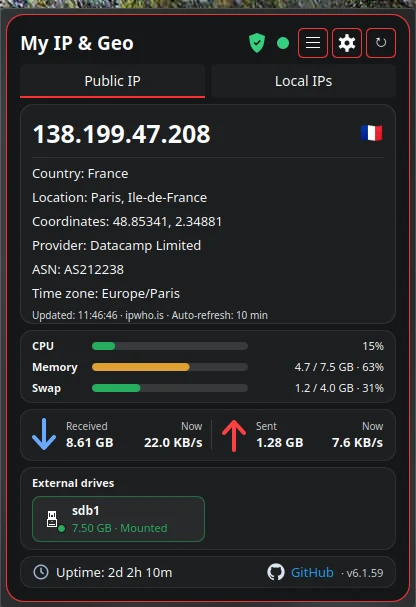
A KDE Plasma 6 widget: your public IP and country, local interfaces, a network scanner with port scan, diagnostics, a speed test, traffic per app and a device monitor.
I wanted to see at a glance which country I go online from and whether the VPN is really on. Over time the tools I used to run in a terminal moved in as well. When the internet drops, the diagnostics tell you in plain words where the chain broke: the connection, the router, DNS or somewhere further. On Kubuntu it needs no root rights and nothing extra to install, and there is no telemetry.
Every outside service it talks to, and why, is listed in the README.
The address in the screenshot belongs to a VPN server.
C6 Zigbee Stick
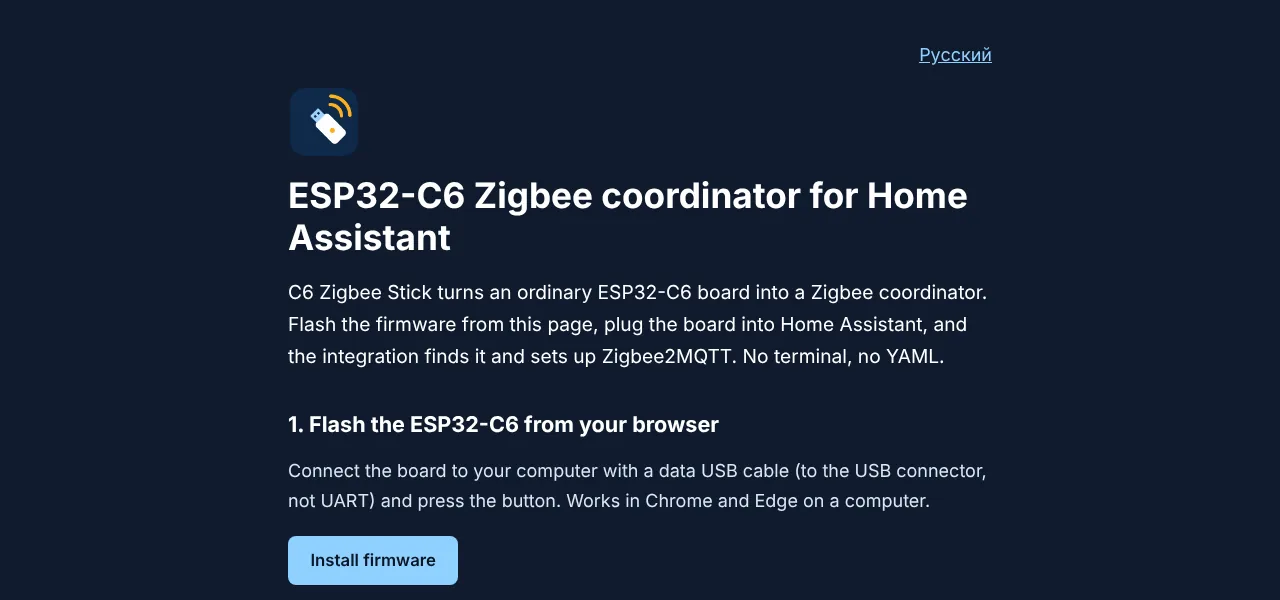
Turns an inexpensive ESP32-C6 board into a Zigbee coordinator for Home Assistant: flash it from the browser, plug it in, press “Add”.
Home Assistant recognises store-bought Zigbee sticks by their USB name, but every ESP32-C6 reports the same generic one, so a home-made coordinator meant editing configs by hand. My integration asks the board over the ZBOSS protocol whether it really is a coordinator, then installs and sets up Zigbee2MQTT on its own and restarts it if the stick is unplugged and plugged back in. The firmware is Espressif’s, flashed straight from the page; nothing to install on your computer.
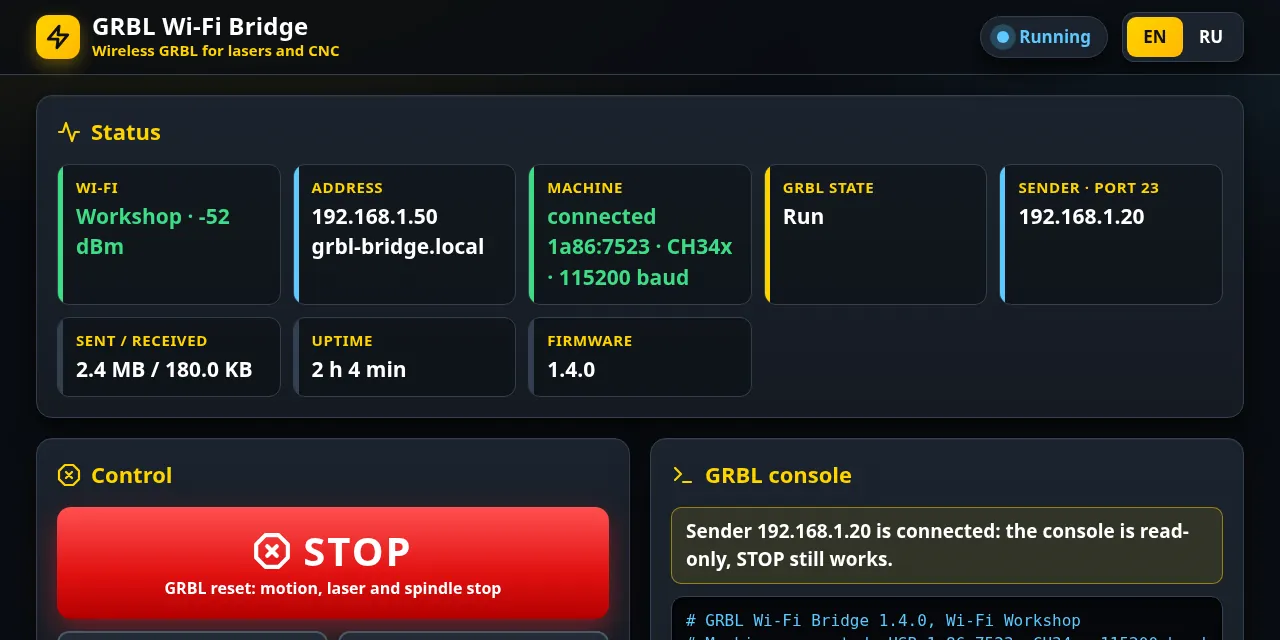
Runs a GRBL laser engraver or CNC router over Wi-Fi: an ESP32-S3 plugs into the machine’s USB port and LightBurn connects to it over the network.
Hobby laser engravers and 3018 routers want a laptop on a USB cable right next to them. The bridge takes the laptop’s place: the ESP32-S3 works as a USB host for the machine’s own serial chip and passes GRBL to a TCP port unchanged, so LightBurn and Universal Gcode Sender work as before. If the connection drops in the middle of a job, it stops the machine and switches the laser off. The machine itself needs no changes, and the web panel has a big STOP button and a GRBL console.
The firmware page flashes the board and sets up Wi-Fi in one go and answers common questions; the README lists the safety rules.
The bridge’s web panel. Everything in the screenshot is example data.
How I work
I don’t write anything in a README that I haven’t checked myself. In the lab the checking is part of the method, and the other projects are checked automatically on GitHub Actions.
My projects don’t collect anything about you. There are no analytics, cookies or ads, and this page doesn’t load anything from other sites either; its source code shows it.
All the code is open under the MIT license. I keep the documentation up to date and answer questions and bug reports.
You are visitor 01402775 — GeezerVison does not store the pages you look up. Best viewed with Netscape Navigator 4.7 or Internet Explorer 6 at 800×600. No cookies required.