
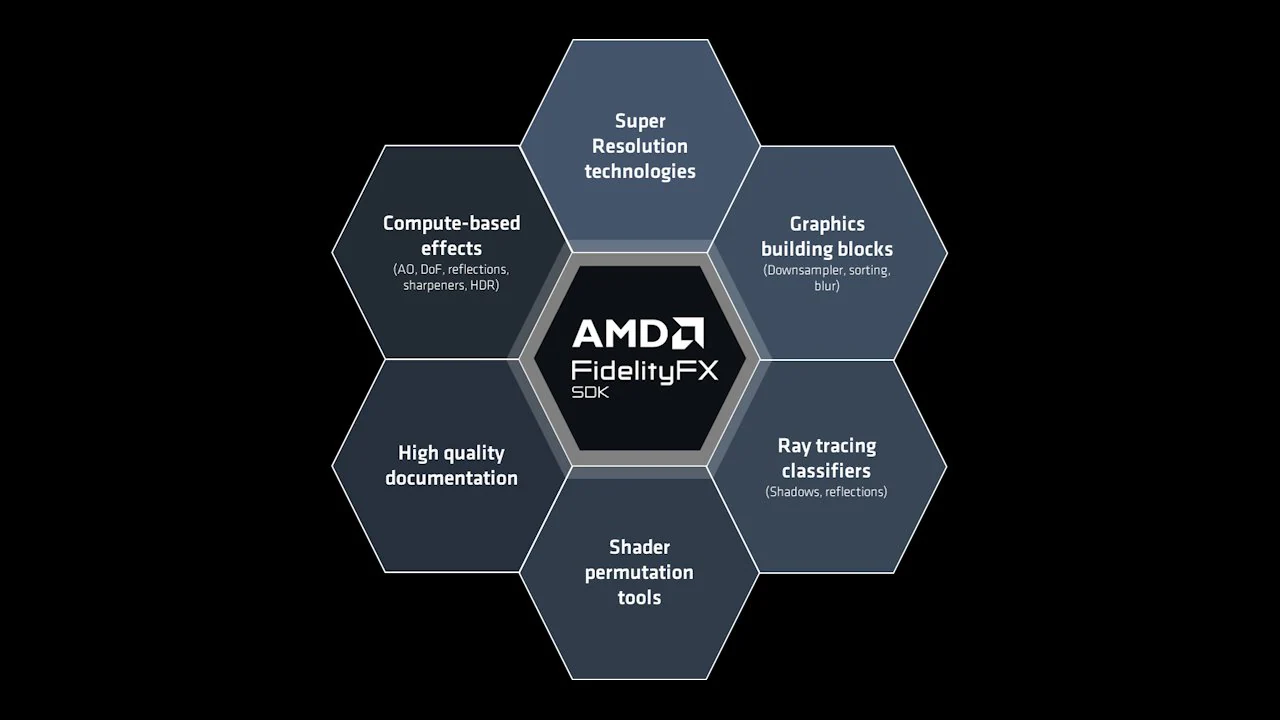
AMD FidelityFX™ SDK v1
The AMD FidelityFX SDK v1 is our easy-to-integrate solution for developers looking to include FidelityFX v1 features into their games.
GeezerVisonThe World Wide Web, restored to 800 pixels of glory. | ||||||||||||
| Home|About|Gaming cabinet|Archives|How it works|Starter sites | ||||||||||||
GeezerVison is showing gpuopen.com — Guest blog by EBB Software Integrating AMD FidelityFX™ Super Resolution 2 (FSR 2) into Scorn Guest blog by EBB Software Integrating AMD FidelityFX™ Super Resolution 2 (FSR 2) into Scorn
Originally posted:
Last updated:  EBB Software Bojan Koprivica Boris Usanovic Hello everyone, We are EBB Software, a game developer studio from Belgrade. On October 14 2022 our first title, Scorn, was released on PC and Xbox (Series X and S) platforms. In this blog post, we will be discussing the process of how and why we ended up integrating AMD FidelityFX™ Super Resolution 2.1 in our project. Scorn was developed in Unreal Engine 4.27. Scorn takes place in a nightmarish world with different interconnected regions. Each region is a maze-like structure with various rooms and paths to discover. All the storytelling happens in-game, with no cut scenes and loading screens to distract you from the grisly reality of the living, breathing world you’re in. The environment is built out of a large number of unique and complex models and textures. On top of that, there is a considerable amount of VFX and post-process effects. With all those things considered keeping high visual fidelity at 60fps, especially at 4K resolution was very challenging. After profiling, we found out that we were heavily GPU bottlenecked on lots of locations in the game. An optimization pass, mostly focused on LOD and instancing, helped to a certain extent but we were still heavily pixel-bound on specific locations in the game. As keeping high image quality and hitting 60fps on all platforms was our goal we decided that we will need to use some kind of upscaling method to help us achieve that. After going through some research we decided to go with AMD FidelityFX Super Resolution. FidelityFX Super Resolution 2.1FidelityFX Super Resolution 2.1 (FSR 2.1) is a great way to boost up the performance of any game by reducing GPU workload while maintaining the quality of the rendered frame. FSR 2.1 can achieve that by using a short frame history to determine, along with the current frame rendered at lower than display resolution, the upscaled content of the pixels. With this temporal method you can meet demands for higher frame rates at a desired level of visual quality. Integration and setup of FSR 2.1The process of integration was pretty straightforward. FSR 2.1 comes in the form of a plugin for Unreal Engine. On GPUOpen AMD provided an easy to follow guide that can be used for this purpose. Additionally, AMD offers detailed documentation that might be of interest to those who need more knowledge on the matter. Regarding the integration for the Microsoft platforms, some additional steps were required that will be further discussed. For their platforms, Microsoft distributes FSR 2.1 through a sample project which is not an Unreal Engine project. It is necessary to build the project for each platform so that shader permutation files would be generated. This is necessary because files differ depending on the GDK version used. We used the GDK version 220301. This required a change in the build script, found in the sample project so that it can find the correct path of the GDK when building shader permutations. To integrate the changes from the Microsoft sample project into the FSR 2.1 UE plugin we copied generated shader permutation files and merged Microsoft’s changes to Now we needed to modify the FSR 2.1 plugin to support the Microsoft platforms and to use shader permutation files that were generated. Under For Xbox we copied the shader permutation files to the Last change to the plugin is for every module to correctly include necessary files. For example:
FSR 2.1 worked very well out of the box and gave us reasonable results. With some tweaking of the following FSR 2.1 console commands very quickly we were able to get great image quality with a huge performance boost both on PC and Xbox Series X platforms. On PC we exposed three main FSR 2.1 quality modes that users can choose from. These vary the amount of scaling to apply to the source image, depending on the quality/performance ratio desired:
On the Xbox Series X platform, we choose to use Quality mode which provided us with great image quality and a significant performance boost. Besides that, we also reclaimed 100-500 MB in various locations on the memory side due to the 2560 x 1440 input resolution of Quality mode. In addition to quality modes, AMD provides configurable RCAS sharpening to help emphasize pixel detail. This option is exposed as a sharpness slider allowing users to set the sharpening amount according to their preferences. In the next section of the blog, you can see the performance and image quality results we were able to get using FSR 2.1. Performance and resultsIn the tables below you can see the average gain on GPU (in ms) we were able to get over the native 4K resolution in our game. Tests are done on the recommended PC platform and Xbox Series X.
In the images below you can see the comparison between native 4K and FSR 2.1 Quality mode on the PC platform.   JPG (1600x900) JPG (1600x900)   JPG (1600x900) JPG (1600x900) In the video below, you can see the comparison between native 4K and FSR 2.1 Quality mode on the PC platform. Please note that this game may be unsuitable for minors under the age of 17  In the images below you can see the comparison between native 4K and FSR 2.1 Quality mode on Xbox Series X.   JPG (1600x900) JPG (1600x900)   JPG (1600x900) JPG (1600x900) ConclusionThe implementation process took us less time than we initially thought it would, and this meant so much to us since we were already on a tight schedule in relation to the deadlines we had set. With FSR 2.1 implemented we were able to hit stable 60fps on all of the platforms even at 4K resolution. Since it delivers a significant performance boost with little or no image quality cost it delivered a huge benefit for our project. This technology is definitely something we would recommend to anyone. Footnotes*Testing (as described herein) not independently verified by AMD. GD-182 **Links to third party sites are provided for convenience and unless explicitly stated, AMD is not responsible for the contents of such linked sites and no endorsement is implied. GD-5 ***The information contained in this blog represents the view the EBB Software as of the date published. EBB Software has no obligation to update any forward-looking content in the above blog. AMD is not responsible for the content of any third-party author and does not necessarily endorse the comments made therein. GD-84 EBB Software Ebb Software was founded in 2013 by a group of highly motivated individuals with the sole purpose of creating a different breed of video games. Soon after the small team started developing the company’s current flagship project “Scorn” – an atmospheric first-person horror adventure game. Bojan Koprivica Bojan Koprivica is a Programmer/DevOps in Ebb Software. He was responsible for Scorn platform development. He also developed CI tools used in the project. Boris Usanovic Boris Usanovic is a Technical artist with over eight years of experience. On the Scorn project, he specialized in rendering and optimization for PC and XBOX platforms. Related software AMD FidelityFX™ SDK v1 The AMD FidelityFX SDK v1 is our easy-to-integrate solution for developers looking to include FidelityFX v1 features into their games. 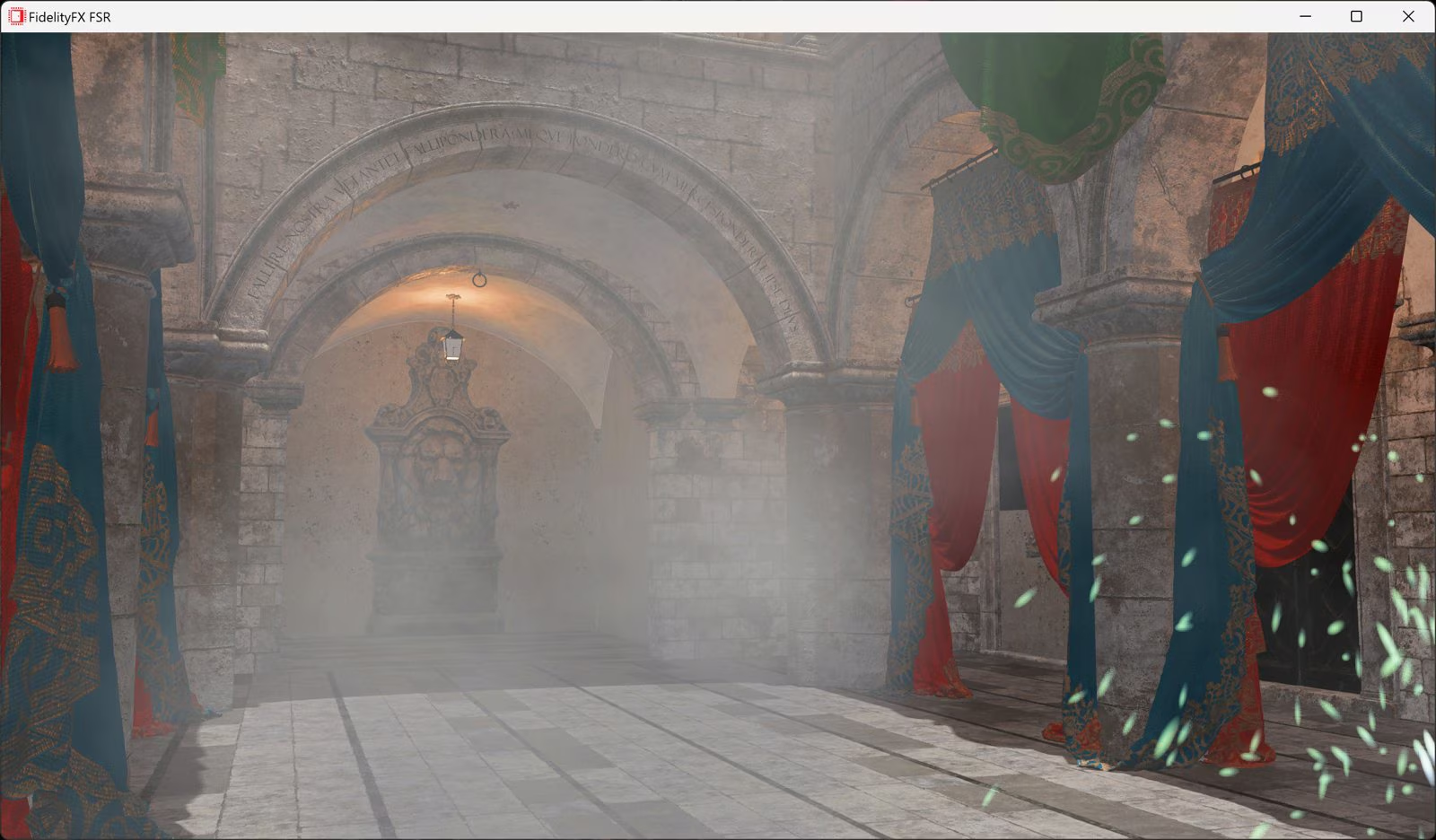 AMD FidelityFX™ Super Resolution 2 (FSR 2) Learn even more about our new open-source temporal upscaling solution FSR 2, and get the source code and documentation!  AMD FSR Upscaling AMD FSR™ Upscaling is our cutting-edge ML-based upscaler. It delivers significant image quality improvements with reduced ghosting, better particle preservation, and superior detail.  AMD FidelityFX™ Super Resolution 3 (FSR 3) Discover frame generation with AMD FidelityFX™ Super Resolution 3, and get the source code and documentation! Related news and technical articles Welcome to the AMD FSR SDK 2.2, now available on GPUOpen The AMD FSR™ "Redstone" SDK 2.2 update delivers ML-powered FSR Upscaling 4.1 and FSR Ray Regeneration 1.1 optimized for AMD RDNA™ 4 graphics, enabling higher visual fidelity and performance with analytical fallbacks to scale across handhelds, consoles, and PCs.  AMD FSR 2 UE plugin enhancements part 1 Intro & improving foliage appearance using the base pass Discover one of several ways to improve upscaled foliage appearance in the first of this five part blog series on getting the most out of our FSR 2.1 Unreal Engine plugin.  Integrating AMD FidelityFX™ Super Resolution 2 (FSR 2) into Unity URP (DX11) Want to add FSR 2 to your Unity URP project? Take a look at our quick-start guide to get you up and running. (DirectX®11 only) 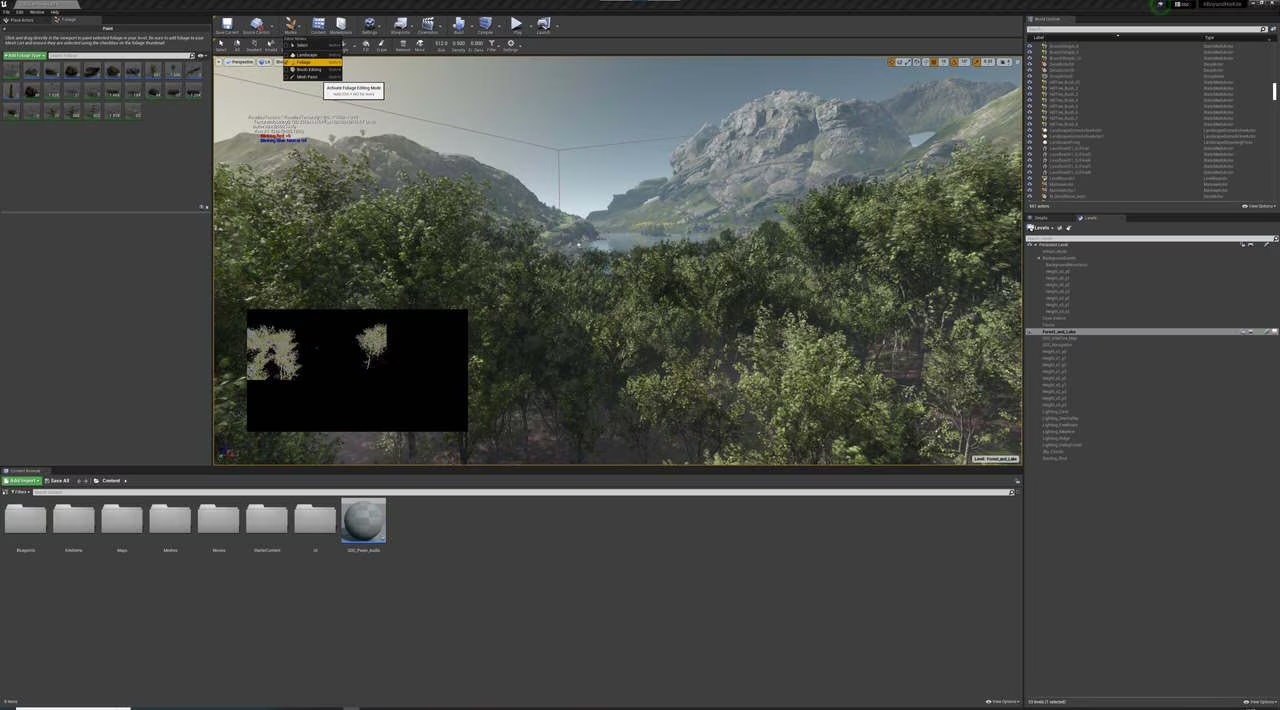 Our Unreal Engine FSR 2.2 plugin is now available to download on GPUOpen Updates to our Unreal Engine plugin for AMD FidelityFX Super Resolution 2.2, including ghosting improvements and support for UE 5.1.  GDC 2024: Work graphs, mesh shaders, FidelityFX™, dev tools, CPU optimization, and more. Our GDC 2024 presentations this year include work graphs, mesh shaders, AMD FSR 3, GI with AMD FidelityFX Brixelizer, AMD Ryzen optimization, RGD, RDTS, and GPU Reshape!  AMD FSR 3 game integrations out now + more details for developers With the integration of AMD FidelityFX™ Super Resolution 3 into games, we're sharing even more technical details for developers.  We’re generating news on AMD FSR 3, so let’s put you in the frame! Read the latest AMD FidelityFX™ Super Resolution 3 developer updates from the GPUOpen team.  AMD FidelityFX Super Resolution 2.2.1 hotfix! Read about our improvements to AMD FidelityFX Super Resolution 2 with the FSR 2.2.1 hotfix. Related videos GDC 2024 - High Performance Rendering in Snowdrop using AMD FidelityFX™ Super Resolution 3 (FSR 3) - YouTube link Learn about how AMD FSR 3 was integrated into the Snowdrop engine, which issues were faced and how the integration helped to improve FSR 3.  Temporal Upscaling - Past, Present, and Future (GDC 2023 - YouTube link) This talk focuses on temporal upscaling, describing how the algorithm generates a final image and how FSR mitigates against common artifacts.  The FidelityFX™ SDK (GDC 2023 - YouTube link) Join AMD as we unveil the FidelityFX SDK, a consolidation of all the great FidelityFX technologies into a sleek, easy-to-use SDK.  A guided tour of Blackreef: rendering technologies in Deathloop - YouTube link This talk will deep-dive into the rendering technology of Deathloop. We will explore the challenges and lessons learned.  Breaking down the world of Athia: the technologies of Forspoken - YouTube link This session covers the collaboration between AMD and Luminous Productions on their upcoming title: Forspoken.  FidelityFX™ Super Resolution 2 - YouTube link FidelityFX Super Resolution 2.0 is AMD's next generation upscaling technology. Check out our GDC talk to understand exactly how it works.  Advancing AI in video games with AMD Schola | HTEC Days 2025 - YouTube link Join Alexander Cann, Lead Developer at Schola, and Mehdi Saeedi, AI Lead at Schola, as they take you through the fascinating world of reinforcement learning (RL) and its transformative impact on gaming. They'll be joined by Gabor Sines, Sr. Fellow Engineer at AMD, as moderator.  Unreal Engine 4 TressFX 5.0 Watch our video explaining what UE4 TressFX 5.0 is, and how to use it. TressFX is designed to simulate and render realistic hair and fur. | ||||||||||||
| You are visitor 01402503 — GeezerVison does not store the pages you look up. Best viewed with Netscape Navigator 4.7 or Internet Explorer 6 at 800×600. No cookies required. |