GV

GeezerVison

The World Wide Web, restored to 800 pixels of glory.

Home|About|Gaming cabinet|Archives|How it works|Starter sites

On this site

  • Phạm Hùng Tiến — Home
  • English
  • Tiếng Việt
  • 日本語
  • Español
  • 简体中文
  • PHTV
  • Pad Code AI
  • Pad Notes AI
  • My NAS Manager
  • LunarV
  • Lunar Block
  • Guides
  • Email

This view

  • Original page
  • New address

GeezerVison is showing phamhungtien.com — vTTS — Offline text to speech | Phạm Hùng Tiến

vTTS — Listen to books and documents offline
vTTS icon

vTTS Offline text to speech

Listen to books and documents offline

Choose a voice in English, Vietnamese or 15 other languages. Listen on iPhone, iPad, Mac and Android.

Platforms iOS & iPadOS · macOS · Android

Download on the App Store Get it on Google Play
Privacy
Speech languages
17 languages
Speech
On device
Formats
EPUB, PDF, DOCX, TXT
Premium
One-time purchase

Screenshots

iPhone

iPad

Mac

Features

  • Listen your way

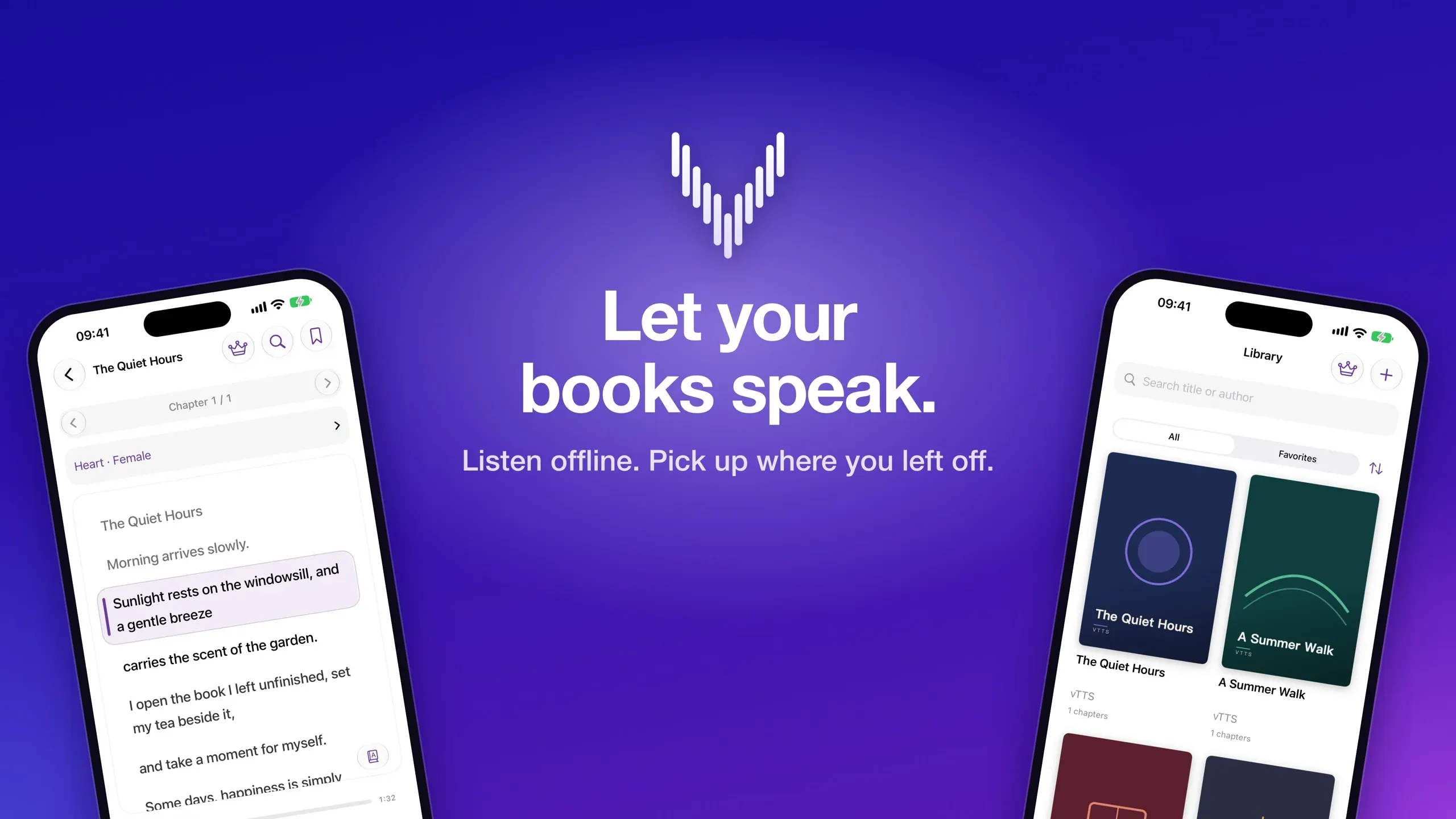
    Voices and interface in 17 languages, including English and Vietnamese. The passage being read is highlighted; tap any sentence to listen from there.

  • Books and documents

    Paste text or import EPUB, PDF, DOCX and TXT. Use on-device text recognition for scanned PDFs. Each book remembers its own position, language, voice and speed.

  • Music and sleep timer

    Change speed while listening, add background music and set a sleep timer.

  • Bookmarks, notes and stats

    Search within books, add bookmarks and notes, and track listening time, daily goals, streaks and achievements.

  • Voice Studio

    Create a reading voice from your own recording on the device. When you save, vTTS keeps the voice profile and deletes the temporary Voice Studio recording.

  • Translate and listen

    Translations run on the device and save as new books. On Apple devices, translation requires iOS/iPadOS 18 or macOS 15 or later. Android requires a language download for the translation pair first.

  • Audio and audiobook export

    Export M4A, MP3, AAC or WAV audio, or save a book as an M4B audiobook with chapter markers.

  • Backup and iCloud

    Back up your library to a file and restore it when needed. On Apple devices, you can choose to sync books, reading positions, activity, drafts, history and your pronunciation dictionary with iCloud.

  • Private and offline

    Speech is generated on your device without a cloud service. The optional LAN server is off by default and protected by an access token.

  • Free to try

    The free version has usage limits. vTTS Premium is a one-time purchase for unlimited listening, library storage and exports, plus LAN hosting. No subscription.

Support

For help or to report a pronunciation issue, send a description, your app version and a short example that you can share.

Email support Community page
Privacy Terms

Listen to books with vTTS

Import an EPUB, follow the highlighted sentence, change voice, language and speed, add background music and a sleep timer. Narrated in Vietnamese with subtitles.

Open on YouTube

Questions and answers

Do I need the internet to listen to a book?

Voices come with the app. You can listen to text and imported books offline. Optional features such as iCloud sync and translation language downloads need a connection.

Can vTTS read a scanned PDF?

Choose text recognition when importing a scanned PDF. Review the recognized text before listening, especially on blurry pages or in multi-column layouts.

Is vTTS Premium a subscription?

Premium is a one-time purchase through your device’s store. It removes limits on listening, library size and exports and unlocks the local-network server.

vTTS guides

All guides
  • vTTS

    Translate an EPUB and listen offline with vTTS

    Translate an EPUB on iPhone, iPad, Mac or Android, save a separate copy in vTTS, and check the reading language before going offline.

    23 Nov 2026 3 min read
  • vTTS

    Create a personal reading voice in vTTS Voice Studio

    Make a personal reading voice with vTTS Voice Studio. Record or import an authorized sample, listen to a new sentence and save the profile on your device.

    22 Nov 2026 3 min read
  • vTTS

    Export an EPUB as a chaptered M4B audiobook with vTTS

    Convert an EPUB to an M4B audiobook with chapters in vTTS. Check the book voice and speed, save the export, and test chapter navigation in your player.

    22 Nov 2026 3 min read
  • vTTS

    Listen to EPUB books and documents with vTTS

    Use vTTS on iPhone, iPad and Mac to read EPUB, PDF and Word documents aloud offline, adjust voices, set a sleep timer and export MP3 or M4B audiobooks.

    15 Oct 2026 4 min read

Loading discussions…

More apps

All apps
  • PHTV Vietnamese input method for macOS
  • Pad Code AI IDE for iPad and iPhone
  • Pad Notes AI Handwriting and PDF notes
  • My NAS Manager Synology NAS manager
  • LunarV Vietnamese lunar calendar
  • Lunar Block 3D block puzzle

Get in touch

Email me for feedback, support or collaboration.

  • Email contact@phamhungtien.com
  • GitHub PhamHungTien
  • YouTube @phamhungtien14
  • LinkedIn Phạm Hùng Tiến
  • TikTok @phamhungtien14
  • Facebook @phamhungtien1404
You are visitor 01402792 — GeezerVison does not store the pages you look up.
Best viewed with Netscape Navigator 4.7 or Internet Explorer 6 at 800×600. No cookies required.