GeezerVisonThe World Wide Web, restored to 800 pixels of glory. |
| Home|About|Gaming cabinet|Archives|How it works|Starter sites |
GeezerVison is showing rstudio.github.io — Interactive Tutorials for R The learnr package makes it easy to turn any R Markdown document into an interactive tutorial. Tutorials consist of content along with interactive components for checking and reinforcing understanding. Tutorials can include any or all of the following:
Tutorials automatically preserve work done within them, so if a user works on a few exercises or questions and returns to the tutorial later they can pick up right where they left off. ExamplesHere are some examples of tutorials created with the learnr package. 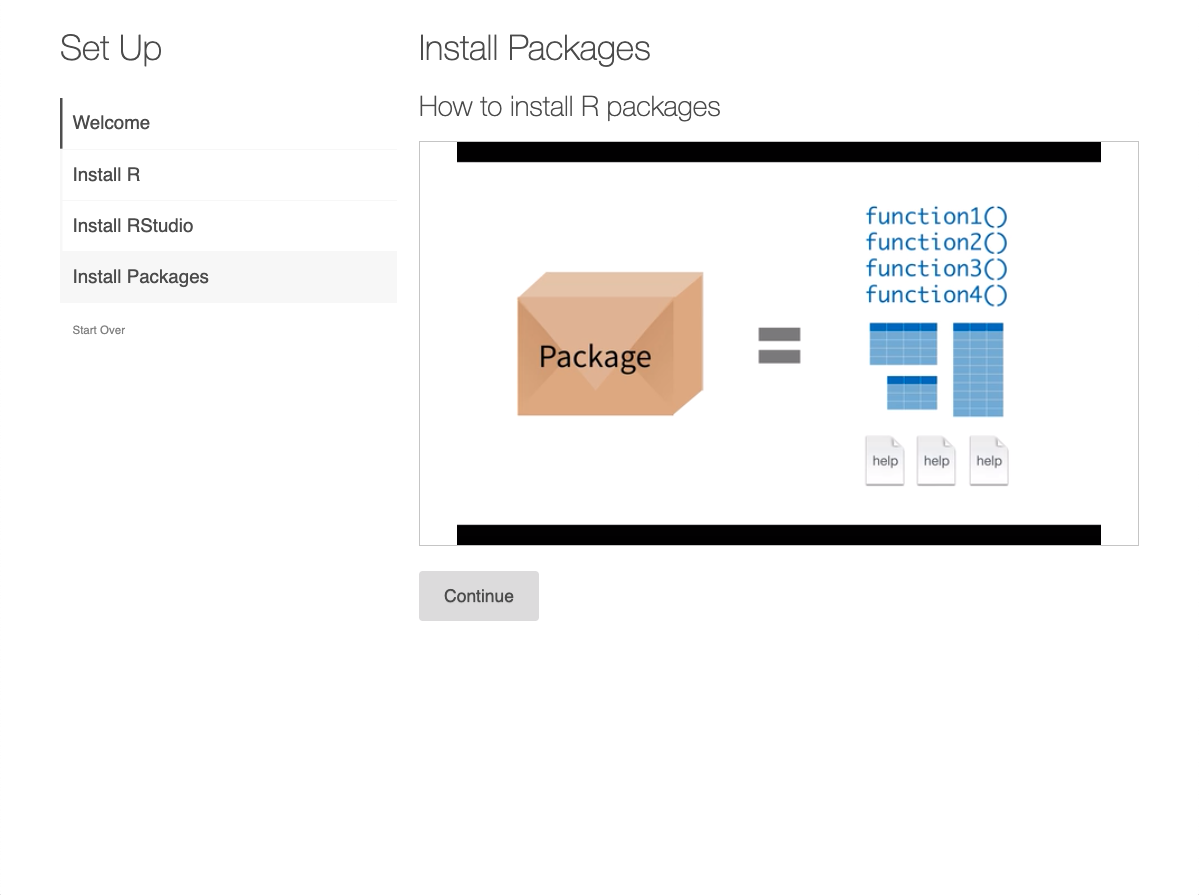
Setting Up RA tutorial featuring videos and interactive questions to guide a new R user through the installation and set up of everything they’ll need to get started with R. 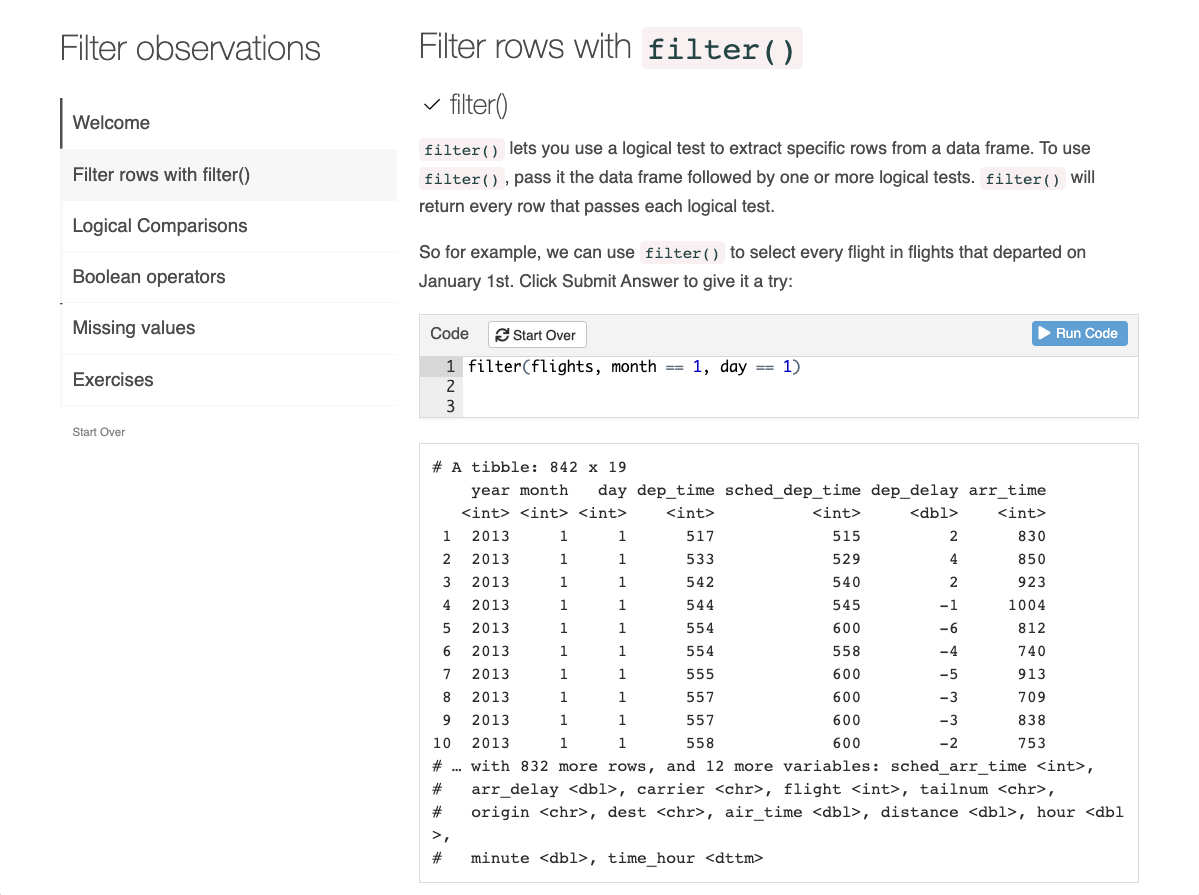
Filtering Observations
An example tutorial teaching a common 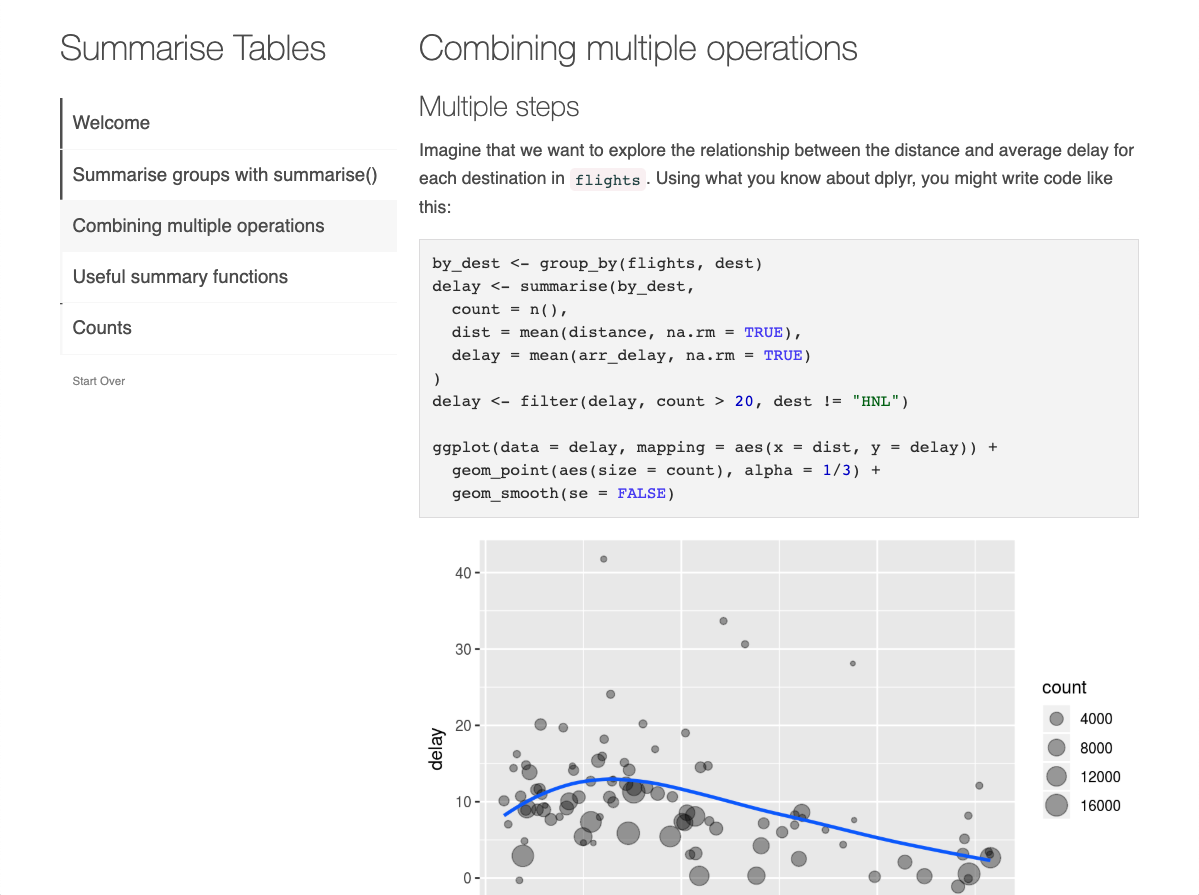
Summarizing Data
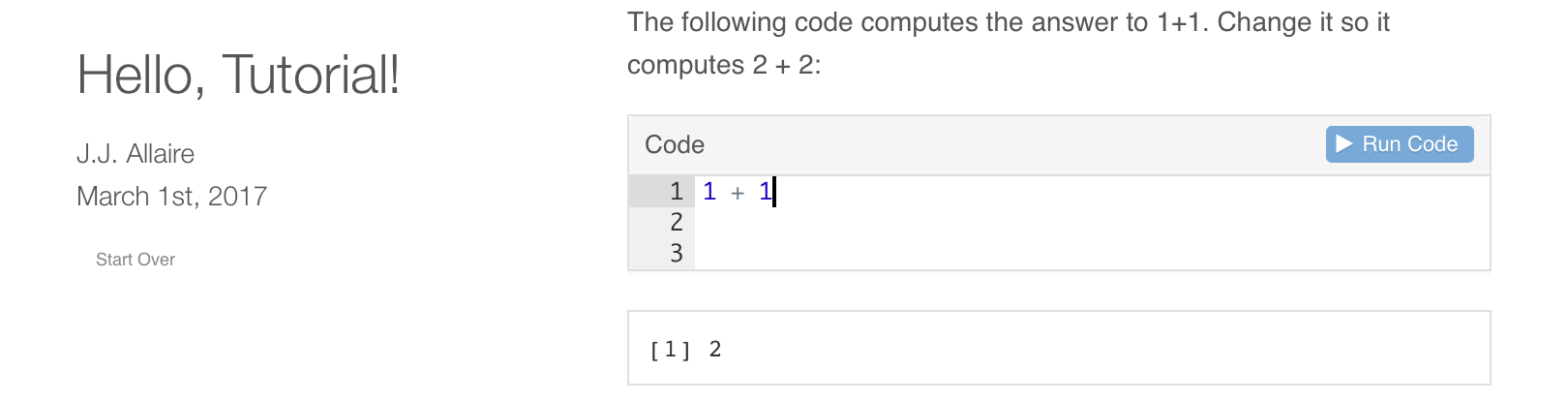
An example tutorial where learners are introduced to InstallationInstall the latest official learnr release from CRAN: Or you can install the most recent version in-development from GitHub with the remotes package: learnr works best with a recent version of RStudio (v1.0.136 or later) which includes tools for easily running and previewing tutorials. Hello, Tutorial!To create a tutorial, set Then, call For example, here’s a very simple tutorial: This is what the running tutorial document looks like after the user has entered their answer:
|
| You are visitor 01402775 — GeezerVison does not store the pages you look up. Best viewed with Netscape Navigator 4.7 or Internet Explorer 6 at 800×600. No cookies required. |